Printing & Cameras

Hands on with the Instax Mini Evo Cinema
Fujifilm’s latest Instax camera is a unique bit of fun, but I’m not wholly convinced by it
-
 How we test printers How do you choose the right printer for you? Helpfully, we’ve tested lots of them – here’s how we put each one through its paces
 -
recommended
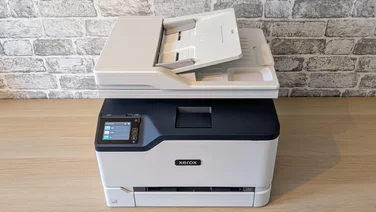 Xerox C235 : An impressive home office do-it-all printer The C235 is perfect for anyone needing a fast, versatile and capable printer with comprehensive connectivity£260
 -
recommended
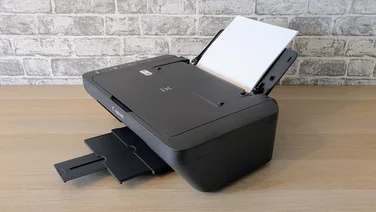 Canon Pixma MG2551S: The cheapest inkjet printer money can buy The Canon Pixma MG2551S is capable yet ridiculously cheap – but lacks wireless connectivity£35
 -
recommended
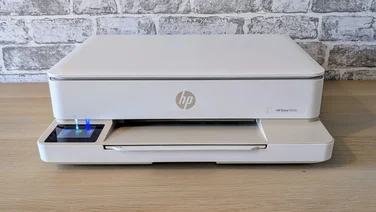 HP Envy 6120e: Cheap and cheerful, but slow For occasional printing or those happy to pay HP’s Instant Ink subscription prices, this is an excellent budget all-in-one printer£60
 -
 Are home photo printers really worth it? Modern inkjet printers can output top quality photos, but is it worth investing or should you send your photos to a print service?
 -
 Why is my printer not printing? 12 problems and how to fix Your printer is a delicate snowflake – Darien Graham-Smith looks at why and how you can fix it when it goes wrong
 -
 Why is printer ink so expensive? And 9 ways to save Want to save money on printer ink? Follow our tips to keep the costs down
 -
 The best inkjet and laser printers to buy in 2025 From crisp black text to brilliant photos, we’ve tested the inkjet and laser printers that can do it all
 -
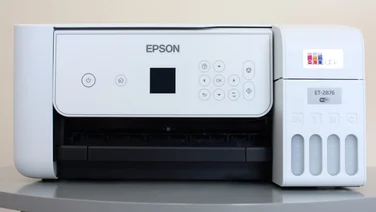 Epson EcoTank ET-2876/ET-2870 review: Great photo prints The Epson EcoTank ET-2876 can print thousands of pages between refills and produces great-looking photos, but it lacks some useful extras£250
 -
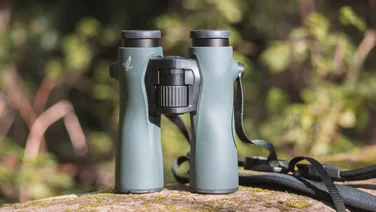 The best binoculars you can buy, tried and tested Looking for great close-up views of wildlife, birds, sports or the stars? Here’s our pick of the UK’s best binoculars
 -
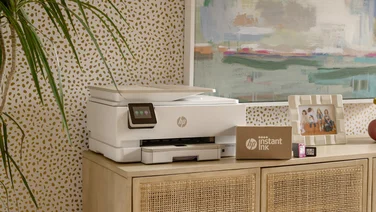 HP Instant Ink finally brings printing into the 21st century Keeping a printer primed and ready to go can be difficult, but HP Instant Ink neatly side-steps all of the pain points
 -
recommended
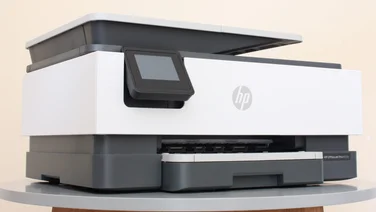 HP OfficeJet Pro 8122e review: A good all-rounder The HP OfficeJet Pro 8122e is affordable and packed with features. It’s great at document work but isn’t the best choice for printing photos£90
 -
recommended
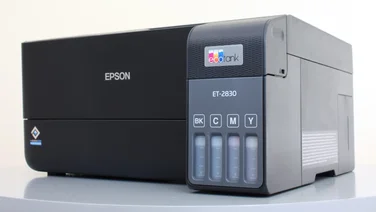 Epson EcoTank ET-2830 review: Business meets home The Epson EcoTank ET-2830 brings business-class print speeds to home printing at an affordable price, but misses out on duplex printing£250