Accessories

Kingston Dual Portable SSD 2TB: The most convenient external SSD
It looks like a humble USB thumb drive but this stick delivers a huge 2TB of storage capacity and has built-in USB-A and USB-C connectors
£315
-
best buy
 Apple AirTag (2nd gen): The same but better Apple didn’t need to upgrade the AirTag, but I’m glad it did - the new model is better in almost every way£29
 -
recommended
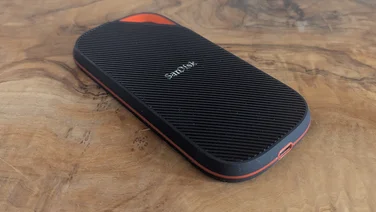 SanDisk Extreme Pro with USB4 review: The fastest USB SSD for now The USB4 SanDisk Extreme Pro isn’t consistently exceptional, but it’s a big step up from USB 3.2 Gen 2x2£270
 -
recommended
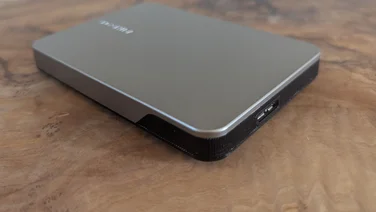 Toshiba Canvio Flex (2025) review: Solid cost-effective storage SSDs win on speed and ruggedization, but the Canvio Flex still makes a case for HDDs when it comes to capacity and cost£89
 -
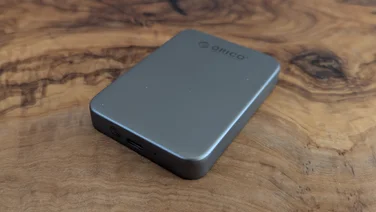 Orico K20 review: Neat and versatile MagSafe-compatible storage The Orico K20 isn’t the fastest SSD, but the MagSafe feature makes it a great choice for storage on the move£76
 -
 6 mistakes people make when choosing a new power bank Don't get overcharged – and other pitfalls to avoid when buying your next power bank
 -
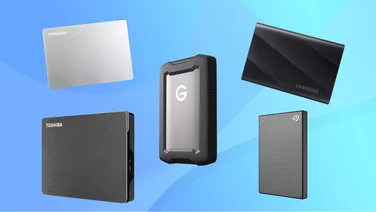 The best external hard drives you can buy Whether you need a drive for backups or extra space for apps, games and files, these external hard drives provide the storage boost you need
 -
recommended
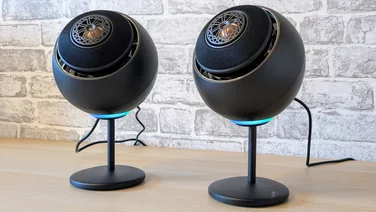 Creative Pebble Nova review: More rock than pebble The Creative Pebble Nova takes the range into the bookshelf speaker market with impressive results, but the price is high£240
 -
recommended
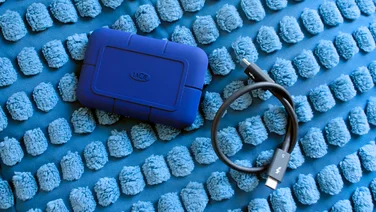 LaCie Rugged SSD Pro5: A fast external drive for your Mac Thunderbolt 5 makes the LaCie Rugged SSD Pro5 the fastest drive we’ve ever tested, but it’s expensive£360
 -
recommended
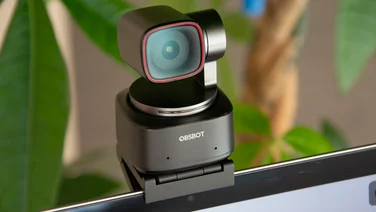 Obsbot Tiny 2 review: A fantastic 4K AI webcam The Obsbot Tiny 2 may be pricey but clever features and excellent 4K video quality make it the best general-use webcam on the market£329
 -
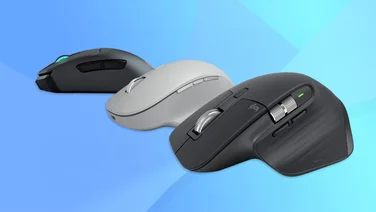 The best wireless mice to buy in 2024 Ultimate comfort and control without the cable clutter – we tested the best Bluetooth and wireless mice
 -
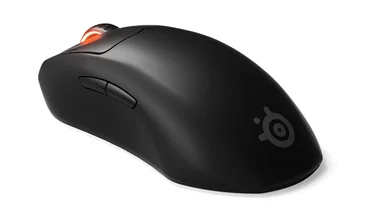 The best wired and wireless mice to buy Don’t suffer with a slow, inaccurate mouse – we’ve got the top picks in every style for every budget
 -
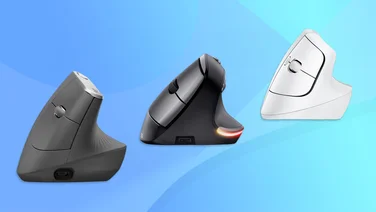 Best ergonomic mice to buy in 2024 Don’t live with tendonitis, RSI, or the dreaded carpal tunnel syndrome – here’s our tried and tested pick of the best ergonomic mice
 -
best buy
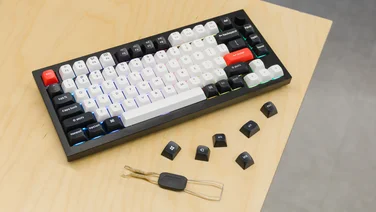 Keychron Q1 HE: The ultimate keyboard for typists and gamers The Keychron Q1 HE is not perfect, but it’s my favourite keyboard of all time£193