Components
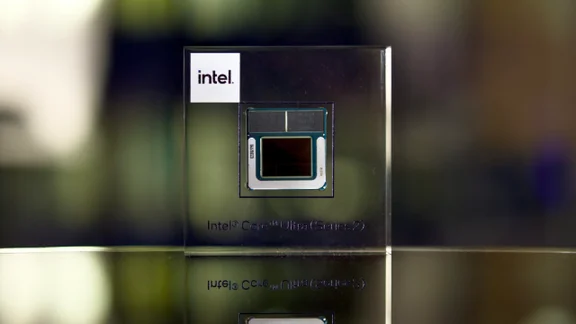
Intel's Core Ultra 200V laptops will have 30hr battery life
Intel’s Core Ultra 200V series Lunar Lake chips are here and laptop manufacturers are claiming up to 30-hour battery life
-
 The best PC fans to buy in 2023 Ensure your PC’s components deliver to their maximum potential with the best PC case fans
 -
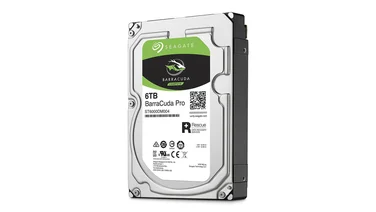 The best internal hard drives for PCs and NAS drives If you’re looking to supersize your storage, then upgrade your PC or NAS drive with our pick of the best high-capacity HDDs
 -
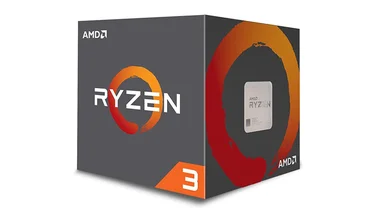 The best Intel and AMD processors to buy from £52 Choosing the right CPU can be tricky. Here’s how to get the performance you want while avoiding the features you just don’t need.
 -
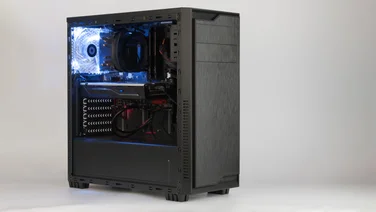 The best PC cases to buy Looking to build a new gaming PC? Here’s the definitive list of the best PC cases you can buy
 -
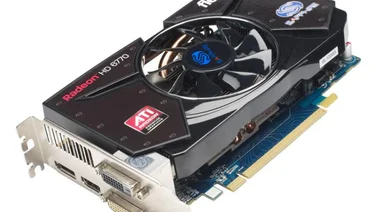
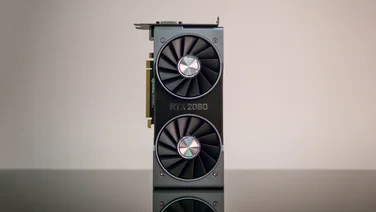 The best graphics cards to buy Get a serious graphics card upgrade with our pick of the best for Full HD and 4K gaming – with prices starting from just £110
 -
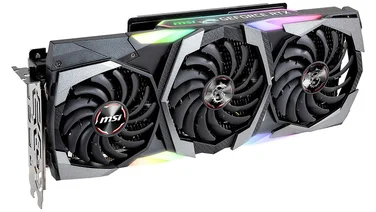 Nvidia GeForce RTX 2080 Super review A better overall GPU than the RTX 2080, but still not the best premium card to buy£750
 -
recommended
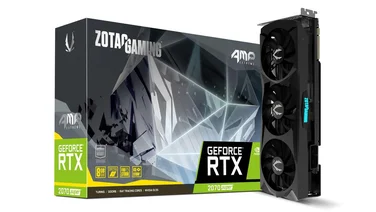 Nvidia GeForce RTX 2070 Super review Despite costing more than the RX 5700 XT, higher performance and a far better cooler make this card worth the cash£540
 -
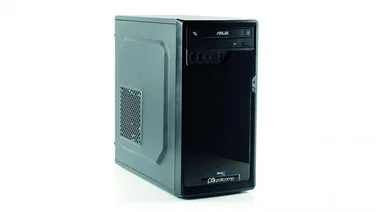 Palicomp Intel Graphite COF8 review: Cheap as (Intel) chips Can Palicomp’s budget friendly Intel box keep up with the crowd?£300
 -
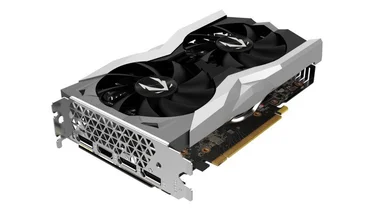 Zotac GeForce RTX 2060 Super Mini review The RX 5700 is cheaper and the RX 5700 XT is faster, but this is still a powerful and well-designed graphics card£390
 -
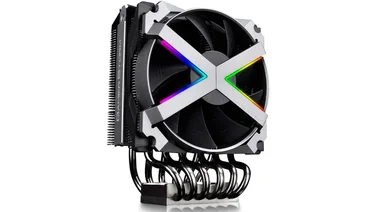 Deepcool Gamerstorm Fryzen review This AMD-only cooler is skillfully designed, but its actual cooling performance is nothing special£80
 -
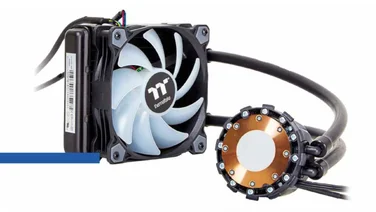 Thermaltake Water 3.0 120ARGB Sync Edition review A quiet cooler that’s easy to set up, but cooling performance could be more vigorous£74
 -
recommended
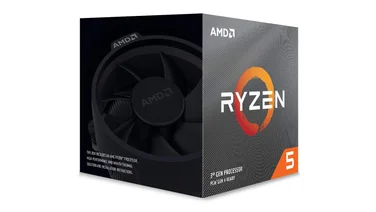 AMD Ryzen 5 3600X review: The best Ryzen CPU for gaming With its third-generation Ryzens AMD has finally sorted its single-core problems, as the nimble and affordable Ryzen 5 3600X proves£219