To help us provide you with free impartial advice, we may earn a commission if you buy through links on our site. Learn more

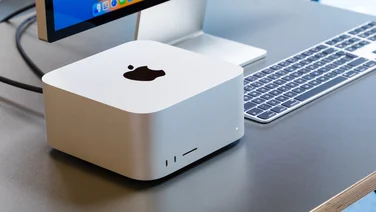
If you need a desktop PC but don’t have a lot of space on your desk, the Acer Aspire X3900 might be just what you’re looking for. Unlike a lot of other mini-PCs that use laptop or Intel Atom chips, the X3900 is powered by an Intel Core i3 530 processor. It also has a 500GB hard disk and a 22in Full HD monitor and, despite its size, it has plenty of room for expansion.
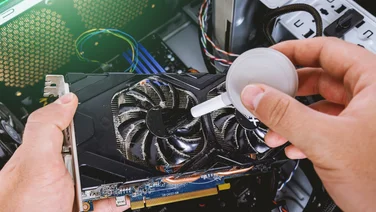
The downside of the small box is that there’s little room for a dedicated graphics card. There’s a free PCI-E x16 slot, but there’s room only for a low-profile card. This limits you to relatively slow cards which won’t be able to play the latest games with all the quality settings maxed out. The Radeon HD 5570 is the fastest card we’re aware of in a low profile version. In the absence of a dedicated card, the X3900 uses the Core i3’s built-in Intel HD graphics. While this can handle HD video playback, it isn’t powerful enough to play most games.
Unlike some PCs which have overclocked processors, the Core i3 530 in the X3900 runs at its stock speed of 2.9GHz. Along with 4GB of RAM, it managed a healthy overall score of 103 in our benchmarks. There are two free slots for more RAM and, as well as the aforementioned PCI-E x16 slot, there’s also a PCI-E x1 slot. There’s no more room for drives or hard disks though, but you can easily add external storage, thanks to the nine USB ports as well as eSATA and FireWire ports.

If you don’t want a large tower case under your desk, the X3900 is a neat solution and provides plenty of processing power and a decent monitor. The only real disadvantages are that it’s not up to the task of running the latest games and expansion potential is limited. If you’re not concerned with space-saving, however, CyberPower’s Infinity i3 Apollo XT is cheaper and has more room for expansion, although we’d recommend choosing a better monitor to go with it.