To help us provide you with free impartial advice, we may earn a commission if you buy through links on our site. Learn more
best buy
1
/
3
Our rating
Reviewed price
£228
inc VAT
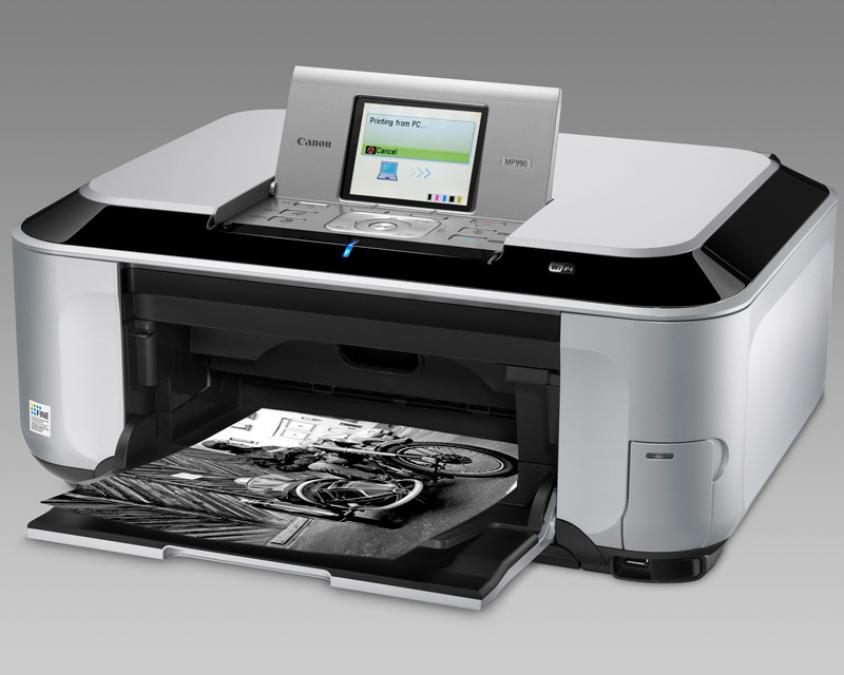
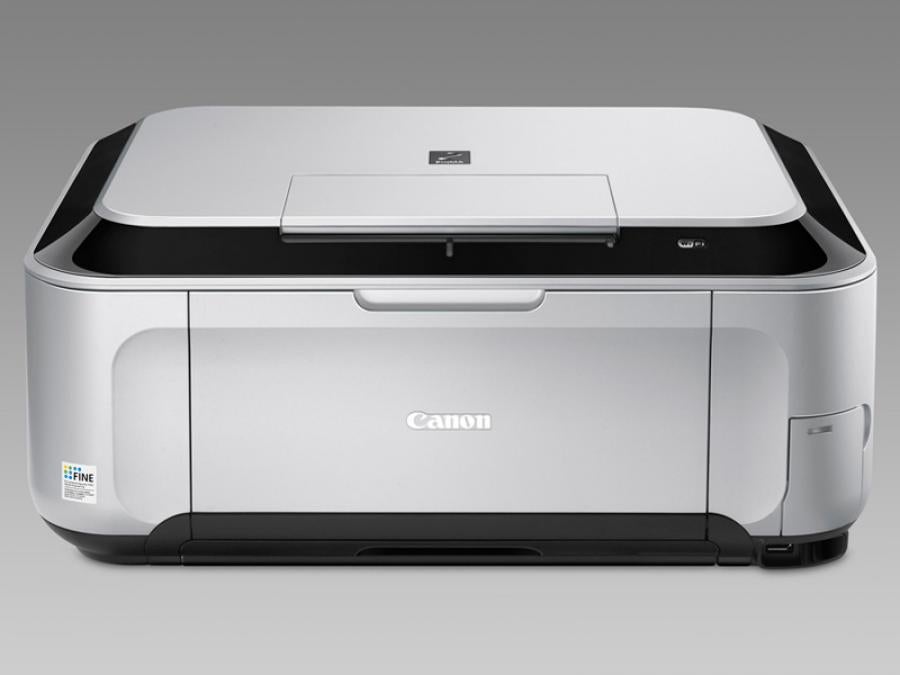
MFPs are usually designed to adequately handle the basic printing and scanning tasks of a typical home user. Unlike most, Canon’s Pixma MP990 is perfect if your interests call for high quality scanning and photo printing – such as design, photography or archiving old images.
The MP990 has a CCD scanner, which has better colour reproduction than the CIS scanner engines in most MFPs, although it’s also bulkier and more delicate. It even comes with a backlight and transparency frame for negative scanning.
Most of its other features are shared with the cheaper Pixma MP640 (below). These include wired and wireless networking, two 150-sheet paper trays, a colour screen, memory card reader, Pictbridge port, CD printing tray and automatic duplexer.
Most of the current Pixma range takes five cartridges – dye-based cyan, magenta, yellow and black for photo printing, plus a pigmented black for sharp document prints. The MP990 adds a grey ink cartridge to producing stunning true greyscale shading on black and white photos.
Colour photos also look astonishingly good, with rich tones, sharp detail and incredibly subtle reproduction of subtly gradated dark colours. Photo prints aren’t incredibly fast, but at around 49 seconds per 6x4in prints, we have few complaints. A full quality 6x4in colour print on Canon’s top Platinum Pro paper costs around 40p.
Colour and mono, prints and copies are as good as we’ve come to expect from this award-winning range of printers; with sharp text even at small font sizes plus bright, accurate colour on graphs and business illustrations. Draft text is thinner than its full-quality equivalent, but no less dark or sharp. However, at 10.5ppm with standard quality text, you won’t have to rely on draft for quick prints.
The MP990’s photo scanning capabilities are particularly good. Separate objects on the platen are correctly detected and individually scanned. A screen in the lid of the scanner can be removed to reveal a backlight and a negative frame, which can take a film strip of up to six photos.
Canon’s recently updated ScanGear interface has plenty of advanced features, from colour adjustment and sharpening to software-based fade and scratch correction. By default, the interface closes automatically after each scan, but this is easy to change if you prefer it to stay open for batch scanning.
You can select resolutions of up to 1,200dpi from a menu, but can also type in any resolution you want. Scan quality was sharp and clear, with particularly accurate colour and subtle gradation, with distinct variations in tone reproduced on even our murkiest negative scans.
Most people won’t need all the features that the MP990 has to offer. To them, we recommend the cheaper MP640. However, if you want to scan negatives or print black and white photos, or if you value the more subtle colour produced by a CCD scanner, the MP990 is built for the job.
How we test printers
How do you choose the right printer for you? Helpfully, we’ve tested lots of them – here’s how we put each one through its paces
Andy Shaw
Are home photo printers really worth it?
Modern inkjet printers can output top quality photos, but is it worth investing or should you send your photos to a print service?