To help us provide you with free impartial advice, we may earn a commission if you buy through links on our site. Learn more
Earlier this month, Fujifilm invited me to try out its latest gadget under the hugely popular Instax brand: the Instax Mini Evo Cinema.
The Mini Evo Cinema follows in the footsteps of previous Instax models, with a retro design that calls back to analogue cameras of old, while introducing an element that was, until now, unheard of in an instant camera: video recording.
It’s a neat concept and, perhaps most importantly, it’s fun to use – especially when Fujifilm provides you with its own studio and flapper girl to play the model. But there are aspects that I remain cynical about.
Instax Mini Evo Cinema: What is it, and what does it do?
You might already be familiar with Instax’s Evo range: these are hybrid cameras that shoot digital images that you can then print onto Instax film. We were fans of the Instax Mini Evo when we reviewed it, but noted that analogue purists may be less enthusiastic. What you’ve essentially got is a digital camera (and a reasonably low-quality one at 4.9MP), alongside an Instax printer, housed in an attractive retro-looking shell.
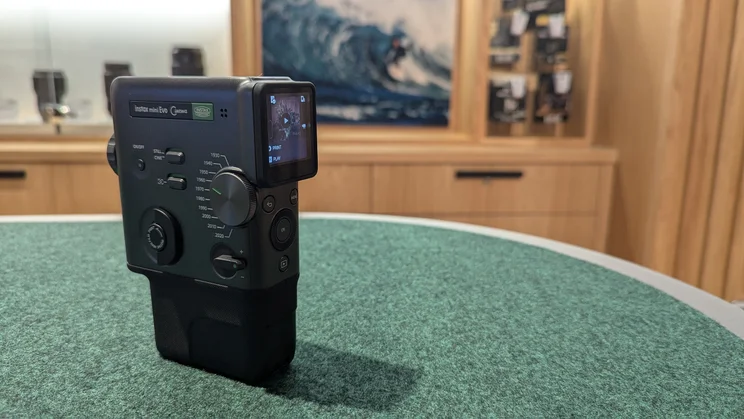
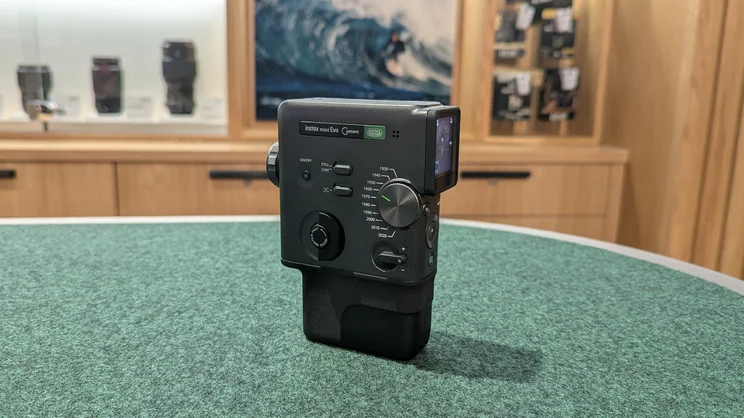
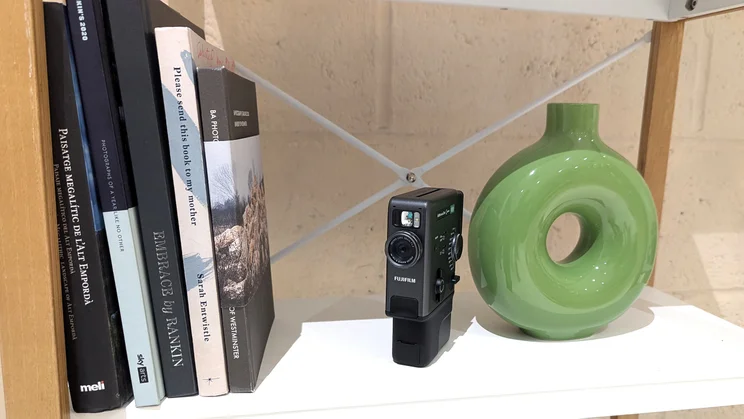
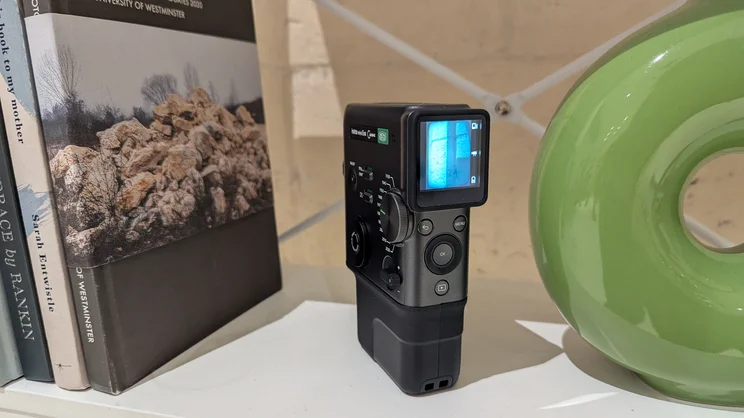
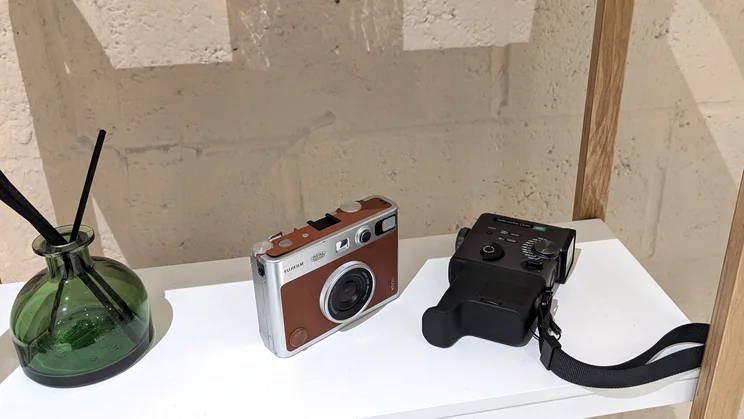
The Mini Evo Cinema is similar in that it’s also a digital camera and Instax printer housed in a retro-styled body. While the Instax Mini Evo was designed to look like a classic rangefinder camera (think Leica or the Olympus Trip), the Mini Evo Cinema looks a little bit like a Super 8 movie camera – particularly when you add the viewfinder and grip attachments.
I wouldn’t be surprised if the hardware inside the Mini Evo Cinema is largely the same as it is inside the Mini Evo, too: it still shoots still images at 4.9MP and lets you decide which ones you want to print. The big difference here is that you can also shoot video with it, at 600 x 800 pixels (or 1080 x 1440 if you’re using the camera’s 2020 Era setting – more on these below) and a frame rate of 24p according to the camera’s specs.
These videos are limited to 15-second long clips, no doubt tailored for social media, and are stored on the camera’s limited internal storage, or a micro SD card if you have one inserted, as well as being backed up in the Instax Mini Evo app. It’s here that you can also splice individual clips into longer videos using “The Director’s Cut” feature, as well as print them remotely or save them to your camera roll. The app also allows you to create poster designs with text if you’d prefer to get a bit more creative with it.
You might be wondering how you can then print these videos. Well, you can’t. But what you can do is select a snapshot from the video that will be printed onto Instax Mini film, alongside a little QR code that can be scanned to view and download the video on your phone. These videos are uploaded to Fujifilm’s cloud server once they’ve been backed up via the app and, while there’s no subscription fee involved, they’ll only be available here for 24 months after uploading (you can presumably choose to print the same clip again with a fresh QR code after the old one has expired, though I haven’t been able to verify this).
Another big draw of the Instax Mini Evo Cinema are the ‘Era’ settings. These apply filters to replicate the look – and the technological limitations – that have since become an associated aesthetic of previous decades of film, from the 1930s right up to the 2020s.
Each of these filters can be further adjusted: for instance, if you want to dial up the grain on your 30s-style film to make it nearly-indiscernible, or overlay scanlines to mimic a CRT monitor image. Maybe you want to give your 2010s video a classic YouTube progress bar. You can do all that.
Of course, having Era settings for the 90s/00s onwards will probably make many people feel queasy at the relentless march of time, but that’s just the world we live in now.
Instax Mini Evo Cinema: Hands on and first thoughts
Myself and a handful of journalists spent a morning in Fujifilm’s House of Photography Store in Covent Garden, with a chance to get hands on with the Instax Mini Evo Cinema in the store’s studio space.
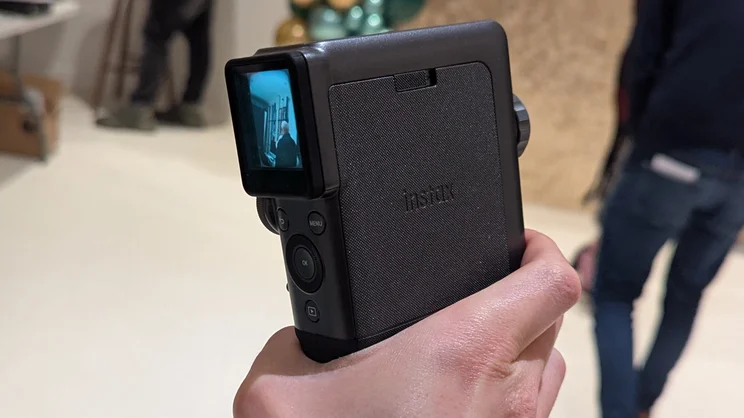
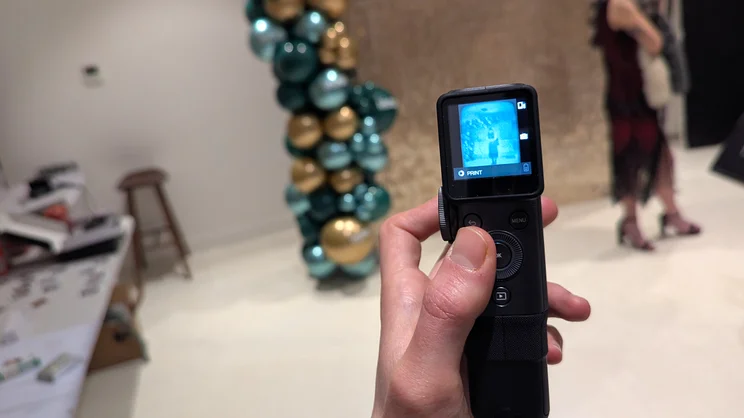
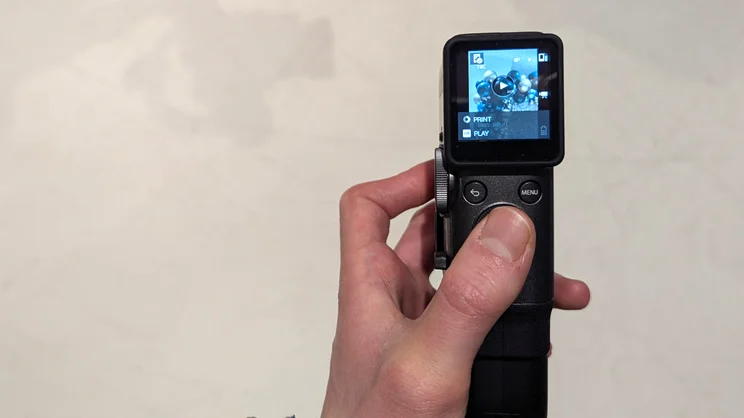
This is a really fun camera to use. The camera itself is light, tactile and wieldy, which is just as well if you’re using it to record video. All those buttons and knobs take a little getting used to to begin with, as does trying to see what you’re shooting on the camera’s tiny 1.54in screen (I didn’t try out the viewfinder attachment), but it’s all reasonably simple enough. Cycling through clips and photos and printing via a twist of the “Instax Mini Film Print” tab on the side of the camera is straightforward too. And if you were a fan of the Mini Evo, you’ll appreciate that it’s more or less the same process and film quality here.
The Era functions are cool, too, and I’m just Gen Z enough to buy into the appeal of these. I found myself drawn to the 1970s and 1980s for that retro look, while the model they had dressed as a flapper girl naturally suited the grainy black and white 1930s mode.
Another nice touch is that the sounds the camera makes will match the Era you’ve chosen. It feels as though Fujifilm have put a good deal of thought into all this. It would be nice if you could shoot videos a little longer than 15 seconds, but the camera isn’t exactly designed for shooting feature length films, and you wouldn’t want to use it for that either.
However, there is something about the Instax Mini Evo Cinema that doesn’t sit right with me. That feeling stems from the suspicion that Fujifilm hasn’t quite successfully married the analog feeling with the Mini Evo Cinema’s digital and smart aspects. The camera is very reliant on its companion app, where you’ll need to transfer all your videos before you can play/download them via the printed QR codes.
When I tried out the camera, all of the shots I printed hadn’t finished backing up before I left the store and I wasn’t able to play them later. Of course, this was only an issue because I’d given the camera back and no longer had access to it. But it’s a reminder that, when you’re dealing with this sort of thing, the analog experience is only surface level.
There’s also something a bit superficial about printing a photo, a chunk of which is obscured by a QR code (small but still very obvious and just as ugly) so you can then watch a video on your phone – and a video with an expiration date too. You certainly can’t call it a cheap gimmick, but that’s largely because it will cost you £330 – plus another £15 every time you want to buy a pack of film.
Maybe I’m being cynical, but why not just get yourself a cheaper, fully analog Instax camera, such as the Mini 12, 41 or 99, and then continue to take videos on your phone separately? It’s certainly the cheaper option, and if you want the retro features, there’s a myriad of apps you can download. Or if you want to go full hipster and develop a cripplingly expensive hobby in the process, buy a second-hand 35mm rangefinder or Super 8 camera and do it all the old-fashioned way.
Initial verdict
The Instax Mini Evo Cinema will have its fans, and for good reason. It’s a beautiful little camera that’s fun to use and – for the most part – executes a unique concept very well. As I was playing around with it in Fujifilm’s store, I couldn’t help thinking up possible opportunities to put the camera’s variety of Era settings to the test, and I can see it being a great addition to your holiday cabin luggage.
It will inevitably have its detractors, though. It’s not clear how much longevity is in the Mini Evo Cinema’s primary function. As I’ve already established, I might be a cynic (especially where companion apps are concerned. See also: my review of the Ocelan X Pro 20 sonic toothbrush) and I’m perhaps not its intended audience, but I can’t help but feel like the Mini Evo is an awfully expensive gimmick. Time will tell, though, and I still hope to have the opportunity to review it in full in due course.