
To help us provide you with free impartial advice, we may earn a commission if you buy through links on our site. Learn more
- Even better range of health features
- Tougher front glass
- Excellent heart rate and GPS accuracy
- Poor battery life
- Not many exclusive new features
If there was one takeaway I had from the launch of the Apple Watch Series 11 in September 2025, it was the new hypertension feature. Not improved battery life, a bigger, brighter screen, a faster processor or extra sensors. Just another way to potentially – maybe – save your life.
How tedious.
How dare Apple take such an altruistic approach? I’m affronted that I can’t criticise it for not really moving the game forward on the hardware front. That the Apple Watch’s battery life continues to disappoint. It’s almost as if Apple is deliberately provoking reviewers at this point.
It isn’t, of course, and while the Apple Watch continues to be so popular, it is unlikely to change its approach. And that seems like a wise thing to do because despite its shortcomings, the Apple Watch Series 11 continues to be the best all-round smartwatch in the industry.

What do you get for the money?
To be fair to the Apple Watch, battery life has been improved a little this year, from 18 hours to 24 hours – an improvement of a third. But when you’re starting from such a low base, that’s not really anything to get excited about.
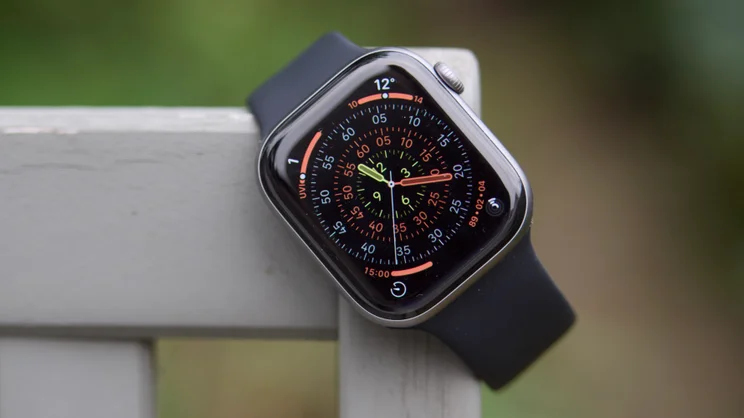
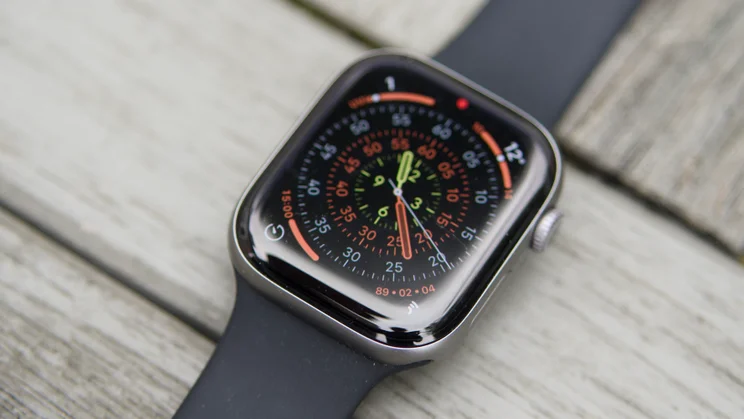
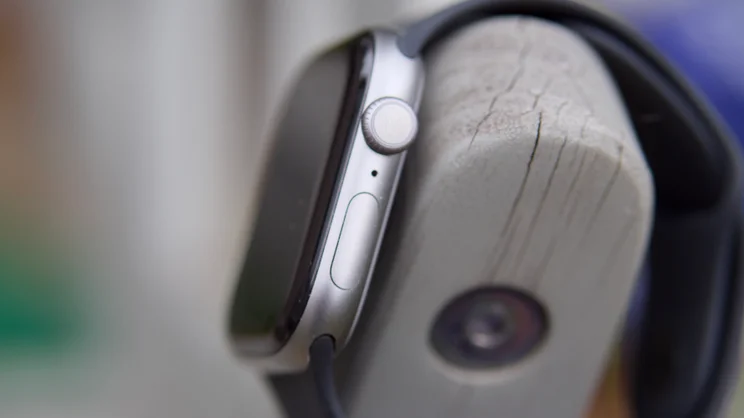
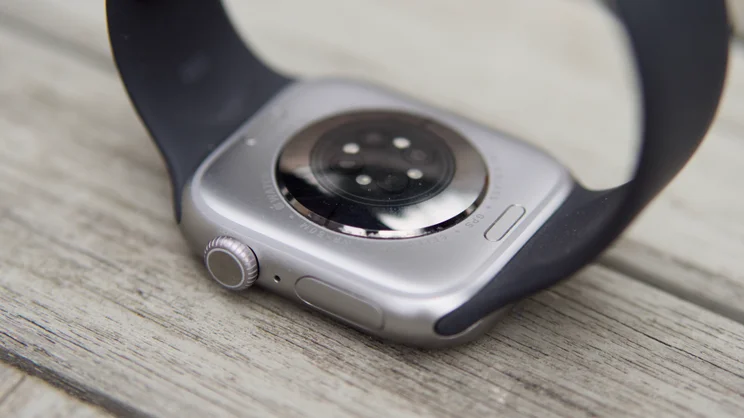
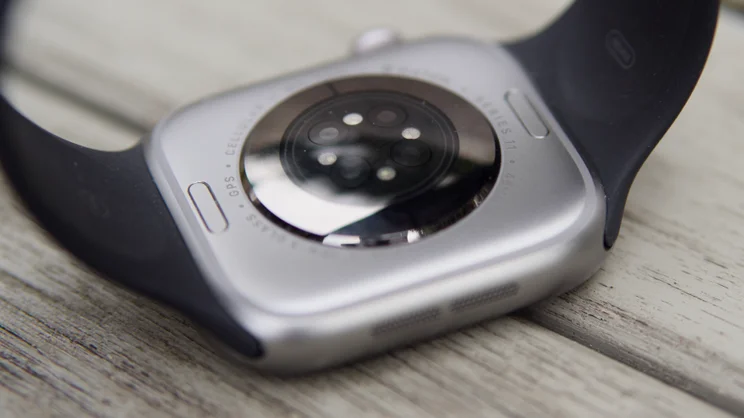
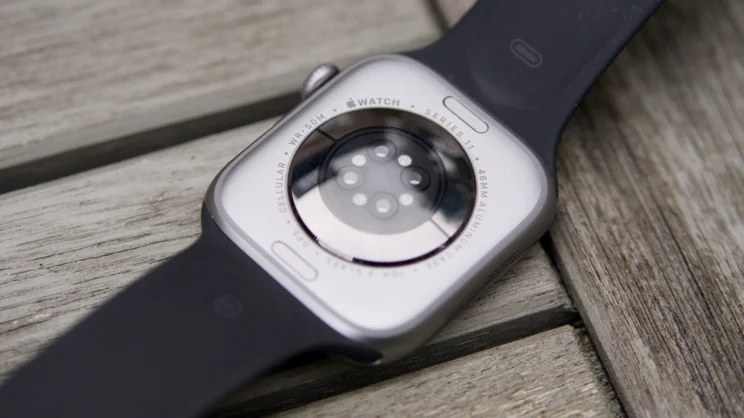
Elsewhere, it’s pretty much business as usual as well. After a design overhaul last year, which included slimming it down, making it lighter and the screen larger, the Series 11 makes no alterations. It still comes in two sizes – 42mm and 46mm – in either aluminium or titanium and prices start at £369 for the smaller 42mm aluminium model and £399 for the larger 46mm one.
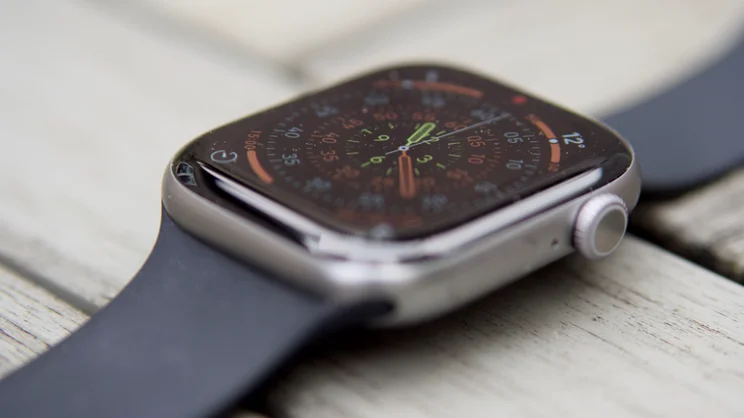
There are some changes you can’t see. The glass on the front has been upgraded to Ion-X glass, so it’s more scratch-resistant than before. It’s a shame Apple hasn’t used Ceramic Shield as on the iPhone 17 Air, but there you are.
There’s now 5G connectivity for those who buy the cellular model, but I can’t see this having a tangible benefit on usability. The sleep mode now provides extended sleep stats, there’s a new wrist flick gesture to dismiss notifications and a generative AI-driven Workout Buddy is now on hand to give you encouragement during workouts. It’s pretty thin gruel.
What does it do well?
The big headline feature is that the Apple Watch Series 11 can now detect signs of hypertension (high blood pressure) and warn you to go to the doctor if it does. Apple stresses it isn’t a medical feature and that it shouldn’t replace regular visits to your doctor for a proper blood pressure check, but for idiots like me who don’t go to the doctor regularly enough, it might just save your life.
To be honest, it isn’t the most exciting thing. It needs 14 days of valid data per 30 days of wearing the watch before it can analyse patterns in your heart rate data and send out notifications. If it does detect signs of hypertension, all you get is an alert telling you to discuss the findings with a medical professional – it doesn’t present any kind of data.
What’s also slightly odd is that, having been promoted heavily at the launch of the Series 11, this feature isn’t exclusive to the new Apple Watches this year. It’s also now available on the Series 9 and 10 and the Watch Ultra 2. Existing owners certainly won’t be complaining, though.
It does, however, highlight that this is the sort of thing the Apple Watch excels at. Every other smartwatch can track your steps, your workouts, send you notifications and so on, but if you want your wearable to look out for you, there’s nothing better on the market. It will detect falls, car crashes, and issue high and low heart rate warnings, too. For those on lots of medication, the built-in medication reminders can be a godsend. The Series 11 does not alter that one jot.
It’s also good to see that Apple is finally introducing a sleep score to its sleep tracking tools. This makes it much easier to evaluate – at a glance – and get a good idea of how well you are doing in general. Again, this isn’t an Apple Watch Series 11 exclusive either, as the Health app will provide a sleep score even if you use a third-party wearable that records the same metrics.
The other things the Apple Watch are great at haven’t changed. It still handles notifications and messaging brilliantly. NFC payments work seamlessly, as do things like Apple Maps and phone calls – as an extension of what your iPhone can do, it is unrivalled. It’s a pretty good workout companion, too, and the app ecosystem is just far better than other platforms. Yes, Garmin and Android watches also have apps, but they can’t touch the breadth and maturity of what’s on offer via the Apple App Store.
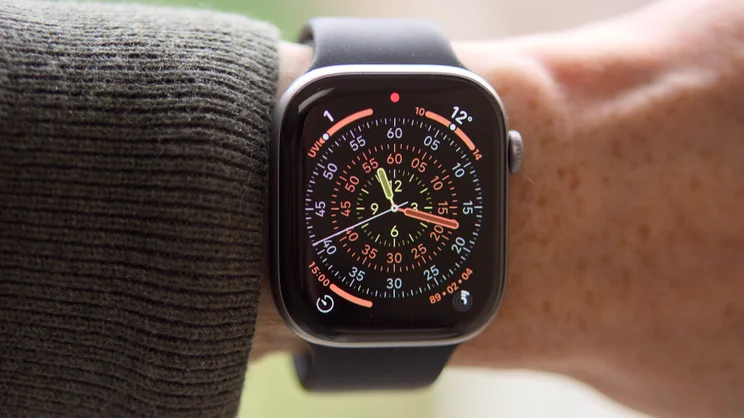
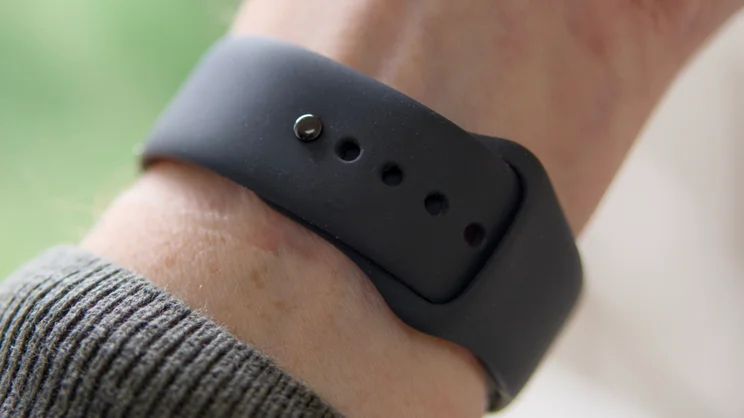
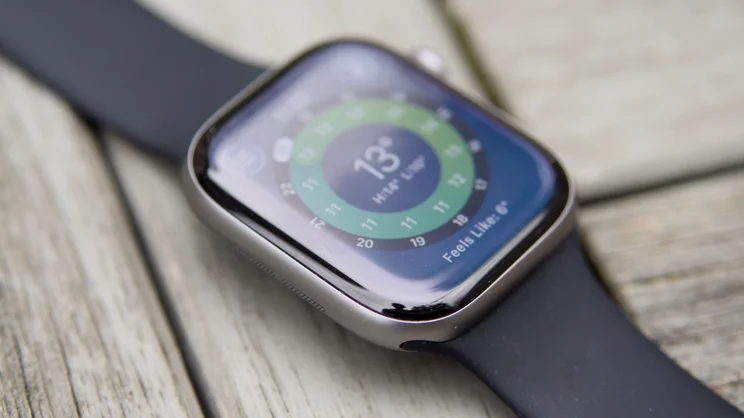
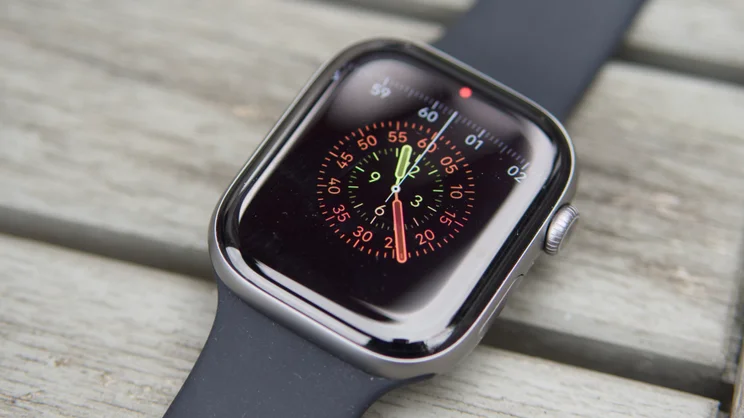
And, aside from the battery life, the Apple Watch’s hardware is excellent: the screen is bright enough to read in very sunny conditions, I found my 46mm review model to be lightweight and comfortable – the nylon loop strap is particularly snug – the speakers are surprisingly loud and clear and the haptic vibration feedback is effective.
Is heart rate tracking and GPS accurate?
This might not be important to you. In fact, it isn’t for me for the most part, because for workouts I usually leave heart rate, pace and distance tracking to external sensors: my Polar H10 chest belt and Stryd 3rd generation footpod. The good news is that if you do care and you don’t want to use external sensors, accuracy is very good.
I fed the data from six runs, during which I wore the Apple Watch and a Garmin Forerunner 955 with the aforementioned sensors connected, and found the Apple Watch differed from the chest belt by an average of 0.91% for average heart rate, and by an average of 1.09% for distance covered.
I still have some concerns with heart-rate data. Look at the traces for each run and you will still see dropouts. I ran a half-marathon while I was testing the watch and it struggled initially, capturing only partial heart rate data for the first 12 minutes and I observed this happening on two of the other five test runs, as well as a bike ride. However, this didn’t seem to affect accuracy when the signal came back. For that half-marathon, the heart rate readout was bang-on accurate for the remaining 1hr 4mins.
For the ultimate in accuracy, I’d always recommend using a chest belt anyway, but it’s good to know that if you can’t be bothered with the faff, the Apple Watch Series 11 will generally report accurate numbers. And, remember, you can always improve the heart rate accuracy by buying a pair of the new AirPods Pro 3 earbuds, which now have heart rate monitoring built in.
What could be improved?
The main answer to the question of what can be improved is plain and simple: battery life. Put quite brutally, the battery life on the Apple Watch is not good enough.
Yes, it’s better than last year, rising from 18 hours to 24 hours for a 33% improvement. And, yes, that does now at least cover you for all-day and overnight use for sleep tracking. But this assumes you remember to charge it every time you need to. Also worth bearing in mind is that the more frequently you charge a battery, the sooner it will degrade, so the battery in an Apple Watch is likely to need replacement far sooner than the battery in a watch that only needs charging once a week.
My other gripes are relatively small ones. First, I’m still not keen on the way Apple Health presents the watch’s health features and settings. It’s great that the watch can track all manner of things and alert you to health issues, but they’re of no use if you don’t actually turn them on. And the fact that there’s no one place to check if all they’re switched on doesn’t help in this regard. To make sure, you have to fire up Apple Health and tap through each section to see if you’ve somehow missed something. It’s a little messy.
I’m not hugely keen on Workout Buddy, either. The voice sounds more natural than most such vocal training aids, and it’s good to get audible updates of your progress and status, especially when riding, but I think Apple could have been a little more adventurous with this feature.
It seems repetitive to me, focusing its pep talks mainly on my last kilometre and whether or not I’d run it slower or faster than the previous one. And while its updates on pace, distance and heart rate are handy, it would be even better if you could ask it questions about current performance, what’s coming up in the next interval and so on.
Should you buy an Apple Watch Series 11?
The Apple Watch Series 11 is a fantastic smartwatch that’s useful for all manner of things: it’s a great device for monitoring your health and for working out; it’s exceptionally good at handling notifications and messaging and generally keeping you up to date; it’s comfortable, looks great and largely seems to work very well. Plus, both heart rate accuracy and GPS are super accurate.
These are all good things, but there are some caveats. First, that battery life. I don’t like that it’s so short. It shouldn’t be. Many have made their peace with this but I think Apple can do better.
Second, there really isn’t much new here from a hardware perspective. Yes, the glass is tougher, yes the battery life is slightly longer and you do get 5G connectivity. But everything else is the same as before and new features like hypertension monitoring and Sleep Score are now also available on Series 9 and Series 10 models.
The question of whether or not you should buy an Apple Watch Series 11, then, boils down to what you already own and what’s important to you. If you already have a Series 9 or 10, I’d say stick with it and get yourself a heart rate strap. Hate charging every day? Buy a Garmin or a Huawei wearable. If, however, you have an earlier Apple Watch and love it, the Series 11 comes as an easy recommendation. It’s just not that different from last year.


