
To help us provide you with free impartial advice, we may earn a commission if you buy through links on our site. Learn more

- Gorgeous PaperMatte display
- Excellent battery life
- Bundled keyboard and stylus
- No Google apps
- Unimpressive performance
- Some display flaws
The Huawei MatePad 12X is a course correction. Earlier this year, I reviewed Huawei’s latest flagship tablet, the MatePad Pro (2025), and decided that it was generally decent but too similar to the previous generation to be worth such a high price.
Right on cue, here comes the Huawei MatePad 12X, a significantly cheaper option that offers a lot of what I liked about the Pro model: the PaperMatte display is a delight, the painting experience is second to none, and it’s bright and colourful enough to be decent for streaming movies and shows, too.
The inaccessibility of Google apps and the Play Store continues to be the main thing holding back Huawei products, and the lack of an OLED display does take some of the shine off, but even still, the MatePad 12X feels like the Goldilocks choice for Huawei tablets: it’s not too expensive and nor is it underfeatured. For those interested in digital art, the Huawei MatePad 12X is just right.
What do you get for the money?
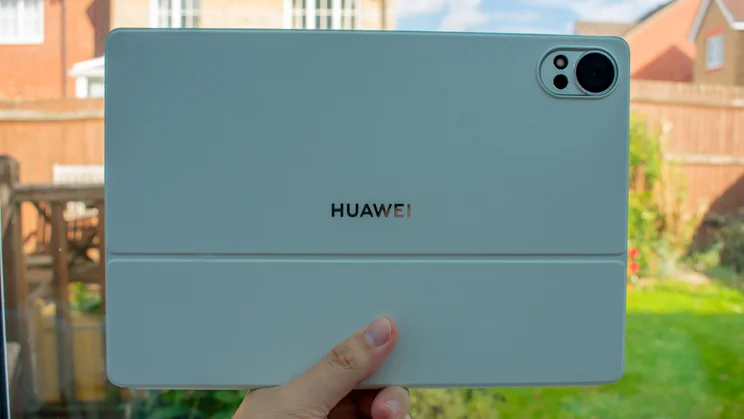
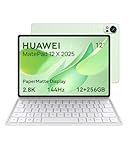
The MatePad 12X will set you back £599, which gets you the sole model with 12GB of RAM and 256GB of storage. My review sample is a stark, classic white, but it also comes in a soft green colourway.
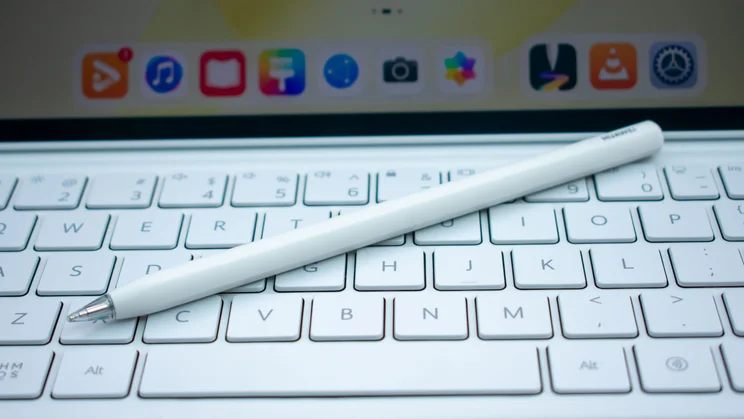
You also get a keyboard case bundled in, and at the time of writing, you can get the Huawei M Pencil Pro stylus for free. In other words, you’re paying £599 for the whole package.
All Android tablets seem to be placed in the market as an alternative to some iPad or another, and the marketing makes it clear which model the MatePad 12X is gunning for. Bearing the tagline “Beyond Air”, this is Huawei’s answer to the iPad Air (M3, 2025).
On the price side of things, Huawei is light-years ahead. The iPad Air (2025) starts at the same £599 for the 11in model, but that’s only with 128GB of storage – you’re looking at £699 for the same 256GB. Then, add £79 for the Apple Pencil USB-C and £269 for the (admittedly superior) Magic Keyboard, and you’re paying £1,047 for the same bundle. By comparison, the Huawei MatePad 12X is incredible value for money.
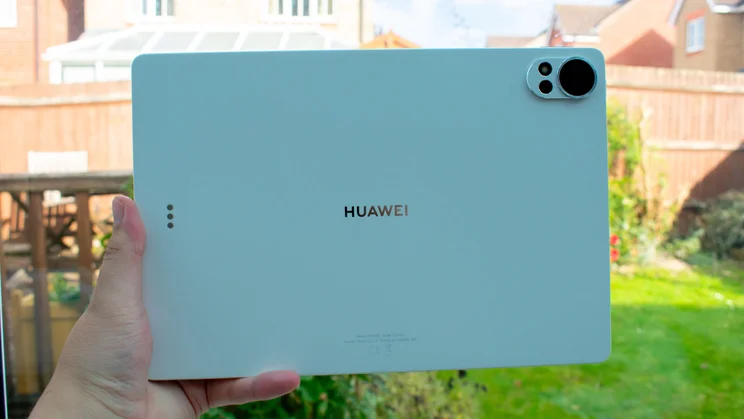
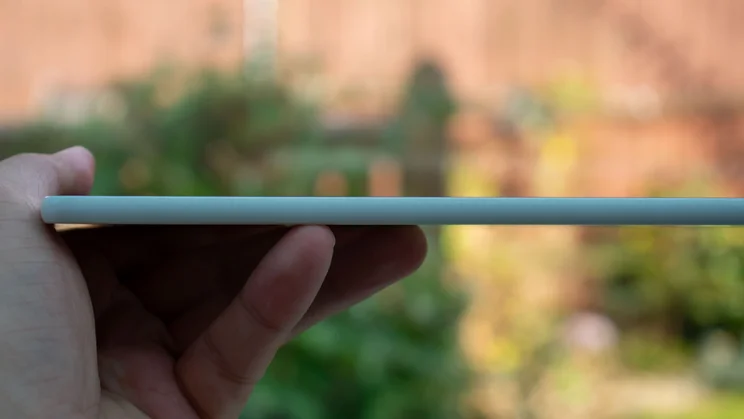
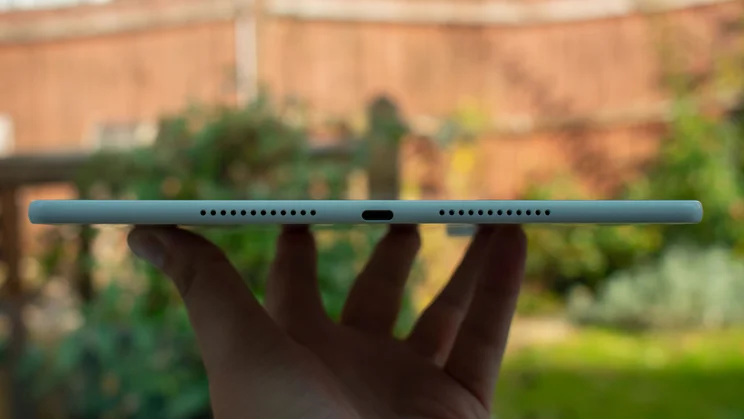
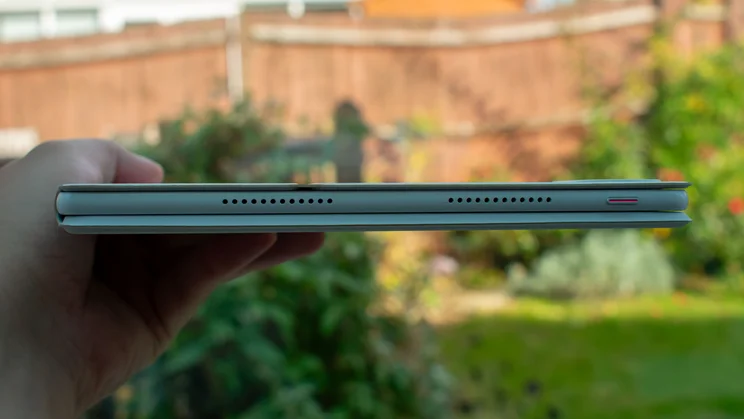
The tablet itself measures 270 x 5.9 x 183mm (WDH) and weighs a solid 555g. That weight is a decent middle ground between the smaller 11in iPad Air (460g) and the slightly larger 13in model (616g), and the 5.9mm thickness marginally undercuts the 6.1mm iPads, too.
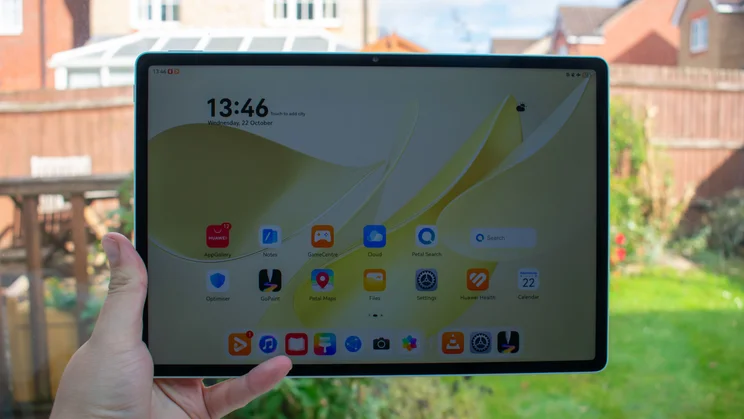
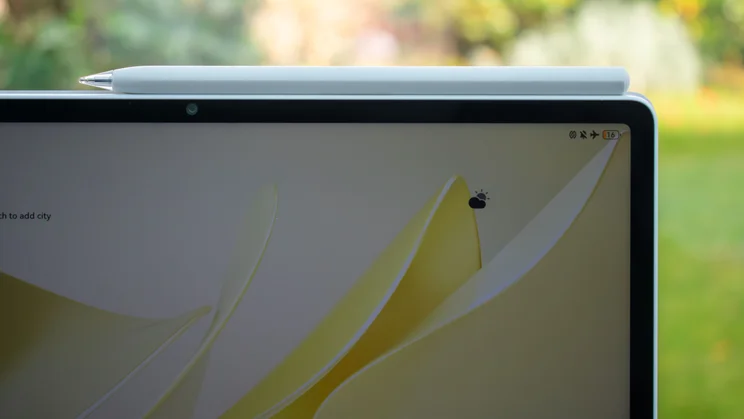
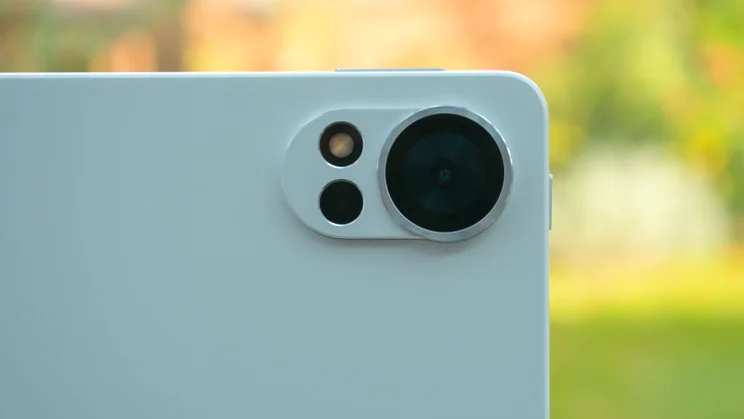
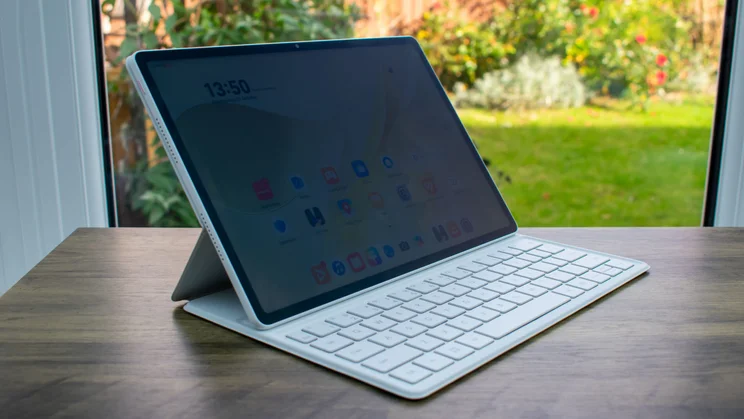
Sitting on the unibody aluminium frame is a 12in LCD with a resolution of 2,800 x 1,840 and a peak refresh rate of 144Hz. There’s an anti-reflective PaperMatte coating over the top and an 8-megapixel (f/2.2) selfie camera set into the top bezel (when held in landscape mode). Over on the rear is a frankly unnecessarily sharp 50-megapixel camera – this is nice to have, but realistically, how often are you taking photos with your tablet?
Inside, we have a Kirin T92B chipset, clocked up to 2.4GHz and backed by 12GB of RAM. The battery is a chunky 10,100mAh unit that supports charging speeds up to 66W.
What did I like about it?
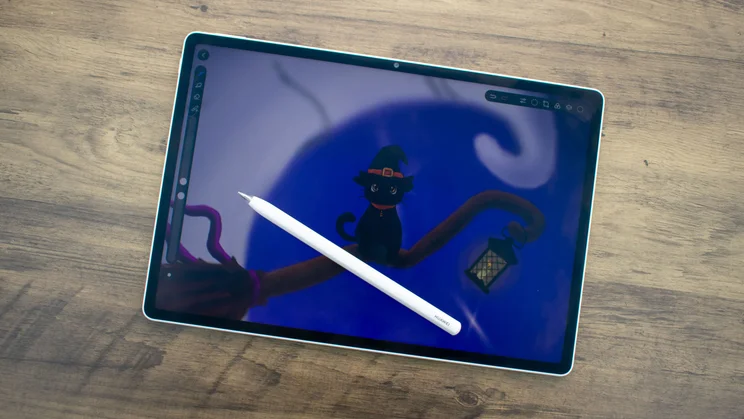
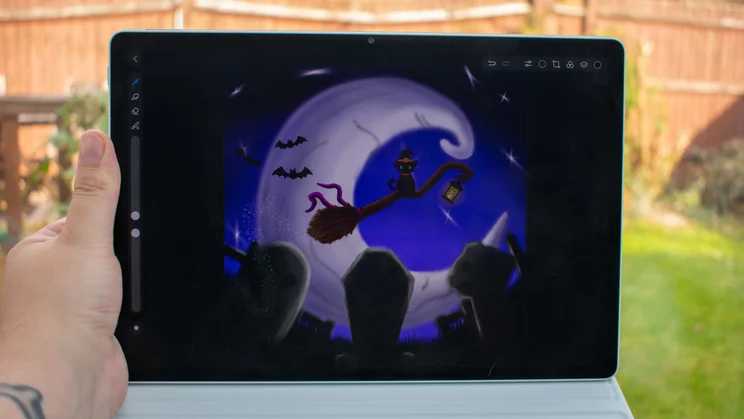
Whenever I review a Huawei tablet, my first port of call is always the GoPaint sketching app. For my money, this is the best native doodling app on any Android tablet, and it’s as versatile and fun to use here as ever. The brush selection is broad and extremely customisable, it responds extremely well to different levels of pressure, and there’s even the option to make little animations.
A big part of why the MatePad 12X is so great to draw on is the PaperMatte coating, which provides a wonderfully smooth, paper-like feeling with just the right amount of friction. I find drawing on standard glossy displays can feel a little like scratching at times, whereas here, the stylus glides.
It’s worth noting that, despite the MatePad 12X being the first Huawei tablet to support the new M-Pencil Pro stylus, Huawei did not send me one for this review, so I’m testing with my older, but still good, M-Pencil (3rd Gen). Benefits of the Pro are tactile feedback, squeeze controls and better rotation tracking, giving you more versatility with sketching.
Beyond the drawing experience, the display’s PaperMatte coating is also one of the better anti-reflective efforts that I’ve seen on a tablet, effectively negating the worst of the glare from intense overhead lights or intrusive sunbeams. Between this and the decent peak brightness of 908cd/m2 (on adaptive brightness with a torch shining on the light sensor), you shouldn’t ever struggle to view the screen, even on the brightest days.
There are two colour profiles to choose from. Vivid reproduces 93.2% of the DCI-P3 colour space and is the best bet for streaming and gaming. Natural, meanwhile, is what you’ll want to use for creating art.
This profile aims for a more authentic reproduction of the sRGB colour space, and does a decent, albeit not outstanding, job. Using a colorimeter, I recorded a gamut coverage of 90.7%, with a volume of 92.7%, and the average Delta E colour variance score came back at 2.03. That’s a little higher than our target of 1 or under, but not enough for colours to look out of place.
Speaking of being out of place, feel free to take the MatePad 12X out of your place, too, because the battery life is fantastic. Long-haul flight? Seemingly endless commute? The MatePad 12X is a great choice to take along for the ride.
In our standard looping video battery test, the Huawei MatePad 12X lasted for 17hrs 50mins, surpassing all of the competition here and delivering some of the best tablet battery life I’ve ever recorded.
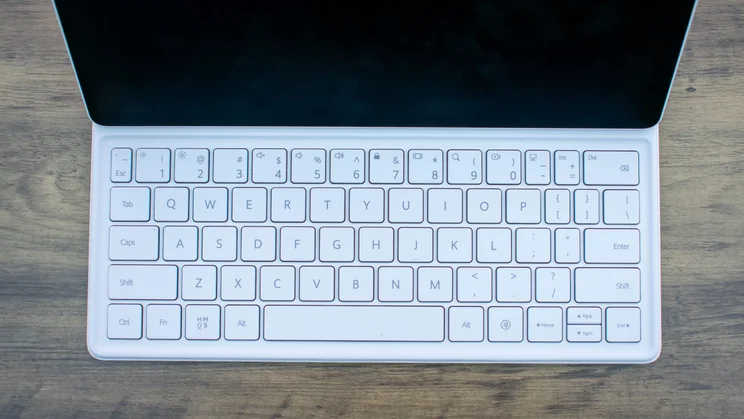
Finally, the bundled keyboard isn’t quite as good as the one you get with the Pro models – it lacks a trackpad and you can’t charge the stylus on it – but it’s still decent enough. It can hold the screen at two different angles, which I found useful, and the keys have good travel.
What could be improved?
Whenever I review a Huawei tablet, I know the first con before I even turn it on. The unfortunate legal issues in the States mean that Huawei and Google can’t play together, and tablets like this are stripped of all apps and services that Google provides. You can sideload them yourself, but it’s a pain, and they lack the updates you can get from other tablets.
As such, I don’t recommend Huawei tablets as productivity devices. Which is good because, compared to other tablets around this price, the MatePad 12X doesn’t have the horsepower for heavy-duty workloads anyway.
The Kirin T92B chipset does an okay job at keeping things ticking along – I never felt that it lagged or struggled as I put it through its paces – and even managed to deliver Geekbench 6 results that were impressively close to those of the more expensive MatePad Pro (2025). Single-core results were 30% behind, but the difference in multi-core scores was only 8%.
So in Huawei’s lineup, the MatePad 12X is a decent performer. The market at large, however, has much faster options. The iPad Air (2025), for instance, scored a whopping 171% better in the multi-core test, and the OnePlus Pad 3 wasn’t far behind, with results that were 108% higher than the MatePad. Anyone looking to make a laptop replacement of their tablet will have a much easier time with either of these options.
The MatePad 12X managed to stay neck-and-neck with the MatePad Pro on the gaming side, with identical framerates in the GFXBench Car Chase tests. As before, however, you need only look at the vast disparity between this and the results of the iPad Air and the OnePlus Pad 3 to see how much gaming power you’re sacrificing with the Huawei.
Probably the biggest sacrifice in choosing this over the more expensive MatePad Pro (2025) is that the latter has an exceptional tandem OLED display. Going with LCD technology on the MatePad 12X means you don’t get the essentially perfect black and contrast levels that are synonymous with OLED panels.
Neither is particularly atrocious here – I recorded a black level of 0.48cd/m2 and a contrast ratio of 1,070:1, both of which are roughly the same as the OnePlus Pad 3 – but it’s hard not to look over at the iPad Air’s gorgeous OLED display with envious eyes.
Should you buy the Huawei MatePad 12X (2025)?
It feels very repetitive to review Huawei tablets, simply because the main problem is always the same. As such, if you’re after a productivity device, you’ll want to look elsewhere – the iPad Air (2025) is incredibly powerful, but the OnePlus Pad 3 is much better value right now, as you can get a keyboard case for no additional cost.
If you’re happy to sack off Google apps, however, the MatePad 12X is my favourite Huawei tablet yet and a great pick for digital artists on the go. The PaperMatte display is bright, punchy and a delight to draw on, battery life is exceptional, and it’s great value for money with the bundled keyboard and (at the time of writing) stylus.


