To help us provide you with free impartial advice, we may earn a commission if you buy through links on our site. Learn more
- Impressive image quality in all light conditions
- Replaceable lenses
- Intuitive, easy to use app and 360 workflow
- More expensive
- Not a huge upgrade
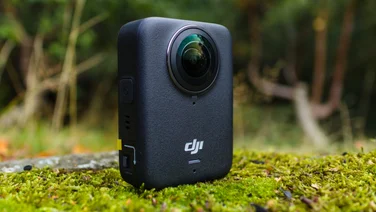
It took DJI a long time to come around to the 360 action camera market, but when it did, it smashed it out of the park. Now it’s back with its second-generation model – the aptly named DJI Osmo 360 II – and although on paper it doesn’t look like much has changed, it’s an even bigger hit.
This remains one of the best 360 cameras money can buy, coupling plenty of sensible features with stunning image quality, plenty of built-in storage and simple, intuitive 360 video editing.
What do you get for the money?
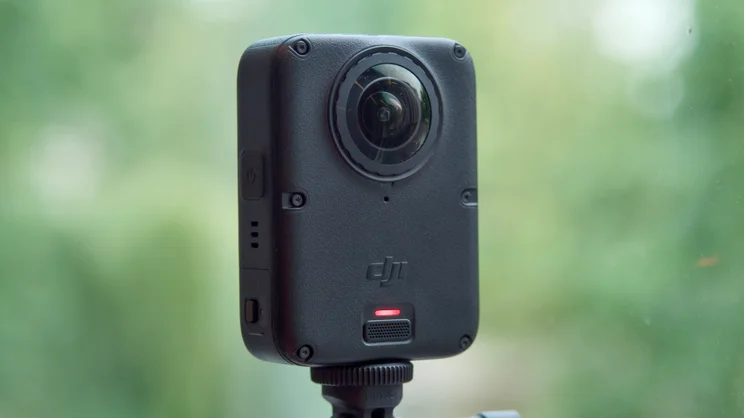
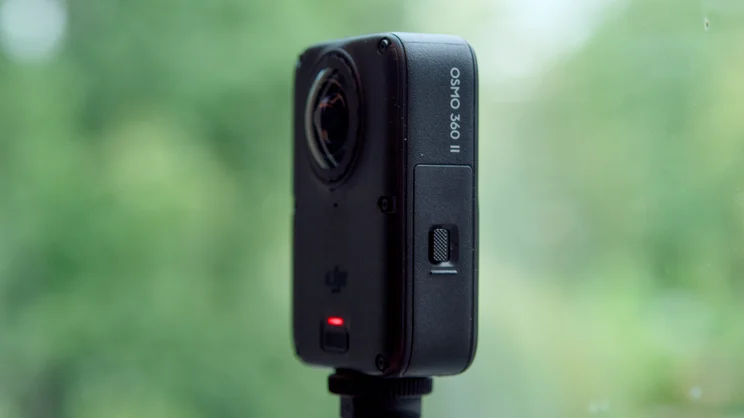
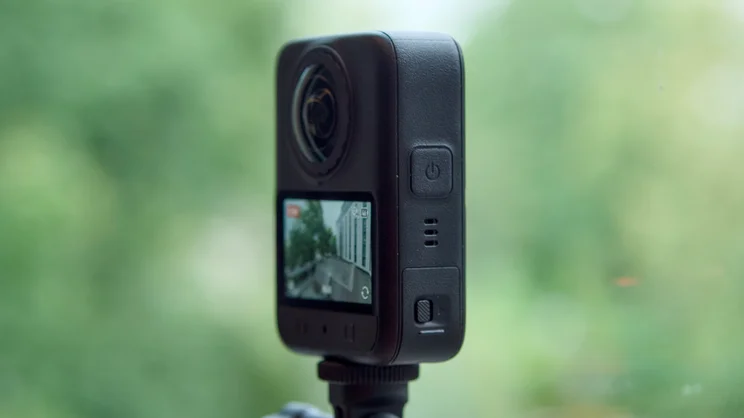
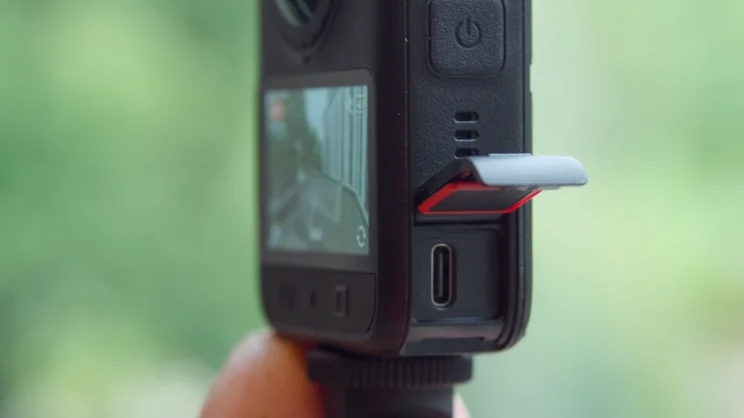
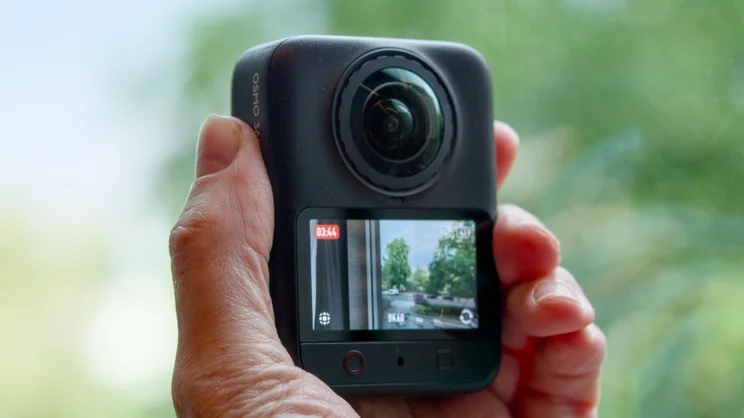
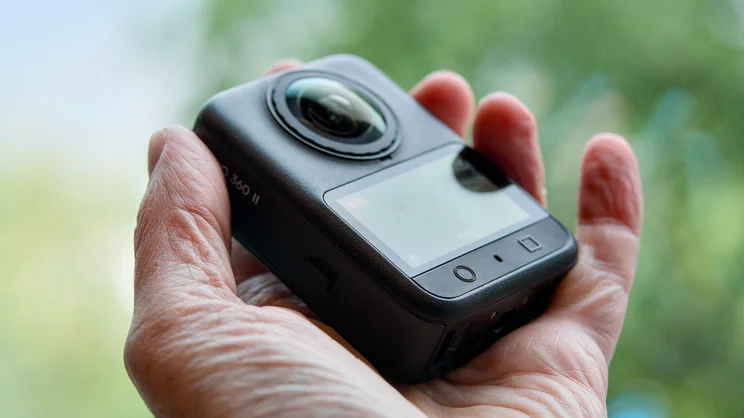
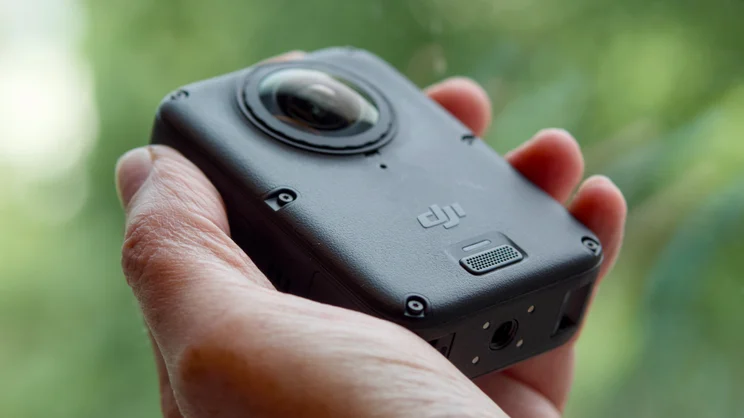
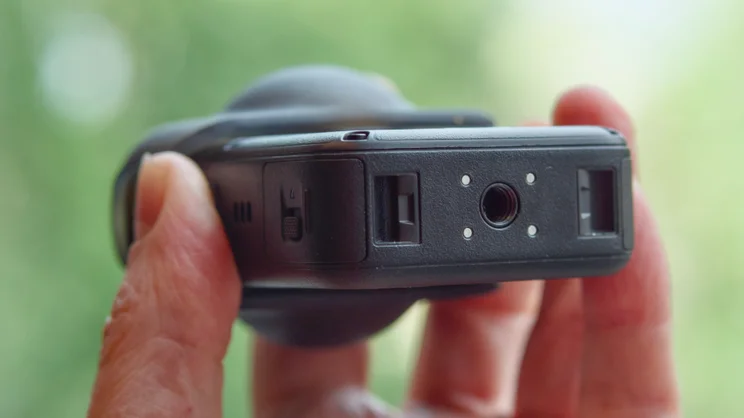
To be clear, the DJI Osmo 360 II is pretty much identical to the previous model, from a hardware perspective at least. It comes in the same squat, rugged IP68-rated body with a 2in 314 x 556 resolution touchscreen on the rear. It still has a 3/4in tripod thread mount and quick-release on mounts fitted to the base, and its imaging system hasn’t changed either.
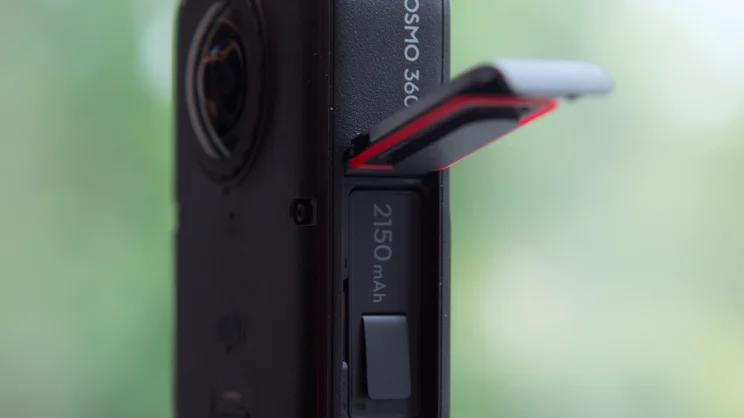
Its twin fisheye f/1.9 lenses hide the same pair of 1/1.1in sensors, so image quality ought to be just as good with maximum resolution at 8K, as before. Best of all, there’s still 128GB of integrated storage (105GB usable) – which is great for emergencies when you leave your microSD card in the reader at home.
Look closer at the specifications, however, and it’s clear that the DJI Osmo 360 II is a big improvement, in more ways than one.
Maximum resolution remains at 8K, but you can now shoot at 60fps, up from the hard limit of 50fps of the previous camera. Dynamic range is up one stop, from 13.5 to 14.5 stops, so the camera should be able to copy with extremes of light and dark in your scenes more capably. You can now shoot slow motion footage in 8K at up to 480fps (as long as you use DJI Studio software), or 4K at 240fps.
Timelapses are double the resolution, up to 16K from 8K at 30fps and 360, too. And there are several quality of life features added here, too. Spotlight Follow lets you track your subjects in full 360 degrees – if you wanted to keep your subject framed previously, you’d have had to reframe manually in the app or desktop software.
There’s also a dual-recording mode you can select in the app that produces picture-in-picture output automatically, again without you having to do anything. And photographic output also gets a boost, with the ability to snap RAW images this time around, alongside 120MP HDR photos.
And it is also now possible for owners to replace the lenses themselves, where previously they’d have to take it to an authorised DJI service centre. The replacement lens kit comes with a special tool that engages with an array of shallow teeth around the lens, allowing you to unscrew and replace it.
This is an important consideration for 360 cameras as the lenses are much more exposed than they are on other cameras. DJI also says it has improved the toughness of the optical coating, which should help
How did I test the DJI Osmo 360 II?
DJI sent me the Osmo 360 II before the launch date, and I’ve been testing out the new features for a week or so, fitting shooting around my daily work and taking it out on a press trip to Berlin.
I’ve tested the camera out in low light and bright sunlight. I’ve tested it in dark rooms with bright windows to assess the dynamic range. I’ve shot 360 photographs and video, and I’ve generally attempted to push the camera to its limits, performance-wise.
I’ve also given the battery a workout, recording at its maximum resolution (8K at 60fps) to see how long it takes to die, or overheat, whichever came first.
What’s image quality like?
With 10-bit video available and flat-profile D-Log M recording, coupled with two 1in image sensors and 8K 60fps recording, image quality is extremely impressive.
All the videos shot with the Osmo 360 II were absolutely packed with sumptuous details, smooth action and vivid, saturated colours. We were impressed with the original Osmo 360 camera’s ability to capture the extremes of bright and dark, rarely blowing out the highlights in bright skies, but the second generation camera’s expanded dynamic range should give you even more headroom when it comes to capturing tricky scenes.
I found I was able to get the best results shooting in D-Log M, then processing using the LUTs provided in the DJI LUT Hub in the app, which produced some absolutely stunning results. You can always reframe and then output the footage then colour grade in post, but using the app is so quick, easy and effective that I just stuck with it.
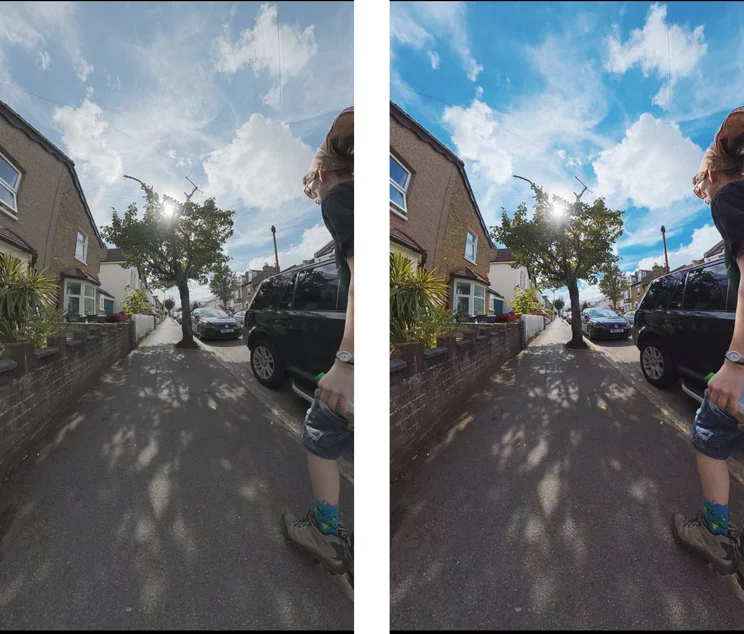
Below is a still from a street scene, shot on a bright summer’s day in London, amply demonstrating how capable the DJI Osmo 360 II is; despite the bright sun, the image is perfectly balanced, the sky deep blue, the sun gleaming through the limbs of the tree and colours in the darker areas of the frame not flattened or overexposed. You can see the flat D-Log M frame on the left and the processed frame on the right. The results really are very impressive and very easy to achieve.
In fact, I’m a fan in general of the DJI Mimo app’s 360 video workflow. It’s quick and painless, and the creative tools are pretty expansive. I loved playing around with the Camera Movements presets in particular, which allow you to quickly apply effects like spinning and zooming to your 360 footage without having to faff around adding keyframes.
And, try as I might, I wasn’t really able to trip up the DJI Osmo 360 II. I’m a huge fan of this type of action camera, but they do have their weaknesses. Low-light scenes are often tough for them, especially as there are often lights and screens to tilt the exposure balance too far one way or the other, but the 360 II handled these situations with aplomb.
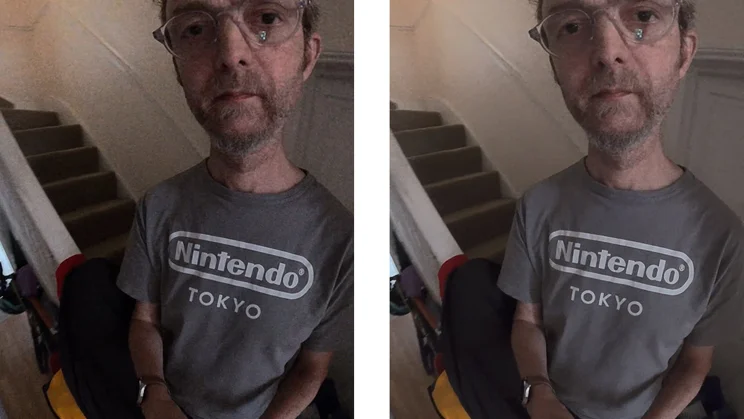
While there was evidence of noise in these scenes, I was able to tame them to a surprisingly effective degree using the in-app noise reduction tool and adding a little sharpening.
I’ve demonstrated this with a before and after frame of me in my rather dingy hallway at home, taken in the dim half light of the earlly morning. You can see that there is quite a lot of noise in the left hand image but much less in the right hand image without too much loss of detail.
The other issue 360 cameras have is that you can’t usually get too close to your subject without the stitch lines showing up in your video and stills. While that’s still the case with the DJI 360 II – 75cm is your limit for invisible stitch lines – you can get sharp footage much closer than that in single-lens mode.
It’s also great to see that DJI has introduced RAW capture for photos. I love the effects I can capture with 360 photographs and having the extra headroom afforded by the RAW files means you can get that bit more out of your images.
And battery life is pretty strong, too. Recording at the maximim level of quality at the highest bit rate, the camera can manage around half an hour of recording continuously before overheating and shutting down, and I managed to persuade it to record 1hr 4mins in total. That’s plenty enough to get you through a fairly intensive day of short clip recording with room to spare.
Should you buy the DJI Osmo 360 II?
We were impressed with the first 360 camera from DJI, but with a few small asterisks. Those have now mostly been resolved, with the ability to replace the lenses, RAW stills output and much improved software.
Image quality remains absolutely stunning, image stabilisation is superb and the extra features, particularly spotlight follow, are welcome time savers, allowing you to focus on telling your story instead of twiddling around getting the framing just so.
It’s an easy recommendation for any fans of 360 cameras and a great camera, in my opinion, for beginners, top. The only caveat is that the price of the DJI Osmo 360 II is considerably higher than the first generation camera. It’s £509 for the standard combo where the original started at £410. Lens replacement kits are, at least, quite reasonable though at £35 for both lenses.