To help us provide you with free impartial advice, we may earn a commission if you buy through links on our site. Learn more
- Compact and lightweight
- AI editing and translation works surprisingly well
- Good image and video quality
- Magnetic mount not backwards compatible with previous Go cameras
- A little too expensive
- AI frequently moans about losing connection
Can an AI voice assistant work in an action camera? There’s no earthly reason why not. After all, tech companies have been building them into every other device we own, from smartphones to smart glasses, speakers and even our cars. AI assistance is everywhere. Now, courtesy of Insta360 and its latest wearable camera, the Go Ultra, it’s in your action camera, too.
Hold down the capture button on the camera, ask whatever you normally ask your phone’s AI, and “Kira” will answer. She’ll describe what you’re looking at, translate spoken conversations in near real time, or snap photos and analyse the results – all powered by Google’s Gemini large language model.
What do you get for the money?
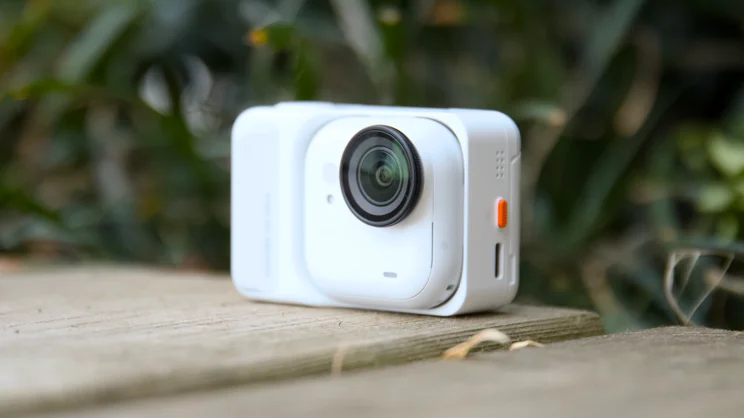
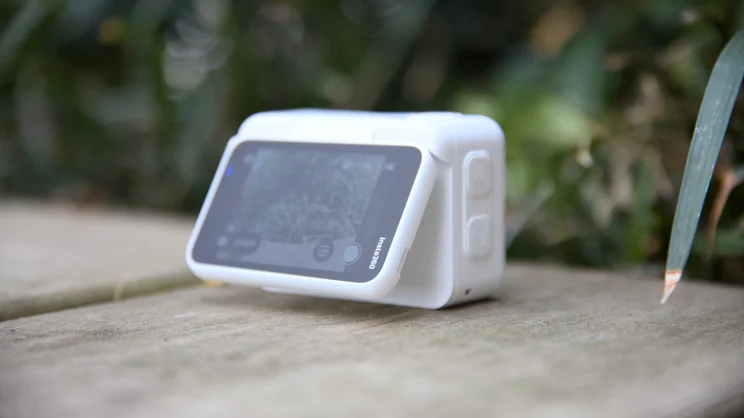
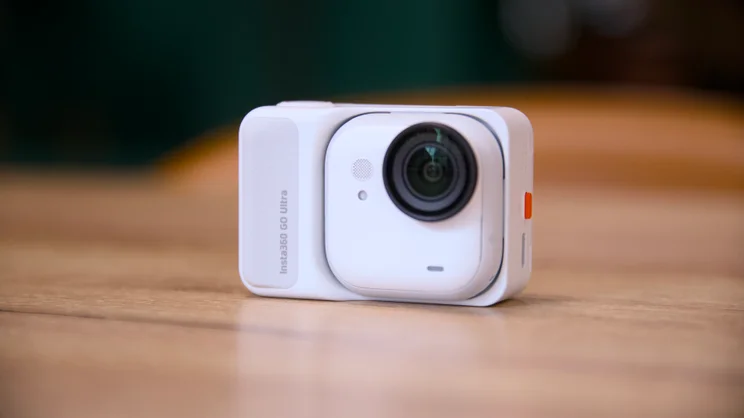
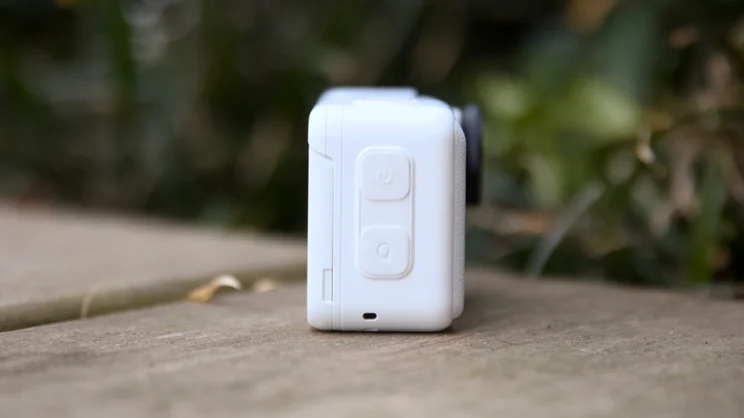
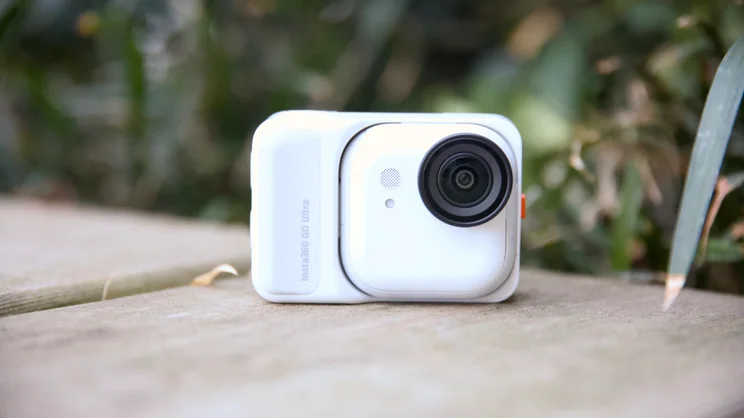
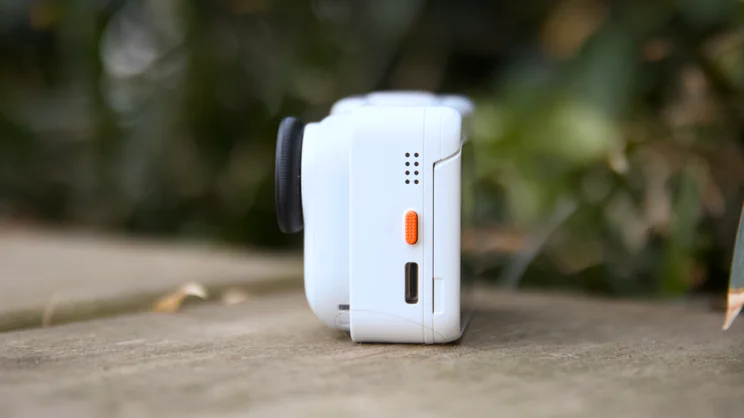
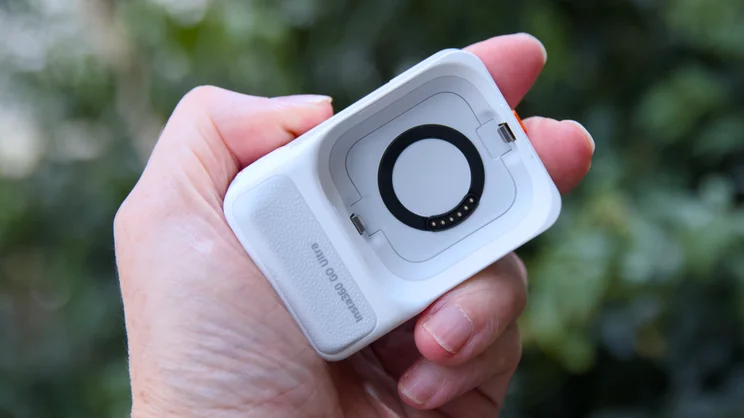
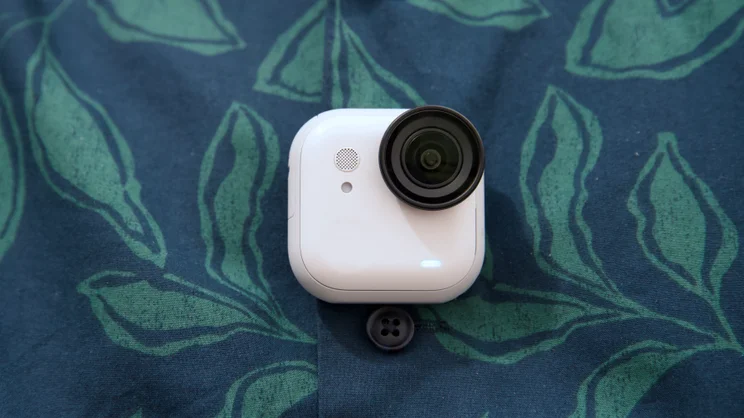
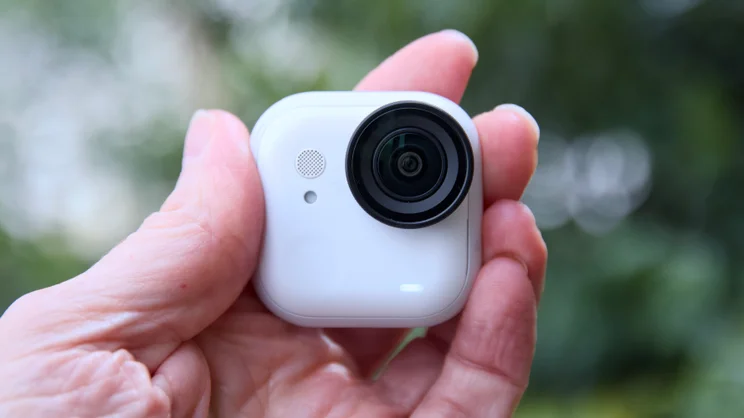
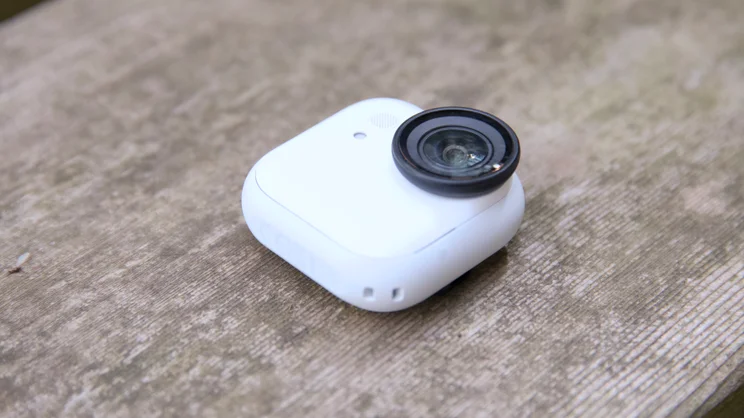
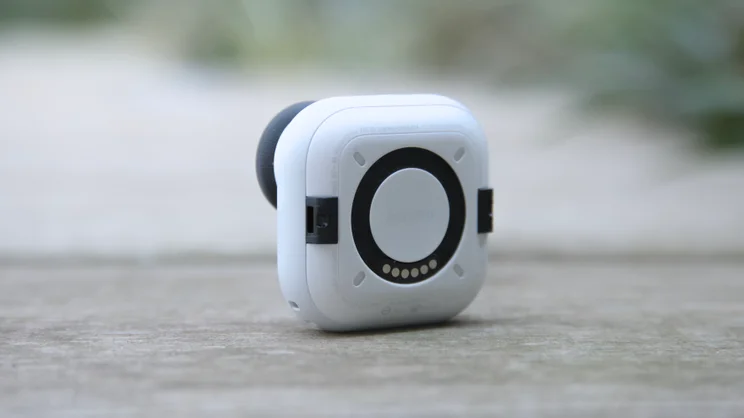
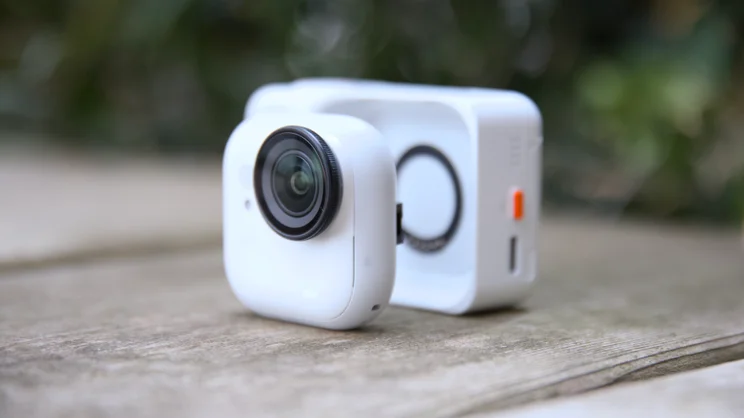
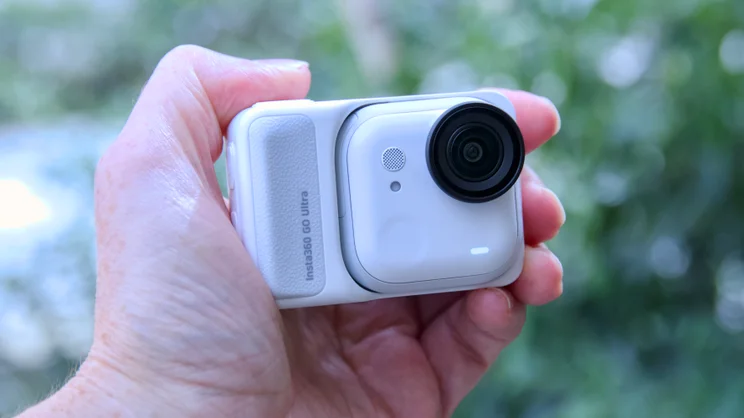
Ignoring the AI side of things for the moment, the Go Ultra is a remarkable little thing. Like previous cameras in the Insta360 Go range, it comes in two parts: an ultra-compact wearable camera that you can mount on your clothing or slip in a pocket and a chunkier dock with an extra battery and articulating screen. The latter serves multiple functions: you can use it to top up the battery in the wearable camera part, as a mini camera grip, or a remote viewing and control screen.
The Go Ultra delivers several key upgrades over the Insta360 Go 3s, the company’s previous flagship wearable camera. There’s 60fps 4K capture, where the Go 3s was limited to 30fps, and a larger sensor that measures 1/1.28in. It has expandable storage in the form of a microSD card slot (up to 2TB), there’s a larger 2.5in touchscreen, and battery life is longer in both the camera (up to 70 minutes) and dock (up to 200 minutes total).
There are downsides, however. That Ultra tag means a significantly higher price, at £389 versus £285 for the Go 3s, and there’s a size and weight penalty as well. The Go Ultra is double the width, squarer and bulkier than its cheaper sibling, and it weighs 14g more, too, at 53g vs 39g.
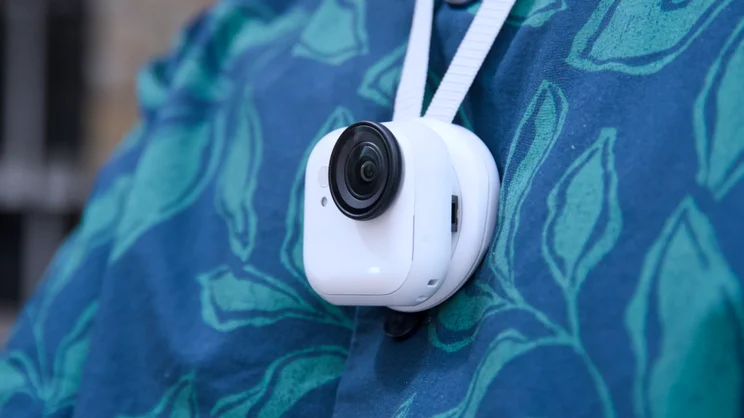
You get no significant extras in the box to speak of, either. For your £389, you get the camera itself and the dock, a magnetic pendant to string around your neck and inside your clothing so you can attach the camera to your chest, a quick-release wrist loop and a magnetic clip that lets you attach the camera to the peak of your hat or a bag strap.
There’s no GoPro style finger-mount, or threaded tripod mount adapter included, which is a disappointment; they cost extra. And if you were hoping the Go Ultra would be compatible with any of the accessories you might have bought for a previous Insta360 Go camera, you’re out of luck, too. Infuriatingly, this is a whole new attachment system. The Insta360 Go Ultra has no built-in storage to speak of, either, so you’ll need to buy a microSD card as well.
How good is the Insta360 Go Ultra’s AI feature?
This answer to this question depends largely on what you currently use AI for – and your tolerance for embarrassment out in public, or being told you’re a creep. Because, for better or worse, that’s the kind of reaction wearable cameras like this and Meta’s Ray Ban smart glasses are increasingly generating.
If you’re okay with that, then you might find it useful. Even then, though, the list of the things it can do are pretty limited. Like most smart glasses, you can ask Kira about the scene in front of you: products, architecture, landmarks and the like, you can use it as a conversational translation aid and it will also produce AI videos for you back in the Insta360 app, complete with transitions, effects and background music in seconds.
What it can’t do is transcribe voice to text, or produce a summary of a spoken conversation or meeting – one of the most common uses of AI in wearable devices.
Nevertheless, it does work reasonably well, particularly the translation. In my tests, it switched between two languages without fuss and translated short sentences effectively. I tested it by firing up an interview with Jurgen Klopp conducted in German and it made sense to me, although I did have to keep pausing the video; it seems Kira can only cope with short bursts of translation.
Sill, that’s all you need when you’re in a country where you don’t know any of the language at all. And if you find the camera’s speaker is too loud, you can pass the camera to the person you’re interacting with to speak into, ask them to pass it back to you once they’ve finished and carry out your conversation that way.
However, you can do that with a phone already, and replacing this process with a camera, I think, might just put the person you’re speaking with on edge. Be prepared for plenty of “are you filming me?” questions at the very least.
I’m not convinced by the other AI features, however. The marketing line is that you can use these to help describe or inform you about the places you might find yourself visiting on holiday, or maybe on a work trip. I suppose you could use it while standing in front of the Arc de Triomphe in Paris, and ask about the history of the Tomb of the Unknown Soldier or do the same with the Monument to the Great Fire of London and Pudding Mill Lane.
Once again, though, this will only prove useful if you can put up with the weird looks your fellow tourists (and locals) will give you as the rather grating AI voice bellows out its words of wisdom from the Go Ultra’s rather tinny onboard speakers.
That’s also assuming that the feature works for you in the first place. I often found Kira slow to respond, she would often complain about having no connection to the internet, and the standard responses of “okay” and “got it, please wait a moment”, “I’m still working on it, please wait a moment” while attempting, and often failing to connect, quickly become irritating.
The AI auto editing facility seems to work better, producing convincing-looking videos from a selection of clips and photos, complete with transitions and background music and it’s quick and easy to apply different styles, add text after the fact and change the music track if you want.
It would be a great way to quickly produce short holiday videos, ready for posting to Instagram. However, when I looked at the results more carefully, it appeared that the algorithm routinely ignored the order in which the video clips were recorded, jumbling them up in completely random order.
How did I test the Insta360 Go Ultra?
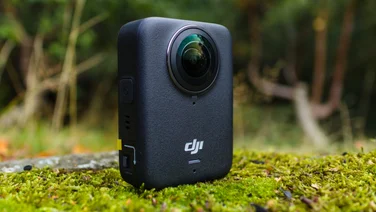
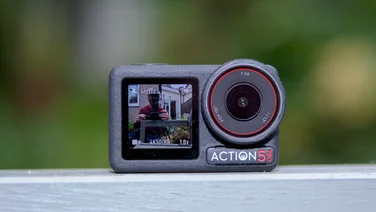
My go-to mini action camera right now, and the current holder of the Expert Reviews Action Camera of the year last year, is the DJI Osmo Nano, so I’ve been carrying around both cameras in my pocket filming and taking pictures for the past week or so.
I tried to match settings as best I could and compared the results in good light and low light and I compared the stabilisation by attaching both to the peak of my running cap and taking them both out on my daily training runs.
Of course, the headline feature is the new AI assistant, Kira, so I also gave that a thorough workout. I didn’t find myself in a foreign country at the time, so I had it translate a German language interview on YouTube. To test ask with photo, I asked the camera to identify various objects and explain various sights as I commuted into and out of London.
Video and photo quality
The Insta360 Go Ultra can record 4K video at up to 60fps using a sensor measuring 1/1.28in and video quality is very good as a result. Footage I recorded in good light was crisp, colourful, packed with solid levels of detail and the stabilisation was excellent.
I particularly liked the Tilt Fix correction mode; this keeps the shot looking straight if you’re holding the camera slightly off axis, but not when it’s tilted more severely. It’s a good balance between steadiness and image quality, and it helps keep your video straight if you’ve mounted the camera slightly askew.
However, in other respects I must say that I prefer the DJI Osmo nano. The colours are better balanced and more natural, and it handles low light more cleanly than the Insta360 Go Ultra does. The Insta’s footage quickly starts to exhibit visible noise as soon as the lights start to dim. You can use the Pure Video mode to fix this, but it caps the 4K frame rate at 30fps.
The Osmo nano is also a superior slow-motion camera, able to record an impressive 120fps in 4K where the Go Ultra can only manage that feat at 2.7K resolution. And I preferred the DJI’s still photo capture. The Insta360’s JPEGs looked pretty good out of camera, but its RAW images looked soft and oddly overprocessed.
On the flip side, I did prefer the Insta360’s stabilisation, which produced steadier, less jittery results under extreme provocation. And there are other areas where the Go Ultra pulls ahead, too.
Its larger, tilting screen makes the UI easier to use and settings easier to locate and change. And I love the little rubberised grip on the dock: it not only makes the camera more comfortable to hold when you’re not wearing it, but I think it makes the camera more socially acceptable when you’re out and about.
One final advantage the Insta360 Go holds is its quick 2x digital zoom facility. You can of course do the same in editing with much the same effect, and quality is reduced, but it’s nice to be able to frame your zoomed shots as you shoot.
Should you buy the Insta360 Go Ultra?
The Insta360 Go Ultra isn’t the first wearable AI device to come with a camera in it. The Humane AI Pin and countless smart glasses have already tried this combination with varying degrees of success.
However, it is the first device I’ve come across that puts the camera first. This means if you’re looking for a top-quality wearable action camera, you can dabble in the AI side of things without sacrificing much, if at all, in the way of quality.
The trouble is that the AI features are pretty restrictive, don’t work consistently enough to be reliable, and while I like the camera itself, it can’t quite match the quality of the DJI Osmo nano. The final kicker is the price, which at £380, I think, is a little too much when the nano costs from £279 and includes 64GB of integrated storage.