To help us provide you with free impartial advice, we may earn a commission if you buy through links on our site. Learn more
- High-quality 4K video feed
- Hub with MicroSD slot included
- Cameras are compact and stylish
- Advanced features require a top-tier subscription
- Smart Hub wireless range is unimpressive
- You can't manually record in 4K
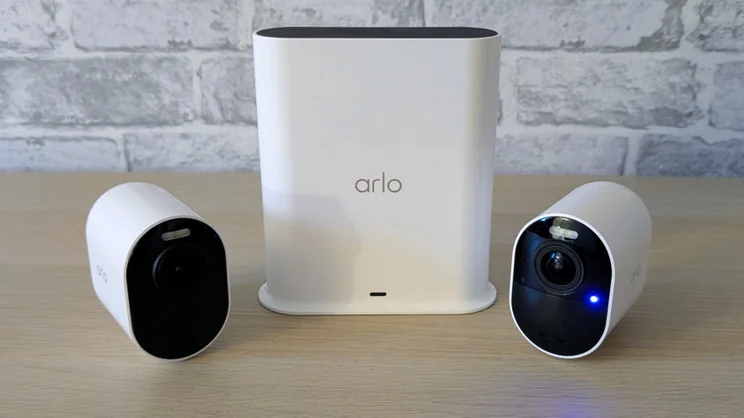
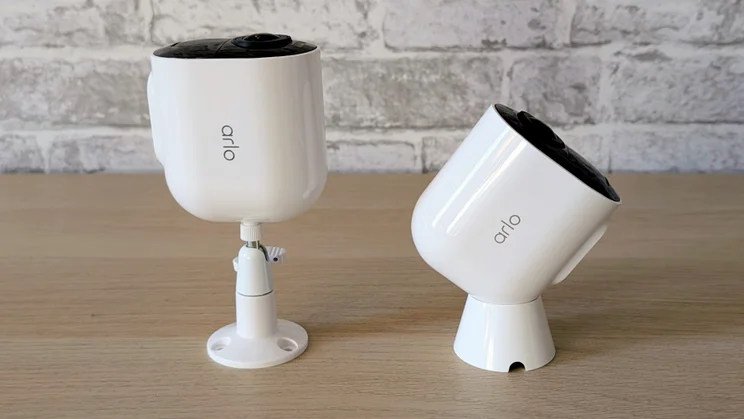
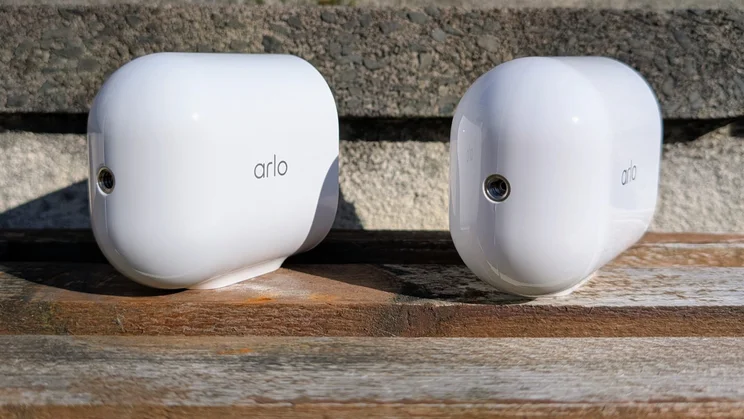
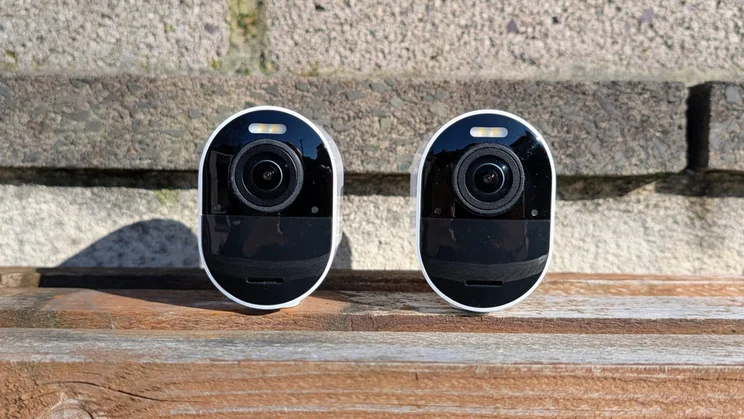
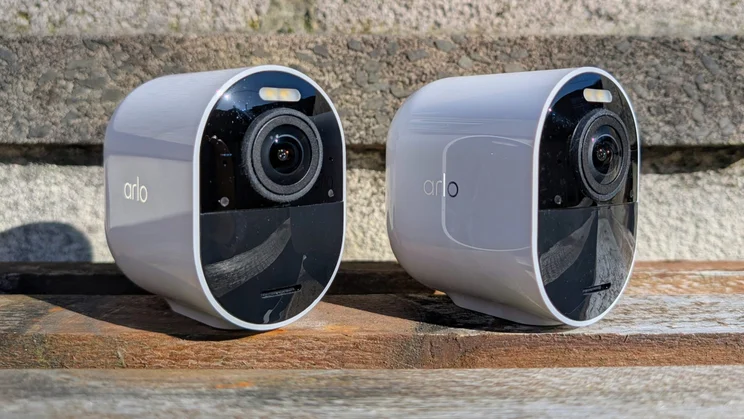
Arlo’s latest Ultra 3 4K security camera is essentially a 4K version of the Arlo Pro 6 2K+ I reviewed recently. Physically, the two devices are almost identical, with only a couple of minor differences in the camera design separating them. Both use the same bespoke, removable Arlo rechargeable battery.
The key distinction is video quality. The Ultra supports 3,840 x 2,160 live video at 24fps with a 180-degree diagonal field of view. That compares to 2,560 x 1,440 at 20fps and 160 degrees for the Arlo Pro 6.

What do you get for the money?
Arlo’s Ultra 3 system is available with two, three or four cameras for £530, £630 and £800 respectively. This, then, is not a cheap system by any stretch of the imagination.
However, at the time of writing, Arlo is offering a deal when you pay £200 for its annual top-tier cloud subscription service along with the cameras, which gets you 50% off the hardware. This means the total cost for a two-camera system and a year of cloud service drops from £730 to £465 – that’s one heck of a saving, although you’ll need to remember to cancel your subscription unless you want to continue paying £200 per year.
Each camera comes with one of Arlo’s bespoke 5,505mAh rechargeable lithium-ion batteries, which are rated for up to six months of use, although that depends on the usage scenario, especially how often the LED spotlight is turned on. In a week of intense testing, my battery charge dropped by 22%, a little more than on the Pro 6 and involved a fair bit of nighttime testing with the LED spotlight on.
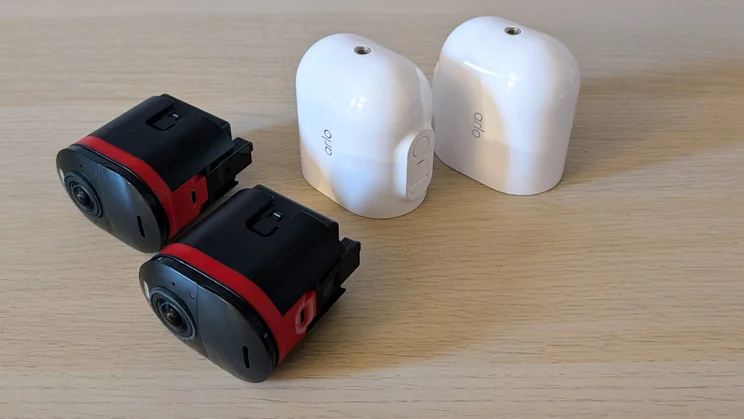
A pair of mounts are supplied, one of which the same simple ball-and-socket affair you get with the Pro 6, the other a more sophisticated magnetic part, which, when combined with the camera’s curvaceous back, allows for very easy adjustment across wide angles. Given that Arlo separate charges £13 for one basic mount and £30 for two magnetic ones, I’d have preferred two of the latter.
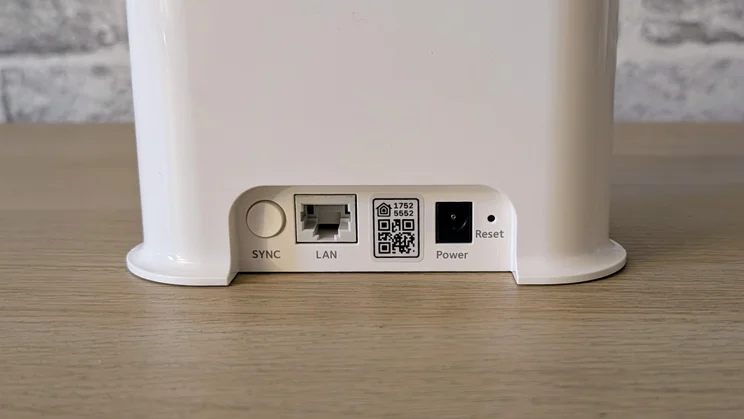
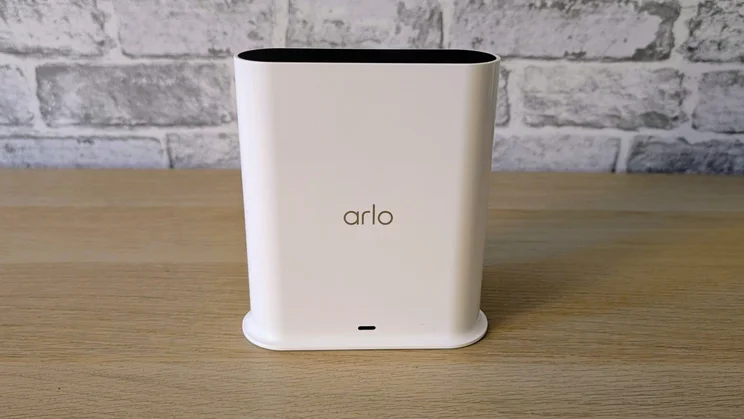
And also in the box is an Arlo Smart Hub, which is needed to handle the high-bandwidth demands of 4K video streaming. You cannot connect the cameras directly to your home Wi-Fi network as you can with Arlo’s lesser cameras. Usefully, the hub has a MicroSD card slot that can be used to store recordings locally so you can free yourself from the cloud subscription costs, once your initial trial or annual subscription expires.
Other features include an IP65 rating, support for Google Home, Alexa, Apple Home, SmartThings and IFTTT.
How easy is it to set up?
The first order of business when setting up the Arlo Ultra 3 is to plug in and connect the supplied Arlo Smart Hub. Arlo bundles a power supply and an Ethernet cable, so this is simply a case of plugging it in and connecting it to a free RJ-45 port on the back of your Wi-Fi router.
Next, you need to slide the camera units out of their white plastic shells by pressing the button on the underside, install the bundled rechargeable batteries, reinstall the camera units and charge them via the USB-C port.
Then, simply download the Arlo Secure app, set up an account, follow the prompts to connect the Smart Hub, the cameras and your Wi-Fi network all together. The hub and cameras both support 2.4GHz and 5GHz Wi-Fi signals.
Each time you add a camera to your account, you get a free 30-day subscription to the top-tier Arlo Secure cloud service for that camera.
And the accompanying app is reasonably easy to navigate, making accessing the basic functions like setting up zones to monitor or ignore, adjusting the duration of recordings, and adjusting the sensitivity of the motion detection system are all pretty straightforward. Usefully, the app can support two 4K live streams as well as at least three 2K feeds simultaneously.
What does it do well?
Even at first glance it is clear that the 8 megapixel sensor in the Ultra 3 produces a much sharper image than the 4 megapixel sensor in the Pro 6.
And that’s before you look at the comparative quality of the zoomed-in tracking shots: Like the Pro 6, the Ultra 3 has a x12 digital zoom, but at maximum zoom, the image quality from the Ultra is in a different league.
The optics are a step up from the Pro 6, too. Despite the wider field of view, the Ultra 3 showed less distortion at the edges of the image than the Pro 6, and the Pro 6 was itself an impressive performer in this area.
The Ultra supports the same range of enhanced AI detection capabilities as the Pro 6. This means you can train the system to recognise and alert you to bespoke situations, for example if you’ve left your back door or garden gate open.
In fact, just as long as you can take a before-and-after picture and feed it into the Arlo app to train the AI engine, you can set just about any eventuality up to register an alert.
The system can also be set up to recognise specific people and vehicles, again by training the AI engine with captured and uploaded images and then telling it what is what and who is who. There’s a fire detection mode, although this is still officially a beta deployment.
The Arlo 6 Pro will notify you when any sound is heard or when specifically a smoke or carbon monoxide siren sounds. Presumably, more options will arrive as the system develops. Some equivalent systems can already distinguish between a dog’s bark, a baby’s cry and a cat’s meow, so Arlo is a little off the pace here.
The audio system performed well. The two-way radio sounded loud and clear both ways, while the siren, which can be triggered manually or automatically, was loud and piercing enough to startle and hopefully deter anyone up to no good.
When I measured the Ultra 3’s reaction times for motion detection live video feed launching, the results were pretty similar to the Pro 6, which means they were rather good. The Hub took a few parts of a second longer to get its 4K ducks in a row when it came to launching a live feed, but the difference was borderline irrelevant in the real world.
What could it do better?
I wasn’t hugely impressed with the range of the Arlo Smart Hub. My Wi-Fi router had no issue communicating with the Arlo Pro 6 camera when it was placed at the end of the yard, which is the furthest point from it on my property.
However, the Smart Hub had problems reliably connecting to the Ultra 3 over the same distance, with delays in live feeds launching and sometimes one or both cameras temporarily showing as offline, suggesting they were at the limit of signal reception.
Plugging the Smart Hub into the Ethernet port on my range extender in the dining room fixed the problem in a jiffy. Still, it’s worth keeping in mind if you plan on putting an Ultra 3 camera at any great distance from your router and the Smart Hub and lack the facility to move the latter into a more equidistant position.
There are also a few caveats surrounding the Ultra 3’s “4K” performance that are worth clarifying. First, 4K live-streaming is only supported via your home Wi-Fi network and the Arlo Smart Hub. If you access your cameras via a remote cellular connection, the live stream resolution drops to Full HD.
Second, when you put the cameras into 4K live-streaming mode, the option to take a snapshot or start recording a live feed vanishes from the on-screen display. Motion-triggered events are recorded at 4K in 4K mode; you just can’t start a recording manually. Why this is the case is anyone’s guess, but it is rather annoying.
Should you buy the Arlo Ultra 3?
The Ultra 3 is another Arlo camera system for those with deep pockets. With the cheapest two-camera system costing £530, it is seriously pricey even when compared to the Pro 6 equivalent at £250.
Having said that, you do get a free VMB5000 Smart Hub in the box, an accessory that would set you back £180 if bought separately, and the Hub’s MicroSD card slot means you can dispense with an Arlo cloud subscription if you want.
Moreover, if you take advantage of the 50% hardware discount by subscribing to Arlo Secure+ Annual, and the price of an Ultra 3 package is even easier to swallow. Buy the four-camera system this way, and you’ll save a whopping £400, dropping the price to £600 for the lot.
On balance, all of that makes the Ultra 3 system pretty good value for a high-end 4K security camera system, and more flexible than the Arlo Pro 6 alternative. Just bear in mind that you can pick up a pair of the even more capable, triple-lens 4K-capable Eufy S4 cameras with a hub and without having to jump through hoops for £549.