
To help us provide you with free impartial advice, we may earn a commission if you buy through links on our site. Learn more
- Performance on par with the best of them
- Arguably neat design
- Easy setup and management
- Falls well short of the full potential of Wi-Fi 7
- The RE235BE is just as good, and cheaper
If you wish your Wi-Fi signal would reach a little further, a wireless repeater like the RE220BE could be the answer.
These compact devices don’t normally provide top-tier performance, but they’re a simple way to get a reliable connection in areas your router struggles to reach.
What do you get for the money?
The TP-Link RE220BE is a Wi-Fi 7 repeater, meaning it uses the latest wireless standard – but it really doesn’t take advantage of the high-performance features of the new technology.

It only works on the familiar 2.4GHz and 5GHz bands as used by Wi-Fi 6, with no support for the potentially faster 6GHz frequency range. Its top connection speed of 2.8Gbits/sec is nothing special either, when routers and dedicated mesh systems can go twice as fast even without 6GHz support.
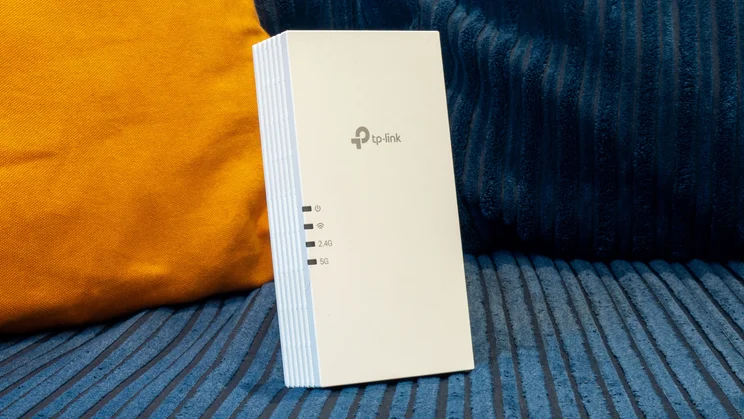
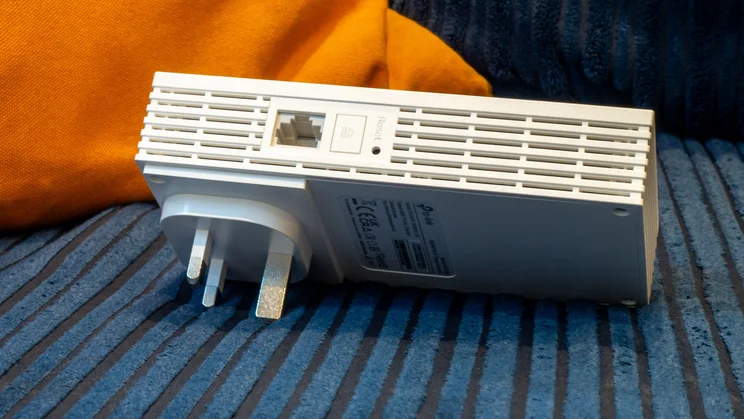
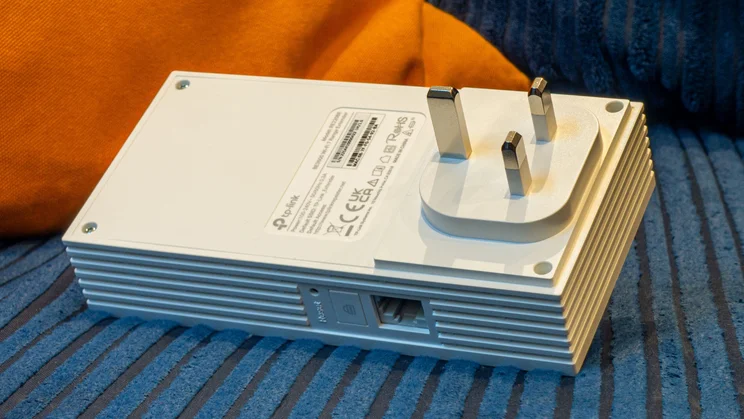
Still, it’s a neat device, with a boxy casing that’s agreeably clean (the twin antennae are inside) and a gigabit Ethernet port that you can use to connect a single wired device. Alternatively or, you can plug the RE220BE into a router or switch and use it as a wireless access point.
You don’t need a Wi-Fi 7 router to use it, either: the RE220BE broadcasts its own Wi-Fi 7 compatible signal, but can happily connect back to a router using Wi-Fi 6 or older standards.
How did it perform?
TP-Link offers three Wi-Fi 7 repeaters, namely the RE220BE, RE225BE and RE235BE. From those model numbers you’d assume this to be the most lightweight of the three, but the spec sheet indicates they all use the exact same Wi-Fi hardware – and in our tests I found there was very little to differentiate them.
That’s not a bad thing. In the upstairs study, where I was getting a download speed of 29.9MB/sec from my router alone, the RE220BE boosted performance to 39.8MB/sec; while that’s still only around a fraction of the speed of my internet line, it’s a significant improvement.
In other rooms I saw download speeds ranging from 21.6MB/sec to 34.7MB/sec, indicating that this extender has enough range to keep up decent performance, even in the far corners of your home. If you’re suffering from stuttery streaming or dropouts on video calls, a repeater like this could make a real difference.
What did we like about it?
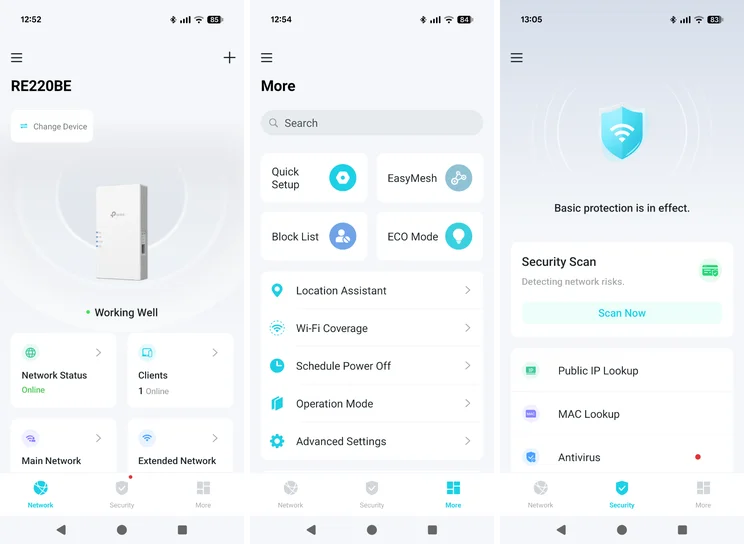
Setting up the extender is very easy: just plug the thing in, connect a laptop or smartphone to its default network, then step through the configuration wizard. You don’t need any technical knowledge beyond the name and password for the network you want to extend.
Once it’s running, you can keep an eye on your network activity and change a few settings via the web portal, or use the simple TP-Link Tether smartphone app, which includes a signal tester to help you find the best place to locate the extender.
What could it improve?
Aside from the fact that it doesn’t make much use of Wi-Fi 7, our only criticism of the RE220BE is its price. Although it works well, and is perfectly pleasant to use, it’s distinctly more expensive than the RE225BE and RE235BE models, while offering no significant benefits in terms of hardware performance or software features.
Should you buy the TP-Link RE220BE?
As things stand, absolutely not – not when the RE235BE is functionally almost identical and costs nearly £20 less.
However, that could well be a temporary quirk of the market; if you’re in the market for a Wi-Fi 7 extender we recommend you check the latest pricing on the RE220BE, RE225BE and RE235BE and invest with confidence in whichever one is cheapest.





