To help us provide you with free impartial advice, we may earn a commission if you buy through links on our site. Learn more
- Fast at close range
- Respectable whole-home reach
- Friendly app with Norton security offer
- “Wi-Fi 7” branding is optimistic
- Speeds fall off over longer distances
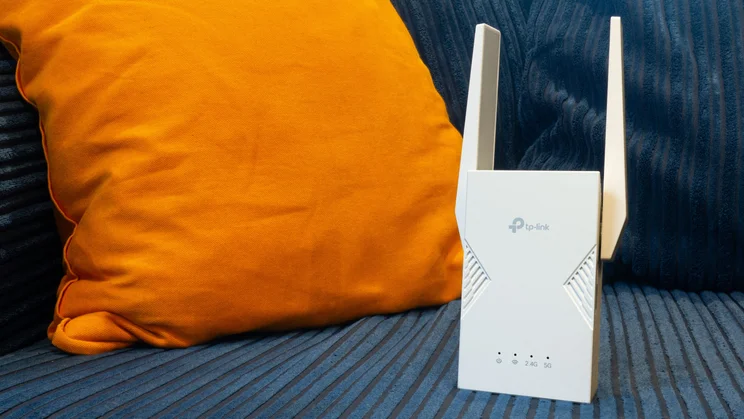
The RE225BE is TP-Link’s mid-range Wi-Fi 7 extender, designed to project a wireless signal into areas where your router’s own Wi-Fi is weak or slow.
I call it “mid-range” because, numerically speaking, it sits between the TP-Link RE220BE and RE235BE extender models – but, as we’ll see, there’s actually very little difference between the three models.

What do you get for the money?
On paper, the RE225BE is entirely identical to the RE220BE. It broadcasts a dual-band Wi-Fi signal on the 2.4GHz and 5GHz bands, with a maximum speed of 2.8Gbits/sec for 5GHz connections. It’ll work with any Wi-Fi router, but it doesn’t receive or transmit on the ultra-high-frequency 6GHz range, meaning it can’t take advantage of the full speed and versatility of Wi-Fi 7.
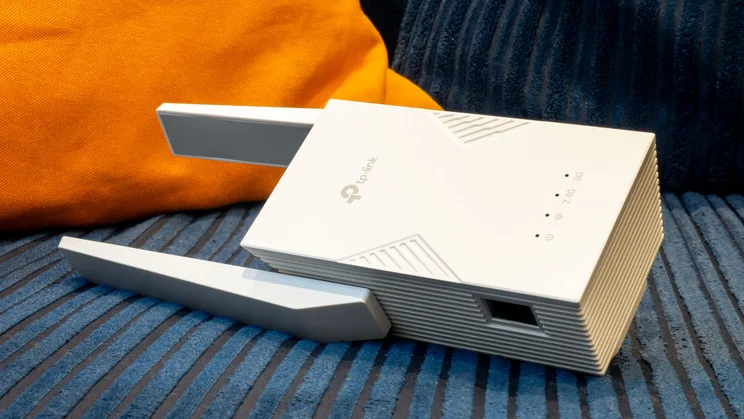
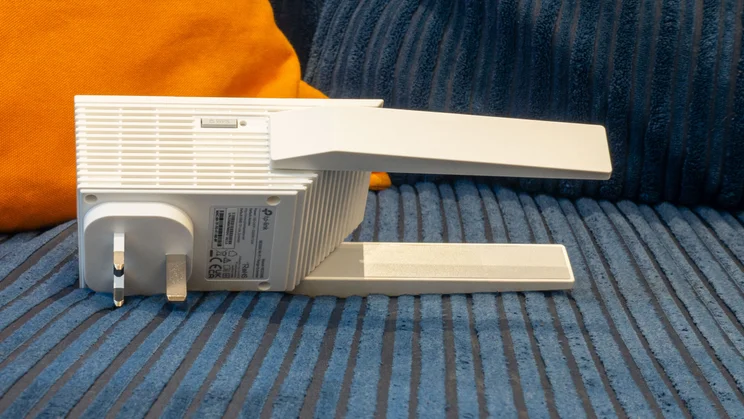
The RE225BE also matches the RE220BE in offering a gigabit Ethernet socket at the side, for connecting wired devices or turning the extender into an access point. A WPS button on the oppsite flank gives you an easy way to get client devices onto the network.
The one difference between the two models – literally, the sole one that I can discover, having pored over the technical data sheet and the configuration interface – is that the RE225BE has a smaller case with external antennas, in contrast to the fully enclosed design of the RE220BE.
How did it perform?
Since the RE225BE uses the exact same Wi-Fi 7 hardware as the RE220BE – and the notionally more upmarket RE235BE – I wasn’t expecting to see any difference in performance. However, with the unit set up in my upstairs study and tested at close range, I was pleasantly surprised to see a download rate of 56.4MB/sec – around 40% faster than the RE220BE.
That’s a big improvement, presumably attributable to the different antenna design, and representing a boost of nearly 90% compared to connecting directly to the downstairs router.
Unfortunately, this advantage doesn’t hold over longer distances. In the bedroom, the RE225BE was merely on par with the RE220BE, and in the living room and dining room it was slower, with speeds hitting a low of 16.8MB/sec. Don’t worry about that too much, though: it’s still easily fast enough for streaming and videoconferencing.
What did we like about it?
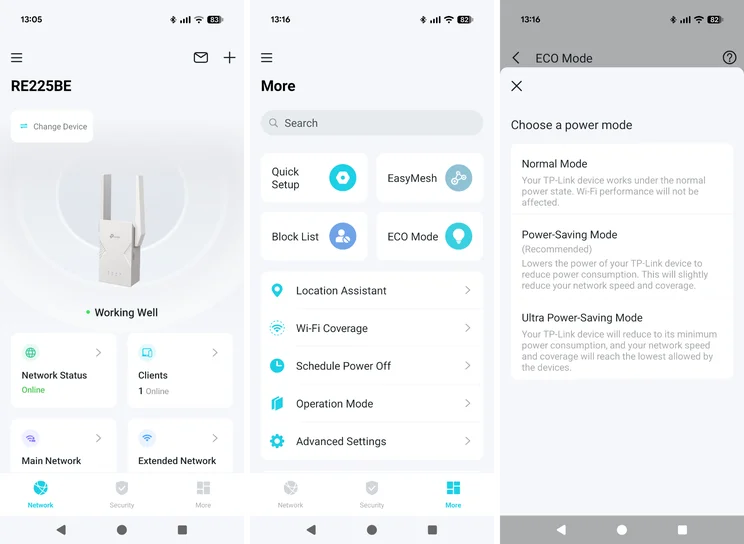
Everything that’s good about the RE220BE applies to this model, too. That means easy setup, a clear and friendly web management interface and TP-Link’s handy “Tether” smartphone app.
As well as the usual admin tools, the latter includes a simple network security scan, which can warn you about weak encryption or security settings. There’s also a promotional panel you can tap to get Norton 360 Deluxe internet security for up to five devices for £25 a year, which isn’t a bad proposition. You could probably shop around and find a similar deal outside of the Tether app, but I’ve no objection to having the offer conveniently served up like this.
What could it improve?
As I’ve mentioned, the performance I saw from the RE225BE was uneven compared to the RE220BE, with higher speeds up close and slower downloads in more distant rooms. Although the RE220BE can’t match the top speeds of this model, I prefer its overall consistency.
At the time of writing, the pricing of the RE225BE is also a little wayward; at £79 it’s a better buy than the RE220BE, but it’s still weirdly £6 more expensive than the RE235BE.
Should you buy the TP-Link RE225BE?
None of the current crop of Wi-Fi 7 extenders fully delivers on the capabilities of the latest wireless standard, so a cheaper Wi-Fi 6 model might suit your needs just as well.
But if you’re in the market for a dual-band Wi-Fi 7 repeater, the TP-Link RE225BE is a fine choice, especially if you’re focused on short-range performance; otherwise, the RE235BE offers more balanced overall coverage, and is also slightly cheaper.