To help us provide you with free impartial advice, we may earn a commission if you buy through links on our site. Learn more
- Decent Wi-Fi 7 performance for a bargain price
- Packed with useful software features
- Multi-gigabit internet and LAN support
- There are faster options, especially for longer-range connections
- Might struggle to fill larger homes
The Archer BE3600 is the most affordable Wi-Fi 7 router we’ve ever reviewed, yet nothing about it feels cheap. It looks smart, it offers a solid Wi-Fi specification, and it comes with various features that we’d normally associate with routers costing two or three times the price.
It does have its limitations. If you’re looking to make the most of a multi-gigabit internet connection, or if you need a ton of bandwidth to service a home office full of busy devices, you might be happier with a more expensive model. But the BE3600 does everything most homes will need for an almost irresistible price.

What you need to know
The Archer BE3600 is a dual-band Wi-Fi 7 router, supporting the standard 2.4GHz and 5GHz frequency ranges. At this price, it’s no surprise TP-Link hasn’t included 6GHz support, and that’s not a major problem – every existing Wi-Fi device will work just fine on one or other of the two supported radio bands.
The manufacturer makes modest performance claims for the BE3600, with advertised connection speeds of up to 700Mbits/sec on the 2.4GHz band and 2.9Gbits/sec on the 5GHz band (with the benefit of 2×2 MU-MIMO). Many Wi-Fi 7 routers promise double that data rate, including this one’s pricier stablemate, the Archer BE400, but don’t worry about that too much. This type of technical specification rarely bears much relation to the download speeds you’ll see in your own home.
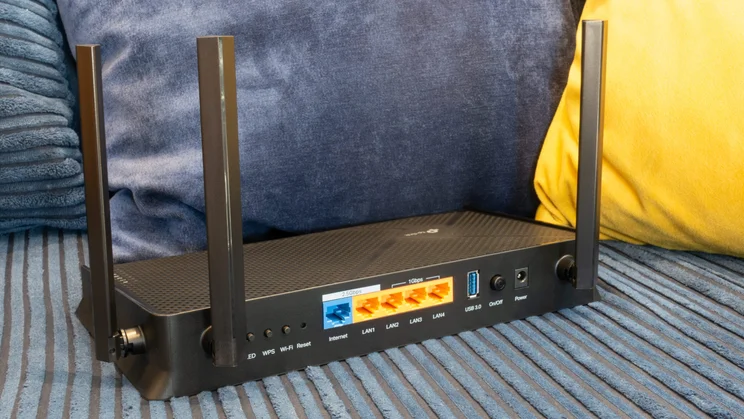
Wired connectivity is well covered, too. It’s great to see both WAN and LAN sockets that support 2.5Gbits/sec Ethernet, along with three regular gigabit ports and a USB socket. Again, that’s a specification we’d be satisfied with on a router costing twice the price.
Price and competition
At £75 this is, as I’ve said, the cheapest Wi-Fi 7 router that I have seen (and that we have reviewed at Expert Reviews), so in a sense it has no competition. Previously, if you were looking for a low-cost Wi-Fi 7 router we’d have recommended the Asus RT-BE58U, but that’s less of a bargain, especially as the price has gone up recently – it’s currently selling for £108.
If you like the Asus way of doing things, a better option is the newer Asus RT-BE55, which offers the same firmware features as the BE58U and comparable performance for a cheaper £90. Alternatively, you could look at Netgear’s entry-level Nighthawk RS100 – another former contender for the title of cheapest Wi-Fi 7 router, now selling for £104. That’s a pretty basic model, however, with no real performance advantage; the best reason to buy it might be if you like its striking black mini-tower design.
In fact, if you’re looking for a meaningful step up in performance from the Archer BE3600, your best bet is probably the Archer BE400. At £160, that model costs more than twice as much, but it’s still quite affordable – and it convincingly topped the table in our Wi-Fi performance tests.
Design and features
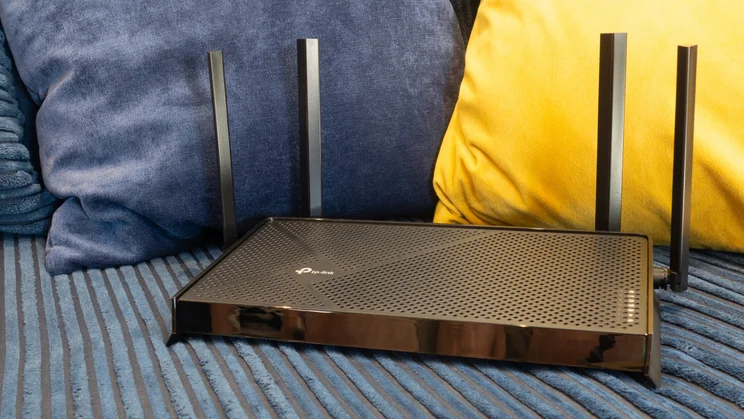
With its low-profile black casing, tasteful angular accents and a stack of white status LEDs running down the right-hand side, the Archer BE3600 looks – from a certain perspective – quite stylish. The only thing about it that hints at cost-cutting is the four spindly antennae; pricier models tend to have more, and chunkier aerials. But that’s a nerdy point, not an aesthetic one.
The rear of the router is well-appointed, too. You get nice physical buttons for turning the LEDs and the Wi-Fi transmitter on and off, along with a WPS push-button for easy pairing. The 2.5GbE WAN and LAN sockets mean you can take full advantage of a multi-gigabit internet connection, should you be lucky enough to have one, by either connecting a high-speed client directly to the router or attaching a 2.5GbE switch.
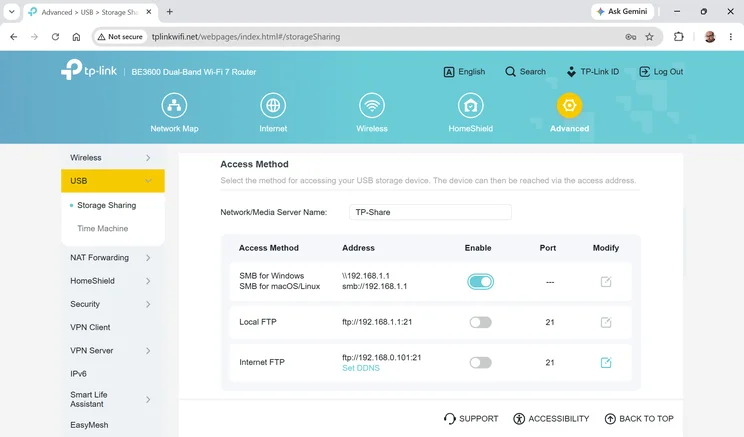
The 5Gbits/sec USB socket, meanwhile, lets you easily share files from a USB hard disk over your home network, or over the internet via a built-in FTP server. If you have a Mac you can alternatively configure your external storage as a Time Machine destination, for zero-touch backups.
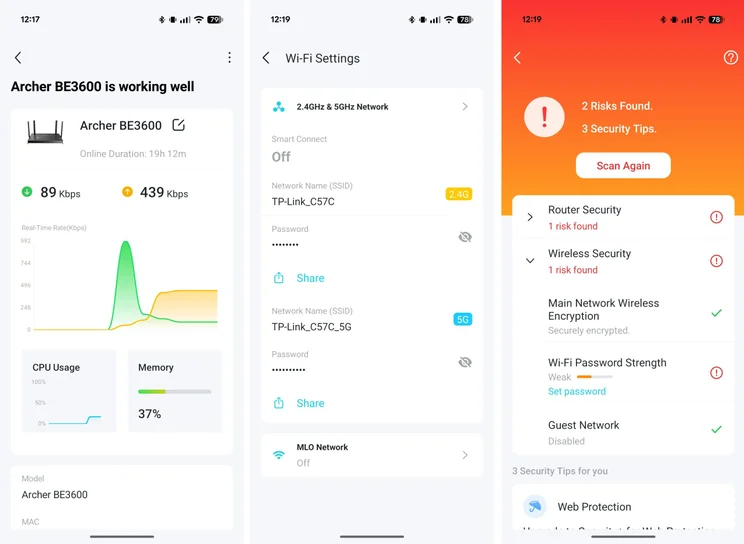
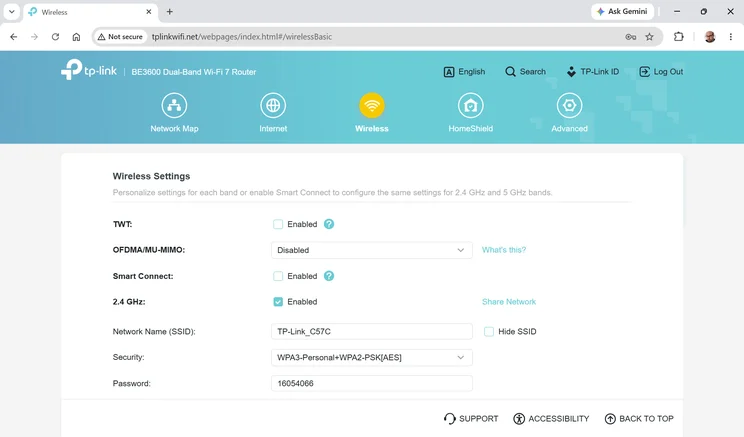
On top of all this there’s an extensive set of software options, providing all the same network management features as you’ll get on TP-Link’s most expensive models. You can split or combine the two network bands with a click, and optionally enable additional isolated networks for guest devices and IoT gadgets.
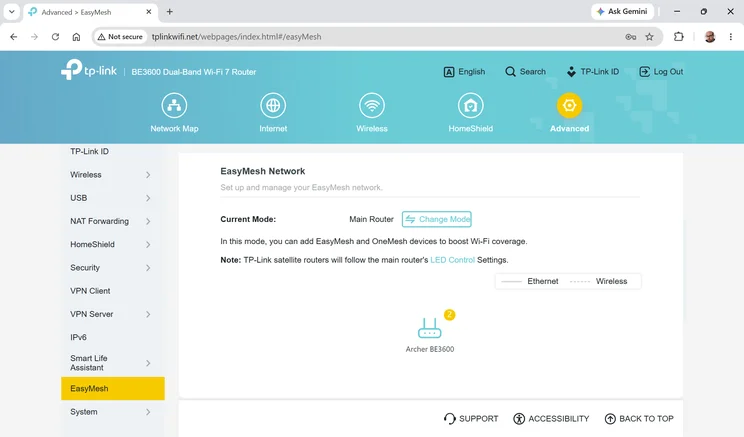
TP-Link’s EasyMesh system lets you combine multiple routers into a wide-area system with unified management; or, if your priority is a stable signal, you can enable MLO (multi-link operation), which combines 2.4GHz and 5GHz communications into one virtual network that’s slower than 5GHz alone, but should be more reliable over long distances.
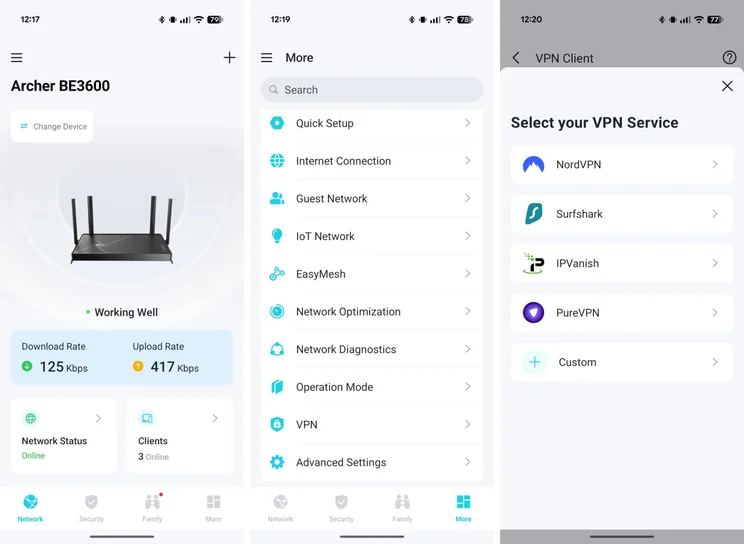
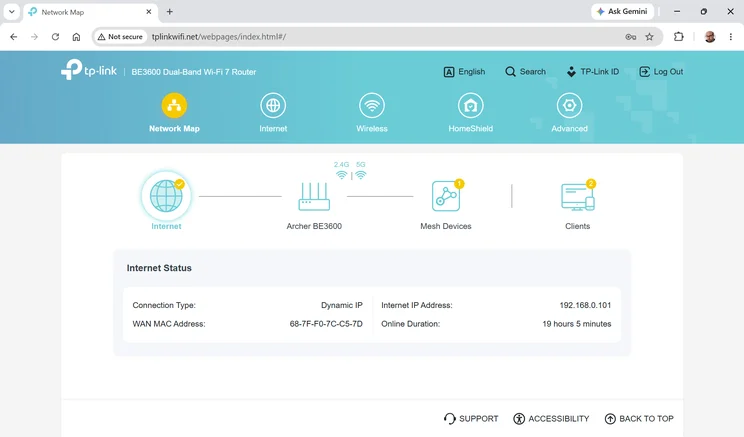
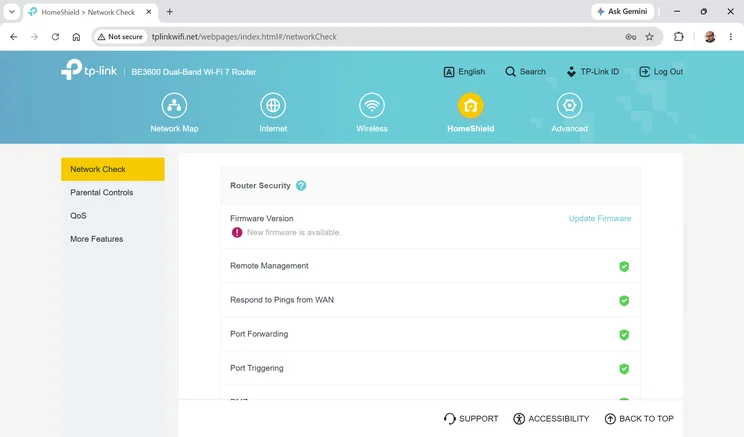
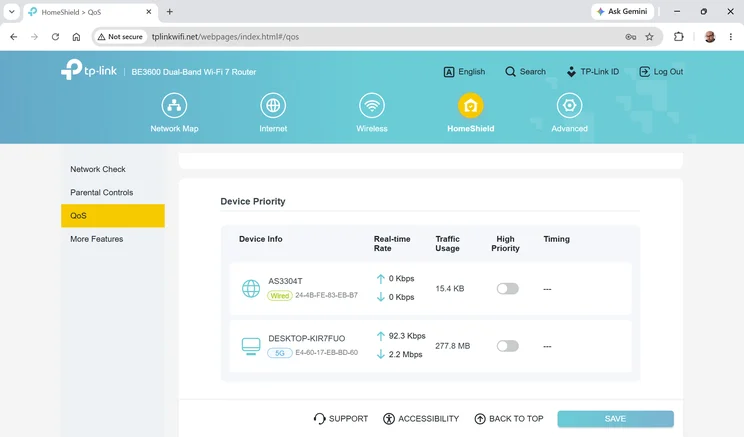
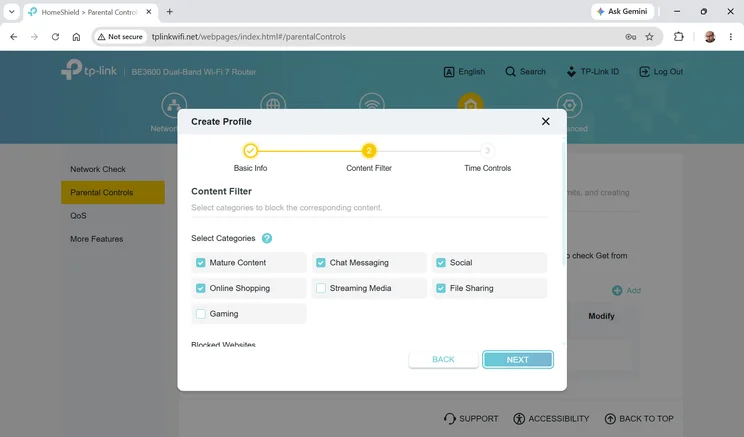
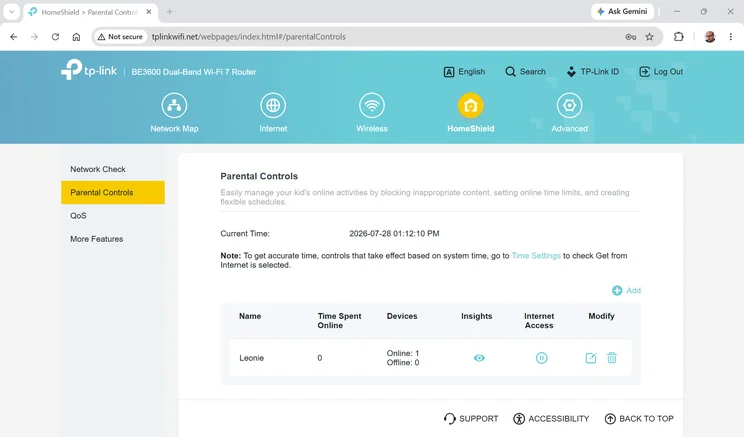
Dig a little into the Tether smartphone app – or the neat web management interface – and you’ll find you can also carry out simple security scans, set up parental control profiles (which let you apply both time limits and content blocks to individual devices) and configure nicely granular per-device QoS settings.
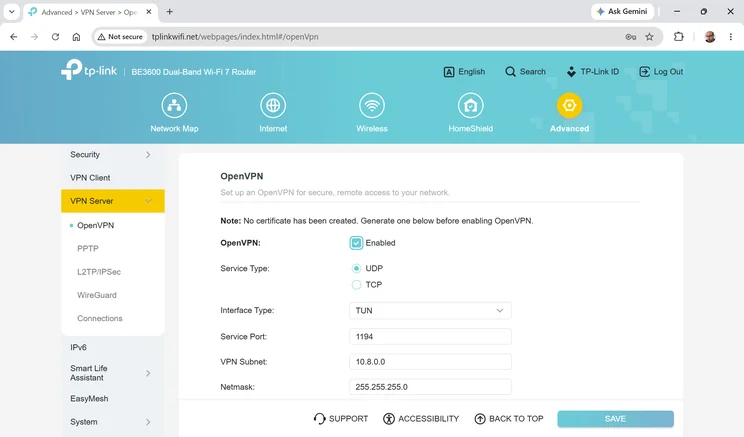
A local VPN service can be enabled to allow remote access to your home internet over the internet. And individual LAN clients can be set to connect to the internet via a nominated external VPN provider so that, for example, you can enhance the privacy of your personal laptop, and spoof the location of your smart TV, without affecting the rest of your home devices. The router integrates directly with a selection of big VPN providers, or you can manually enter settings for any server that uses OpenVPN or WireGuard.
For tighter control of your network, TP-Link offers optional HomeShield Security+ and Advanced Parental Controls services, which add active threat scanning, app controls and detailed reporting for $36 and $18 a year respectively. Even without those add-ons though it’s an excellent feature set, and certainly better than you’d have any right to expect for the price.
How I tested the TP-Link Archer BE3600
The TP-Link Archer BE3600 is marketed as being suitable for three-bedroom homes, and as luck would have it I happen to live in just such a property. So I set the router up in my own house – in the upstairs study, to be precise – updated it to the latest firmware and connected to its 5GHz network from my usual test laptop, running the latest release of Windows 11 and equipped with an Intel BE200 Wi-Fi 7 card supporting 2×2 MIMO.
I then connected a local NAS appliance to the router’s 2.5GbE socket, took the laptop to various rooms of my home, and measured upload and download speeds when copying a standard set of files to and from the NAS. Here are the results from these tests, along with speeds from the other previously mentioned routers for comparison:
| MB/sec | Study download | Bathroom download | Bedroom download | Living room download | Dining room download |
|---|---|---|---|---|---|
| TP-Link Archer BE3600 | 81 | 97.2 | 50.1 | 56.1 | 28.6 |
| TP-Link Archer BE400 | 140.8 | 98.9 | 59.9 | 78.3 | 54.8 |
| Asus RT-BE55 | 86.1 | 68.1 | 45.7 | 69 | 37.2 |
| Netgear Nighthawk RS100 | 91.2 | 60.4 | 34.4 | 60.3 | 39.9 |
| Asus RT-BE58U | 92.3 | 89.7 | 34.8 | 68.5 | 37.9 |
| MB/sec | Study upload | Bathroom upload | Bedroom upload | Living room upload | Dining room upload |
|---|---|---|---|---|---|
| TP-Link Archer BE3600 | 30.3 | 30.7 | 26.5 | 27.3 | 20.7 |
| TP-Link Archer BE400 | 34.1 | 33.6 | 29.3 | 27.3 | 22.1 |
| Asus RT-BE55 | 27.5 | 25.7 | 21 | 25.6 | 18.9 |
| Netgear Nighthawk RS100 | 30.4 | 29.3 | 27.9 | 28.6 | 28.9 |
| Asus RT-BE58U | 30.5 | 29.8 | 27.5 | 29.3 | 27.6 |
Clearly, the Archer BE3600 has strengths and weaknesses. It performed superbly in the bathroom, with downloads racing over the airwaves at nearly 100MB/sec, but fell behind its rivals in the two downstairs locations, namely the living room and dining room. I suspect this is at least partly down to its basic antenna configuration: it’s conspicuous that the six-antenna Archer BE400 outpaced it in every location, offering nearly double the performance of the BE3600 in the dining room.
They do say, however, that comparison is the thief of joy, and if you’re on a budget what matters is not how the Archer BE3600 measures up against its rivals but whether it meets your actual needs. For me that’s an unequivocal yes: in rooms next to the router I saw download rates of more than 50MB/sec, which is plenty for any sort of personal or professional purpose. Even at the far end of my home, the BE3600 kept up an average download rate of nearly 30MB/sec. According to the Disney Plus bandwidth recommendations, that’s nearly ten times as much as is needed for 4K HDR streaming.
Verdict
The TP-Link Archer BE3600 is an impressive product. Despite its audaciously cheap price, it let me work and play very satisfactorily in every part of my home, without having to worry about glitches or lag. Factor in all of its clever software features and it doesn’t feel like a budget router at all.
There are a few scenarios where I’d hesitate to recommend this router. If your home is significantly larger than mine, or blessed with foot-thick stone walls, you might want better long-range performance than the BE3600 can provide. While you could buy a second unit and set them up as a mesh, I wouldn’t recommend that approach unless you can connect them together via an Ethernet cable. Otherwise, you’re liable to find your speeds tumble as half your Wi-Fi bandwidth is eaten up by backhaul traffic shuttling back and forth between the two routers.
On that note, if you have a large number of client devices wanting high-speed access all at once, that too could be a reason to consider a router with more overall bandwidth – meaning either a faster 5GHz radio or a router with a tri-band design. Outside those scenarios, though, the Archer BE3600 is a great choice. It’s cheap, it’s fast and it’s flexible enough for almost anyone, and for the price it’s frankly way better than it needs to be.