
To help us provide you with free impartial advice, we may earn a commission if you buy through links on our site. Learn more
- Sharp, vivid OLED display
- Lightweight and robust
- Performs better than expected
- Disappointing battery life
- Keyboard and touchpad not the best
- Slightly too expensive
The laptop industry is in something of a quandary in 2026. With prices for RAM and storage skyrocketing, manufacturers are under pressure to raise prices to keep profit margins healthy. On the other hand, there’s also pressure to compete with the surprisingly cheap MacBook Neo. So we have a weird situation where flagship laptops are getting increasingly expensive, but mid-range laptops like the Asus Zenbook 14 are getting cheaper.
It is a relief in a way. Significantly higher prices make it hard to wholeheartedly recommend most new laptops, especially when plenty of last year’s machines are still in stock. Machines like the Asus Zenbook 14 at least allow users to buy new tech at reasonable prices.
What you need to know
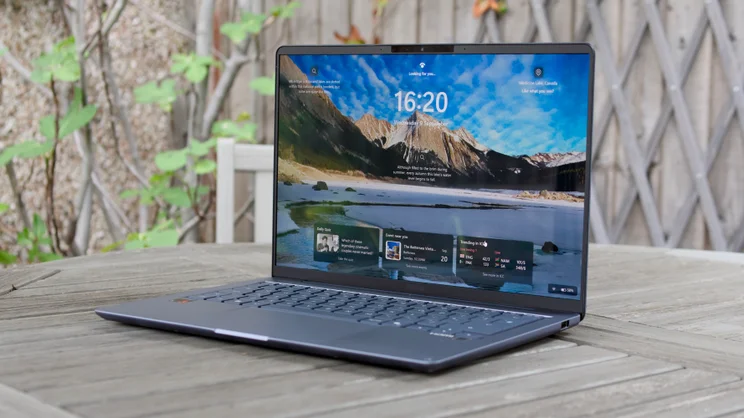
The Asus Zenbook 14 is, effectively, a more basic, budget-oriented version of the Zenbook A14 the company has been selling for about three years now. It’s not as thin or light, and the build isn’t as exotic, but the 14 has plenty to recommend it.
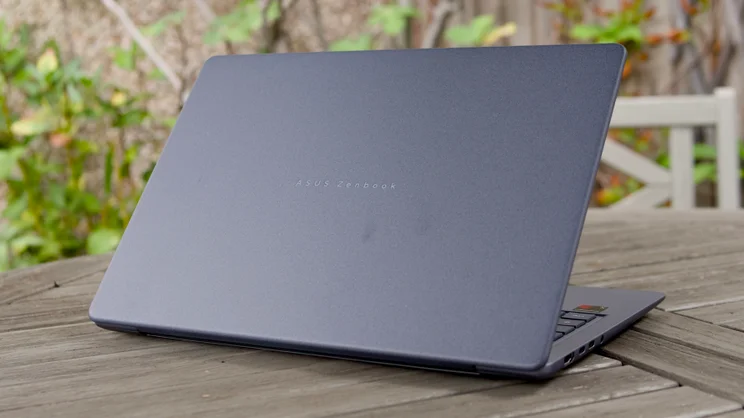
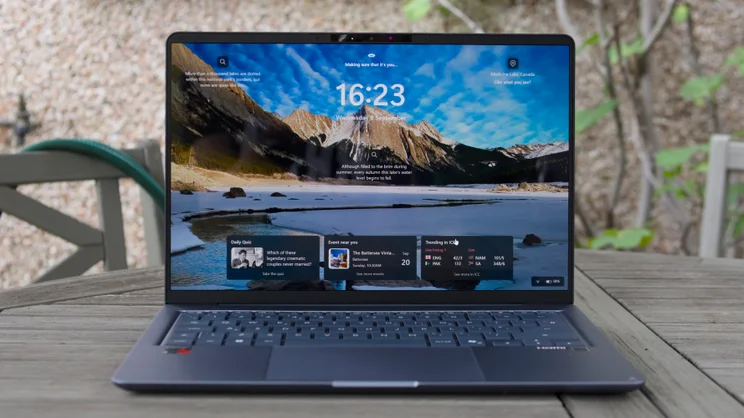
It still comes with a 1,920 x 1,200 OLED display and Asus’ patented tough, attractive Ceraluminum finish. It’s still relatively lightweight and comes with one of three chips inside: an Intel Panther Lake CPU, an AMD Ryzen 400 series chip or the Qualcomm Snapdragon X 12-61-00 SoC, just like the original Zenbook A14. The latter comes with a healthy 16GB of RAM and a 512GB SSD and is the model I am reviewing here.
Price and competition
As detailed above, we’re increasingly seeing big price rises for flagship laptops, so it’s good to see the Snapdragon version of the Zenbook A14 arriving at a price that isn’t as sky-high as recent Snapdragon laptops from Asus. (I’m looking at you, Zenbook A14 2026.)
In this price bracket, there are plenty of options, especially if you don’t mind casting your net wider than the latest generation of laptops. There are a few standouts, however.
There’s the Apple MacBook Neo, available to students via Apple’s Education Store from £599, or everyone else for £699. It’s a great little machine, well-made and reasonably responsive, but at that price it only comes with 8GB of RAM and a 256GB SSD. The Zenbook 14 is more generously appointed.
Then there’s the current-generation Dell XPS 13, currently on sale at £699 for students, but it comes with just 8GB of RAM and 512GB of SSD storage at that price.
The biggest rival comes from Asus’ own stable. You can still buy the original Zenbook A14 for £599 from Amazon, and that comes with 16GB, a larger 1TB SSD, the same Snapdragon X 12-61-00 SoC, and it’s much lighter and sleeker than the new model. At least until stocks run out, or the price of the Zenbook 14 drops, the A14 is the lightweight Snapdragon-powered Asus laptop to buy.
Design
It’s hard not to compare the Zenbook 14 with the A14 because the two machines are so similar on the hardware front. When it comes to design, however, they are worlds apart; this latest model just isn’t as nicely made.
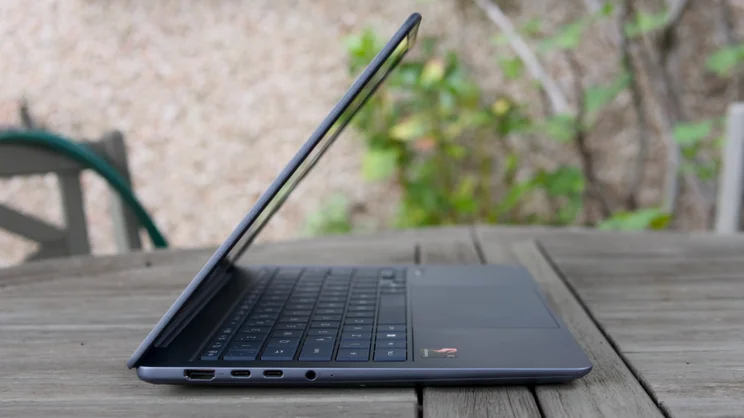
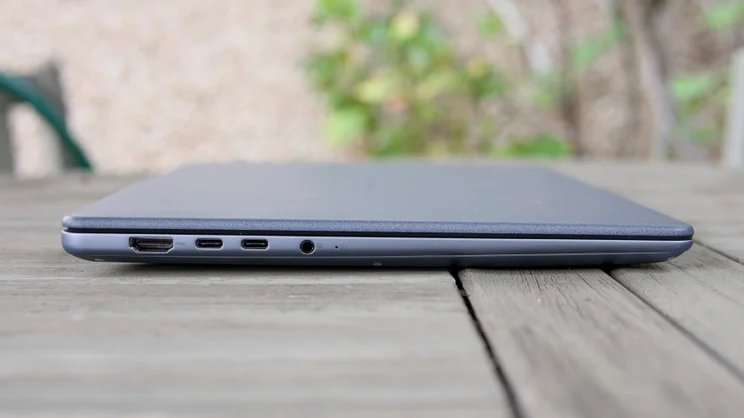
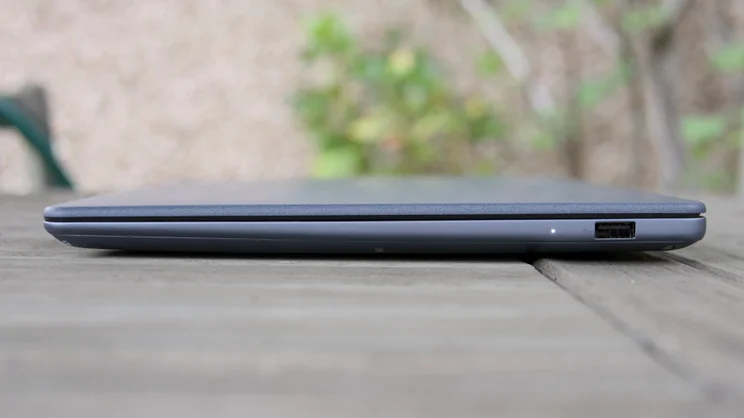
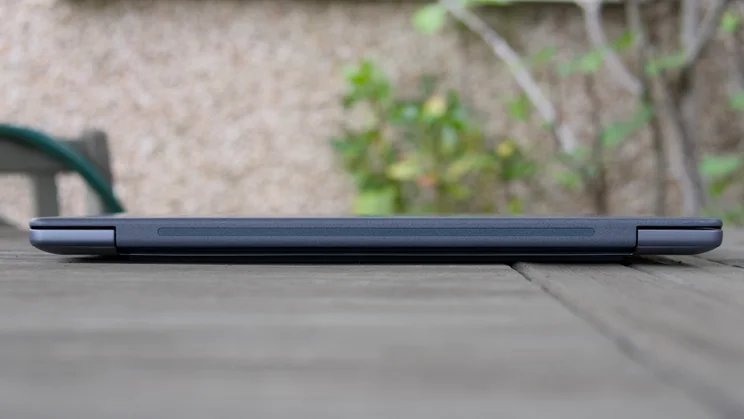
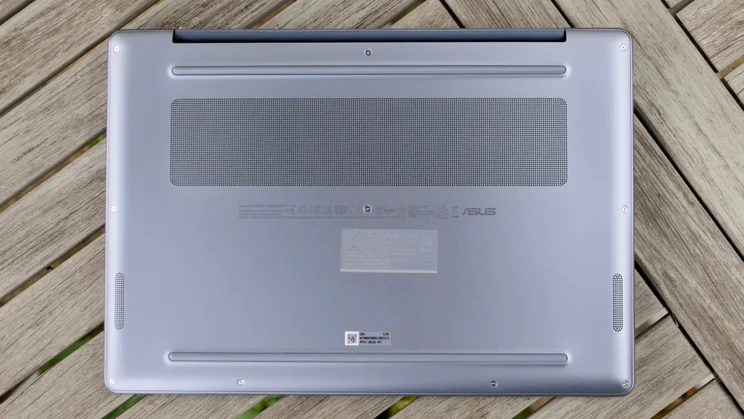
The laptop is finished in Asus’ trademark Ceraluminum material, which feels silky and soft under the finger. This lends the lid a touch of premium class, but the rest of the machine is clad in fairly standard-looking anodised aluminium. It feels chunky compared with the 980g A14, too, measuring 17-21mm from feet to top (with a footprint of 311 x 216mm) and weighing 1.14kg.
There’s nothing ostensibly wrong with this design. It feels reasonably robust, doesn’t creak or groan when twisted, and generally looks neat and tidily made. And at the end of the day, 160g isn’t much. It’s just that it’s not as nice as the original Zenbook A14.
Keyboard and touchpad
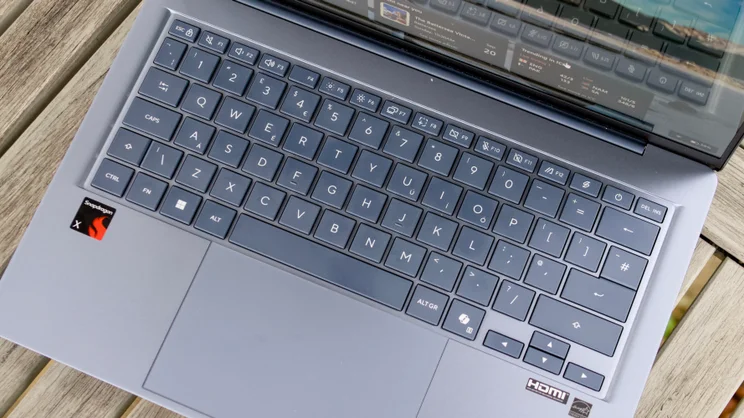
I noticed that slightly cheaper feel when typing on the keyboard. It has a rather hollow, boxy feel when you’re hammering away at the keys that isn’t particularly pleasant. There’s no backlight, either, which is a shame as that would have been an easy point to score over the MacBook Neo.
Don’t get me wrong, though; this is not a terrible keyboard. There’s plenty of travel, and it doesn’t rattle at all. And the generous spacing around each key meant I could build up a head of steam fairly quickly without littering my copy with typos.
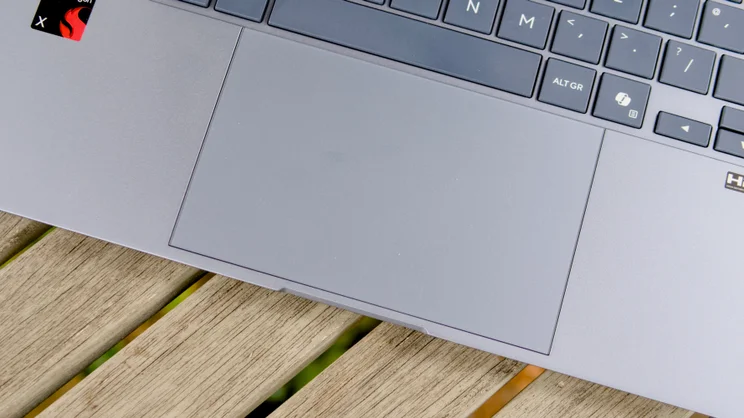
As for the touchpad, it’s responsive, smooth to the touch, and I like the way its top edge sits flush with the keyboard indent. However, I found the click on the heavy side. It’s also one of those touchpads that’s hinged at the top, so you have to move your finger down to the bottom portion to make a click.
Webcam and speakers
One of my only complaints about the Zenbook A14 when I reviewed it was its rather poor 1080p webcam. The Zenbook 14 improves on that, although it’s far from the best webcam I’ve come across.
The good news is that light sources in the frame no longer cause unsightly horizontal streaking and that it supports Windows Hello facial recognition for rapid unlocking. The bad news is that in low light, video still looks a little grainy and noisy.
As for the speakers, they’re actually surprisingly good. They lack a little body and warmth compared with the best laptop speakers; fire up Ninja Tuna by Mr. Scruff on YouTube, and the bass response isn’t as strong as the MacBook Air. However, that’s not a dealbreaker, and there’s enough clarity and volume to make the Dolby Atmos-enabled sound system quite enjoyable to listen to.
Display quality
The 1,920 x 1,200 60Hz OLED screen is a bit of a stunner, too. It’s not touch-compatible, but it’s sharp (I didn’t notice text fringing), vibrant and performed brilliantly in my technical tests.
I measured it, as always, with my X-Rite i1 Display Plus colorimeter, which reported colour reproduction of 120% of the DCI-P3 colour space (equivalent to 170% of the sRGB gamut) and solid colour accuracy.
You have four factory-calibrated modes to choose from: Native, sRGB, Display P3 and DCI-P3. I measured the sRGB and DCI-P3 modes, and these tests generated average Delta E errors of 1.32 and 1.09 versus DCI-P3 and sRGB, respectively, both of which are excellent results.
It is a little on the dim side, though, peaking at around 275cd/m2 in Vivid mode on a full-field pattern and up to 314cd/m2 with a white patch filling 10% of a black screen. Compared with the MacBook Neo, which delivered more than 500cd/m2 in testing, that’s not particularly impressive.
That means the Neo is the better laptop for outdoor use (and in really bright locations), while the Zenbook is better for watching movies and TV streaming at home.
Performance and battery life
Neither the Asus Zenbook 14 nor the MacBook Neo is a particularly heavy-hitting performer. The Zenbook 14 is powered by an eight-core Snapdragon X 12-61-00 SoC (four performance, four efficiency cores) running at a base clock frequency of 3GHz.
In benchmark testing, it delivered slightly slower single-core performance than the MacBookNeo’s A18 Pro and slightly faster multi-core results. Overall, it’s a faster machine than the Zenbook A14, despite having the same silicon inside. This could be due to superior cooling.
The Zenbook 14 lags further behind the Neo in generic GPU performance, as the OpenCL Geekbench 6 GPU scores demonstrate. If you want something to play games on in your downtime, this is not the machine for you; it will also struggle with demanding tasks like editing and rendering 4K video in DaVinci Resolve.
For most other stuff, though, it’s perfectly adequate. As I write this, I have 27 tabs open in Microsoft Edge, and it’s barely breaking a sweat; for general office-based and online tasks, I can’t fault it. Whether you’ll feel the lack of power will depend largely on what you run on it.
I was, however, very surprised at how poorly the Zenbook fared in my battery rundown testing. Even playing local video with wireless communications and background activities disabled, and the Windows power settings adjusted to Best Power Efficiency, it only made it to 11hrs 20mins before shutting down. The MacBook Neoc achieved 11hrs 51mins in the same test.
In a world where laptops, including Intel-based machines, can last 15 hours plus on a fairly regular basis, this is a disappointing result.
Verdict
That disappointment reflects my general feelings about the Snapdragon X Asus Zenbook 14. It may be a little faster than the original Zenbook A14 and have a better webcam, but in most other aspects this laptop is not as good, and right now it is more expensive, too.
Battery life is shorter than we’ve come to expect from this category of laptop in recent times, the touchpad isn’t the best, the keyboard feels hollow and lacks a backlight, and the display is a little on the dim side.
It’s not a bad laptop, but while you can still buy the A14 at the (very reasonable) discounted price of £600, the MacBook Neo at £599 for students and the Dell XPS 13 for £699, the Asus Zenbook 14 won’t make it onto my list of student laptop recommendations.


