To help us provide you with free impartial advice, we may earn a commission if you buy through links on our site. Learn more

- Massive battery
- Bright 2.8K display
- Brilliant software support
- On the heavier side
- Sluggish charging
- No stylus or keyboard
Oppo is still relatively new to the UK tablet market, having first dipped its toes in our waters with 2023’s Oppo Pad Air. It’s released two other models in the UK since then and now comes the fourth member of the family, the Oppo Pad 5.
This is a 12.1in tablet with enough power to facilitate productivity based multi-tasking and light gaming, and has the battery life necessary to do both on the go. It ticks the basic boxes well and doesn’t do anything massively wrong.
The issue is that rivals offer more for less money. The Honor Pad 10 is it’s biggest rival, with better battery life, excellent software support and a bundled keyboard case for £70 less.
The Oppo Pad 5 is currently out of stock but this is due to change in the week commencing 10 August, 2026. This page will be updated as soon as stock returns.
Oppo Pad 5: What do you get for the money?
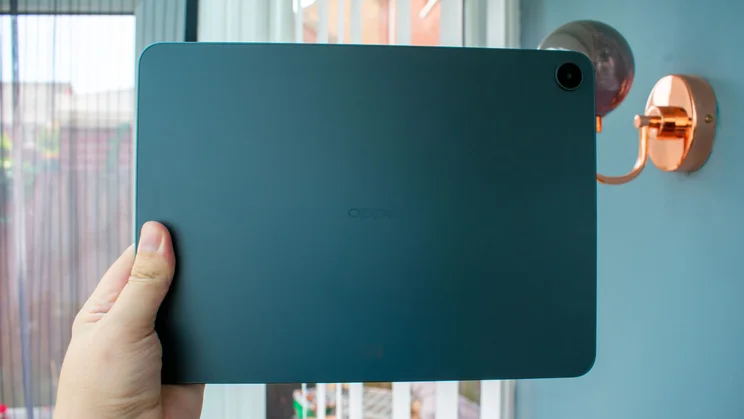
While a couple of variations exist overseas, the UK is only getting one configuration of the Oppo Pad 5, in this fairly bland Starlight Black colourway and packed with 8GB of RAM and 128GB of storage. The standard Wi-Fi only model costs £329, while the 5G version is £409 and also includes microSD card support, allowing you to expand that 128GB capacity.
This puts it in the same ballpark as the latest 11in iPad (A16, 2025), which starts at £399 for the 128GB Wi-Fi only model. There’s more cut-throat competition on the Android side of the fence, with the Xiaomi Pad 8 at the same £399 as the iPad, again for 128GB of storage. The biggest threat, however, comes from Honor’s Pad 10, which is discounted to just £199 for the tablet at the time of writing, and £249 with the keyboard case included.
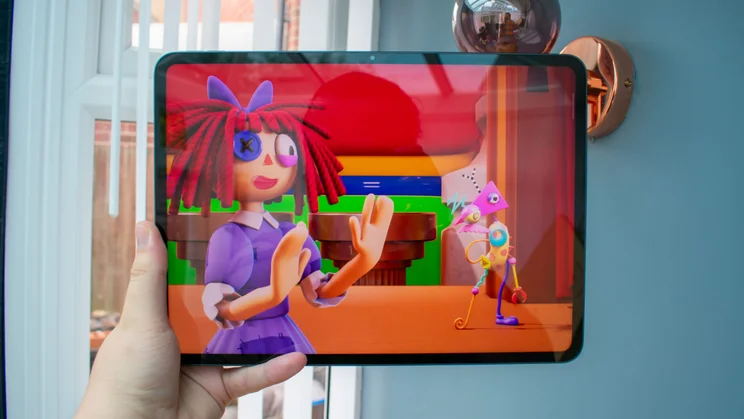
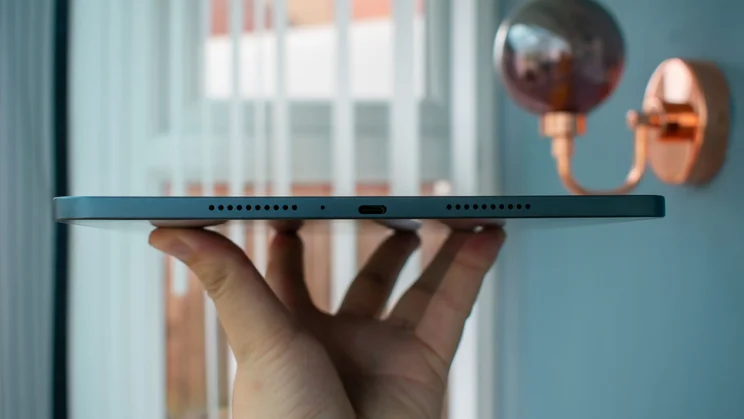
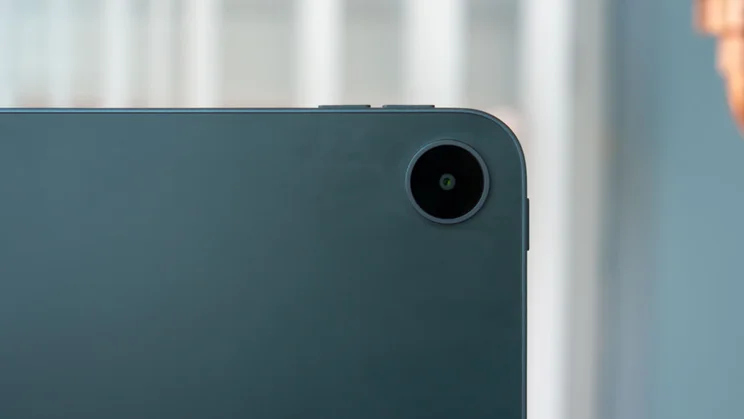
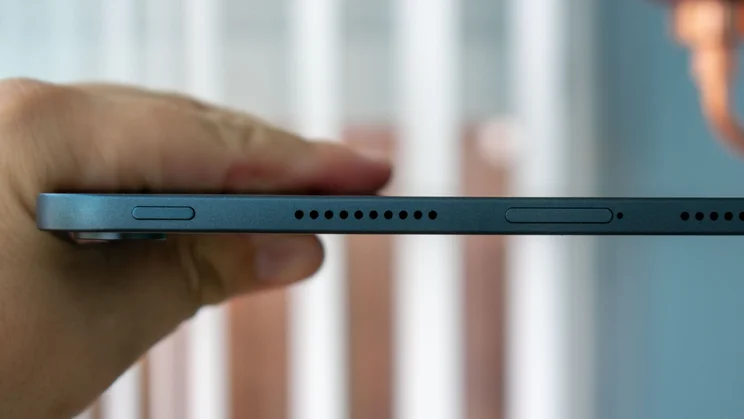
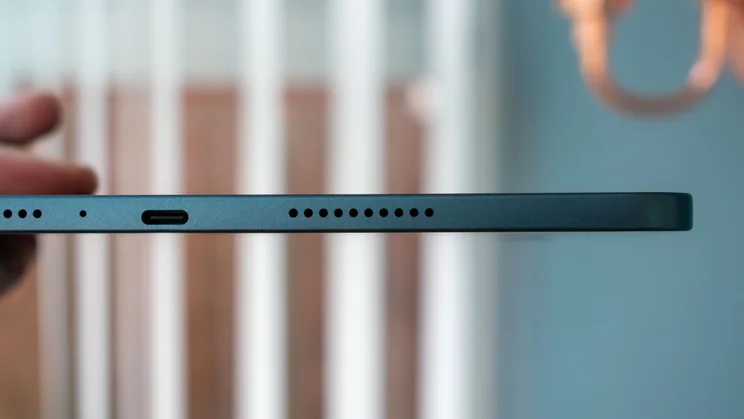
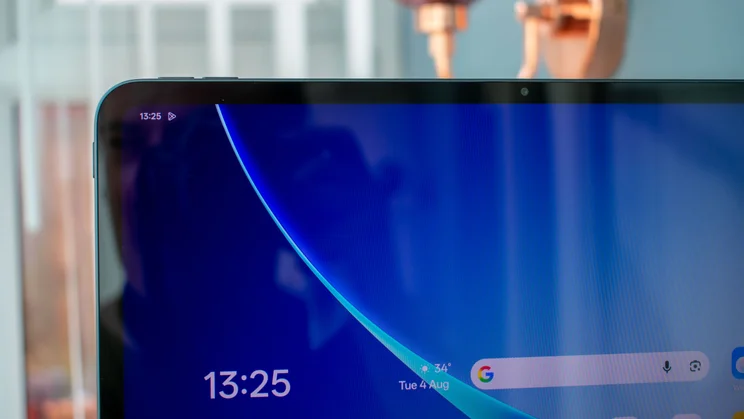
The Oppo Pad 5 has a 12.1in LCD display with a 2.8K (2,800 x 1,980) resolution and a peak refresh rate of 120Hz. There are four speakers total, two firing outwards from each side, and two 8-megapixel cameras – one set into the long bezel at the top of the display and one tucked into a circular housing on the top-right of the tablet’s rear.
Under the hood is the 2.5GHz MediaTek Dimensity 7300 Ultra chipset and a hefty 10,050mAh battery, with wired charging supporting up to 33W.
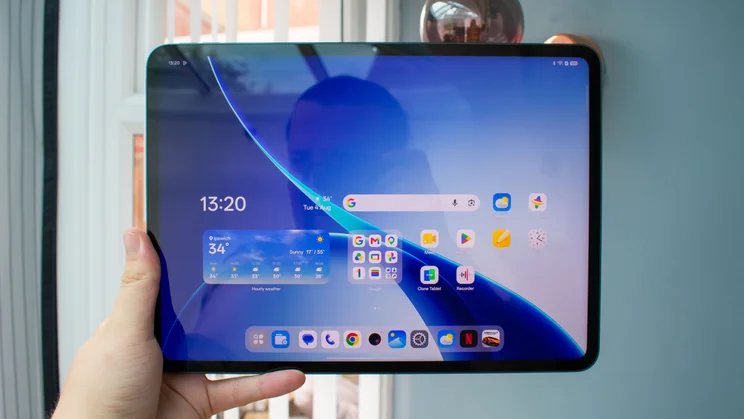
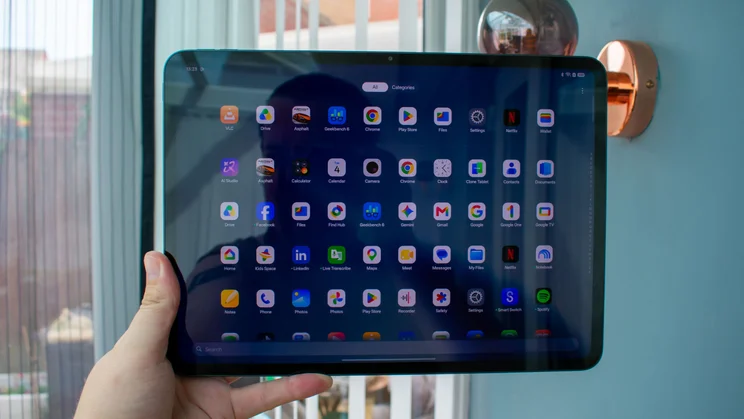
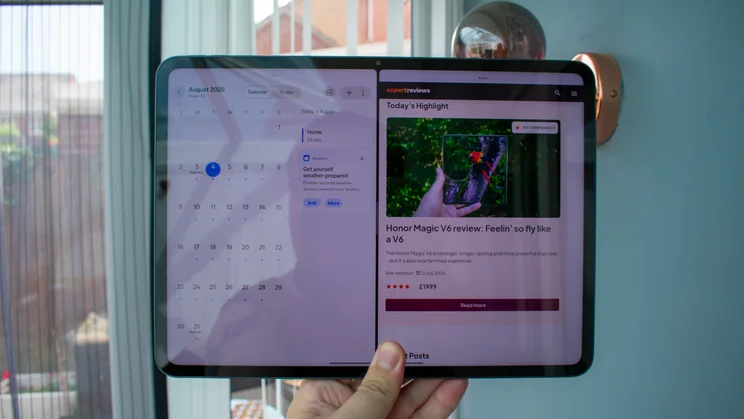
The software is Oppo’s own ColorOS 16, based on Android 16. This is a fluid enough launcher with all of the usual productivity tricks like split-screen, floating windows and a smart sidebar for quick app access and file docking. Better still, I really appreciated how few extraneous apps were installed upon boot, with a relatively clean app drawer, mostly populated with the bare essentials – there aren’t many tablets that can say the same.
Software support is great, too, with Oppo pledging five years of OS updates and six of security patches. It’s incredibly rare to see tablets in this price range getting such lengthy support, and the only one that goes any further is the Honor Pad 10, which was promised six years of each – though since that’s last year’s model, one of those years has now passed.
Does the Oppo Pad 5 come with a stylus or keyboard case?
Unfortunately, the answer is no. There’s no official keyboard case and, despite being heavily featured in the Pad 5’s marketing on Oppo’s website, the compatible stylus isn’t coming to the UK.
Third-party offerings are an option. A quick Google showed me several keyboards and styluses that claim to be compatible with the Oppo Pad 5, but these aren’t likely to be as good an option as buying something designed specifically to work with the Pad 5.
How is the design?
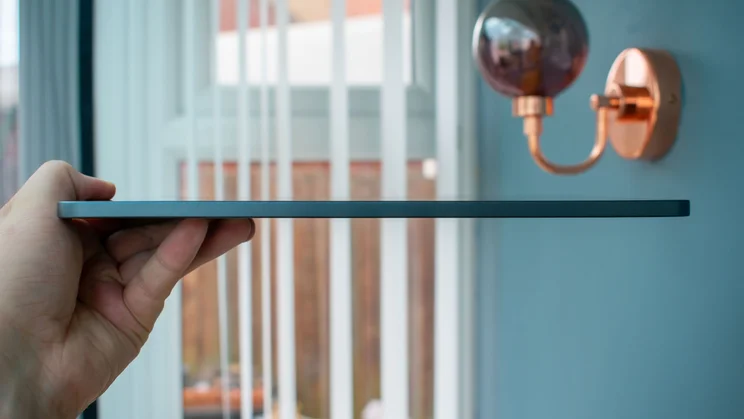
Measuring 266 x 6.8 x 193mm (WDH), the Oppo Pad 5 is far from the slimmest tablet I’ve used, nor is it the lightest: the Wi-Fi only model is 597g, and the 5G version is a little heavier at 599g. Considering it offers up a massive 12.1in display for comparatively reasonable money, however, it’s hard to find too much fault in its chunkier dimensions.
The frame is a nicely solid aluminium that held up well to my stress tests, with no creaking or bending when I put pressure on both edges. The rear isn’t quite as premium, though; the matte plastic is a nightmare for fingerprint smudges. There’s also no official protective glass like Gorilla Glass for scratch protection.
What is the display like?
At first glance, the display also gives away the budget nature of this tablet, due to the thickness of the black bezel around its edge. Once you get past that, however, the 12.1in IPS LCD panel is rather good.
I measured its peak brightness at 502cd/m2 when set to manual brightness, and this rose to 706cd/m2 with adaptive brightness enabled and a torch shining on the light sensor to simulate bright outdoor conditions.
This is great and makes the screen more than readable in direct sunlight, but it does come with a small caveat: several times when using the adaptive brightness mode, I found that the screen’s brightness would set itself far too low in moderately well-lit rooms. Once I manually nudged the brightness bar up a few nits, it seemed to realise its mistake and held to the new, legible brightness, but it happened often enough to become irritating.
As an IPS LCD panel, and one on a relatively cheap tablet, at that, the display doesn’t have the same infinite contrast or deep black level that you get from OLED screens, with my testing showing a contrast ratio of 1,152:1 and a measured black level of 0.43cd/m2 when measured at full brightness. Neither are horrendous, but nor are they particularly outstanding.
The mediocre results continue in the colour accuracy department. There are several colour profiles to choose from: Vivid produces punchy shades; Cinematic aims for accuracy versus the DCI P3 colour gamut; Brilliant widens the gamut for the brightest picture possible and Natural appears to target the sRGB colour space.
I found the best accuracy on the latter profile, where my colorimeter recorded a gamut coverage of 95.2% and a total volume of 97.5% compared with sRGB. The average Delta E colour variance score came back at 1.53 in this mode – my target value here is 1 or under, so this result isn’t perfect, but it’s certainly what I’d call close enough for a tablet this cheap.
How is the performance and battery life?
The Oppo Pad 5’s 2.5GHz Mediatek Dimensity 7300 chipset is reasonably quick for this kind of money, handling multiple open apps simultaneously without lagging or slowing down. It delivered solid results in the Geekbench 6 CPU tests, with roughly the same multi-core performance as the Honor Pad 10, although the latter scored 16% higher in the single-core portion.
Both, however, pale in comparison to the power of the 10th-generation iPad and the Xiaomi Pad 8. In the same Geekbench 6 tests, the iPad delivered a multi-core result that was 67% better than the Oppo Pad 5, while the Xiaomi Pad pushed even further, more than doubling the results of the Oppo.
In short, then, if you want a tablet for serious power, you’re better off sacrificing a smidge of screen space and going with either the iPad or the Xiaomi Pad 8. If you want to throw 3D gaming into the mix, too, I suggest you go with the Xiaomi, as the iPad’s display is limited to 60Hz.
If your gaming aspirations are relatively low-intensity, however, the Oppo Pad 5 should have more than enough oompht to accommodate. I loaded up Asphalt Legends and ran a few laps to test it out. Textures weren’t the sharpest, and things got a little juddery when there were multiple cars vying for space on the screen, but for the most part, everything ran smoothly.
As you can see below, you’ll get better gaming performance from any of the other options here. The Honor Pad 10 isn’t much better for heavy duty games, but both the Xiaomi Pad 8 and the iPad (A16, 2025) can handle them without breaking a sweat.
The high-capacity battery didn’t deliver outstanding results in my testing, but the Oppo Pad 5 still falls well within the bell curve for good stamina. It ran my looping video battery test for a total of 15hrs 56mins, which is roughly four hours better than the 11in iPad (A16, 2025) and just an hour shy of the Xiaomi Pad 8 – which is excusable, as the latter has a smaller 11in display to illuminate.
As a direct rival, however, the 12.1in Honor Pad 10 handily beats the Oppo Pad 5, with a fantastic result of 18hrs 59mins.
Finally, the 33W wired charging is acceptable, but it takes quite a while to fully fill the battery. After an hour on charge, it was only at 48%, and it took a total of 2hrs 10mins to finally reach 100%. By comparison, the Honor Pad 10 achieves a full charge in 1hr 50mins, while the Xiaomi Pad 8 is even nippier, at 1hr 40mins.
Should you buy the Oppo Pad 5?
So, to sum it up, the Oppo Pad 5 has solid, if not class-leading performance, decent battery life, a lovely 12.1in display that gets reasonably bright and clean, and straightforward software with some of the best support around. It’s good for basic streaming, light gaming and uncomplicated workloads that don’t require a keyboard. For the price, that’s pretty great.
Its heft makes it less than ideal for working on the go, but there are few rivals that afford you a 5G-compatible tablet for this kind of money. If that’s a necessity for you, it’s worth shouldering the extra weight and picking up the Oppo Pad 5 for £409.
If you don’t need the 5G, however, I can’t recommend you pick this tablet. The Honor Pad 10 is even better in just about every way, and it costs quite a bit less: get it for as little as £199 or treat yourself to a keyboard case for just £249.