To help us provide you with free impartial advice, we may earn a commission if you buy through links on our site. Learn more


- Fast enough for most homes
- Packed with features
- Unobtrusive design
- No USB support
- Complex user interface
- No 6GHz radio
The RT-BE55 is Asus’ latest budget Wi-Fi 7 router, and it’s a perfectly decent offering, with a reasonable amount of wireless bandwidth, decent wired connectivity and all the clever software features Asus routers normally deliver.
The only catch is the market for low-cost Wi-Fi 7 routers is getting aggressive, and you can currently get a better router for an even lower price. If you see a good discount on the Asus RT-BE55 then by all means grab it. For regular home internet duties it’ll do the job perfectly well. But as things stand today it’s not quite competitive.
What you need to know
The Asus RT-BE55 is a dual-band Wi-Fi 7 router, claiming maximum connection speeds of 688Mbits/sec on the 2.4GHz radio band and 2.8Gbits/sec in the 5GHz range. There’s no support for the top-speed 6GHz radio band, and that’s exactly as you’d expect at this end of the market: it’s a lightweight specification that should be fine for households that don’t make any special demands of their home network.
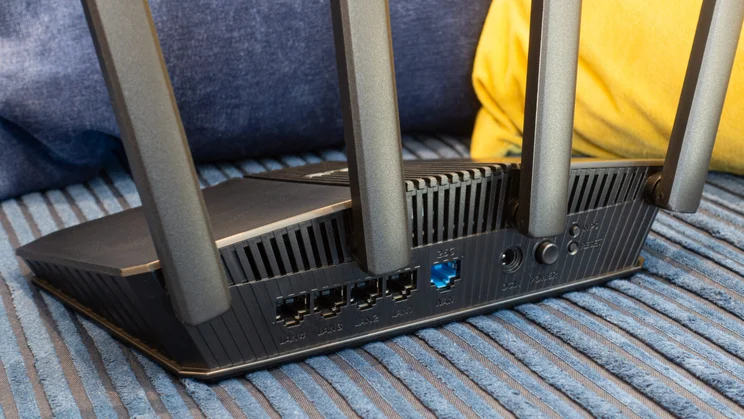
At the back there’s a 2.5Gbits/sec socket capable of supporting multi-gigabit internet, although the four LAN ports are all limited to gigabit speeds. That’s really all there is to the hardware – you get the essentials and nothing more.
Price and competition
A few months ago I might have got quite excited about the idea of a fully functional Wi-Fi 7 router for £90. At that point, the cheapest router I’d seen in this category was the Asus RT-BE58U, now selling for £108. While the RT-BE58U has the advantage of an integrated USB socket, it’s otherwise a very similar specification to the RT-BE55, so if you’re not bothered about hooking up accessories to your router the newer, this cheaper model is a pretty good deal.
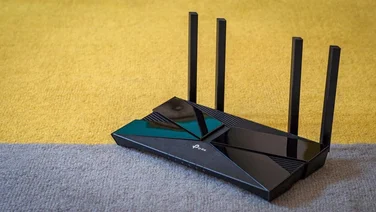
Look beyond the Asus line-up, however, and you can do even better. The TP-Link Archer BE3600 is currently selling for £75, with wireless specifications identical to the RT-BE55’s, plus USB connectivity and twin 2.5GbE ports, enabling you to set up a multi-gigabit wired LAN. With prices as they are it’s a no-brainer.
For Wi-Fi 7 on a tight budget the other obvious option is the Netgear Nighthawk RS100, the entry-level model in Netgear’s latest router range. However, at £104 it’s pricier than either the Asus or TP-Link models and doesn’t offer enough in the way of performance or features to justify the extra cost.
If you’re willing to up the budget for a faster connection, a final model to consider is the TP-Link Archer BE400, which offers twice as much bandwidth on the 5GHz band, along with USB and 2.5GbE support. It’s a big jump up in price though, to £160.
Design and features
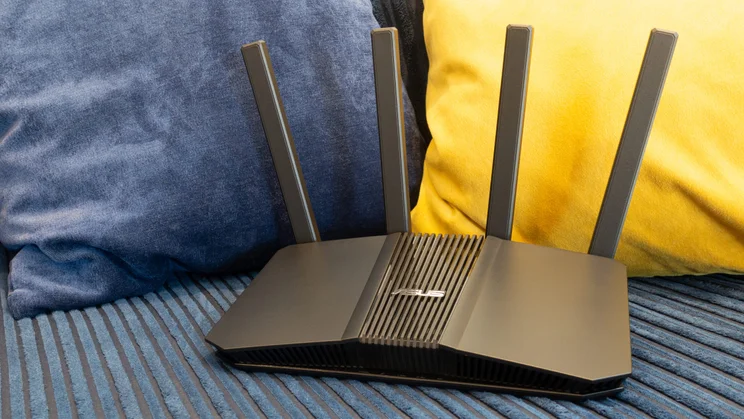
The RT-BE55 looks like what it is – a basic, no-frills router. The design isn’t exactly packed with character, but it’s pleasingly compact, with a footprint of 238 x 193mm, and the five status LEDs at the bottom of the front grille are sufficient to let you see at a glance that everything’s working as it should. At the back sit four gigabit LAN ports, one 2.5GbE WAN connector, and a trio of buttons for power, WPS pairing and resetting the firmware.
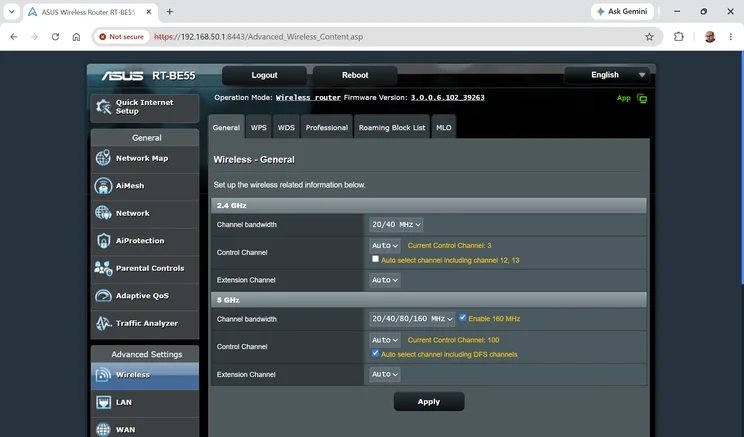
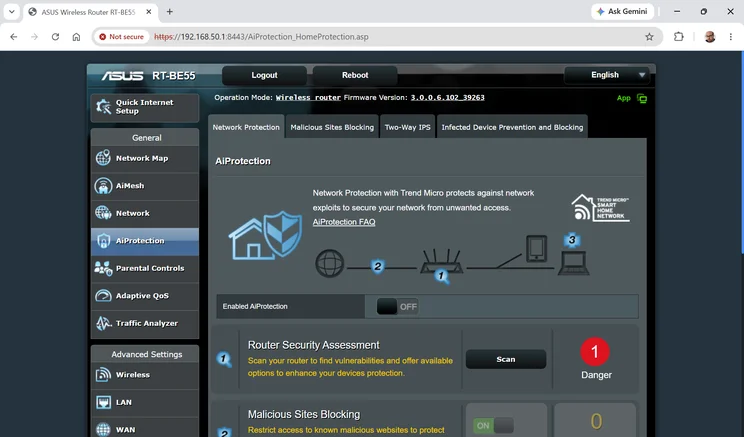
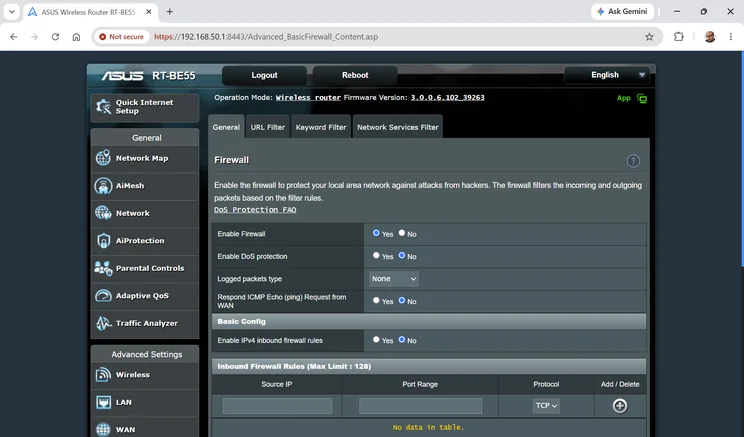
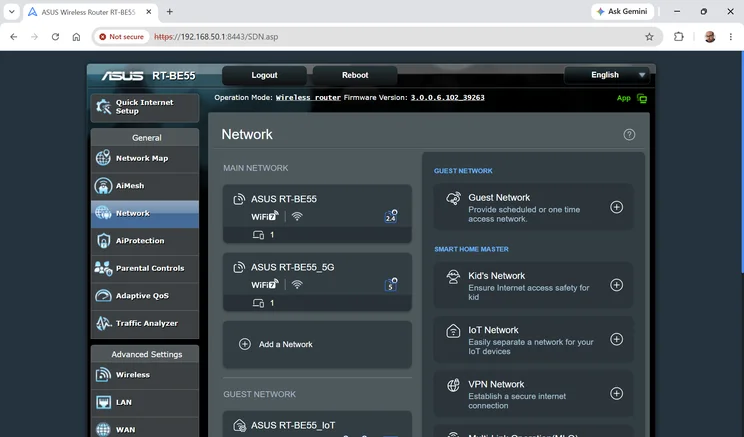
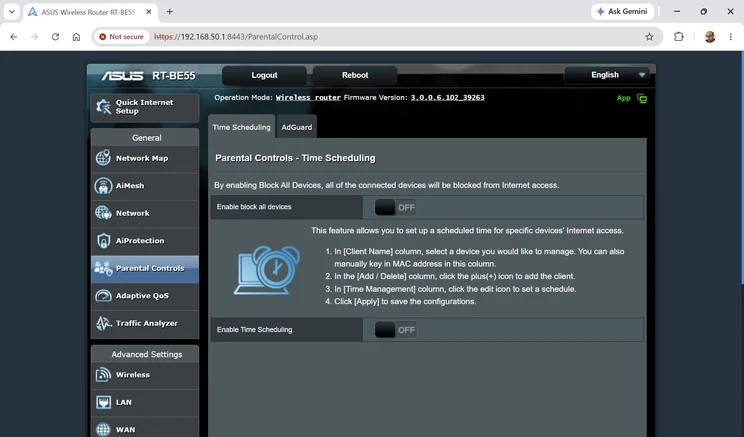
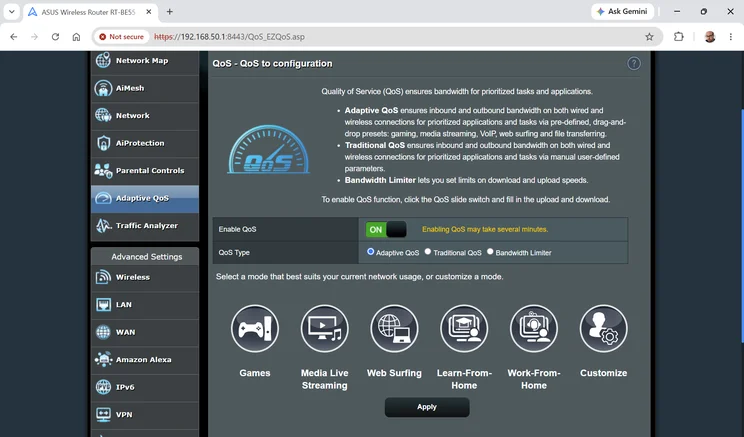
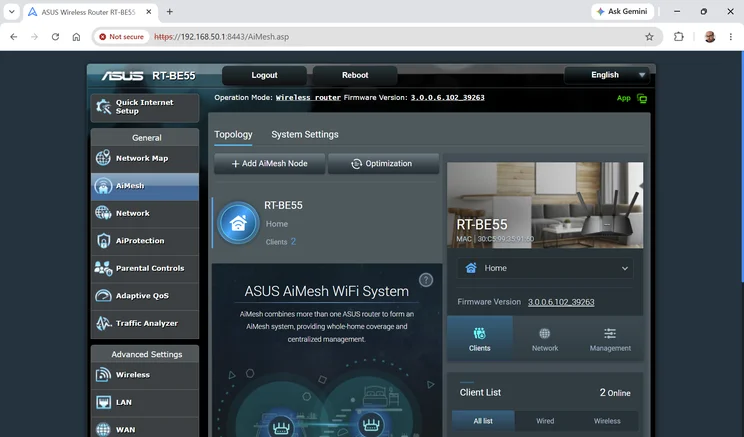
Although the hardware design is quite stripped-down, the Asus system software is, as usual, packed with features. These include security scanning and parental controls, highly configurable QoS settings, the ability to configure multiple secure networks for guests and IoT devices and all the advanced Wi-Fi settings you could ask for.
Asus also provides excellent VPN support, with both an inbound server to allow remote access to your home network and the company’s signature “VPN Fusion” feature, which lets you bind individual clients to third-party VPN servers, so each device can have its own virtual location and privacy profile. CyberGhost, NordVPN and Surfshark accounts are supported directly, or you can set up a manual connection to any OpenVPN or WireGuard server.
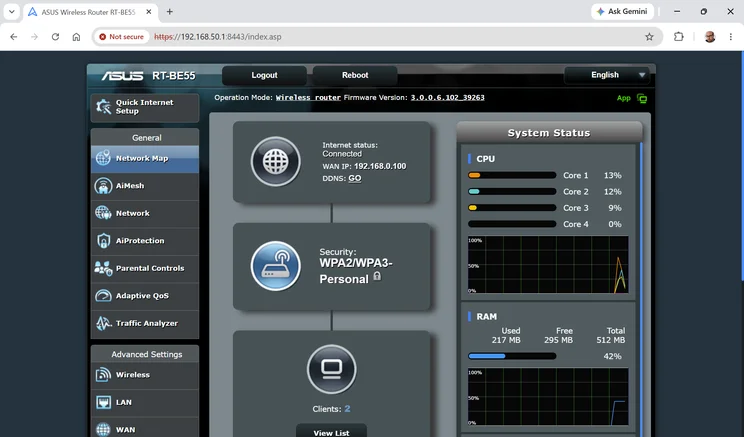
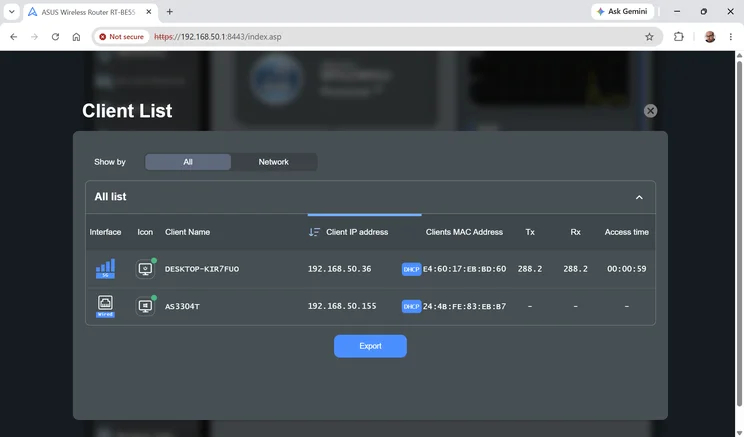
The downside is that the user interface is very dense. Or, I should say, the user interfaces, as the Asus Router smartphone app and the web console have completely different layouts, each one daunting in its own way. It’s understandable that the interface can’t be completely clean and simple when there’s so much to explore and customise, but I never look forward to configuring an Asus router.
How I tested the Asus RT-BE55
The Asus RT-BE55 claims it’ll cover an area of up to 2,000 square feet (186 square metres) – but these ratings are never very meaningful, as they don’t take into account important things like walls and ceilings, and they don’t come with any specific promises about connection speed and consistency.
So let’s forget about that, and look at real-world performance instead. I tested the RT-BE55 in my usual way, installing the unit in the upstairs study of my home, updating to the latest firmware and connecting to its 5GHz network from my standard test laptop – a Windows 11 system with an Intel BE200 Wi-Fi 7 card installed.
I then took the laptop to various locations in my three-bedroom home, copied a standard set of files to and from a local NAS appliance (connected to one of the router’s gigabit Ethernet ports) and measured the upload and download speeds to see just what the Wi-Fi 7 connection is capable of.
Performance
Here are the results I saw, along with corresponding results from the rival routers mentioned earlier:
| MB/sec | Study download | Bathroom download | Bedroom download | Living room download | Dining room download |
|---|---|---|---|---|---|
| Asus RT-BE55 | 86.1 | 68.1 | 45.7 | 69 | 37.2 |
| TP-Link Archer BE3600 | 81 | 97.2 | 50.1 | 56.1 | 28.6 |
| Netgear Nighthawk RS100 | 91.2 | 60.4 | 34.4 | 60.3 | 39.9 |
| Asus RT-BE58U | 92.3 | 89.7 | 34.8 | 68.5 | 37.9 |
| TP-Link Archer BE400 | 140.8 | 98.9 | 59.9 | 78.3 | 54.8 |
| MB/sec | Study upload | Bathroom upload | Bedroom upload | Living room upload | Dining room upload |
|---|---|---|---|---|---|
| Asus RT-BE55 | 27.5 | 25.7 | 21 | 25.6 | 18.9 |
| TP-Link Archer BE3600 | 30.3 | 30.7 | 26.5 | 27.3 | 20.7 |
| Netgear Nighthawk RS100 | 30.4 | 29.3 | 27.9 | 28.6 | 28.9 |
| Asus RT-BE58U | 30.5 | 29.8 | 27.5 | 29.3 | 27.6 |
| TP-Link Archer BE400 | 34.1 | 33.6 | 29.3 | 27.3 | 22.1 |
When you lay it out like this the RT-BE55 clearly isn’t anything special, especially not when it comes to upload speeds. It doesn’t stand out from the pack of budget Wi-Fi 7 routers, and the performance advantage of the more expensive TP-Link Archer BE400 is plain to see.
But let’s keep things in perspective: across various rooms the RT-BE55 gave me an average download speed of more than 60MB/sec, about equivalent to the full speed of a 500Mbits/sec fibre broadband line. At that point, the connection’s fast enough for almost any sort of productivity or entertainment purposes, and honestly if you pushed the speeds higher I doubt most people would even notice the difference.
Even in the dining room at the far end of my home I got close to 40MB/sec, and it’s hard to see why the average UK home would really need anything more.
Verdict
The Asus RT-BE55 is fundamentally a decent router. It’s fast enough for typical homes, it comes with Asus’ usual broad range of features and it’s substantially cheaper than the last low-cost Wi-Fi 7 router we saw from Asus.
There are some cases where I’d recommend looking for a router with a bit more oomph, specifically if your home is significantly bigger than mine, or if you have a lot of high-demand devices. Wi-Fi 7 does a good job of smoothly sharing out the available bandwidth between multiple clients, but this router doesn’t have the wireless capacity of meatier tri-band models, and you may see a noticeable slowdown when multiple devices are all wanting to access the network at once.
And even if you’re squarely within its target market, I can’t recommend the Asus RT-BE55 right now, simply because the TP-Link Archer BE3600 gives you comparable performance, USB connectivity, multi-gigabit LAN support and a friendlier management interface for less money. However, router pricing can be volatile, so shop around: if the Asus RT-BE55 router drops in price to undercut the TP-Link, it could be a smart buy that does everything you need.