To help us provide you with free impartial advice, we may earn a commission if you buy through links on our site. Learn more
- Competitive overall performance
- Fast Ethernet and USB connectivity
- Loads of great, easy-to-use software features
- Not the fastest router in every scenario
- Quite a big step up in price from our favourite budget options
In an age when you can get a perfectly decent Wi-Fi 7 router for under £100, a model costing £160 needs to justify itself. The Archer BE400 does that by offering twice the bandwidth of cheaper routers, along with a respectable set of connectivity and software features.
There’s really nothing else to it – no snazzy design flourishes or innovative networking capabilities. But we suspect most shoppers don’t care about that – they just want something that’ll keep their home network zipping along, with security and performance settings that they can tweak to suit their needs.
That’s exactly what this router delivers, so if you’re looking for a no-nonsense Wi-Fi 7 router with more than a serviceable minimum of bandwidth, it’s well worth a look.
What you need to know
The Archer BE400 has a basic dual-band radio arrangement, which means you get wireless networking across the 2.4GHz and 5GHz bands but no support for the newer 6GHz band.
That’s not a disaster. Not all devices support 6GHz, and performance on the higher band can be inconsistent anyway. However, TP-Link has beefed up the 5GHz radio to support connection speeds of up to 5.8Gbits/sec – twice as fast as most budget rivals.
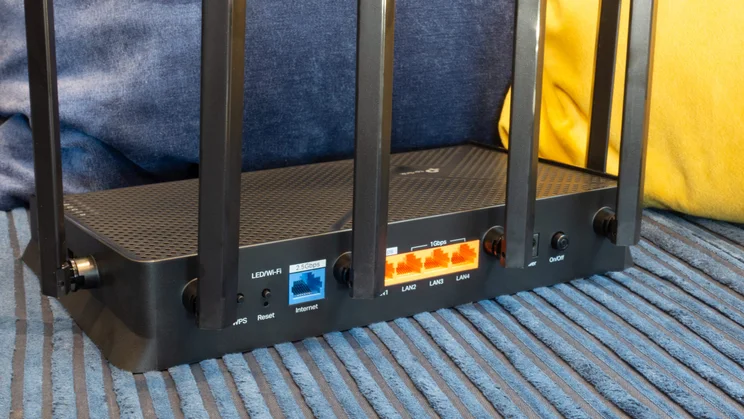
Wired connectivity is pretty good, too. This isn’t one of those top-shelf routers with half a dozen multi-gigabit Ethernet sockets, but it has a single 2.5GbE LAN port that you can use to connect either one high-speed client or a multi-gigabit switch. A 2.5GbE WAN socket stands ready to accommodate an ultra-fast internet connection, while the 5Gbits/sec USB port at the side allows for easy file sharing.
Price and competition
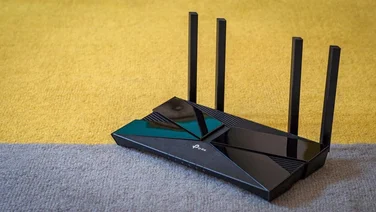
The obvious point of comparison for the Archer BE400 is the Archer BE3600. This lightweight router costs less than half as much as the BE400, but offers exactly the same features and connections: the main difference is that the BE3600’s 5GHz radio tops out at 2.8Gbits/sec. As a result, download speeds are generally slower (see below), and there’s less total bandwidth available for busy networks – but for typical homes with modest needs the BE3600 might be all that’s needed.
Looking in the other direction, the TP-Link Archer BE550 is only £40 more expensive and offers some significant upgrades over the BE400, including an additional 6GHz radio, giving you about 40% more bandwidth in total. The BE550 also supports 2.5GbE on all four Ethernet ports, which may appeal to “prosumer” shoppers.
Of course, there are plenty of rival routers from companies other than TP-Link. We’ve recently tested the Asus ProArt PRT-BE5000, a stylish router that’s perfectly zippy enough for most purposes, and a little cheaper than the Archer BE400 at £150. However, while the PRT-BE5000 matches the Archer BE400’s Ethernet provision, it doesn’t have a USB port; for most people that won’t be a deal-breaker, but it’s worth noting as that’s not something you can easily add on at a later date.
The other major contender is the Netgear Nighthawk RS200, which matches the BE400’s specifications in almost every regard. It has the same wireless configuration, same Ethernet ports, and the same USB socket. If you like Netgear’s tower-style router designs it’s a fine alternative to the Archer BE400, but the pricing isn’t in its favour – it currently costs £200, putting it head-to-head with the tri-band TP-Link Archer BE550.
Design and features
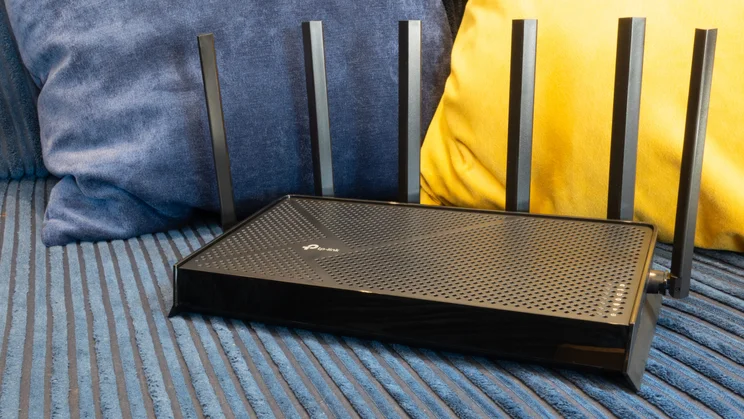
The Archer BE400 looks like a bigger brother to the BE3600. It’s larger, with a 269 x 153mm footprint, and has six antennae rather than four, but overall it expresses the same stylish, quasi-futuristic vibe, with seven white status LEDs at the corner of the casing to show you what’s what.
The biggest difference in the design is that here the USB socket is located on the side of the router rather than on the rear – so it’s easier to access if you situate the router somewhere with good lateral clearance, and harder if you don’t.
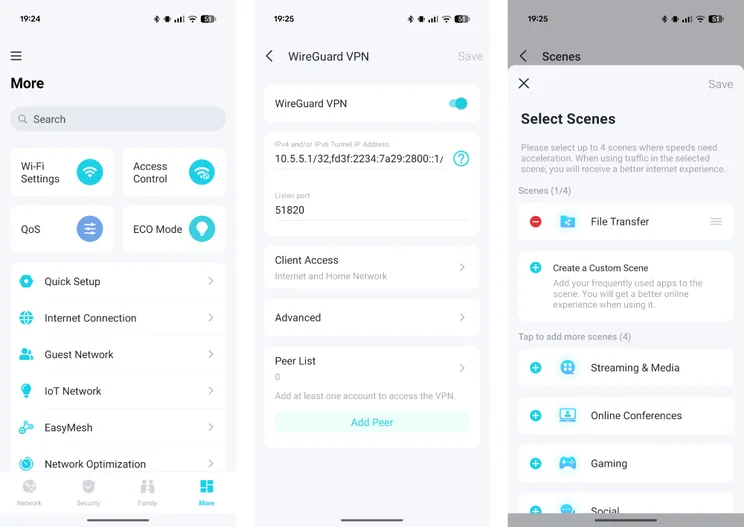
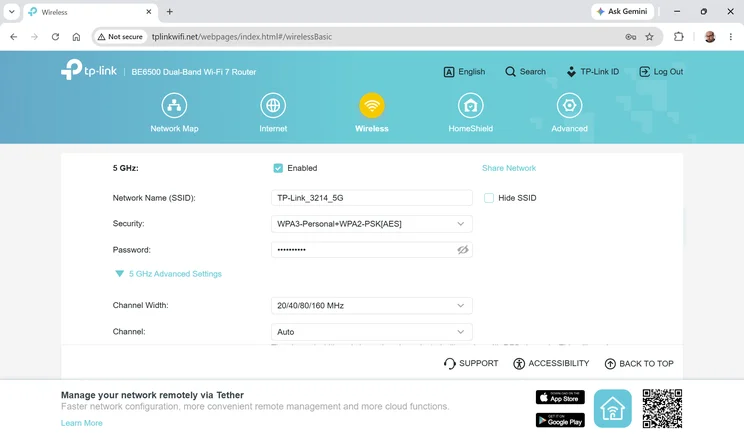
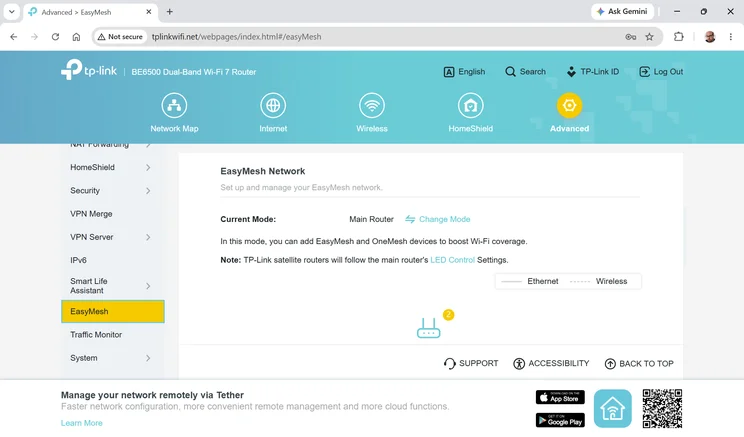
TP-Link’s software platform gives you plenty of Wi-Fi options to play with. You can set up separate networks for guests and smart-home gadgets, and optionally enable an additional MLO (multi-link operation) SSID that works across the 2.4GHz and 5GHz bands, providing the most robust signal possible, if not the fastest. There’s also support for TP-Link’s EasyMesh and OneMesh platforms, so you can pair the BE400 with other TP-Link routers and extenders to form a centrally managed multi-node network.
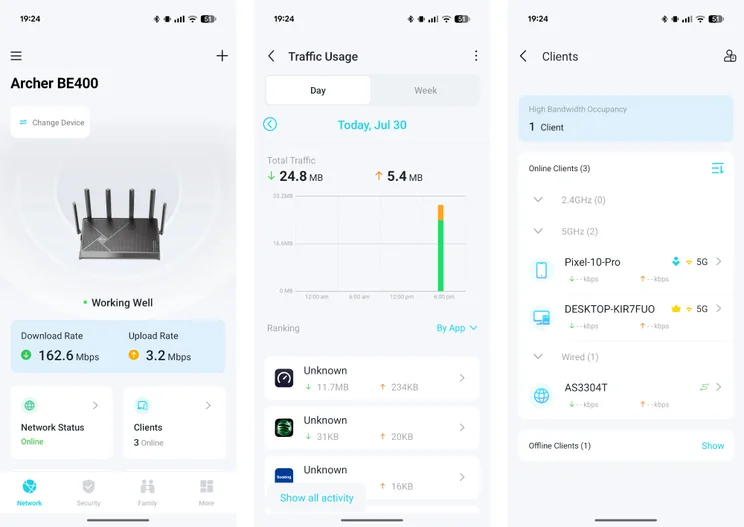
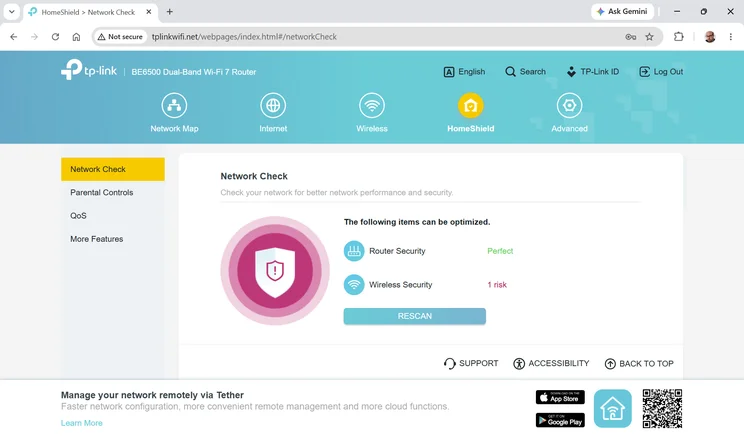
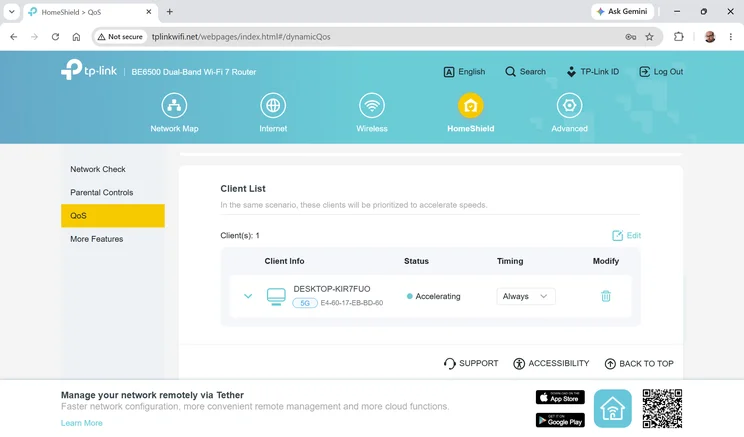
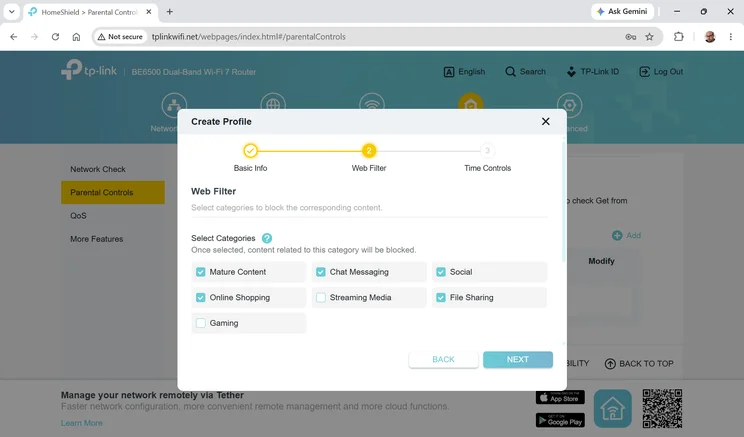
Supporting features include nicely customisable parental controls, a simple scanning tool to catch common security gotchas and a clever QoS system that lets you prioritise both general activities and specific devices.
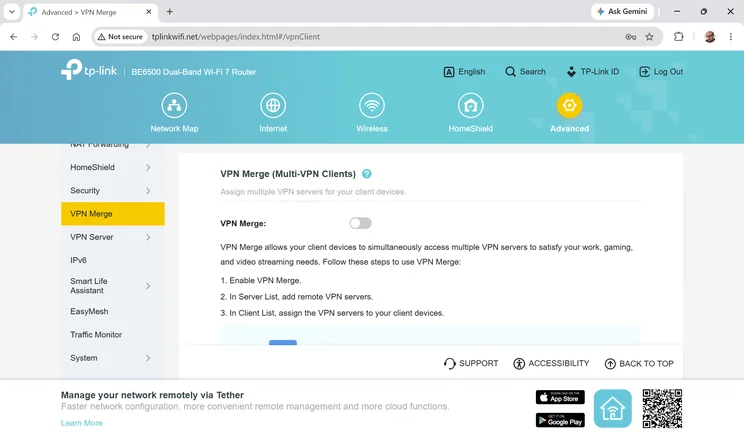
VPN support is excellent, including out-of-the-box integration with IPVanish, NordVPN, PureVPN and Surfshark for outbound connections, plus a local VPN server to allow remote access to your home network. You can even set up a handy dynamic hostname for VPN access directly within the router interface.
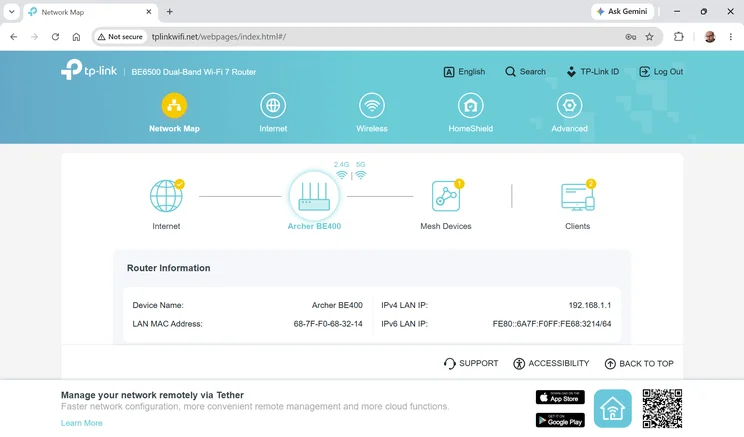
As usual, the router can be managed from either the web console or TP-Link’s smartphone app. Unavoidably, the two interfaces aren’t identical, but they’re both fairly clean and intuitive. The only complaints I have about the app are the fact that it’s redundantly advertised on every single page of the web interface – and the fact that TP-Link has seen fit to name it “Tether”, which is neither usefully descriptive nor easy to remember.
How I tested the TP-Link Archer BE400
TP-Link loosely describes the BE400 as suitable for three-bedroom properties, so I was happy to test it in my own home. I did this by setting up the router in my upstairs study, with an Asustor AS3304T NAS appliance connected to the 2.5GbE LAN port.
I then connected my test laptop to the BE400’s 5GHz network – this being a Windows 11 machine equipped with an Intel BE200 2×2 MIMO Wi-Fi 7 card. Finally, I took the laptop around my home and measured transfer speeds when copying files to and from the NAS.
Performance
Below you can see the upload and download speeds I recorded from the Archer BE400, in megabytes per second, in five different locations around my home – along with corresponding results from the other routers I mentioned above:
| MB/sec | Study download | Bathroom download | Bedroom download | Living room download | Dining room download |
|---|---|---|---|---|---|
| TP-Link Archer BE400 | 140.8 | 98.9 | 59.9 | 78.3 | 54.8 |
| Netgear Nighthawk RS200 (5GHz) | 136 | 109.8 | 65.3 | 79 | 27.9 |
| Asus ProArt PRT-BE5000 (5GHz) | 89.8 | 86.8 | 73 | 85.7 | 50.6 |
| TP-Link Archer BE3600 (5GHz) | 81 | 97.2 | 50.1 | 56.1 | 28.6 |
| TP-Link Archer BE550 (5GHz) | 123.7 | 99.9 | 38.1 | 65.6 | 20.8 |
| TP-Link Archer BE550 (6GHz) | 143.3 | 104.7 | 45.4 | 40 | 17.9 |
| MB/sec | Study upload | Bathroom upload | Bedroom upload | Living room upload | Dining room upload |
|---|---|---|---|---|---|
| TP-Link Archer BE400 | 34.1 | 33.6 | 29.3 | 27.3 | 22.1 |
| Netgear Nighthawk RS200 (5GHz) | 35.6 | 32.1 | 27.2 | 25.1 | 13.7 |
| Asus ProArt PRT-BE5000 (5GHz) | 29.9 | 29.6 | 28.1 | 28.4 | 20 |
| TP-Link Archer BE3600 (5GHz) | 30.3 | 30.7 | 26.5 | 27.3 | 20.7 |
| TP-Link Archer BE550 (5GHz) | 33.9 | 29 | 26.8 | 27.5 | 21 |
| TP-Link Archer BE550 (6GHz) | 35.7 | 35.5 | 30 | 26.4 | 19.8 |
There’s quite a bit of variance in these graphs, across different router models and locations, but overall the Archer BE400 acquitted itself well. In the study and the adjacent bathroom it was one of the fastest routers on test, more or less matching the download speeds of the Archer BE550’s 6GHz network – although this shouldn’t be surprising, as both share the same 5.8Gbits/sec speed rating.
The BE400’s download speeds dropped off a little at medium range: in the bedroom and living room the Asus PRT-BE5000 took the lead, but the BE400 still showed a clear advantage over the cheaper Archer BE3600. In these locations the BE400 even outpaced the Archer BE550 on both bands, although this was again predictable as 6GHz signals deteriorate over distance more rapidly than 5GHz ones, and the BE550’s 5GHz radio is only rated at 2.8Gbits/sec.
Finally, in the dining room at the far end of my home, the BE400 was one of only two contenders that managed an average download rate of more than 50MB/sec. Most router models only achieved around half this speed, suggesting that they were unable to successfully establish a MIMO link at this range.
In fact, if you crunch the numbers across all the different routers in this group, the Archer BE400 comes out as the best overall performer, delivering above-average download speeds in four of my five test locations, and almost exactly hitting the group average in the bathroom. That’s impressive considering that two of these routers cost £40 more, and it confirms that, for your money, the Archer BE400 offers a real advantage over the Archer BE3600.
It’s also worth remembering that the BE400 has more total bandwidth to share than the BE3600, so as well as serving up quicker downloads to a single laptop, it’ll work better for busy networks and home offices where three or four devices might all want high-speed access at once.
Verdict
The Archer BE400 isn’t exactly an exciting router. While it’s faster than an entry-level model, it wins against the competition on points, rather than by a knockout.
But if you’re uneasy about buying a budget Wi-Fi 7 router with limited bandwidth, the BE400 offers an easy step up, without asking you to sacrifice anything in particular. Admittedly, it isn’t quite such a bargain as the BE3600, but the Archer BE400 isn’t overpriced, either – it could well be the perfect choice for busy homes and small offices where “good enough” isn’t quite good enough.