
To help us provide you with free impartial advice, we may earn a commission if you buy through links on our site. Learn more
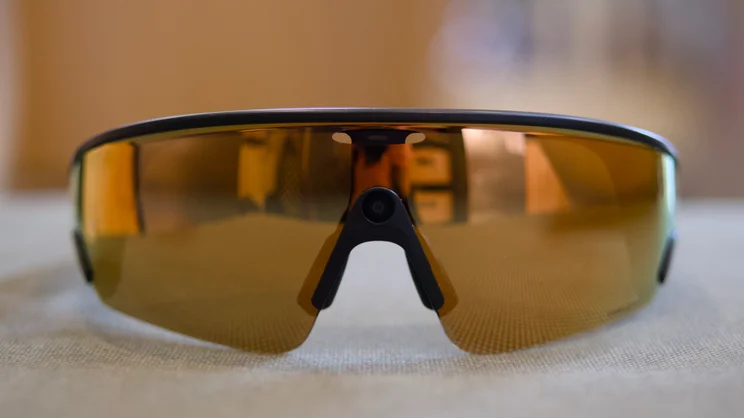
- Great sunglasses
- Cracking photo and video quality
- Superb noise-cancelling microphones
- Short battery life
- A bit wide
I love the idea of products like the Oakley Meta Vanguard – mainly because I love buying shiny sports sunglasses and I’m a sucker for anything tech-related – so they scratch a big itch for me personally.
But when I had the chance to take them with me on a ski trip recently, I had an epiphany. Forget the Garmin synchronisation and the fancy AI capabilities (I’ll get onto those further down) – what my time with the Vanguard has demonstrated to me quite clearly is that smart glasses like these have a future and a genuinely practical application.
As an effective way of capturing quick video clips and photographs hands-free, they’re unrivalled, truly an almost perfect tool for outdoor sports fanatics.
What do you get for the money?
At £499, though, they certainly need a practical reason for you to buy them, as that’s expensive, even by the standards of Oakley sports glasses. Oakley wraparounds have always been pricey – currently, a pair of Sphaera Strike with the same Prizm lenses as my Vanguard test samples is £184, and that’s reduced from the RRP of £231 – but the Vanguard are more than double this, so what exactly does your extra dosh buy you here?
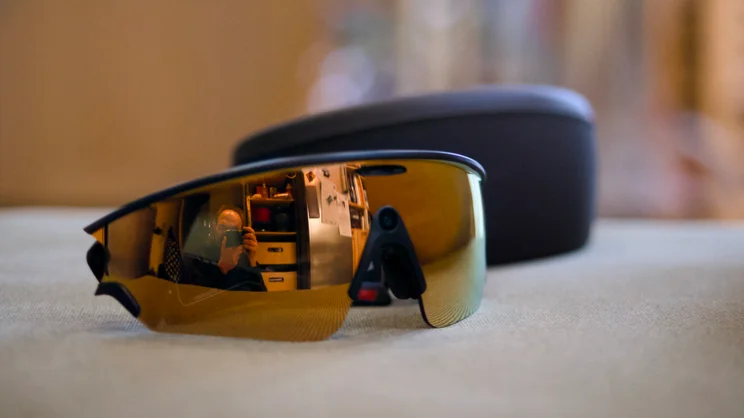
First of all, let me say that these are an extraordinarily good pair of sunglasses. You can specify them with a number of different lens types to suit your activity type and light conditions, but I’ve been using the Prizm lenses and the clarity is second to none.
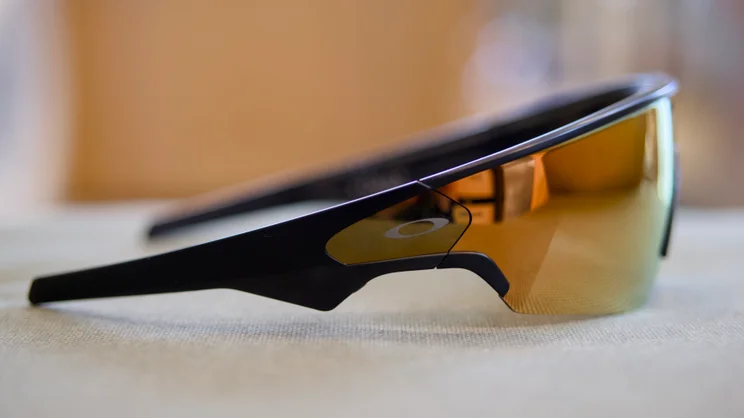
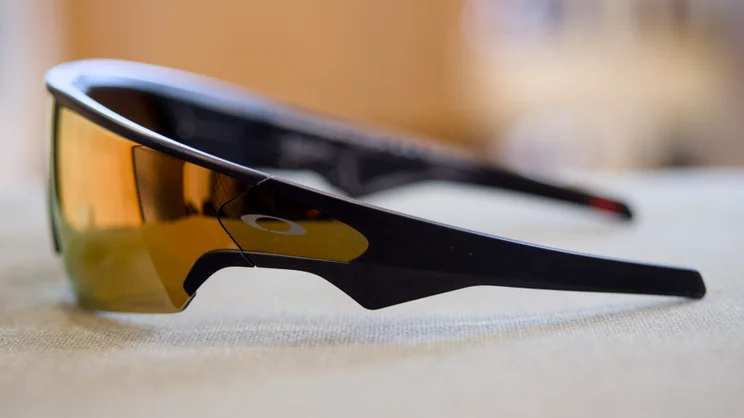
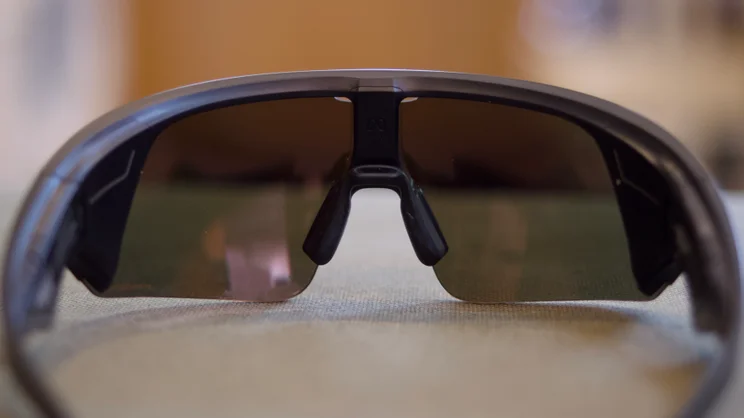
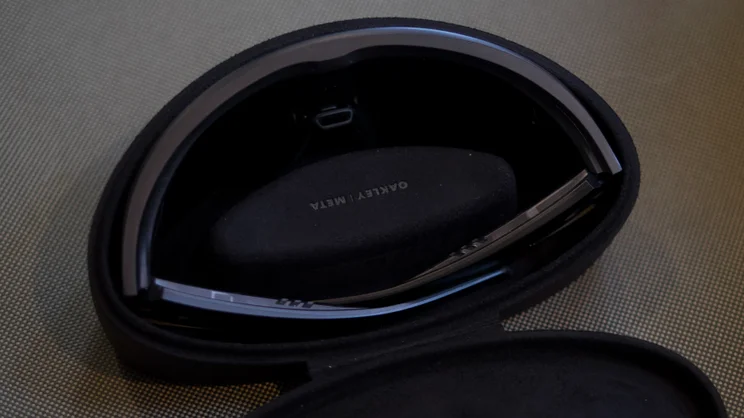
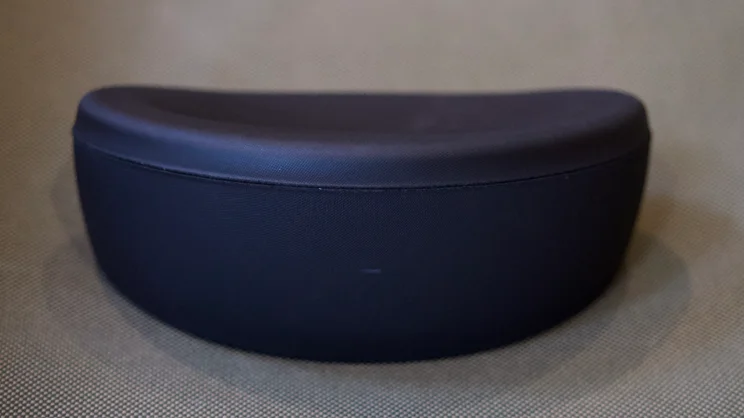
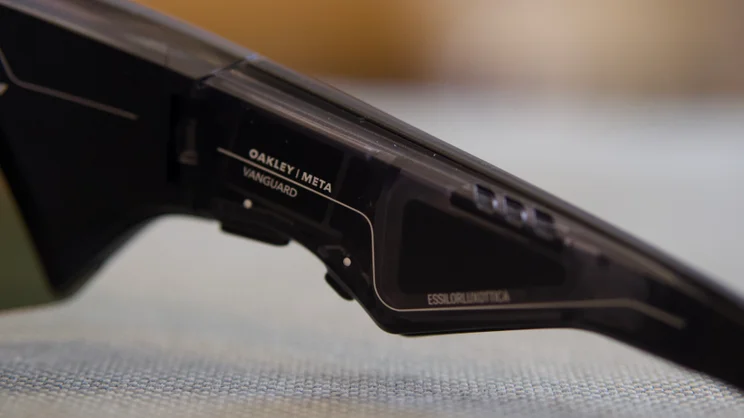
Build quality is lovely and so is the fit: although heavy and a little on the wide side, these Oakleys fit my face beautifully without ever feeling like they were going to fall off, whether through running, cycling or skiing. They also come with a luxurious-feeling hard case, which doubles as a charging case for the glasses – although this, too, is somewhat bulky. Something to bear in mind if you like to travel light.
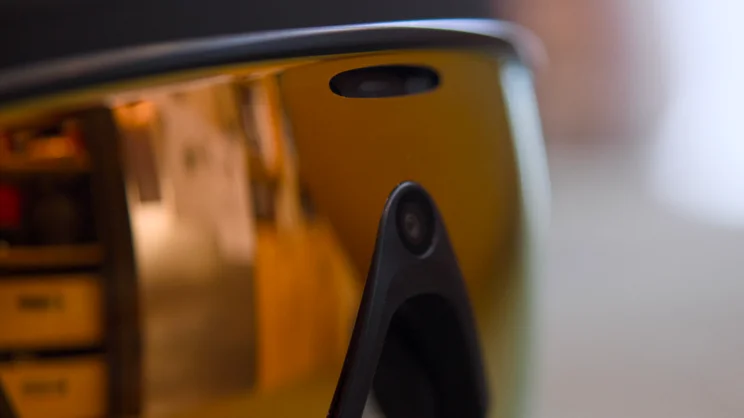
The Vanguard don’t have an internal display like the Meta RayBan Display (these are, unfortunately, not available in the UK yet), but they do have a camera capable of shooting 3K video at 30fps and photos at a resolution of 3,024 x 4,032. They also have headphones built into the arms and a set of microphones that let you make phone calls and issue commands to Meta, so you can take hands-free images and video, and carry out other actions.
Effectively, then, you’re getting a headset, an action camera and a high-quality pair of sports glasses in one neat package, and when you think of it like that, £499 starts to make a lot more sense. If, for the sake of argument, you were to purchase a pair of the Huawei FreeClip 2 (£180), the DJI Osmo Nano (£234) and a pair of those lovely Sphaera Strikes (£184), the total would come to nearly £600.
The Vanguard not only offers a neater overall package, but they’re also packed with other clever features, aimed at athletes and outdoor sports enthusiasts. The headliner is synchronisation with some Garmin watches (check the Garmin website for a full list of compatibility). Pair the two together and these features allow the glasses to announce your stats as you’re working out. You can say, for instance: “Hey Meta, what’s my pace?” And the Meta assistant will get that data from your Garmin watch and tell you over the headphones built into the Vanguard’s arms.
What’s more, the glasses will group together photos and video clips you record while you’re doing your workout and overlay your stats on top of that content. There’s also the option to have the glasses automatically capture clips at intervals if you can’t be bothered saying “hey Meta, take a photo” or reaching up to press one of the buttons on the right-hand arm.
There’s also Strava compatibility, but only for post-workout video overlays, and you can set up your favourite music and audio streaming services with the glasses, too, though note that you’ll need your phone in your pocket or backpack for most of this to work effectively.
The final feature to mention here is that the glasses can use Meta’s image processing AI capabilities and the glasses’ camera to view what you’re seeing or answer questions about your surroundings. You can also use the glasses to carry out translations for you, although as they’re sunglasses that limits the scenarios in which this particular function can be put to use.
What did we like about the Oakley Meta Vanguard?
The thing I love the most about the Vanguards, however, hasn’t anything to do with their AI capabilities; it is the ability to capture images and video, hands-free, with a simple phrase. They came in especially handy during a recent ski trip to Italy, where I was able to capture all the content I wanted without having to stop and take off my gloves, or take the risk of dropping my phone in the snow.


The quality is surprisingly good, too. No, it can’t compete with a top flagship phone like the iPhone 17 Pro or the DJI Osmo Nano action camera I took along for comparison, but in decent light – which, given these are sunglasses, is where they’ll see most use – I can’t fault it. Video is crisp and detailed and photographs are packed with vibrant colours. The same goes for video stabilisation. It’s not the best – don’t expect something that can rival a GoPro – but I found it was good enough to produce smooth results while running, which is the toughest test for any wearable camera.
Likewise, the 3K resolution (at 30fps) might seem a little low when most action cameras and flagship smartphones can capture 4K video at higher frame rates but for me, the Vanguard’s video files strike the right balance between quality and practicality. These video clips transfer more quickly from the glasses to the Meta app than 4K ones would have, and they’re easier to edit, too.
Elsewhere, the Vanguard get voice controls spot on, too. Even skiing at around 30mph, I didn’t have to yell too loudly to get the glasses to do what I wanted, and audio is of a pretty decent quality – perfect for listening to Test Match Special during your morning run (other podcasts are available). Be aware, however, that if you turn up the volume even slightly, anyone sitting next to you will be able to hear every word.
The microphones work brilliantly. They deliver top-class sound quality and have among the best background noise cancellation I’ve come across. These things are absolutely fabulous for phone calls when you’re out and about, and the synchronisation with services such as WhatsApp works well, too, allowing you to dictate messages and place calls using just your voice.
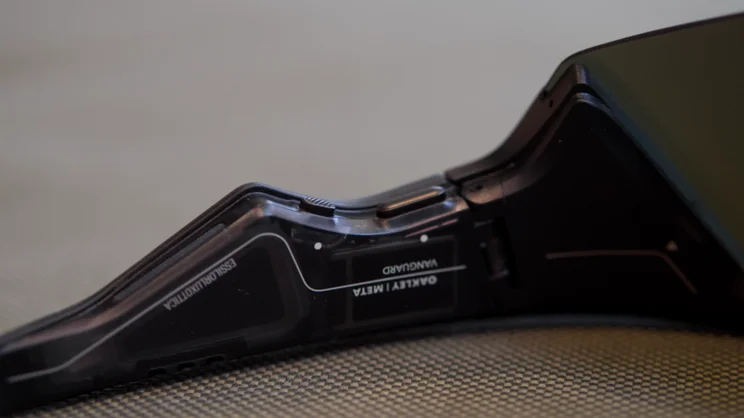
And if you prefer physical controls, the Vanguard has you covered there, too. Two buttons are positioned on the underside of the right arm: one allows you to capture a quick photo with a single click or record a video clip with a long press; the other is customisable in the Meta AI app – by default it’s set to trigger a hyperlapse video, but you can also set it to slow motion, auto-capture, translation, or music. Visually impaired people can even set this button to make a call with the Be My Eyes app, which then connects the glasses to a volunteer who can see through the camera and provide assistance via the Vanguard’s headphones.
Meanwhile, touch-sensitive controls built into the surface of the right arm let you skip, pause/play and adjust audio volume. All of this works very well indeed.
What could they do better?
The Vanguards get mostly everything right, but there are a couple of areas that do jump out as being ripe for improvement. First is battery life. The glasses themselves have a quoted battery life of nine hours, with the charging case adding a further 36 hours. This might sound good, but you should be aware that these figures are quite conservative.
For example, when I first got them, I took them out on a long-ish run, and after just over an hour of listening to audio constantly, capturing video clips and snapping photographs, the battery was nearly flat. If you’re a long-distance runner who loves to run to a soundtrack, these might not be the best shout, then. They’d struggle to last a full marathon.
On the flip side, if your usage is lighter, you can extend the battery life by quite a bit. I took them out for a day’s skiing, limiting my use to the odd photo and video and a couple of calls, and the glasses lasted a full day. They did need to be topped up for use the next morning, though.
The only other gripe I have with these is that they’re wider and heavier than regular sports glasses and can be a bit of a tight fit under hats and/or helmets. On my ski trip, for instance, they were a tight fit under my helmet, which resulted in the angular edges of the arms putting a little extra pressure on the tops of my ears. Not the most comfortable experience.
Should you buy the Oakley Meta Vanguard?
Still, for the convenience of being able to take photos and videos and phone calls without having to fumble around for my phone and risk dropping it, I’d be quite willing to put up with that – and for those times when I didn’t have earpads putting pressure on my ears, they fit much more comfortably.
In fact, I can heartily recommend the Oakley Meta Vanguards to anyone who enjoys strenuous outdoor activities like running or cycling, skiing or snowboarding. They’re smart glasses, but they’re not geeky. They’re optically exceptional, capture top-quality footage and sound pretty good, too.
So while they may look expensive at £499, the Vanguard are actually pretty good value, and certainly an attractive alternative to buying a more traditional action camera.


