
To help us provide you with free impartial advice, we may earn a commission if you buy through links on our site. Learn more
- Excellent overall image quality
- Highly adjustable stand
- Enviable port selection
- Meagre on-board speakers
- Chassis is a little bit plasticky
- Not quite as strong on non-default picture modes
Business monitors are rarely the flashiest of options, but if you want something mainly for working on, it’s generally worth sacrificing excitement for practicality. Extras such as USB-C connectivity, KVM switches, advanced eye care and ergonomic, adjustable stands are worth favouring over factors like motion clarity, high refresh rates and HDR, especially when you’re going to be staring at your screen for hours every day.
More recently, probably thanks to the increasing prevalance of working from home, monitors have begun to appear that bridge that gap, catching up on the refresh rate front and bringing smoother motion to the party alongside more worthy features.
The Philips 27B2U4601 is a great example of this new breed, packing in a 27in QHD IPS panel and a smooth 120Hz refresh rate and combining that with a strong array of ports and adjustability for less than you might expect. I’ve been putting it through its paces for the last week or so, and here are my thoughts.

What do you get for the money?
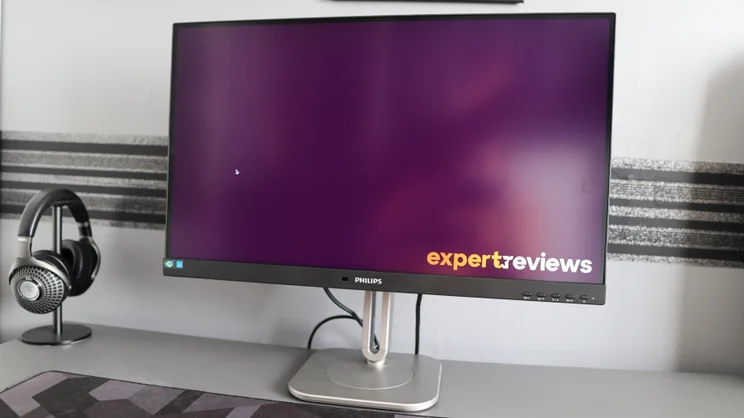
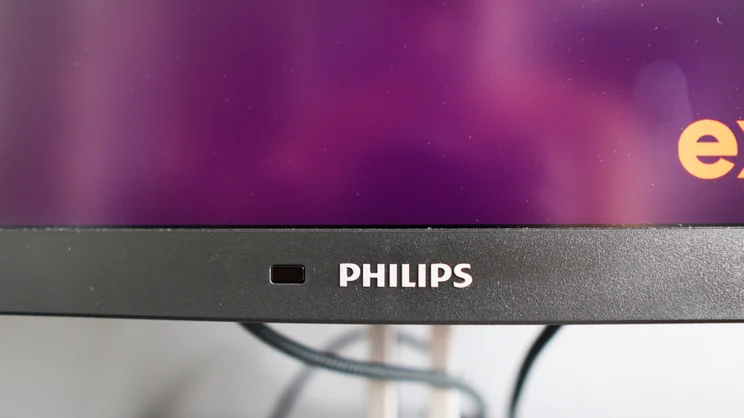
The Philips 27B2U4601 certainly looks like a business-oriented screen, with a two-tone black and silver finish, complete with quite a thick bottom bezel. The bezels on the other three sides of the screen are noticeably slimmer and give the 27B2U4601 a smart, modern look.
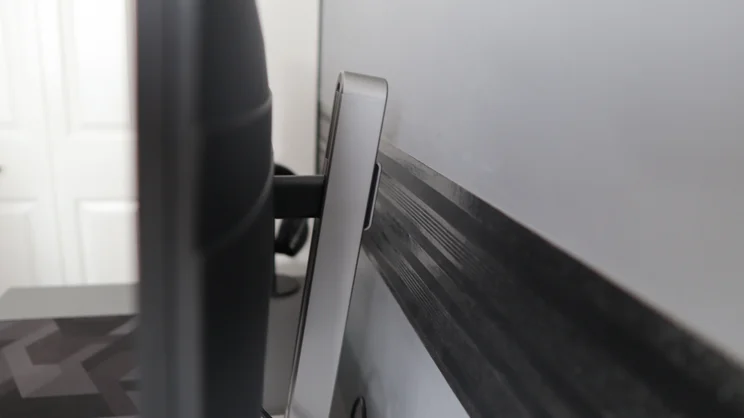
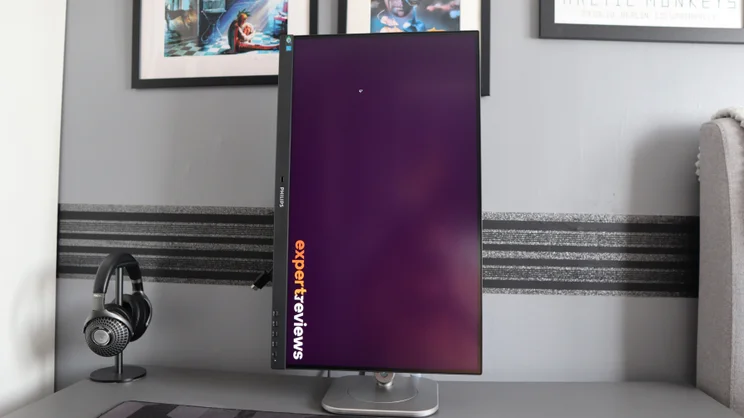
In keeping with the businesslike approach, there’s plenty of adjustability here, too, thanks in the main to its “Smart ErgoBase”, which allows you to easily swivel the display through the full 360 degrees and adjust the height of the screen by 150mm. You also get tilt angle adjustment from -5 degrees forward to +30 degrees backwards and, for those navigating long documents or coding, this monitor can also swing around into portrait orientation with relative ease.
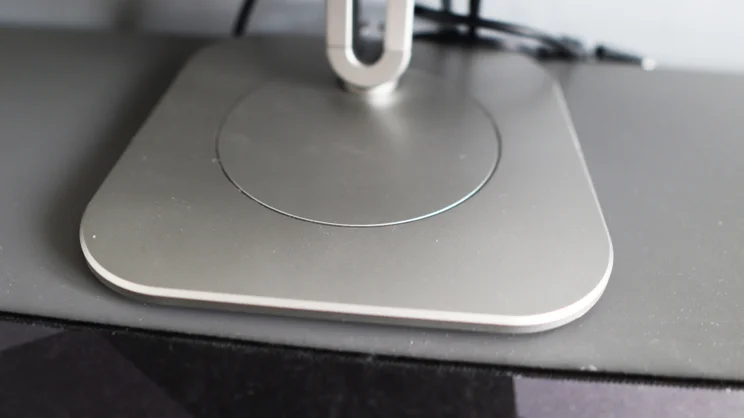
I appreciate the flat base this monitor’s stand comes with, too, as it means you can place a compact soundbar on it (I use my Sonos Beam Gen 1 as a desktop speaker); it also takes up much less space on your desk than monitors with V-shaped legs.
The Philips 27B2U4601 comes with built-in speakers – two 2W units to be precise – and while on-board audio is a nice-to-have if you’re short on space, the speakers here are a bit mid-heavy and lack depth or bass. As usual, you’re much better off using dedicated speakers if space allows, or a headset if it doesn’t.
Is it easy to use?
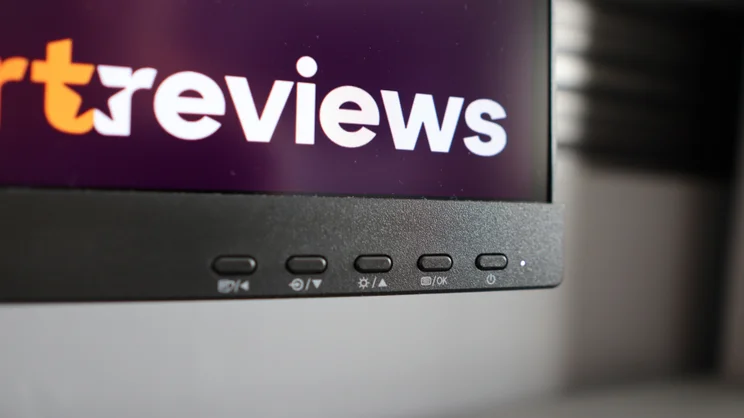
The monitor’s controls are found in the bottom right corner on the monitor’s front fascia, and are made up of an array of physical buttons. I sometimes lament this type of control method as it can be a bit fiddly compared with the joystick-based control found on many other monitors, but generally speaking this one is pretty straightforward to use.
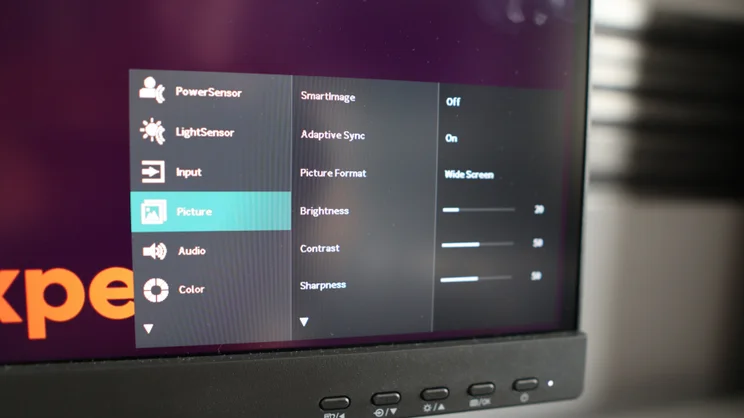
You can use these buttons to access all the usual settings, including quick access to picture profiles, plus a few interesting extras. The standouts here are Philips’ clever PowerSensor and LightSensor features, which can dim or turn the screen off when you’re away from the screen, and adjust the brightness of the screen based on ambient light levels.
I found both worked well. On a bright summer day, it pushed the brightness up to compensate for some of the glare I was getting from a nearby window, and when I went downstairs to make a cup of tea, I returned to find the screen had turned itself off.
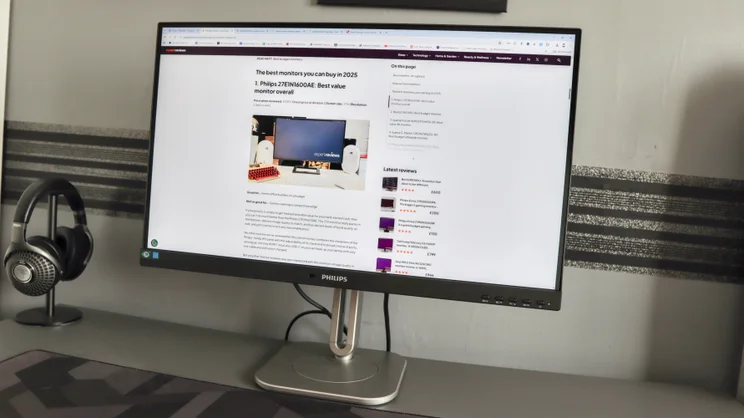
Another tool I found myself using more regularly than I had expected to, thanks to how easy it was to access, is Philips’ EasyRead picture mode. This turns the picture monochrome to simulate a more paper-like experience and it’s genuinely easier on the eye for extended working.
How good is the build and connectivity?
For a more affordable office screen, the build quality of the Philips 27B2U4601 is what I expected. That is to say, it’s completely fine for most folks, using a blend of plastic for the main housing for the screen and metal for the stand and arm. It has rounded corners on the edge of the flat base, plus on the arm itself, for a bit of style to supplement the fair amount of substance.
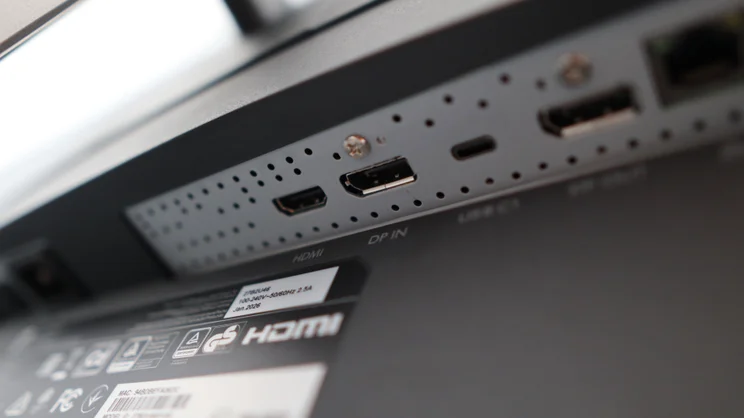
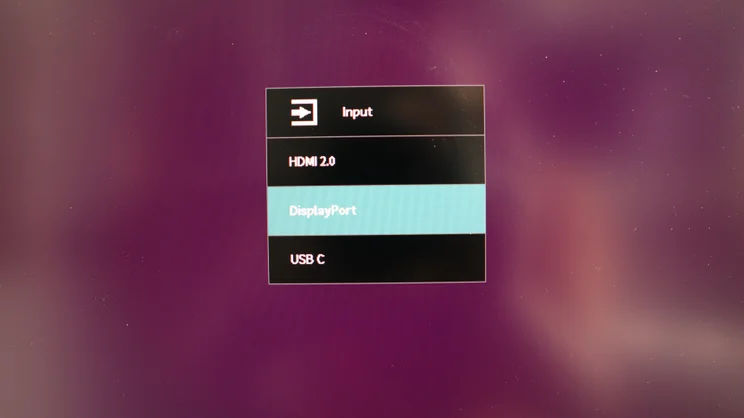
The main display inputs are on the underside at the rear, and comprise DisplayPort 1.4, HDMI 2.0, and USB-C with support for DisplayPort Alt mode and up to 96W power delivery, making this monitor ideal for pairing with a modern ultrabook for display and charging with one cable. That USB-C port spec is better than a lot of its more expensive rivals, too.
There is also an RJ45 port that can run via the USB-C port to give your laptop wired Gigabit networking even if it doesn’t have it natively, a DisplayPort output for daisy-chaining to another screen and a legacy USB-A port.
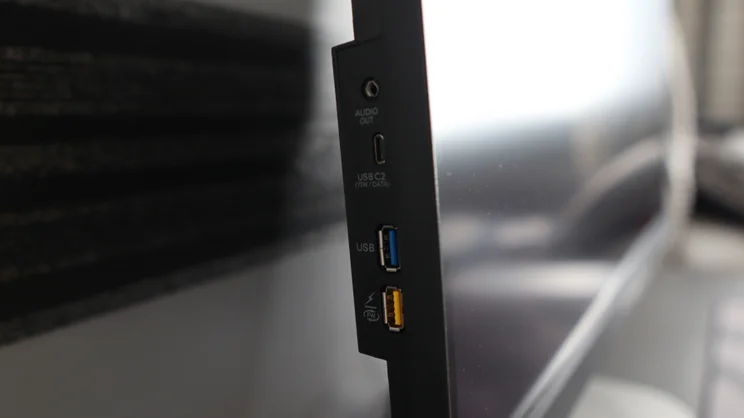
In addition, there’s an array of ports lined up on the left side of the screen, with two further USB-A ports, one acting as a fast charger, a second USB-C port with 15W downstream power delivery, and a 3.5mm headphone jack for audio. This means you can turn your monitor into a full-blown docking station, although one disappointment is that Philips hasn’t provided full KVM functionality to allow you to use one set of peripherals and display with two different input sources.
The sheer amount of connectivity on offer here is strong for a more affordable business monitor. And to help manage the potential cable spaghetti, Philips therefore provides some welcome cable management on the screen’s rear side, with the stand being open, plus a small routing channel on the base to help keep things neat and tidy.
What is image quality like?
As a screen for general office duties, the idea of the Philips 27B2U4601 is that it isn’t necessarily designed to wow the crowds, but rather to get the job done, and its quoted capabilities reflect that ambition. Philips quotes a peak brightness of 350cd/m2 in SDR, a 1,500:1 contrast ratio and 125% coverage of the sRGB colour space. And anti-glare coating gives the screen a rather dull matte finish, too. It is rather effective at repelling reflections, though.
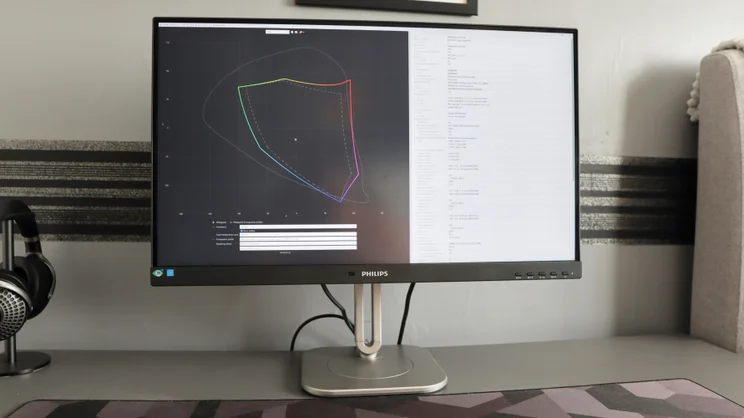
In its standard profile, the Philips 27B2U4601 makes good on these claims. I measured 124.4% sRGB volume and perfect 100% sRGB coverage, making this screen an ideal choice for productivity workloads. The 86.5% DCI-P3 and 80.5% Adobe RGB coverage are fine for a more affordable screen, and mean you could use this screen for colour-critical tasks at a push – it wouldn’t be ideal, though.
The 473cd/m2 of peak brightness my colorimeter measured is well ahead of Philips’ more conservative estimate, and gives displayed images a pleasant punch to them. With this in mind, the 1,156:1 contrast ratio means dynamic range is just okay, and a little off the 1,500:1 rating Philips quotes, while the 0.11 black level at 120 cd/m2 means we’re getting decently deep black response for an IPS screen.
In the default user profile, the 0.56 Delta E average is also surprisingly excellent, and the 6,808K colour temperature is reasonably close to where it should be – all the tests here were carried out with the colour temperature set to the 6500K default in the monitor’s OSD.
Switch over to the dedicated sRGB mode, and weirdly, colour accuracy takes a bit of a hit but not so much as you’d notice. We’re slightly down to 92.8% sRGB coverage with a 93.2% volume. The 6909K colour temperature is pushing things to be a little blue, while the 0.95 Delta E is still excellent.
As for Gaming mode, it’s here where things understandably take a bit of a tumble. The peak brightness of 328 nits is noticeably dimmer than in the other two modes, while the 827:1 contrast ratio means we’re lacking dynamic range. The 8220K colour temperature means displayed images have a much stronger blue tinge, while the 1.83 Delta E average means colours are reasonably accurate but not as accurate as in the other modes.
To my eyes, text in the Gaming Mode also seemed fuzzy, and images looked like they were a much lower resolution than on the other two. As for motion clarity and response times, 10ms at 120Hz is fine, but not the fastest for the office-grade screens we’ve seen, not least one with higher refresh rates. For general use, you’ll probably not care much about this, but it’s something to be aware of if you were considering purchasing the Philips 27B2U4601 with an eye on multipurpose use.
| Test | Result |
|---|---|
| Peak brightness | 473% |
| Max colour reproduction | 124% sRGB |
| Contrast ratio | 1,156:1 |
| Best colour accurace vs sRGB | 0.56 average Delta E |
| Response time | 10ms |
Should you buy the Philips 27B2U4601?
As long as you stick to its Default profile, I think the Philips 27B2U4601 is a very competent office monitor for £290. General image quality from its 1440p 120Hz IPS screen is good, with bang-on detail and smooth on-screen action that’s also backed by strong colour accuracy, punchy brightness and contrast. Plus, you’ve got decent stand adjustability and an excellent array of ports, with a feature-rich OSD that’s reasonably easy to get to grips with .
At £290, the Philips 27B2U4601 is hard to argue with for those after a very capable and feature-rich productivity monitor. It’s not without its quirks, but for the money, it’s a capable and well-equipped office screen that gets the job done where it matters most.


