
To help us provide you with free impartial advice, we may earn a commission if you buy through links on our site. Learn more
- Super thin and light
- Decent battery life
- Excellent webcam
- Keyboard case has no backlight
- Software could do with a polish
If you want to get proper work done, most people will use a laptop to do so. But there are some who prefer to use a tablet. And while there are plenty of laptops with touchscreen and stylus support, the ability to separate screen from keyboard means a 2-in-1 productivity tablet – like the new Honor MagicPad 4 – is a more flexible tool.
The trouble for Android tablets like this, however, is that Apple has this market pretty much sewn up , and has done for some time now, at least at the high end. Its iPad Pro products are powerful enough to replace a serious laptop, and the app ecosystem provides a huge choice of apps for users, including quite serious professional apps.
The only hope for most Android manufacturers is to provide a cheaper, better value option, and that’s where the Honor MagicPad 4 comes in, providing the tablet, keyboard case and stylus for a fraction of the price of the top-end iPad Pro.
Honor MagicPad 4 review: What do you get for the money?
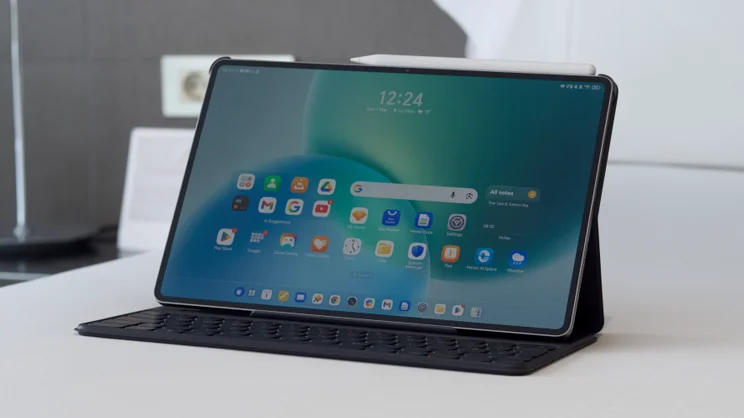
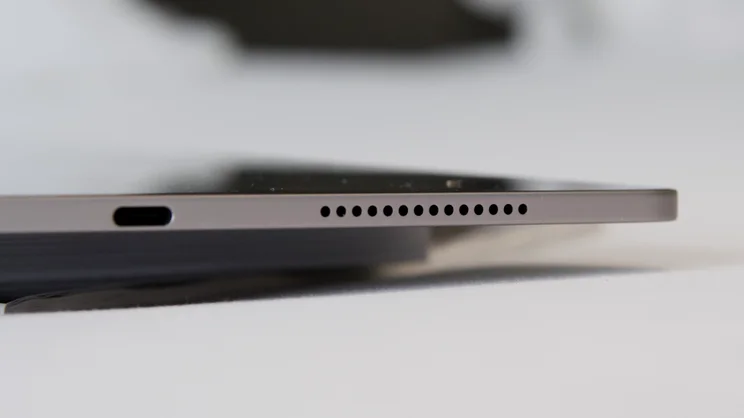
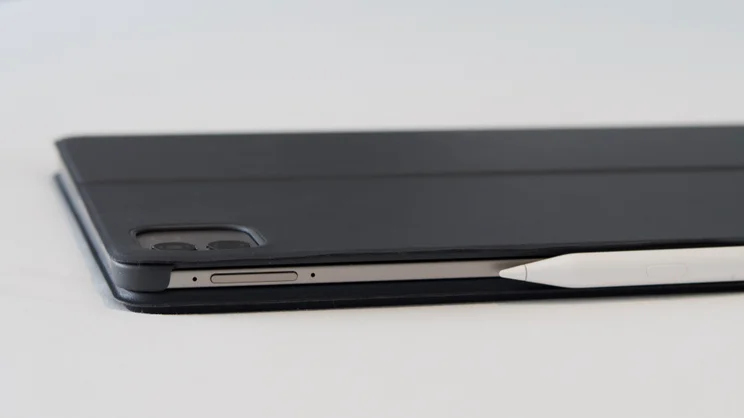
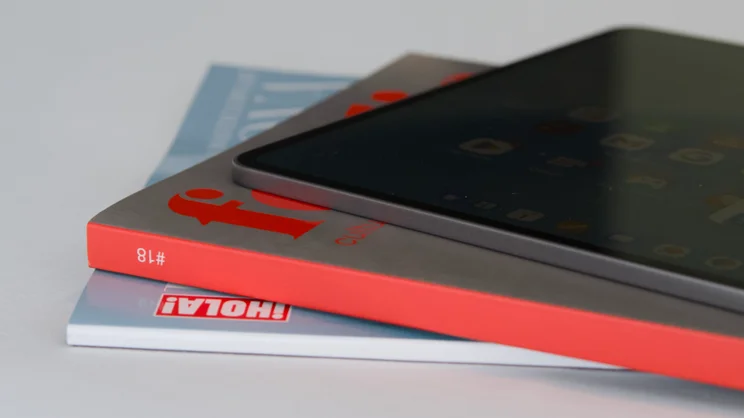
It also, surprisingly, competes with the iPad Pro on both the design and the performance fronts. This is, first and foremost, an extremely thin and light tablet. From the front of the glass to the rear of the tablet chassis, the Honor MagicPad 4 measures a mere 4.8mm, which is the thinnest tablet we’ve come across. The 13in iPad Pro was the previous thinnest at 5.1mm.
It’s lighter than the iPad Pro as well: only 450g, undercutting the iPad Pro by 129g, although that’s partly explained by the fact that the MagicPad 4 has a smaller 12.3in screen.
And all this comes in at £600 for the model with 12GB of RAM (or £700 if you want 16GB) and although the keyboard and stylus are optional extras, Honor is initially offering them for free for anyone buying the tablet from the Honor website. If prior experience is anything to go by, this won’t be the only time Honor will offer these accessories for free, either.
For context, the equivalent iPad Pro package will set you back at minimum £1,777, and even the cheaper, chunkier M3-powered iPad Air is more costly, at £1,227 for the full keyboard and stylus package. The MagicPad 4 also undercuts the Samsung Galaxy Tab S11, which costs £799.
It’s powered by the Qualcomm Snapdragon 8 Gen 5 chipset and backed up by 12GB of RAM and 256GB of storage. The display is a sharp 3K OLED affair, refreshing at up to 165Hz and peaking at 2,400 nits brightness. There’s a big 10,100mAh battery that charges at up to 66W.
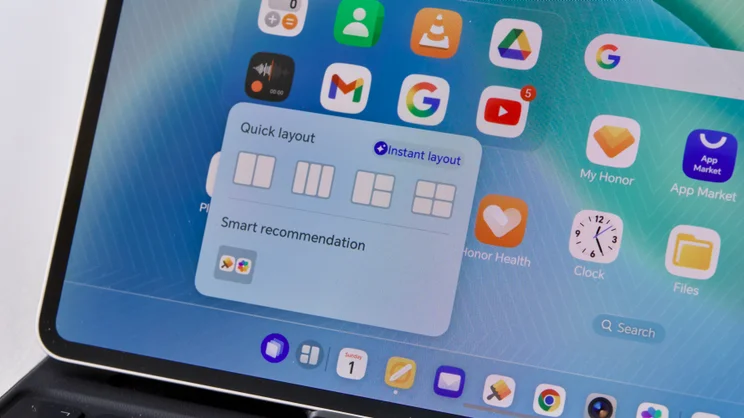
Perhaps most intriguingly, Honor is touting “seamless connectivity” with Apple devices, allowing quick AirDrop-style transfer of files and photos. And as with many other so-called productivity tablets running a mobile operating system, the MagicPad 4 comes with a desktop-style front-end you can switch to when you have the keyboard attached, allowing it to mimic a proper laptop and launch apps in windowed format.
What did we like about it?
Critcally, the hardware design of the MagicPad 4 is well up to snuff. The OLED display is a lovely thing, capable of producing around 93% of the DCI-P3 colour gamut, it’s as sharp as you need it to be, too, with a resolution of 3,000 x 1,920 and that 165Hz refresh rate means super smooth scrolling, panning and zooming.
With non-HDR content, it peaks at 697cd/m2 in manual brightness mode, but that peak rises to 2,400cd/m2 whenever you stream HDR material, and as it’s using an OLED panel, black areas of the screen never look grey or washed out.
It’s also reasonably colour accurate: the Vivid mode matched the DCI-P3 colour gamut reasonably well with a measured average Delta-E error rate of 1.14 – that’s best for watching TV and movies; although the Normal colour mode didn’t match up with the sRGB gamut too well, with an average Delta-E error of 1.96.
While that’s a tiny bit disappointing, there’s no doubt that this is a great screen to either work on, browse the web or watch movies on. And I especially appreciated the barrage of eye-care options. Not only does this tablet provide ambient colour temperature matching and blue light reduction tools for evening reading, there’s also 5,280Hz PWM dimming to ensure flicker doesn’t create a problem when you reduce the brightness right down.
What else does this thing do well? It’s responsive and quick, thanks to its Snapdragon 8 Gen 5 processor and RAM. No, it won’t be able to match an M5 iPad, but it’s perfectly capable of coping when things get busy in Genshin Impact and should outgun the M3 iPad Air. I say should, because our regular benchmarking tool – Geekbench 6 – refused to run and install at first; I’ll be updating it just as soon as I can.
I was, however, able to full test out the battery life, and that was pretty impressive, too, lasting a full 14hrs 32mins in our standard local video playback test. That result can’t match the very best tablets and laptops around, but it’s good enough (and again better than the iPad Air), and should last you at least a full day of work, web browsing and video streaming.
The cameras are excellent, particularly the webcam, which is the one you’ll use most frequently here, anyway. It produces sharp, well-balanced and natural images at 9MP, though be aware, it is a fixed-focus unit. The rear is a 13MP f/2 shooter and also produces sharp snaps (and 4K 30fps video), although nothing as good as the phone you’ve likely already got in your pocket.
I do like the desktop mode, which you can switch to by simply tapping an icon in the home screen toolbar; working with windows just feels more natural with a keyboard attached. And the fact that Honor has included a selection of ready-to-go office apps you can use from the get go is handy, too.
This very review was written largely in Honor Docs – a cheeky clone of Microsoft Word – which is able to work with and create .docx document files, without you having to pay for Microsoft 365. There’s also a handy Notes application that works well with the optional stylus and lets you search your handwritten notes via keyword – very neat. Plus, there’s a selection of AI tools built-in of varying utility, including the ability to fire up Gemini with a tap of a dedicated AI key on the keyboard.
I won’t list them all here, but I did find the Proofread tool useful in Honor docs (you can also compose, summarise, mind map and translate). You get transcription via a subtitling tool that can produce a live text output of streaming video or a conversation – and then produce a transcription after the fact. Note that these tools don’t run locally, however, and need an internet connection to produce results, so you might not want to use them for sensitive work.
What could it do better?
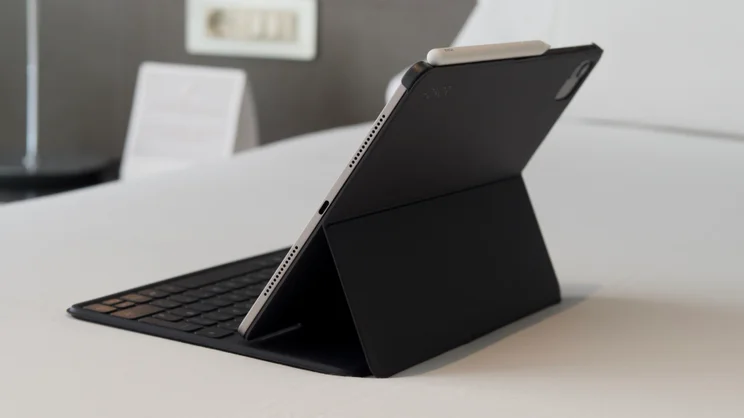
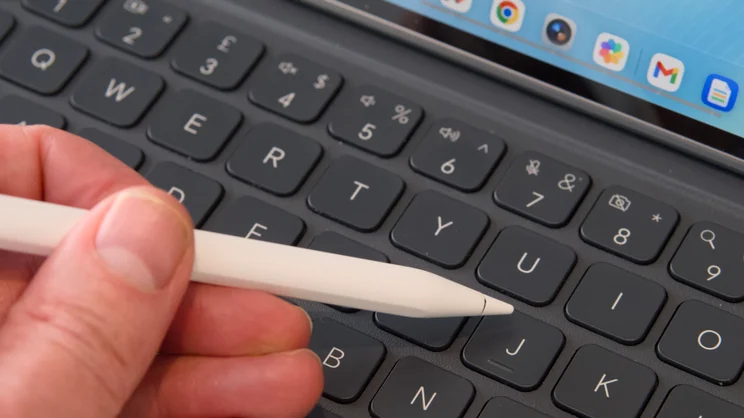
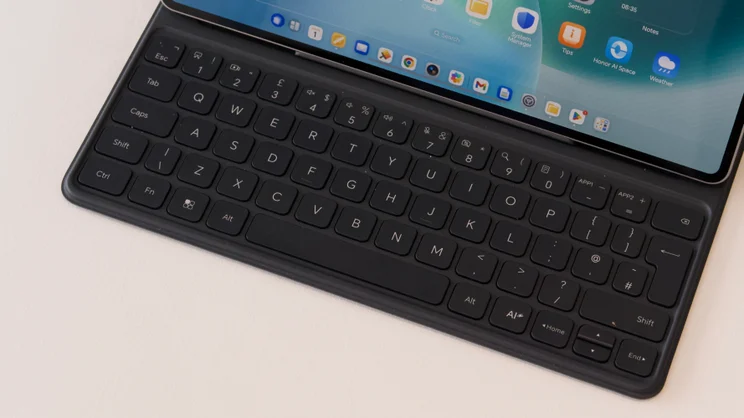
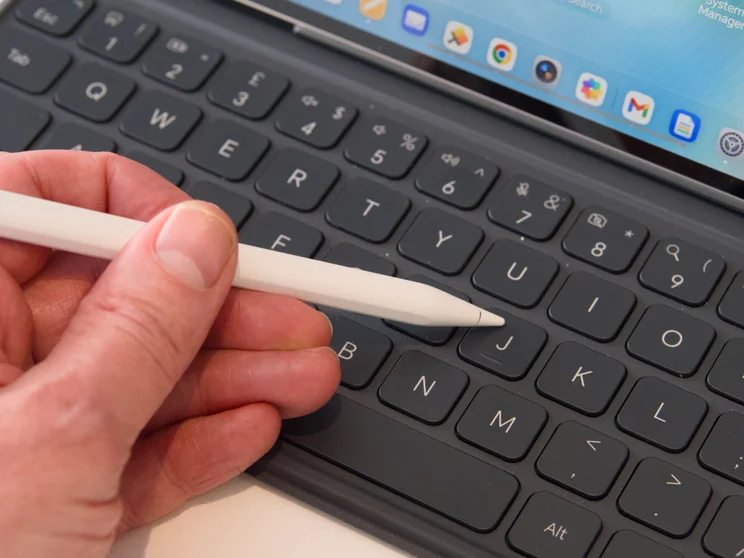
I was supplied with the keyboard and stylus with the Honor MagicPad 4 for this review and while the stylus is brilliant, the keyboard is not exactly what I’d call best in class. It’s comfortable enough to type on, but the case only gives you two angles at which to prop up the display, which can be problematic when working at a low table. The keys aren’t backlit, either, which makes it tough to use in darkened environments and nor is there a touchpad.
Some of the software could do with a bit more polish as well. Honor Docs does this auto-complete thing with quotation marks that makes it seemingly impossible to type a single apostrophe. I’d probably switch to using Google Docs as I couldn’t work out how to turn it off.
And although Honor says the tablet comes with a desktop-class file browser, I’m not sure I can agree. While it is quite intuitive to use, it’s missing some power features: you can’t, for instance, use it to batch rename files.
Finally, although some of the included software is welcome, there is a bunch of stuff here – as usual – that I could do without. I really don’t need a folder with download links in it to ‘popular apps’. I can decide what I want to download thank you very much. And where’s the Android app drawer gone? Anyone used to swiping up to see all apps is going to be very confused here.
Should you buy the Honor MagicPad 4?
Generally speaking, I like the Honor MagicPad 4. It’s a superbly put together all-round productivity tablet. It’s fast, the screen is beautiful and battery life is excellent. You even get a selection of reasonably useful software tools included – I particularly liked the ability to share files quickly with an iPhones, MacBooks and iPads.
Is it a superior tablet than the iPad Pro? No, but it is a lot cheaper and the hardware is competitive. Is it better value than cheaper Android-based tablets such as the just-launched Xiaomi Pad 8? Not really, but it is a faster perfomer, it’s lighter and thinner, and it has a larger, more luxurious OLED display.
In the end, however, it really depends what you want. I think the main target buyer for the Honor MagicPad 4 is anyone who wants a premium Android productivity tablet with a larger screen – like the Samsung Galaxy Tab S11 and iPad Pro/Air – but isn’t willing to pay a premium. If your needs aren’t that specific, you might as well opt for something even cheaper like the Xiaomi Pad 8 or, indeed, Honor’s very own Pad 10.


