
To help us provide you with free impartial advice, we may earn a commission if you buy through links on our site. Learn more
- Superb matte finish screen
- Responsive and snappy to use
- Good value package
- No preinstalled Google apps
- Clunky keyboard switching
Huawei’s ongoing spat with the US means that it’s often difficult to recommend the company’s consistently great hardware, particularly its smartphones. It has now stopped selling laptops in Europe for this reason, but, for the time being, it’s still offering tablets, and the MatePad 11.5 S (2026) is the company’s latest entry in this space.
Like previous MatePads we’ve tested, it’s a lovely piece of hardware, sold at a tempting price. As with those tablets, though, it is also hamstrung by the fact that it doesn’t come with Google apps installed. It is, as you’ll discover below, possible to work around this restriction and use it like any other Android tablet, but it’s more faff than having everything installed, ready to go.
What do you get for the money?
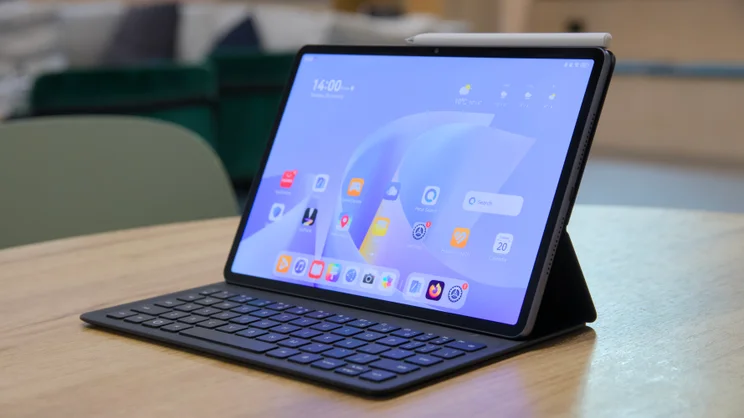
The Huawei MatePad 11.5 S (2026) costs £420 from the Huawei website at the time of writing, and that gets you the tablet and a keyboard case (without that, it’s £320), while the third-gen M-Pencil active stylus that it’s compatible with adds another £40.
That’s a very reasonable price, especially compared with the standard 11in Apple iPad, which would set you back from £657 for a similar package, while our favourite Android tablet – the OnePlus Pad 3 – is also more expensive, starting at just under £600 for tablet, stylus and keyboard case.
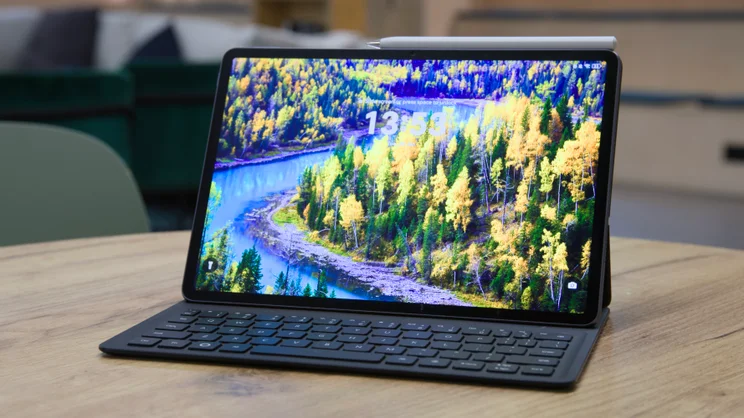
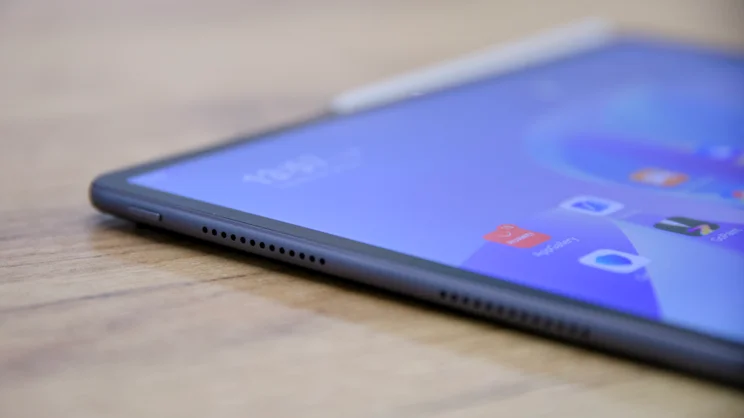
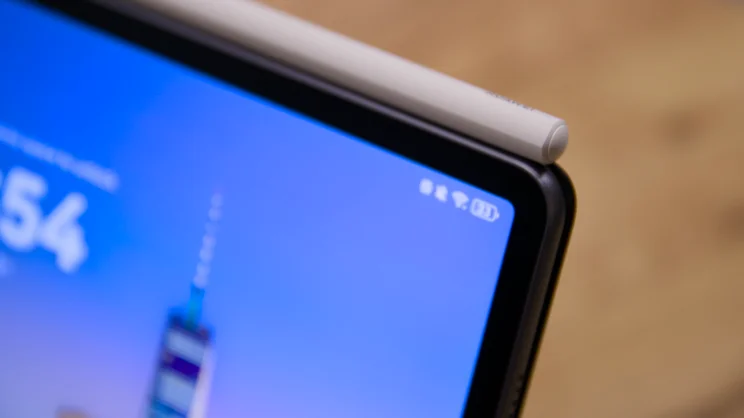
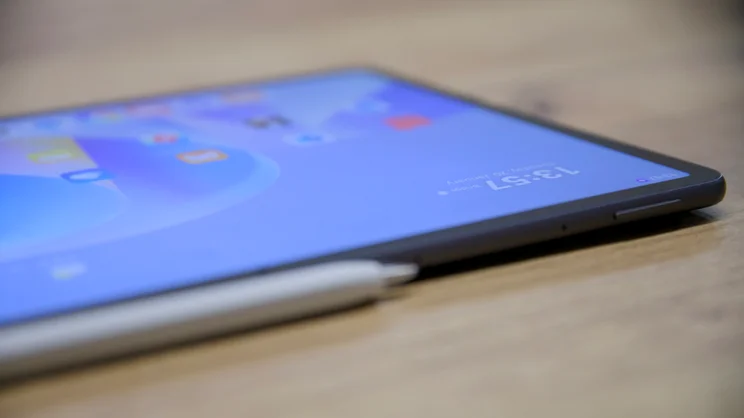
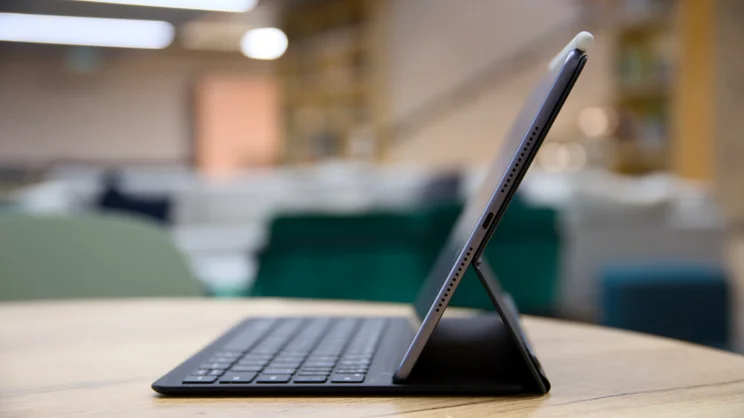
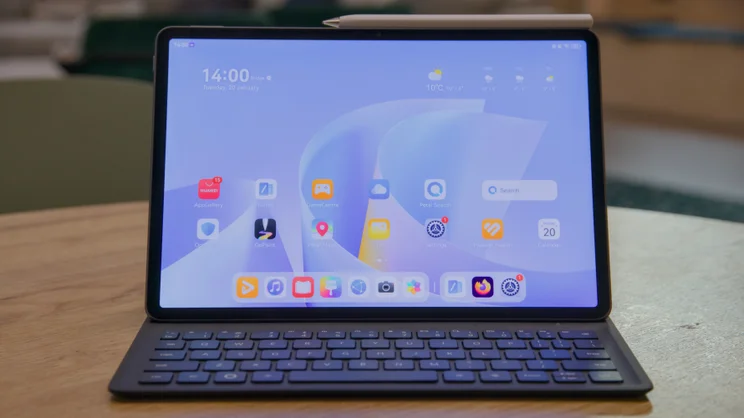
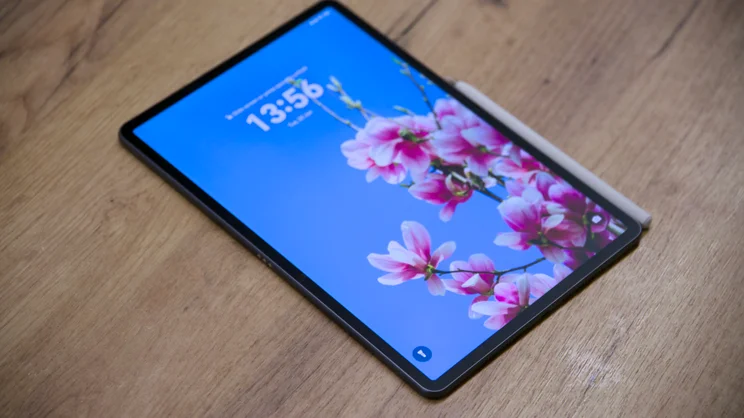
And this is no knock-off, el-cheapo tablet. It’s extremely slim, measuring 6.1mm from front to back, light at 515g without the case and stylus, and its 11.5in display – clad with Huawei’s PaperMatte finish – is an absolutely lovely thing to behold.
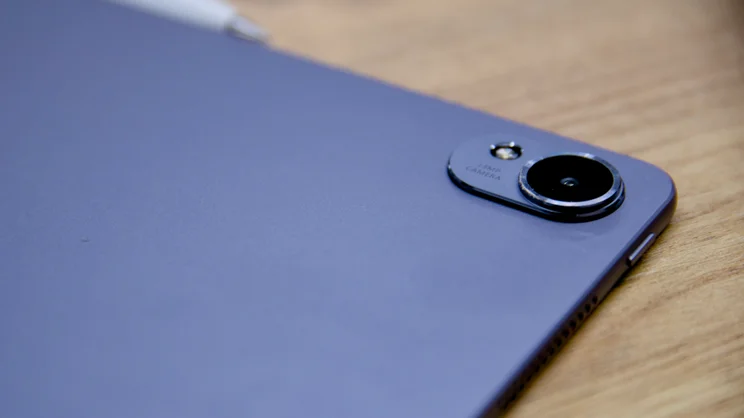
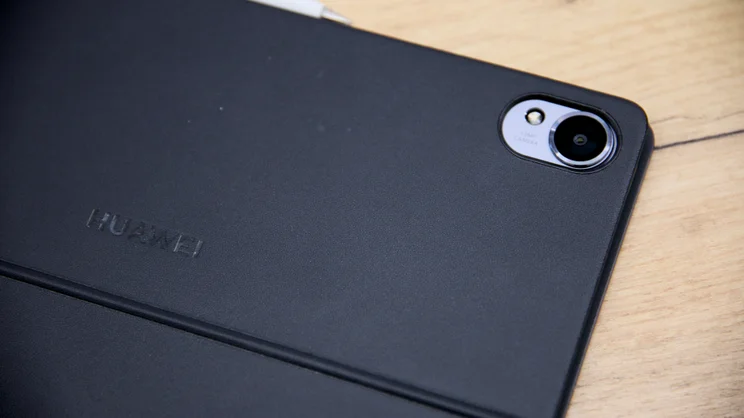
On the rear is a single 13MP f/1.8 camera. On the front is an 8MP f/2 webcam, and it’s all powered by a six-core HiSilicon Kirin T92C processor, producing a responsive and snappy experience, with 12GB of RAM to back that up, and 256GB of storage.
As for software, the tablet runs Huawei’s Harmony OS 4.3, which means no Google apps are installed as standard. However, it’s a relatively trivial task to install a third-party app store and regain much of the functionality of a regular Android tablet.
I installed the Aurora store and was able to install and run most of the apps I needed directly from that app. As HarmonyOS is based on open source Android, and the tablet’s processor is an ARM-based chip, it can run Android apps without any kind of conversion.
What you don’t get with this tablet is the mains adapter. But as long as you have a 40W USB-C plug in your armoury, you should be able to top it up quite quickly.
What did we like about it?
The MatePad 11.5 S is a solid and good-looking thing. It feels responsive to use, too, and although it isn’t nearly as quick as the OnePlus Pad 3 or the iPad, as the benchmarks show, it’s not hugely far behind.
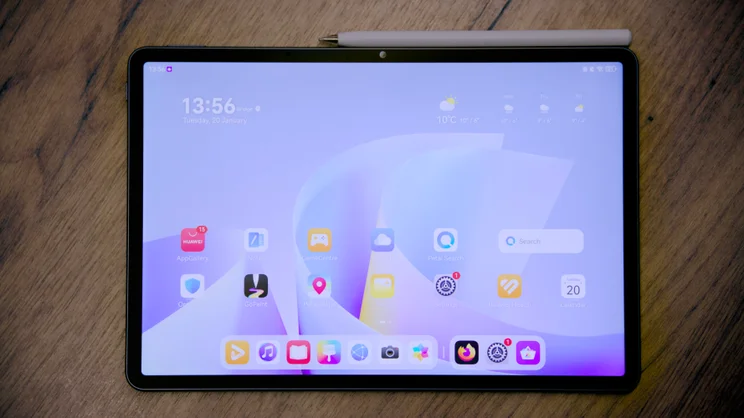
The display is excellent, too. It’s crisp and super sharp, with a resolution of 2,800 x 1,840, and it refreshes dynamically between 30Hz and 144Hz, so it feels liquid smooth while scrolling, panning and zooming.
It isn’t OLED, but its IPS tech does deliver a decent colour, brightness and contrast. I measured brightness peaks of 450cd/m2, while colour coverage and accuracy are decent, with 90.4% coverage of the DCI-P3 gamut and an average delta E colour variance score of 1.24 versus sRGB. In Normal mode, oddly, the tablet is only able to reproduce 83% of the sRGB gamut; you have to switch to Vivid to make the most of the display.
Another great feature of the display is that it has adaptive colour – just like the iPad – which eases the strain on your eyes indoors under artificial lighting. But my favourite part about it is that smooth PaperMatte finish, which is fantastic at reducing distracting reflections.
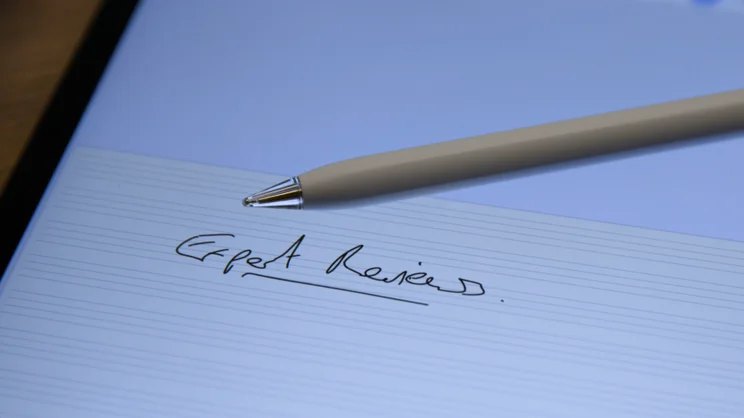
It also feels nicer under the finger than a regular gloss screen, and the matte finish adds to the friction generated when using the M-Pencil stylus, although the hard nib does still feel a little unnatural to sketch and jot with. It’s not quite as close to writing with a pen on paper as, for example, a ReMarkable Paper Pro Move or the Boox Note Air5 C. Another caveat here is that the matte finish does have an impact on contrast, with a lowish measured contrast ratio of 532:1.
Elsewhere, there’s decent battery life – it lasted 14hrs 9mins in our looping video test, which is respectable. I was also pleased to find how easy it was to install apps via the Aurora store, once I’d got it going. Even benchmarking apps such as Geekbench 6 and 3DMark were available to download and run.
Finally, the core note-taking NotePad and GoPaint apps are excellent inclusions, allowing you to fully utilise the power of the M-Pencil stylus straight out of the box.
What could it do better?
I do have some gripes with the MatePad 11.5 S, however, and the most obvious of those is that HarmonyOS (though based on Android) doesn’t come with any of the usual Google apps on board as standard, including Google Play. That means you have to know what you’re doing to sidestep the restrictions, and certain apps, like YouTube, require effort to get running.
There’s also far too much pre-installed guff on this tablet for my liking (except for NotePad and GoPaint, which are both excellent), and HarmonyOS doesn’t seem to handle the changeover between virtual and hardware keyboards very well.
Unless you choose to “Keep virtual keyboard on screen when physical keyboard is connected”, the virtual keyboard simply doesn’t appear when you disconnect the hardware keyboard. And yet that also means that when the hardware keyboard IS attached, you have to manually dismiss the virtual keyboard all the time as it pops up any time you tap in a text field.
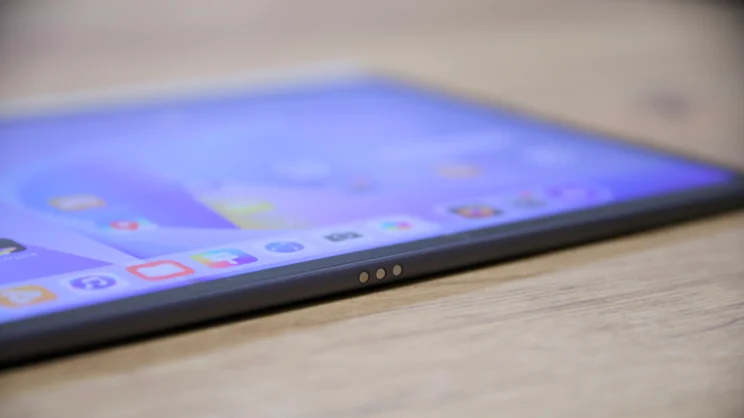
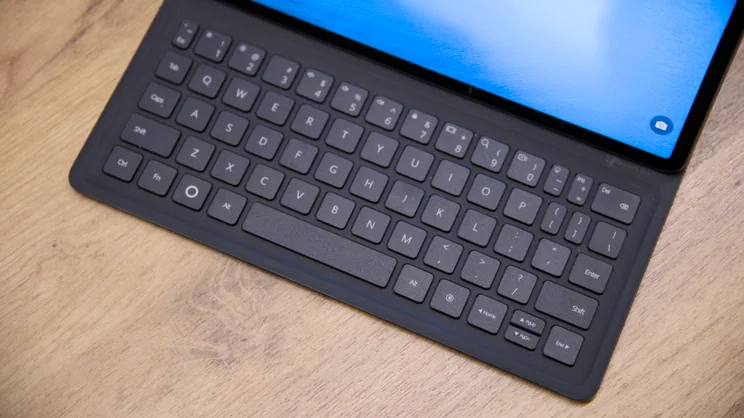
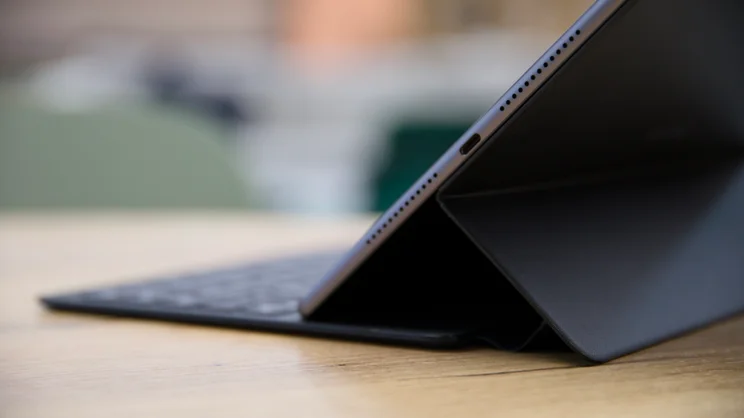
Aside from these, I don’t have any major problems. The keyboard case is a little clunky: to tip the screen back at any angle, you have to reach around and disengage quite a strong magnetic flap from the rear, but that’s nitpicking. The key action itself is a little on the spongy side, and it’s a little thick and heavy for my liking. But it compensates with the ability to still work when separated from the tablet using Huawei’s NearLink tech.
Should you buy the Huawei MatePad 11.5 S (2026)?
For the money, if the software wasn’t an issue, I’d say you should put the MatePad 11.5 S (2026) on your short list. It’s a wonderful piece of hardware. The screen is bright and vivid, the stylus works well, and you can get the whole lot, with the keyboard case, for under £500. That makes the Huawei MatePad 11.5 S (2026) a veritable bargain – although it isn’t quite as cheap as the last-generation Honor Magic Pad 2.
The trouble is, as with all Huawei mobile hardware, that finding and installing apps isn’t as straightforward as it would be with Google Play installed, and that makes this tablet tough to recommend wholeheartedly. If you’re willing to tinker with sideloading and third-party app stores, then have at it. For most folk, though, you’d probably be better off with a tablet that officially supports Google Play.


