
To help us provide you with free impartial advice, we may earn a commission if you buy through links on our site. Learn more
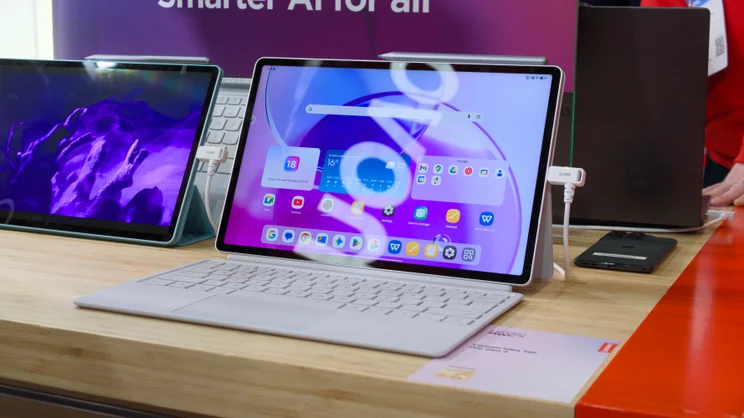
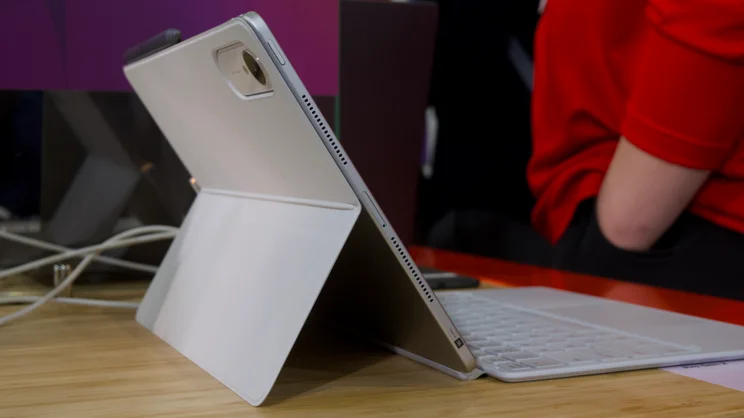
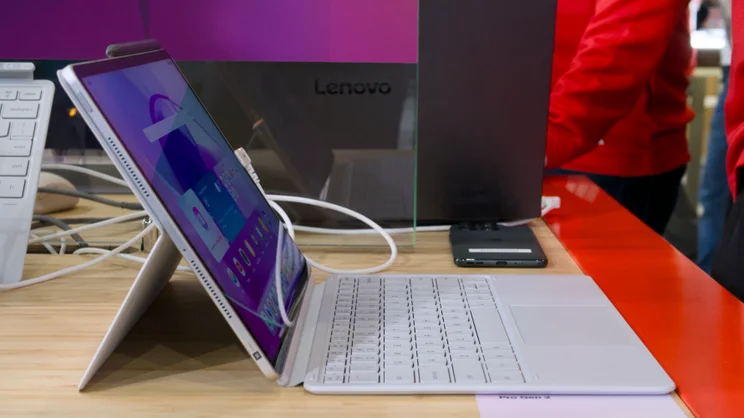
We’re used to seeing plenty of smartphone reveals at MWC, but at this year’s show it’s the Android tablets making the biggest splash. Lenovo’s Idea Tab Pro Gen 2 is just one of a healthy handful launched at the show, aiming to provide users a more affordable alternative to the super-expensive iPad Pro range.
This is, in fact, the second generation of Lenovo’s Android-based 2-in-1, but it brings with it better performance, courtesy of the Snapdragon 8s Gen 4 – alongside the introduction of Lenovo’s brand new, in-house AI offering: Qira.
Qira is Lenovo’s “personal ambient intelligence”, which is a rather overblown way of saying it comes with a selection of AI tools included, such as smart notes, live transcription, and reading assistance, among others.
Key specifications and price
- 13in, 3,504 x 2,190 LTPS “PureSight Pro” display with matte finish and Dolby Vision support
- Qualcomm Snapdragon 8s Gen 4 processor
- 8GB or 12GB of RAM
- 128GB, 256GB or 512GB of storage
- Quad speakers
- 6.2mm thin; less than 598g
- Compatible with Smart Keyboard Pack (£69) and Tab Pen Stylus (£30)
- 10,200mAh battery with 45W charging
- Price: £419 (tablet only, 128GB of storage); £479
- Availability: 3 March 2026 from Lenovo.com
Design and first impressions
Screen, dimensions and colours
The tablet itself is pretty standard fare. It has a 13in IPS display with a resolution of 3,504 x 2,190 and a matte finish that seems to be pretty good at reducing reflections.
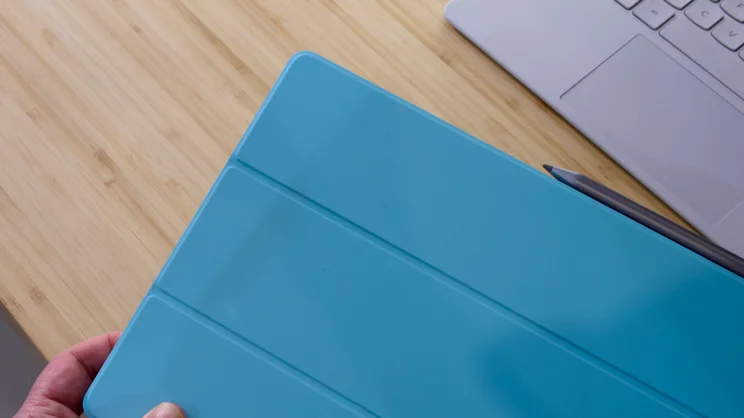
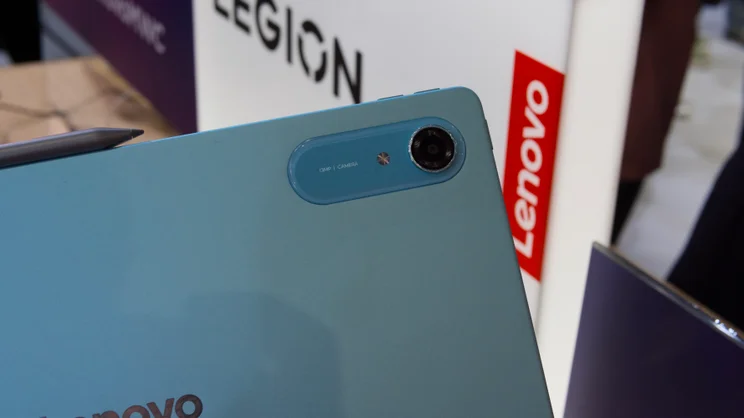
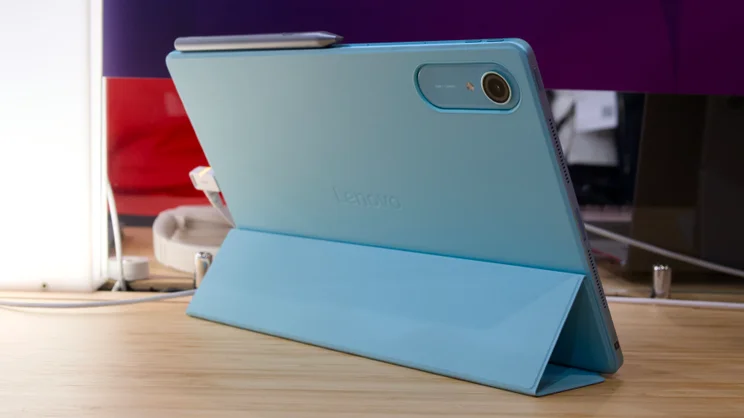
It’s 6.2mm thin, weighs 598g and comes in three colours: Luna Grey (dark grey), Cloud Grey (light grey), and Jelly Mint. The latter model is my favourite – it’s a sort of intense mint blue-green colour that really catches the eye.
It’s nicely built, too, and comes with support for both Lenovo’s 2-in-1 keyboard pack and the Lenovo Tab Pen Plus. Of course, neither of these are included in the price, but it looks like the overall total isn’t going to be too high.
Price and performance
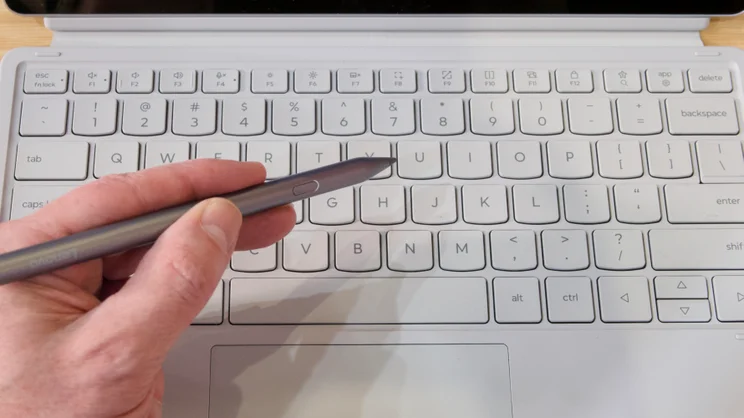
On Lenovo’s website, the keyboard pack is £69 right now, the stylus is £30, and with the tablet itself starting at £419, that means you’re getting the full package for only a little above £500. The keyboard itself isn’t particularly luxurious and lacks a backlight, but the keys themselves have a decent amount of travel and seem quite comfortable to type on.
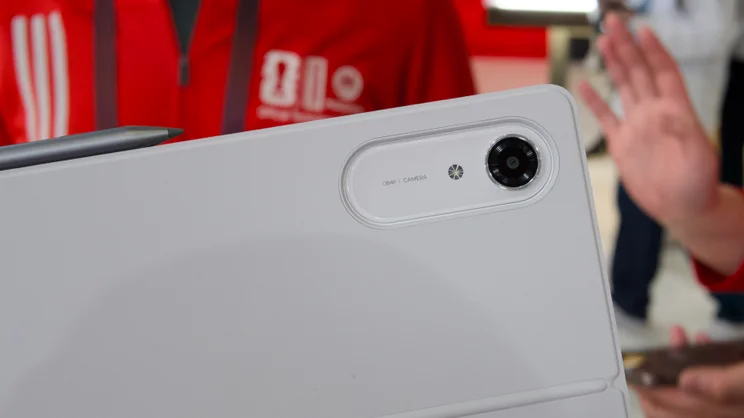
And with that Qualcomm Snapdragon 8s Gen 4 processor, plus 8GB of RAM and a minimum of 128GB of UFS 3.1 storage, it does feel pretty snappy in use. Not as quick and slick as an M5 iPad Pro or the Honor MagicPad 4, perhaps, but certainly fast enough for day-to-day browsing and it should be good enough for light productivity work. There’s also a 13MP rear camera, an 8MP fixed-focus front camera with face unlock, and the whole thing runs on Android 16.
AI tools
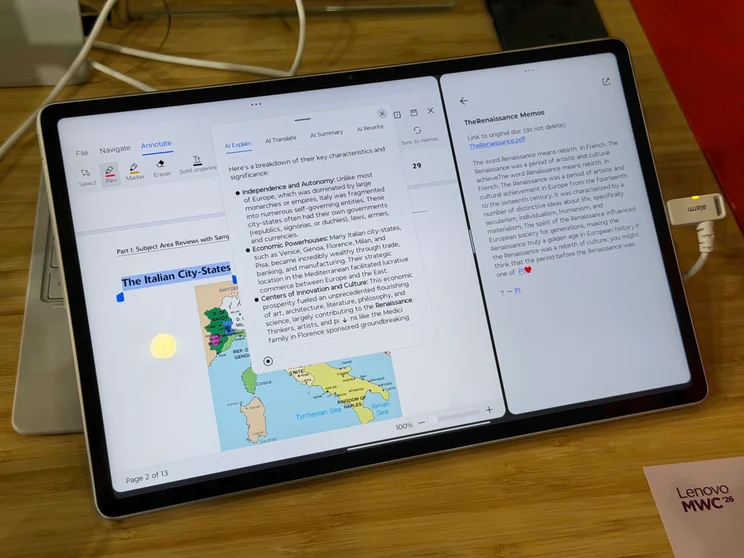
So far, so ordinary. The really interesting part about the Idea Tab Pro Gen 2 is who it’s aimed at – students – and the suite of AI tools that are built in, under the auspices of the new Qira brand. I was given a demonstration of these tools in action on the Lenovo stand and I must say I came away impressed.
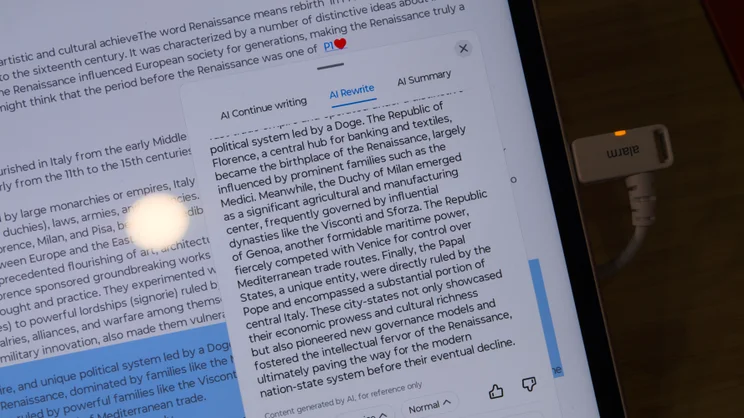
While the tools do provide a fairly standard set of capabilities, the way they integrate with the provided smart notes software is super slick. The Smarter Reader tool, for instance, allows you to use the stylus to fine tune summaries of long-form documents: just scroll through the text you’re working with, circle the sections you want to include and mark with a heart or star; strike through any sections you want the AI to ignore; and mark up any sections you want to know more about or have explained in further detail with a question mark. Qira will then send your text summary directly to the tablet’s notes app.
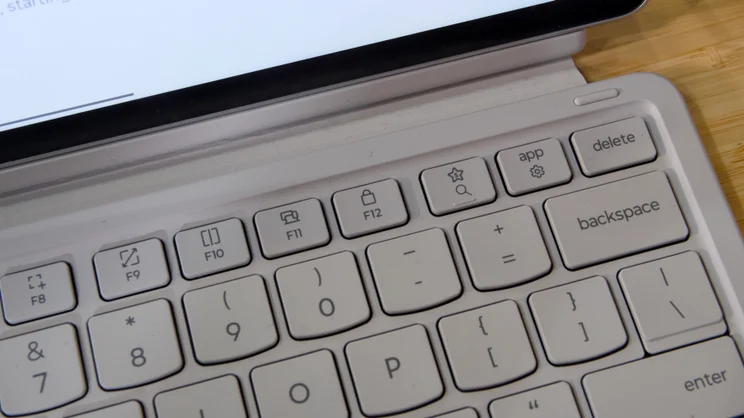
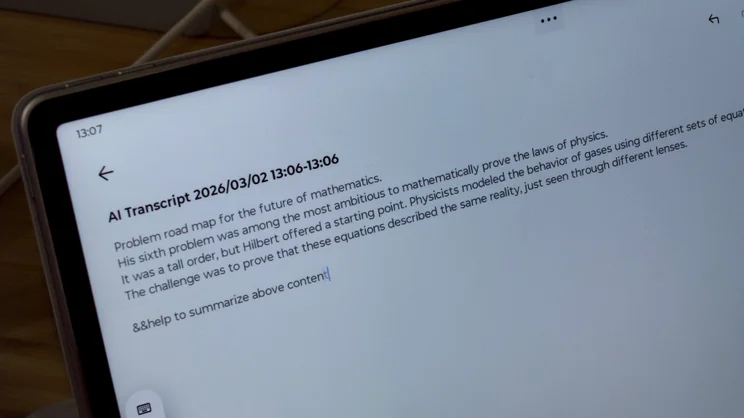
There’s also AI live transcription – nothing too exciting there – but the most intriguing tool is Lenovo’s Smart Key. This is situated in the top-right corner of the keyboard with a star symbol on it and it allows you to access Qira’s text generation tools from within any text field. All you do is tap the key and it inserts a pair of ampersands. Type your prompt and then tap the key again to enclose the prompt. Qira then deletes the prompt and inserts whatever you asked it to, inline without you ever having to take your hands from the keys.
Early verdict
We’ll have to wait until we get our hands on one of these tablets before we can deliver our full verdict, but the Lenovo Idea Tab Pro Gen 2 does look pretty promising.
It seems to be well-made, well-priced and comes equipped with the sorts of AI features that might actually be useful. At a time when RAM and storage prices are set to drive prices of traditional laptops higher than ever, this might be just the thing the market needs.
Could Android tablets finally be making a comeback? It certainly looks that way.


