
To help us provide you with free impartial advice, we may earn a commission if you buy through links on our site. Learn more
- Superb writing responsiveness
- Effective AI summary and handwriting search
- Native Kindle book compatibility
- Expensive
- Basic note-taking software
- Annotation is unintuitive
Amazon first announced the Kindle Scribe Colorsoft way back in September 2025, but it took more than six months for the tablet to finally become available for UK customers. I’ll be honest – I’d almost forgotten about it until Amazon got in contact and offered a review unit a few weeks back – but now it’s in my hands I remember why I was so impressed with it when I first tried it out.
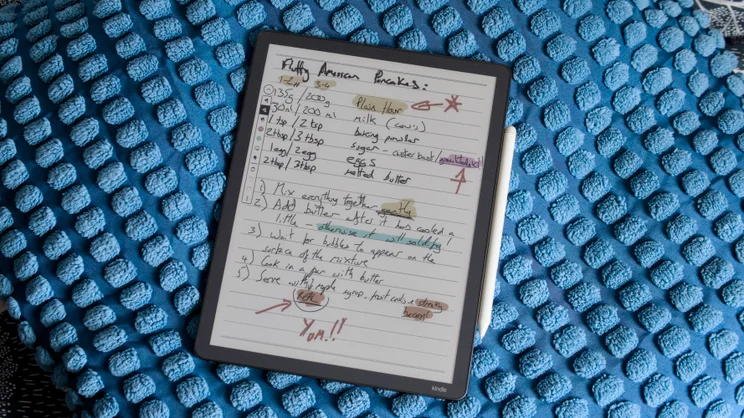
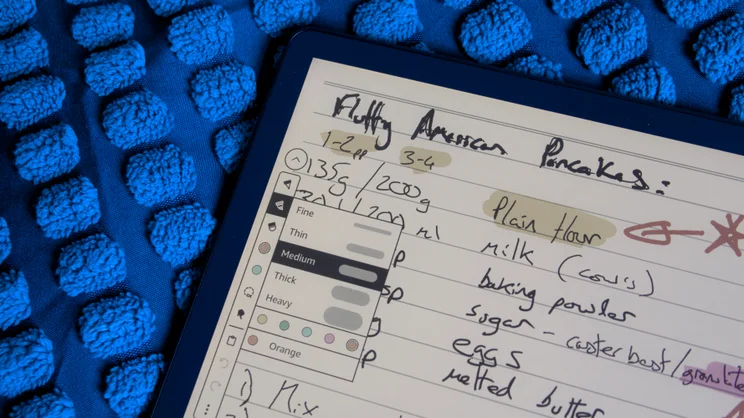
It’s slim, beautifully built, and allows you to sketch, write and highlight in colour as well as black and white. It’s the responsiveness of the pen on the digital page, however, that impressed me more than anything else. Where writing on other digital notepads can feel a little removed from reality thanks to a tiny delay in the digital ink appearing on screen, with this latest Scribe, it feels almost instantaneous.

What do you get for the money?
In my eyes, this makes it an instant hit. But unfortunately, the price puts a big dent in that. At £570 (yes, you read that right), the Scribe Colorsoft is more expensive than most other digital notepads, and if you opt for the version with 64GB of storage rather than the base 32GB, it’s even pricier at £630.
And while you’d be correct to point out that its ability to ink in colour sets it apart from cheaper rivals such as the regular Kindle Scribe and the Remarkable Paper Pure, the Remarkable Paper Pro, which does have a colour screen, is also cheaper at £560 and provides 64GB of storage as standard.
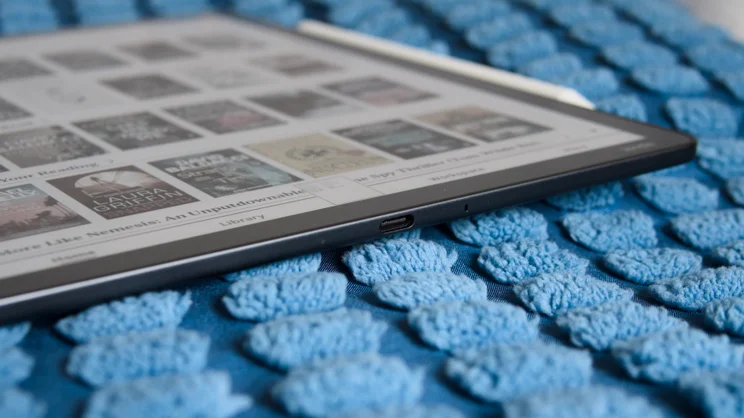
Whatever your thoughts on the price, it certainly makes a good case for itself elsewhere, starting with the physical feel of the thing. The Scribe Colorsoft measures a mere 5.4mm from front to back, yet it feels incredibly stiff and sturdy. It’s very light, too, at 400g compared to 433g for the older 2nd generation monochrome model. It just feels right in the hand.
Whatever your thoughts on the price, it certainly makes a good case for itself elsewhere, starting with the physical feel of the thing. The Scribe Colorsoft measures a mere 5.4mm from front to back, yet it feels incredibly stiff and sturdy. It’s very light, too, at 400g compared to 433g for the older 2nd generation monochrome model. It just feels right in the hand.
What hasn’t changed is the size of the screen. The Scribe Colorsoft has an 11in screen, just like before, with the resolution a sharp 300dpi for monochrome content and 150dpi for colour. There’s a built-in light that illuminates the screen using a series of embedded LEDs and this can be tuned to reduce blue light for evening reading.
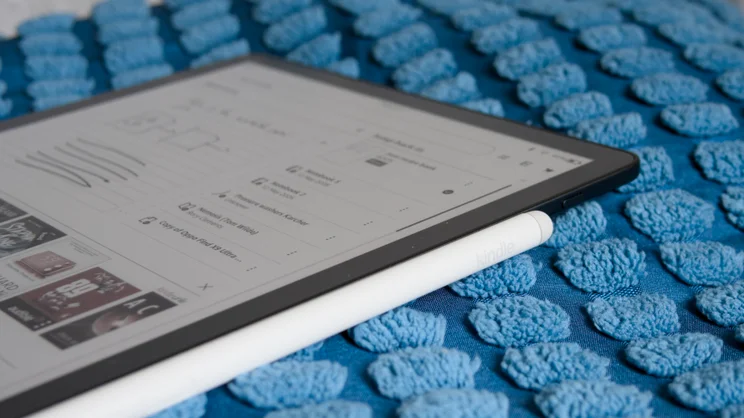
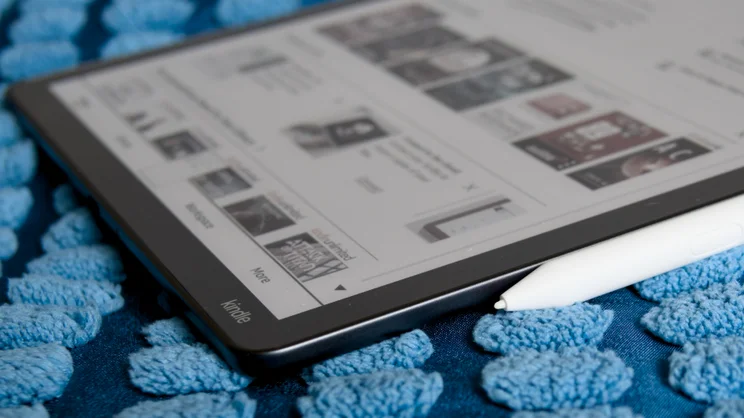
It comes with the all-important Scribe Premium Pen stylus in the box, plus five replacement nibs and a tool for removing them. The stylus attaches magnetically to the tablet’s right edge, but doesn’t need to be charged as it employs Wacom’s EMR technology.
Another benefit of this tech is that, if it breaks or you lose it you can use any other compatible stylus, instead of having to shell out a (frankly outrageous) £68 for an Amazon one.
What do we like about it?
Performance
I’ve mentioned this already, but it’s the sheer immediacy of the writing experience on the Kindle Colorsoft that really strikes you as you start to use it for the first time.
Amazon quotes writing latency at 12ms, which is better than the Remarkable Paper Pure I recently reviewed (21ms) and better than the Boox Note Air 5c, too, which is quoted at 16ms. The difference is palpable, though it’s not the only game in town when it comes to speed. Remarkable’s top-tier Paper Pro 2 and Paper Pro Move both match it in this respect.
I had a go at confirming these figures by recording a series of fast pen strokes at 240fps, then used a video editor to count the frames between the pen passing a point onscreen and the ink appearing at that point.
It’s not a super-precise method, as the e-ink particles take a while to materialise and become fully saturated, and a 240fps camera only provides 4ms precision. However, I can confirm that the companies’ claims are all in the right ballpark.
The Colorsoft is really that quick – if anything, possibly slightly quicker – closely followed by the Boox, then the Remarkable Paper Pure. I couldn’t test the Remarkable Paper Pro, but I did have the Pro Move to hand, and it returned equally impressive performance numbers of 12ms.
That means the Kindle Colorsoft feels just as good to write with as the best Remarkable can produced. And, thanks to a new quad-core processor, which Amazon says makes the Scribe 40% faster than before, using the Scribe feels a whole lot slicker than before, too.
Page turns feel snappier in ebooks, zooming and panning around in PDF documents isn’t quite as painfully slow as it used to be, and even browsing the web using the Scribe’s built-in Web Browser works reasonably well (though not as well as on the Boox Note Air5 C).
Colours, colours, colours
Performance is not the only good thing about the Kindle Scribe Colorsoft, however. The colours produced by the Colorsoft’s E Ink Kaleido 3 panel add to the experience, too.
The Scribe may only be able to produce ten different colours for its various pens, pencils and highlighters – and in slightly dull pastel shades – but used judiciously they can really brighten up your notes and annotations and make them much easier to read and scan.
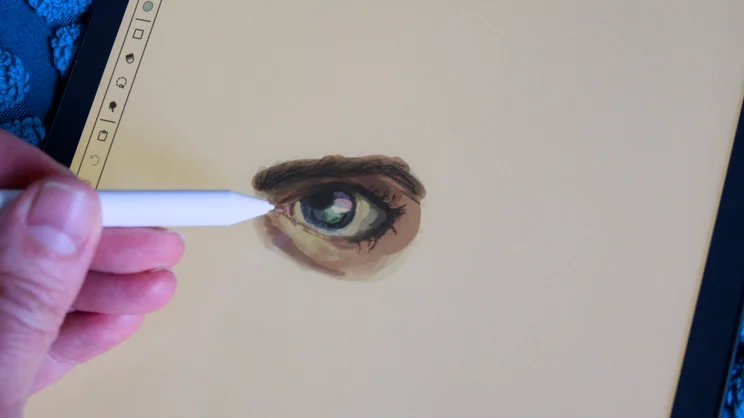
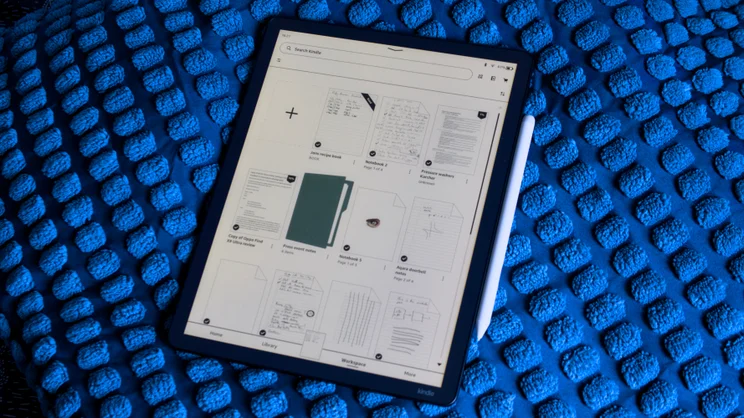
I handed the Scribe Colorsoft to our resident artist, Louise, and she used it to produce an impressive-looking sketch of an eye in just a few minutes, and the reduced colour resolution didn’t appear to have much of an impact on the results, either. The new home page layout benefits nicely from a splash of colour, too, making it far more appealing to look at and easier to use, than before.
Cloud service “sync” and AI features
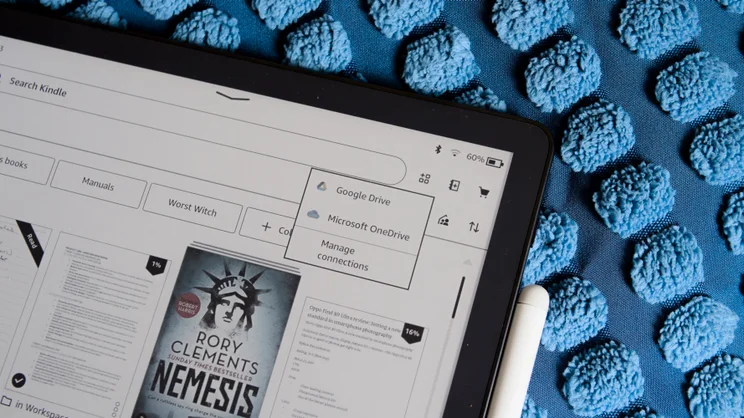
Another new feature is that you can now upload your notes to Google Drive, Microsoft OneDrive and OneNote, in addition to those notes appearing in the Kindle desktop and mobile apps – another boost to the Scribe’s overall utility.
And of course, you can now search your handwritten notes by keyword, which you couldn’t do on the original Scribe. This works surprisingly well – I found it was pretty accurate, even with my nonsensical scrawl – and it’s great for anyone who isn’t very organised with their note-taking.
The Scribe’s AI summary feature, however, takes this to the next level. I fed it some fairly messy press-briefing notes written a couple of years ago on the original Kindle Scribe, and it produced a coherent set of typed-up bullet points that actually made sense. This is what AI is actually good for and it’s a great shortcut for producing typed-up meeting minutes, for example.
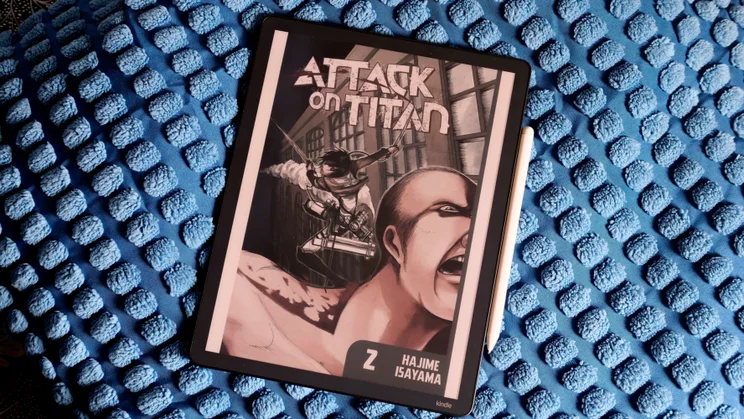
Finally, I like that you can both read books directly from your Kindle library, and make notes on them, either by highlighting and underlying or scribbling in the margins.
What could it do better?
However, while the Colorsoft excels in a lot of areas – particularly the hardware as I’ve detailed – it is far from the finished article when it comes to the software side of things.
I’ll start with the process of getting documents on and off the thing: it’s simply not as easy as it should be.
Say you want to import a PDF to read and annotate and make notes on. You’d think you might be able to use the Kindle app – that is, after all, where your synchronised notes appear once created – but no, to get documents onto the Scribe you need to use a different app entirely. To be fair, the Send to Kindle app works well, but why the extra complication?
Another rather odd quirk is that while you can zoom in and out of PDF files for the purposes of annotation, that’s not possible in Scribe’s native notes pages.
And, finally, there is nothing here to quite match the complex, link-based multi-page calendars and community generated templates that Remarkable offers. There is a small handful of templates to choose from, from plain and lined paper, to Cornell notes templates and blank music manuscript, which should suffice for most people, but it’s worth noting that you can get better elsewhere.
Should you buy a Kindle Scribe Colorsoft?
I like the Kindle Scribe Colorsoft, principally because it’s so responsive and so good to write with. But it would be remiss of me not to point out its foibles; although you could certainly get by with it, the software still needs work. It’s fiddly and not as seamlessly easy to use as the equivalent that Remarkable provides.
And while Remarkable devices don’t give you the option of reading Kindle books, there are others, such as the Boox Note Air 5c, that do – via the route of being able to install Android apps. The Boox is cheaper than the Scribe, too.
The Kindle Scribe Colorsoft’s hardware is too good to write it off completely. But if you want the complete digital notepad experience, I’d recommend you look elsewhere: the Remarkable Paper Pro 2 would be a very good place to start.


