To help us provide you with free impartial advice, we may earn a commission if you buy through links on our site. Learn more
- Great value for a tri-band router
- Loads of features
- Multi-gigabit Ethernet
- Not quite as fast as competing models
The TUF Gaming BE9400 is marketed as a gaming router, and it comes with several custom features designed to help gamers get a smooth and reliable online experience with minimal fuss. It also offers all the regular network management features we’ve come to expect from Asus, however, and the price is very reasonable, so it could make a perfectly good hub for any home network.
One particularly striking thing about the BE9400 is that it supports tri-band Wi-Fi, operating on the 2.4GHz, 5GHz and 6GHz radio bands all at once. That’s unprecedented at this price, and it gives you a nice degree of flexibility to divide up your bandwidth. However, performance is best over a short distance or a wired connection: if you’re looking for maximum download speeds across your whole home, this router wouldn’t be our top choice.
What you need to know
The TUF Gaming BE9400 is a tri-band Wi-Fi 7 router, bundling together three radios with quite different specifications. The 2.4GHz network has a maximum connection speed of 688Mbits/sec, while 5GHz connections can go up to 2.8Gbits/sec and the 6GHz network offers the now industry-standard top speed of 5.8Gbits/sec.
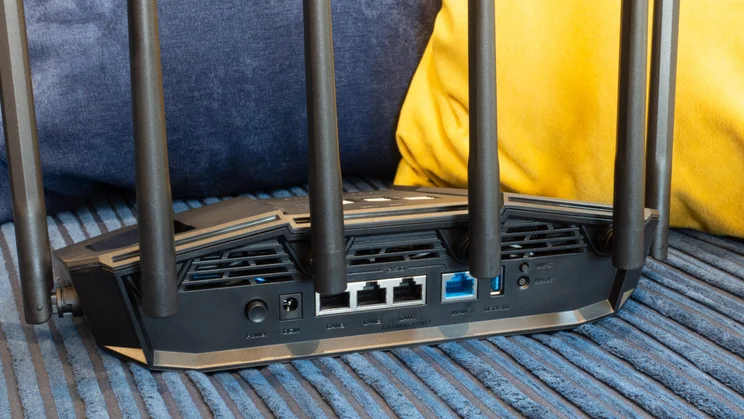
This adds up to an awful lot of wireless bandwidth – around 9400Mbits/sec in total, as referred to in the model number – and it’s complemented by an unexpected set of four 2.5Gbits/sec Ethernet ports. To be clear, that’s one WAN port and three LAN connectors, rather than the four we’re used to seeing, but for the price I can’t complain too much. A 5Gbits/sec USB port allows you to conveniently connect external storage and accessories too.
Price and competition
The Asus TUF Gaming BE9400 is £157 (I’ve seen it hit a low of £135 recently), which is very good for a true tri-band Wi-Fi 7 router. I say “true” because the Devolo BE6500 is cheaper, but it doesn’t operate the 5GHz and 6GHz networks simultaneously, merely allowing you to switch between one and the other. The Asus TUF Gaming BE9400 has no such limitation, so it’s a much more versatile choice.
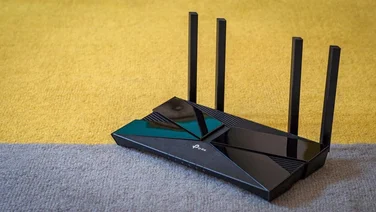
There are a few other tri-band options in this price bracket. The TP-Link Archer BE550 has long been a favourite here at Expert Reviews: on paper it has the same wireless specifications as the TUF Gaming BE9400, but it gave better performance in our real-world tests, as we’ll see below, and it has one additional 2.5GbE LAN port. It’s an attractive alternative but a touch pricier at £195.
For those who prefer a tower-style router, the Netgear Nighthawk RS300 is another rival with the same tri-band wireless capabilities, plus multi-gigabit LAN and USB ports. However, that model’s considerably more expensive and there’s really nothing about it that justifies paying the extra.
If you don’t require 6GHz connectivity, there are some fine dual-band routers to consider. For gamers, the obvious alternative is the Asus ROG Strix GS-BE7200, which costs around the same as the TUF Gaming BE9400, but concentrates all its performance on the 5GHz band. That has advantages for range and client compatibility, and you also get additional gaming features plus a more ostentatious design with RGB lighting.
Outside of gaming, the TP-Link Archer BE400 is another router that supports fast 5GHz connections, serving up plenty of bandwidth without having to muck about with multiple SSIDs. At around £160 it’s pricier than the TUF Gaming BE9400, however; a cheaper alternative is the TP-Link Archer BE3600, a more basic design that’ll be fine for most home networks and costs around £76.
Design and features
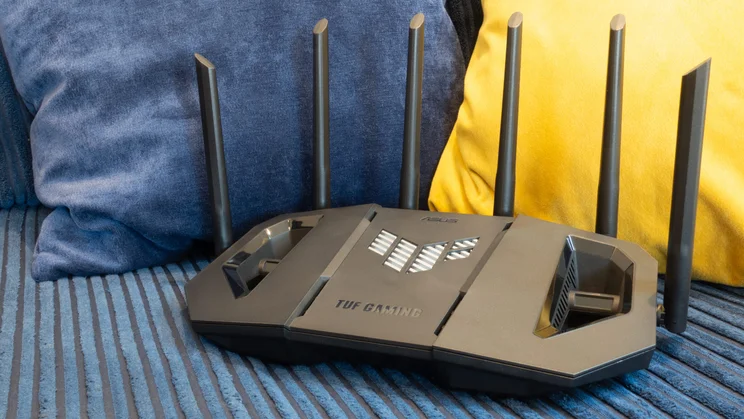
The TUF Gaming BE9400 is around the same size and shape as a regular Asus router, with a modest footprint of 275 x 155mm (plus around 30mm at the back and sides for the aerials). Clearly, though, it has a more futuristic, military-inspired style, and I have to admit the punched-out wings look pretty cool. The only thing I don’t like about the design is that the status LEDs are hidden beneath the front lip of the casing, so they’re only easily visible if you place the router above your regular eyeline.
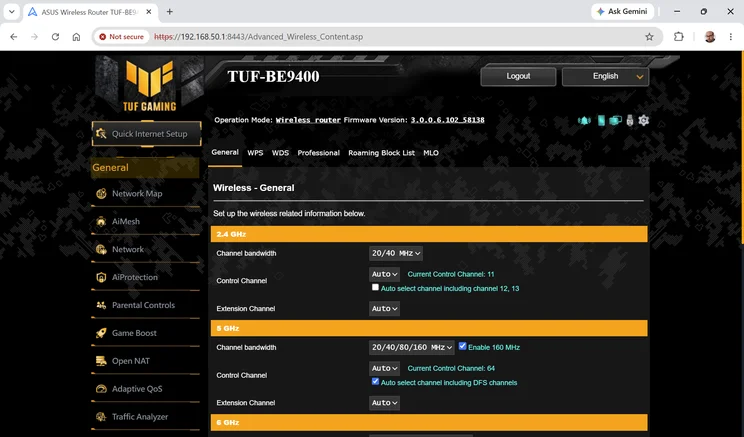
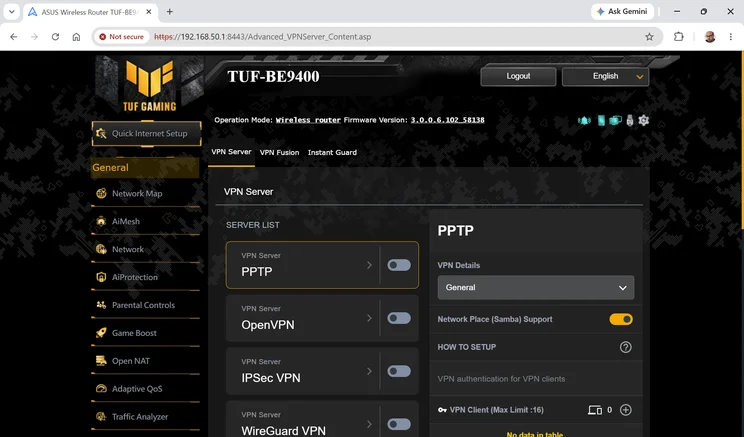
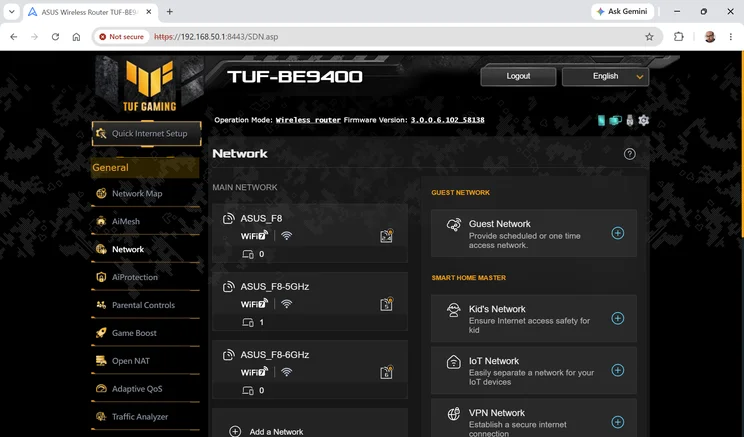
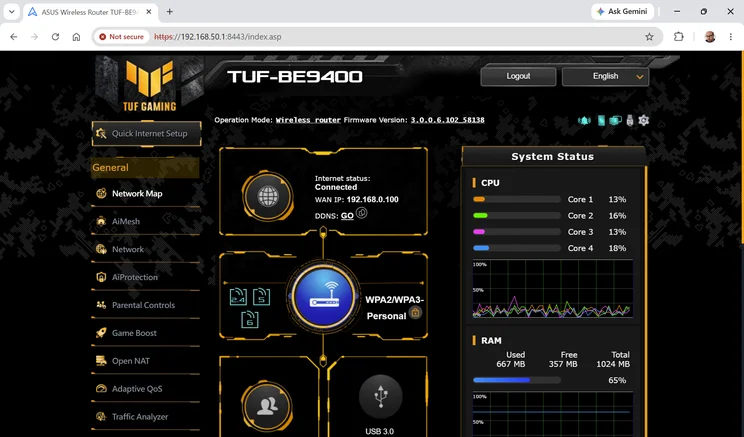
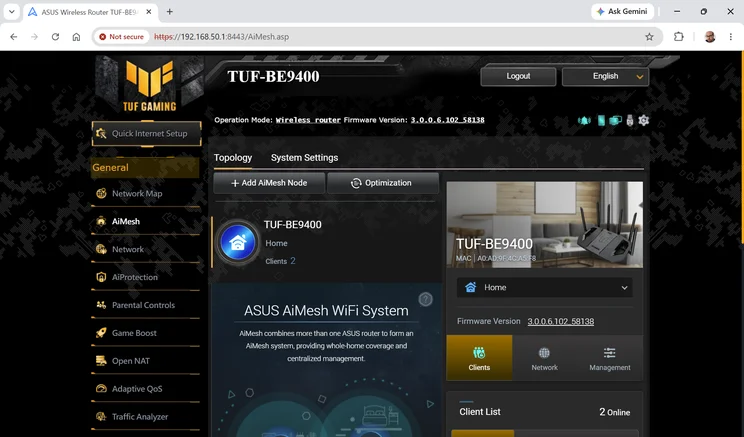
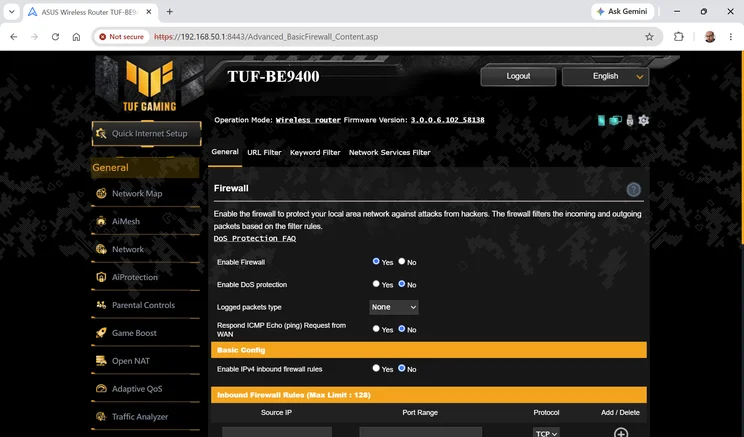
If you’re familiar with Asus routers then the web management portal doesn’t hold any surprises; it’s basically Asus’ standard firmware interface, just spruced up with more showy graphics to reflect the TUF Gaming brand. I’m not complaining about that, as it’s loaded with powerful features, including security tools, a customisable firewall and easy network segmentation options.
I really like the way you can enable an isolated SSID for kids’ devices, to easily apply parental controls and monitoring; another neat option is a dedicated SSID that’s bound to a VPN, enabling any device in your home to seamlessly switch its virtual location simply by hopping onto a different wireless network.
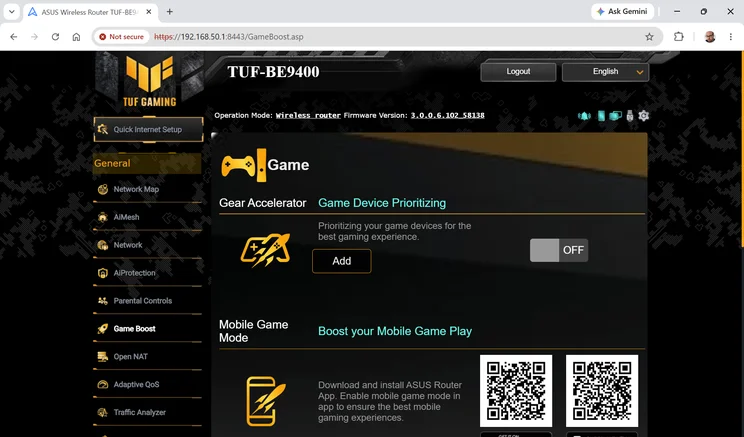
The gamer-oriented features aren’t all that extensive, but I can see their appeal. You can mark specific clients as priority gaming devices, and if you’re using a wired connection you can give Ethernet port precedence over everything else. You can also browse a library of 100 popular PC and console games to apply preconfigured port-forwarding settings with a click. However, you don’t get Asus’ live ping-test tools, nor the “Game Radar” that scans the globe to find the most responsive game servers. Those are reserved for Asus ROG routers.
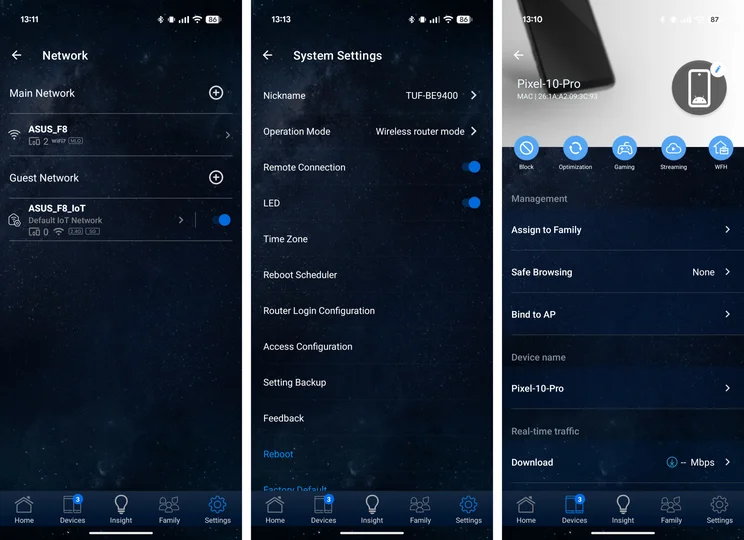
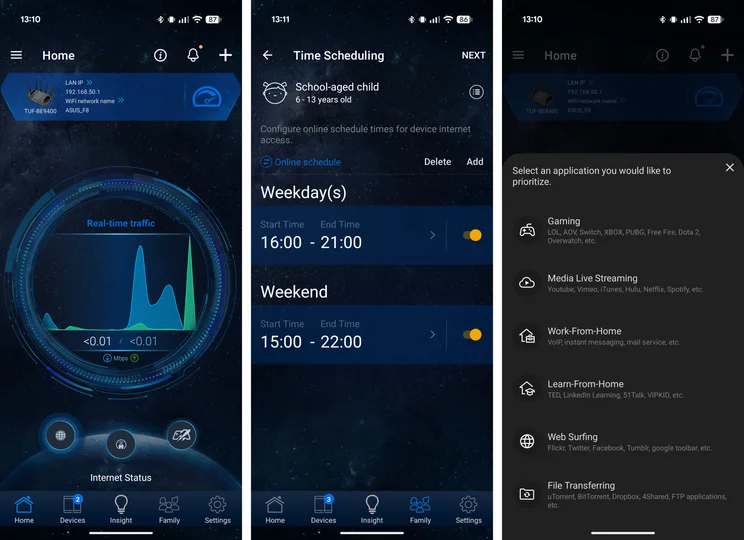
You can also manage the TUF Gaming BE9400 from the regular Asus Router app. Impressively, this lets you control almost all router features and settings from your phone, although there’s so much crammed in that I always find it a little challenging to navigate, especially as the presentation and layout are completely different to the web interface.
How did I tests the Asus TUF Gaming BE9400?
Asus advertises the TUF Gaming BE9400 as having a wireless range of around 230 square metres, which is considerably bigger than the typical UK home. Actual performance will depend heavily on the layout and construction of your property; I tested the router in a three-bedroom semi on the outskirts of Cambridge, since that’s where I live.
As usual, my testing method started with setting up the router in the upstairs study, installing the latest firmware and hooking up an Asustor AS3304T NAS to one of the router’s 2.5GbE LAN sockets. I then took my test laptop – a Dell Inspiron equipped with an Intel BE200 Wi-Fi 7 card – around various rooms of the house and measured how quickly I was able to copy files to and from the NAS over the wireless network.
Performance
By default the TUF Gaming BE9400 comes configured with all three network bands combined under a single SSID, but I gave them different names in order to test the 5GHz and 6GHz bands independently. Here are the transfer speeds I saw on the 5GHz network:
| MB/sec, 6GHz | Study download | Bathroom download | Bedroom download | Living room download | Dining room download |
|---|---|---|---|---|---|
| Asus TUF-BE9400 | 129.9 | 104.7 | 45.4 | 42.2 | 11.2 |
| Netgear Nighthawk RS300 | 94.5 | 69 | 37.3 | 32.5 | 8.7 |
| TP-Link Archer BE550 | 143.3 | 104.7 | 45.4 | 40 | 17.9 |
| MB/sec, 5GHz | Study upload | Bathroom upload | Bedroom upload | Living room upload | Dining room upload |
|---|---|---|---|---|---|
| Asus TUF-BE9400 | 23.9 | 21.3 | 18.6 | 25.5 | 19.2 |
| Netgear Nighthawk RS300 | 29.7 | 24.3 | 13.9 | 19.8 | 14.5 |
| TP-Link Archer BE550 | 33.9 | 29 | 26.8 | 27.5 | 21 |
| TP-Link Archer BE400 | 34.1 | 33.6 | 29.3 | 27.3 | 22.1 |
| Asus ROG Strix GS-BE7200 | 34.6 | 34.6 | 29.7 | 33 | 28.6 |
Frankly this wasn’t an outstanding performance. Even though the TUF Gaming BE9400 has the same nominal 2.8Gbits/sec connection speed as the Nighthawk and Archer BE550 models, its download speeds mostly lagged behind theirs. And it’s clear that the faster 5GHz radios in the TP-Link Archer BE400 and Asus’ own ROG Strix router have a real benefit for real-world performance.
Still, switching to the 6GHz network takes both of those competing models out of the picture, and delivers a boost in download speeds at close range:
| MB/sec, 6GHz | Study download | Bathroom download | Bedroom download | Living room download | Dining room download |
|---|---|---|---|---|---|
| Asus TUF-BE9400 | 129.9 | 104.7 | 45.4 | 42.2 | 11.2 |
| Netgear Nighthawk RS300 | 94.5 | 69 | 37.3 | 32.5 | 8.7 |
| TP-Link Archer BE550 | 143.3 | 104.7 | 45.4 | 40 | 17.9 |
| MB/sec, 6GHz | Study upload | Bathroom upload | Bedroom upload | Living room upload | Dining room upload |
|---|---|---|---|---|---|
| Asus TUF-BE9400 | 35.5 | 36.7 | 28.2 | 30.9 | 5.8 |
| Netgear Nighthawk RS300 | 32.2 | 29.4 | 27.8 | 21.3 | 8.6 |
| TP-Link Archer BE550 | 35.7 | 35.5 | 30 | 26.4 | 19.8 |
While the TUF Gaming BE9400 still didn’t distinguish itself in this test, it generally kept up with the TP-Link Archer, and outpaced the pricier Netgear. The 6GHz network could thus offer a neat way to give your priority clients a fast, uncluttered network of their own, while other devices share the 5GHz band. As always, though, the benefits of 6GHz networking are highly localised, with peak speeds dropping off sharply once you move more than a room away.
As a final test, I tried switching the router into MLO (multi-link operation) mode; this allows compatible devices to connect on multiple radio bands at once, theoretically multiplying up their throughput. With my test laptop connecting across the 5GHz and 6GHz bands, I found that transfer speeds were mostly the same as on the 5GHz band alone, but I did see a benefit at the furthest range, with downloads in the dining room climbing to 30.8MB/sec – not a bad bonus.
Verdict
The Asus TUF Gaming BE9400 is a capable router, and stylish to boot. It’s also exceptionally cheap, considering that it has tri-band Wi-Fi, multi-gigabit Ethernet support and USB connectivity, and Asus’ standard firmware platform is as versatile as ever.
Its biggest weakness is wireless performance. In our tests its 5GHz download speeds just weren’t on par with the best rivals in its price range. And while it’s good to have a 6GHz option, that always comes with compromises.
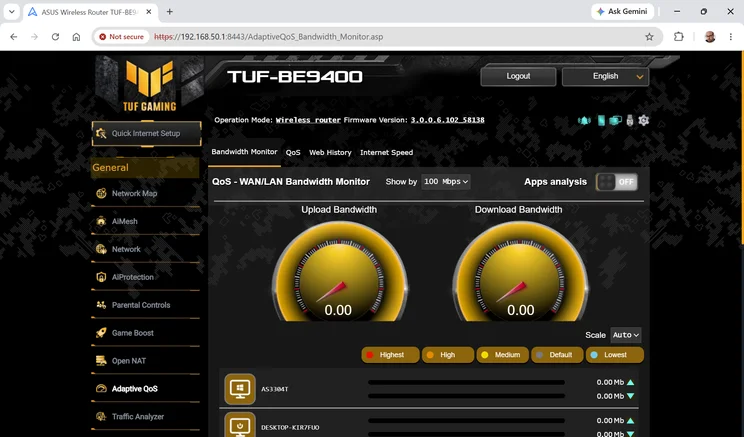
That doesn’t mean this is a bad router. There’s more than enough capacity here for gaming, streaming and whatever else you might want to do, especially if you use Asus’ QoS features to direct the bandwidth where it’s needed most – or plug your gaming device into the priority gaming port.
In most cases, though, we suspect the ROG Strix GS-BE7200 will be a better choice. Although that router lacks USB, it offers best-in-class whole-home 5GHz performance that you can carve up among all your devices however you desire, and it gets the full set of gaming features too.