
To help us provide you with free impartial advice, we may earn a commission if you buy through links on our site. Learn more
- Incredibly slim, lightweight build
- Very good battery life
- Photoshop for Android tablets, finally
- Big price increase
- No Wi-Fi 7 support
- Charging still not the fastest
Samsung has long been the most impressive Android tablet manufacturer and produces the fiercest rivals to Apple’s class-leading iPads. While you may be drawn to its superlative (and aptly named) Galaxy Tab S12 Ultra model, that top-end offering is expensive, heavy and enormous, so it isn’t the ideal pick for every consumer.
While the Samsung Galaxy Tab S12 Plus is still expensive, its more compact build keeps it vaguely portable. At over 150g lighter than its stablemate, yet capable of exceptional performance and long-lasting battery life, the 12 Plus is very nearly the Goldilocks pick of Samsung’s tablet output. It’s just hard to accept its astronomical price.

What do you get for the money?
The Samsung Galaxy Tab S12 Plus comes in Silver or Grey and starts at £1,199 for the 256GB model, with the 512GB version priced at £1,399. That’s for the Wi-Fi-only models; 5G compatibility costs £1,349 and £1,549, respectively.
There was no Plus model last year, but compared with the Samsung Galaxy Tab S10 Plus from 2024, both the 256GB and 512GB models are £200 more expensive. That’s not entirely surprising given the huge price hike in components during the two years since the last Galaxy Tab Plus.
The Tab S12 Plus is £200 cheaper than the Ultra model, despite using very similar hardware, and £200 more than last year’s Galaxy Tab S11. The latest 13in M4 iPad Air currently costs £1,049 for 256GB of storage or £1,249 for 512GB.
Whatever specs you choose, the Samsung Galaxy Tab S12 Plus also comes with 12GB of RAM, the same MediaTek Dimensity 9500 chip as the Galaxy Tab S12 Ultra, and a 10,600mAh battery that supports 45W wired charging. If you choose the lower-storage model, note that the Tab S12 Plus supports microSD cards up to 1TB.
The 12.6in AMOLED display is fractionally bigger than the 12.4in screen on the Tab S10 Plus but otherwise shares the same specs, with a 2,800 x 1,752 resolution and a peak refresh rate of 120Hz.
Connectivity covers Bluetooth 6.0 and Wi-Fi 6E. Wi-Fi 7 compatibility is one of the few extra features that justify the Ultra model’s higher price, but when far cheaper tablets like the Honor Magic Pad 4 support Wi-Fi 7, its absence here is difficult to accept.
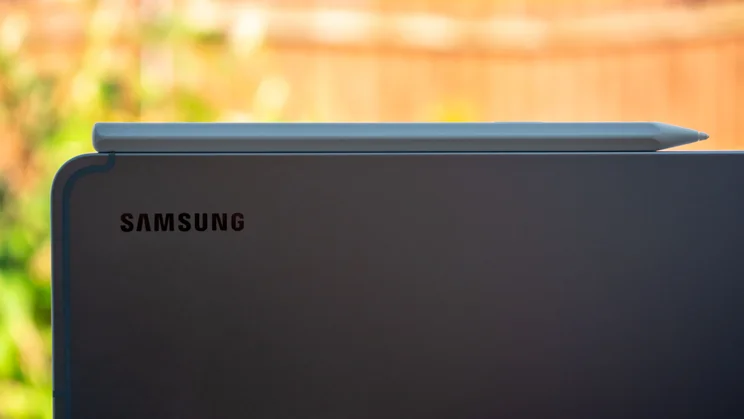
The S Pen stylus is bundled in, which is rare for flagship tablets. Apple’s equivalent, the Pencil USB-C, costs £79, so it’s always great to see Samsung including one in the price.
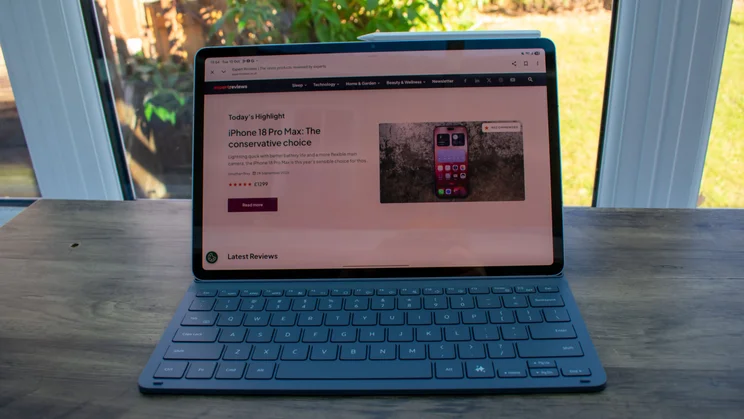
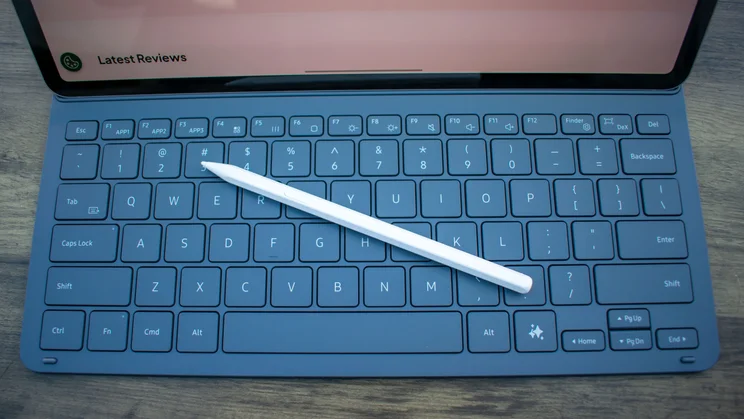
I was also sent the compact Book Cover Keyboard Slim case, which includes a small keyboard but no trackpad and costs £159. If you want a trackpad, Samsung has introduced a Pro Keyboard for the Plus model this year. Previously exclusive to the Tab Ultra line, this keyboard case includes a large trackpad, backlit keys and a more stable hinged design. The downside is that it’s rather pricey, at £289.
How is the design?
Build and durability
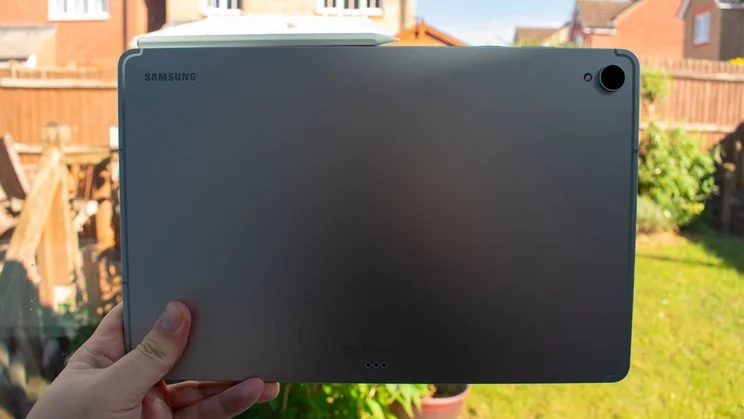
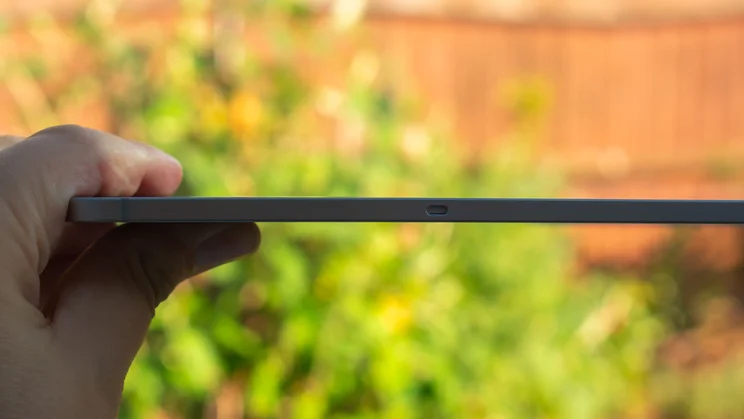
I can’t recall the last time I wasn’t delighted by a Samsung tablet’s design and build, and that streak is showing no signs of breaking. The Galaxy Tab S12 Plus is incredibly slim and lightweight for its size: it’s just 5.3mm thick versus the 5.6mm Tab S10 Plus, and it weighs 553g, down from 571g.
Despite losing a few grams, it’s as robust as ever, with a rock-solid aluminium frame and rear panel. Its IP68 dust- and water-resistance rating confirms it’s dustproof and able to withstand submersion in 1.5m of water for up to 30 minutes.
Display and audio
Sitting atop that rigid aluminium skeleton is a Dynamic 2X AMOLED panel measuring 12.6in across the diagonal. The bezel is a little thick, one of the few things that looks cheap on this tablet, but otherwise, it’s a lovely panel. It got decently bright in my testing, hitting 659cd/m2 on manual brightness and rising to 899cd/m2 in adaptive mode with a torch shining on the light sensor. It performed best when displaying HDR content, where I recorded an excellent peak of 1,452cd/m2.
The default Vivid colour profile delivers punchy shades well-suited to streaming and gaming, and the four stereo speakers produce loud, crisp audio, so whatever you end up playing or watching will look and sound excellent.
For the best colour accuracy (if you’re doing some digital art, say), you’ll want to switch over to the Natural colour profile, which targets the sRGB colour space. Here, I recorded 98.2% gamut coverage and 104.7% gamut volume. The average Delta E colour variance score came back at 1.57, a little higher than the target of 1 or under, but close enough that colours won’t look out of place. Compared with the 2.79 I recorded on the Tab S10 Plus, that’s a great result.
What is the performance like?
The Galaxy Tab S12 Plus uses the same MediaTek Dimensity 9500 chipset as its Ultra sibling, so it’s little surprise that it performs roughly the same. Which is to say, it’s a seriously powerful piece of kit.
Compared to last year’s Galaxy Tab S11 Ultra, the Tab S12 Plus scored 22% higher in the Geekbench 6 single-core test and 20% higher in the multi-core test. This is a sizeable improvement and more than enough horsepower for Photoshop editing, playing demanding 3D games and other intensive tasks.
In the context of competition from Apple, single-core performance is roughly on par with last year’s M3 iPad Air, but the latter gained the lead in the multi-core stakes, pulling 16% ahead of the Galaxy. Then there’s the Honor Magic Pad 4. It lacks the gaming chops of the Samsung tablet, but is close in Geekbench 6 CPU tests, which is impressive considering it’s hundreds of pounds cheaper.
The battery is only slightly bigger than the last Tab Plus model’s (10,600mAh versus 10,090mAh), but the difference in battery life is staggering. That extra capacity and improved power efficiency saw the Galaxy Tab S12 Plus run our looping video battery test for 16hrs 14mins.
Reliable 45W charging returns here and, with that extra capacity to fill, it took a little longer than its predecessor. 30 minutes brought the battery from empty to 43%, and a full charge took 1hr 35mins, whereas the Tab S10 Plus got the job done in 1hr 25mins. This isn’t disastrous, but with rivals like the Huawei MatePad Pro Max fully charging in under an hour, Samsung would benefit from improving its tablet charging times.
Reliable 45W charging returns here and, with that extra capacity to fill, it took a little longer than its predecessor. 30 minutes brought the battery from empty to 43%, and a full charge took 1hr 35mins, whereas the Tab S10 Plus got the job done in 1hr 25mins. This isn’t disastrous, but with rivals like the Huawei MatePad Pro Max fully charging in under an hour, Samsung would benefit from improving its tablet charging times.
Software
The OneUI 9.0 launcher is as slick and intuitive as ever, based on Android 17 and pledged the same seven years of software support as all Samsung’s flagship devices. You get the usual bevvy of productivity features, like split-screen, multi-window and Samsung’s Now Nudge, which provides contextual suggestions, plus Samsung DeX, which creates a facsimile of a desktop experience.
As with all Android tablets, however, Samsung’s slabs have always felt a little sparse on the software front compared with Apple’s iPad range, especially regarding productivity and creativity apps.
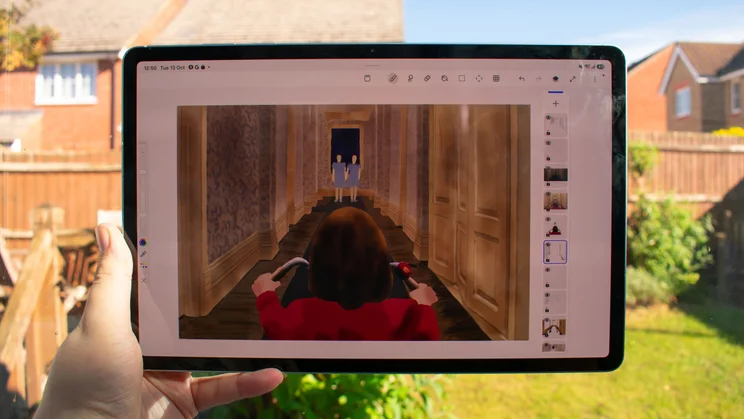
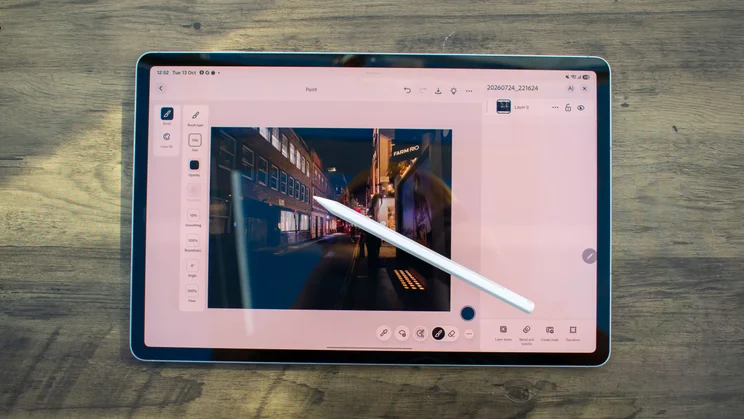
That could be about to change, however. For a limited time, the Galaxy Tab S12 series is the exclusive home of the newly minted Adobe Photoshop for Android app, designed specifically for tablets and available only through the Galaxy Store. The layout feels intuitive for tablet use, and the powerful hardware saw it run very smoothly in my testing; this feels like a great step for Android-favouring creatives.
Speaking of which, you can also get four months of Photoshop for free when you buy a Galaxy Tab S12 Plus or Ultra. This will come to other devices and stores in the future, but for now, this is the only way to get Photoshop on an Android tablet.
How well do the keyboard and stylus work?
S Pen stylus
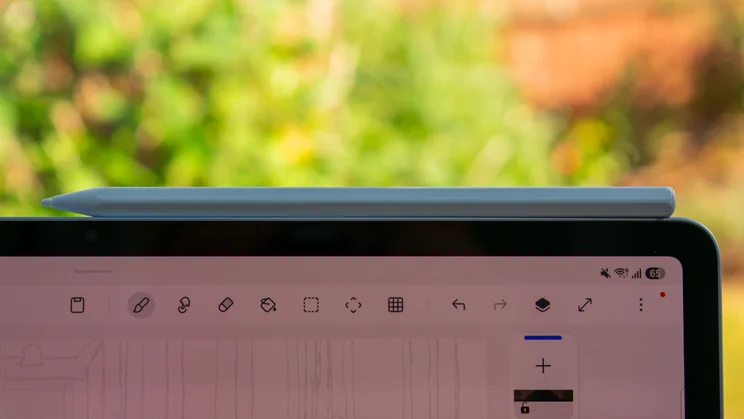
Broadly speaking, I like the S Pen stylus. The hexagonal chamber is comfortable to hold, and the rounded nib makes pen strokes feel smooth rather than scratchy. It’s a little light for my liking, though. I want to feel a bit of weight in my pen, and this feels insubstantial, like a hollow plastic tube – and the design makes it fiddly to find which edge magnetically snaps onto the tablet, especially in low-light conditions.
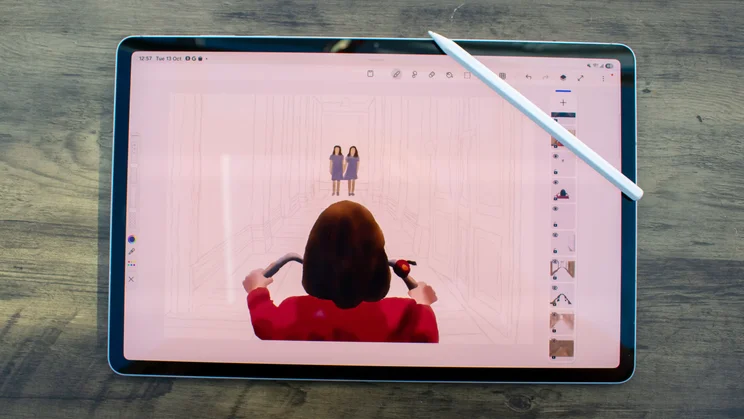
If you plan to do some light digital art with this tablet, the S Pen is a reasonable tool, with accurate marking and a comfortable grip. However, there’s no pressure sensitivity, and the single button is awkwardly placed, so the quick menu it opens mostly went ignored during my testing. As much as a bundled stylus is handy (and fine for most people), these issues do make me wish that Samsung hadn’t quietly retired the S Pen Pro.
I’d also advise against creating your masterpieces using Samsung’s PenUp app. It’s serviceable enough, but some restrictions make it less appealing than other apps. You’re limited to 15 layers (and you need to sign in to a Samsung account to achieve that); it lacks a ruler; and layers lose their set transparency when you move them, which makes lining up different elements a chore.
Book Cover Keyboard Slim case
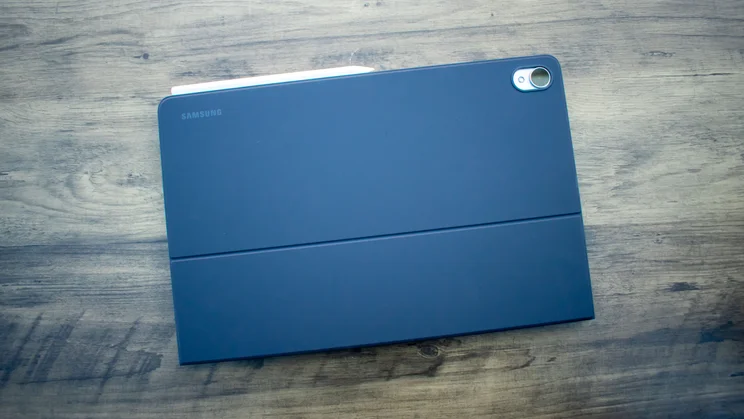
The slim keyboard case gets the job done well enough; the keys have satisfying travel, and you get a row of function keys, a dedicated DeX button and an AI key that launches either Gemini or Bixby. As the name suggests, it’s slim and relatively lightweight, and the stand holds the display firmly in place, albeit only at one angle.
The lack of a trackpad and backlit keys is annoying, but if you’re happy to sacrifice these features to save £130, the Slim Keyboard is less bulky and less pricey than the Pro Keyboard and performs perfectly well.
Should you buy the Samsung Galaxy Tab S12 Plus?
If you want the best Android tablet, you should buy the Tab S12 Ultra. If you don’t need a 14in display, don’t want to carry a 692g tablet and can’t justify spending at least £1,399, the next best thing is the Galaxy Tab S12 Plus.
It’s still quite an outlay, starting at £1,199, but that gets you performance that matches the Ultra model, excellent battery life, a bright, punchy display, exclusive (for now) access to Adobe Photoshop for Android and seven years of software updates, all wrapped up in a sleek and sturdy package.


