
To help us provide you with free impartial advice, we may earn a commission if you buy through links on our site. Learn more
- Cheaper than rivals
- Adaptive backlight
- Open ecosystem
- Sluggish response time
- Loading books can be a faff
- Convoluted note-sharing
The PocketBook InkPad One is a digital notetaking device in the same vein as a ReMarkable tablet or a Kindle Scribe. It blends e-reading with annotation features, allowing users to make notes on books, leave feedback on documents and more. What sets it apart from its rivals is support for a far broader range of file types, covering everything from books and comics to documents and audiobooks.
This accessibility is the key selling point, and anyone who has spent their life collecting books in a wide variety of formats, like some kind of bibliophilic file hoarder, will find the PocketBook InkPad One to be the ideal platform to admire their diverse collection.

What do you get for the money?
The PocketBook InkPad One costs £269. This undercuts most of the other digital notepads we’ve reviewed recently. The latest Kindle Scribe, for instance, starts at £379, and the ReMarkable Paper Pure is £359 for the tablet or £399 bundled with a case and stylus.
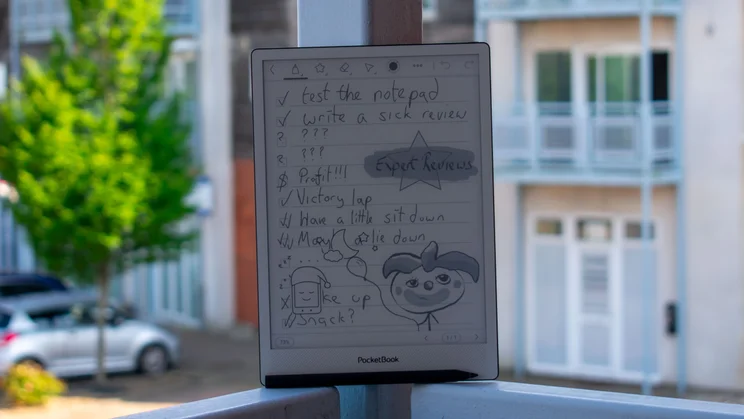
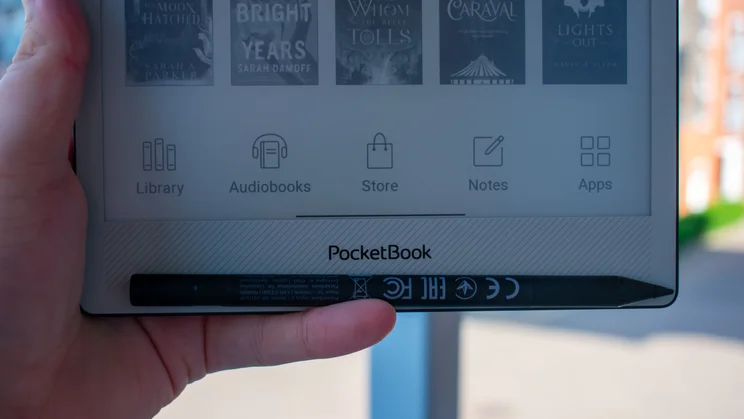
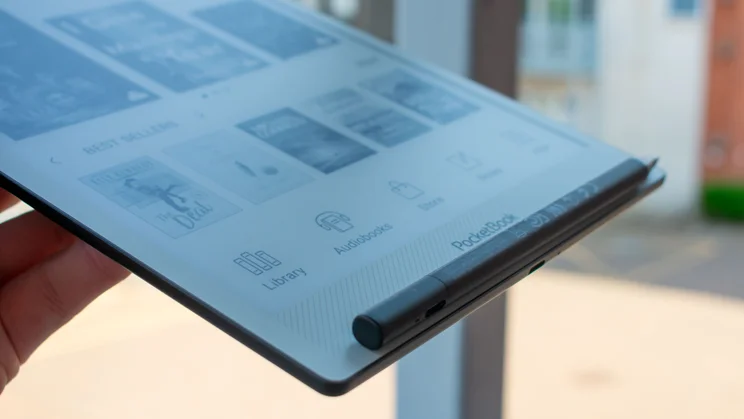
The InkPad One comes with a stylus as standard. The Stylus 2 is an active stylus, meaning it contains electronic components and therefore requires charging. Unfortunately, it doesn’t charge wirelessly by snapping onto the tablet – as is the case with newer Remarkable notepads – it has to be charged via its USB-C port.
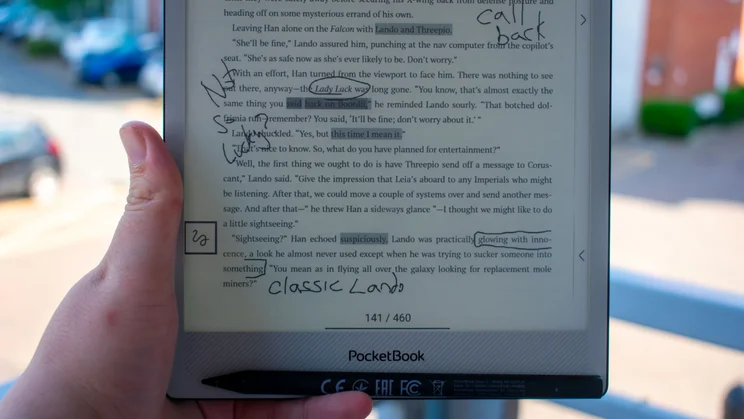
You can use the stylus to annotate directly over books and documents from a range of sources – over 25 formats are supported by the open-ecosystem software – and sync your libraries and notes with an external device via the PocketBook app.
How is it as an e-reader?
Design and display
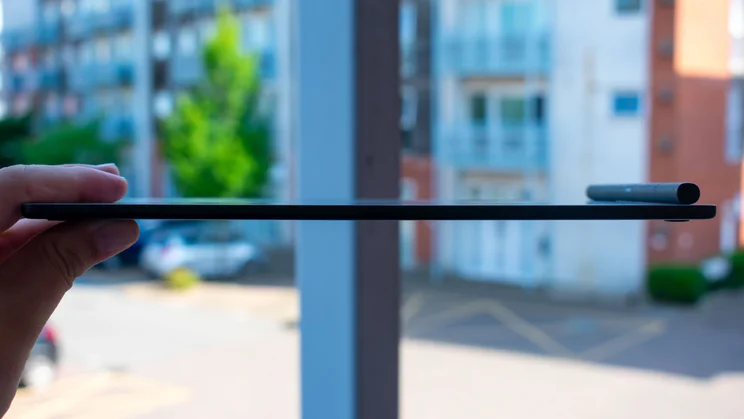
The build of the InkPad One is reasonably solid. It measures 173 x 5 x 244mm (WDH) and weighs 400g on the dot, which means that it’s a little thinner and lighter than the Kindle Scribe (5.8mm and 433g) and thinner than the 6mm ReMarkable Paper Pure – though that model is lighter, at 360g.
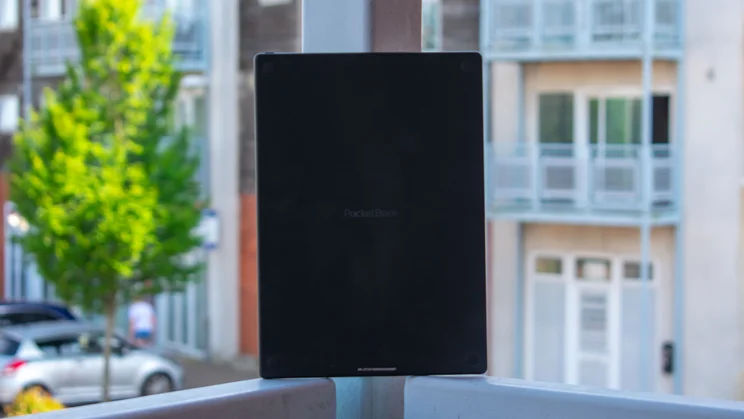
The PocketBook InkPad One feels well-weighted in the hand, and the aluminium frame is pleasingly rigid; it showed no sign of flexing or bending when I put pressure on both ends. The rear is a soft matte plastic that is pleasant enough to touch, though it shows fingerprint smudges more than I would like. Finally, four rubber feet do a great job of keeping the tablet in place while it’s lying flat on a table.
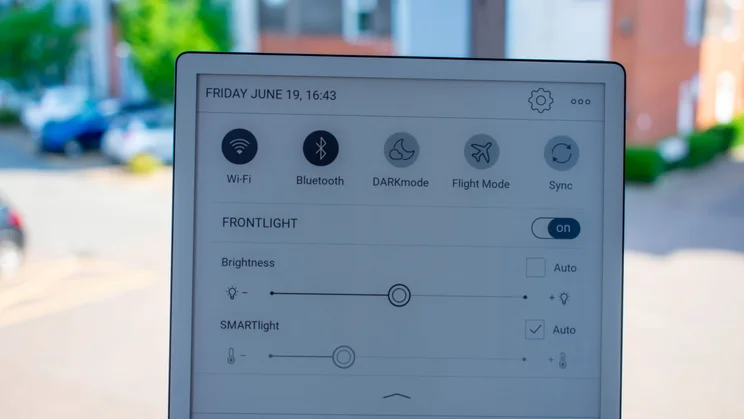
The display itself is a 10.3in E Ink Mobius screen with an okay PPI of 226 (1,872 x 1,404 resolution). It’s a capacitive panel with a SMARTlight that can automatically adjust both brightness and temperature, and 4-bit colour depth, meaning it can display 16 different shades of grey.
All screen controls are handled via taps and swipes, with the only physical button being the power button on the top-right edge. On the bottom edge, there’s a USB-C charging port next to a small indicator LED that lights up when the display is on or the device is charging. It’s a simple build, all told.
Performance and battery life
Under the hood, we have a quad-core Rockchip 3566 processor clocked up to 1.8GHz and backed by 2GB of RAM and 32GB of storage. Raw power, memory and storage space are all competitive with rivals, but my tests revealed that the InkPad One’s response time falls short of the competition.
Where the Remarkable Paper Pure and Amazon Kindle Scribe both boast rather nippy responsiveness (21ms and 12-14ms, respectively), the InkPad One proved relatively sluggish. Measuring the time between prodding the screen and the display responding (turning the page, opening a book, creating a new note, etc.), I recorded results between 79 and 94ms. This isn’t an issue for e-reading; normal Kindles have response times over 100ms. So while not immediately responsive, I found flicking through a book fluid enough not to be irritating.
Thankfully, penstrokes don’t take the better part of a second to show up. I tested this by filming myself writing on the tablet with a stopwatch next to it, then reviewing the footage and noting the difference between when I started writing and when the line showed on the display. Results all landed in the ballpark of 20 to 25ms, which means that, when it comes to writing, the InkPad One is not far behind the ReMarkable Paper Pure.
The battery is a 3,700mAh cell, and PocketBook claims that it’s got enough juice to keep the InkPad One running for around a month, depending on the intensity of your use, of course. My battery is currently sitting just over halfway, having spent the last week or so strenuously testing it (and starting from around 80% charge), so these figures sound about right.
The inclusion of automatic light and temperature control is a boon for battery life, too – I’ve had it switched on since opening the box, and I’ve never felt like the screen was too dim to view in daylight or blindingly bright at night.
Software and reading
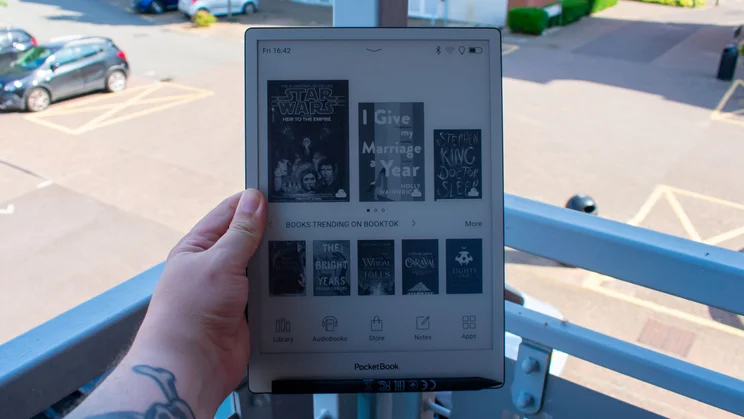
The software is based on Linux, similar to the Amazon Kindle Scribe. Unlike the latter, however, which strongly favours Amazon’s own ecosystem of libraries, the InkPad One casts a much wider net, with support for over 25 ebook, comic and audio formats, ranging from EPUB, MOBI and MP3 to PDF, DOC, CBR, OGG and many more.
This means you can install from more sources with greater ease than the Kindle Scribe, which often requires file conversion should you want to shop outside of Amazon’s own stores.
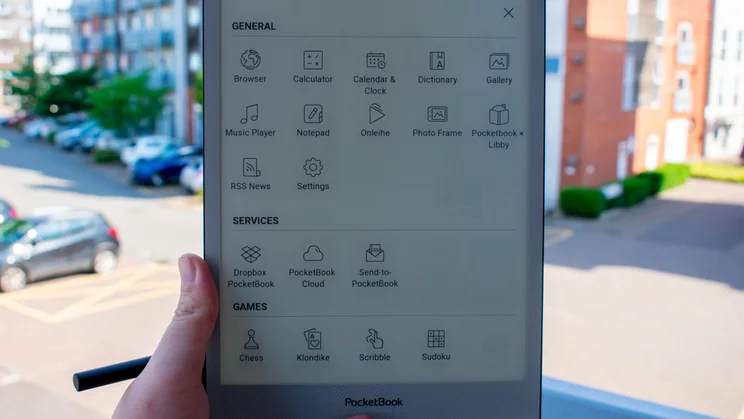
There are several built-in libraries that you can buy and borrow books from, including Libby, which allows you to connect to your local library and borrow from their selection. However, there’s no way to install additional libraries, which is a bit of a pain if you’ve got a Google Books collection, as was the case with me.
Still, accessing your collection is simple enough: the PocketBook mobile app lets you sync your Google Books account and download the EPUB to your phone, which makes it accessible on the InkPad One when it syncs. You can also connect to Google Drive and Dropbox accounts in the same fashion, which is great for accessing audiobooks you may have squirrelled away.
Speaking of which, there are no speakers on the InkPad One, so you’ll need to connect a pair of Bluetooth headphones if you want to listen to audiobooks.
Getting your existing collection onto the InkPad One may not be the most efficient process, but things operate smoothly enough once you’ve got the hang of using the app as a middleman. And, of course, if you find it all too much of a hassle, there is still the option to buy new books through the PocketBook store.
The rest of the software (note-taking excluded, as I’ll cover that in the next section) is fine, but is little more than background fluff that didn’t need to be included. You’ve got a rudimentary browser that takes ages to load webpages – seriously, it was close to a minute before IGN fully loaded, just use your phone – a calendar that can’t be synced to your external calendar and a handful of simple games, which feels like PocketBook missed the distraction-free point of these digital notepads.
How is it for writing?
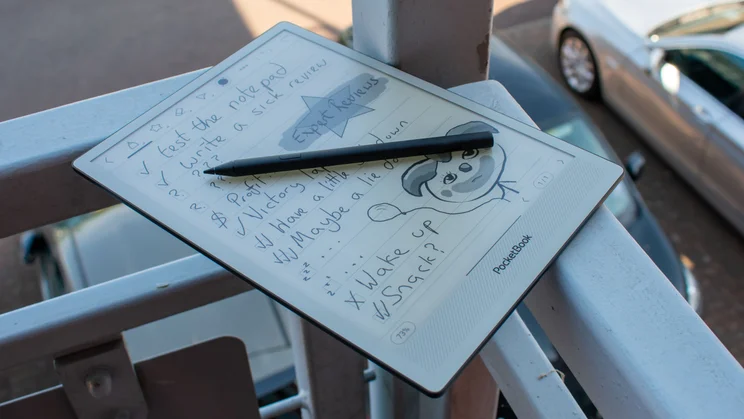
The notetaking element, at least, is solid. Penstrokes take between 20 and 25ms to register, so while scribbling on the screen isn’t as immediately responsive as real-life paper, it’s a reasonable facsimile. The friction of the matte screen offers pleasing resistance that feels more like true scrawling and less like dragging a nib over a smooth surface. Meanwhile, the Stylus 2 is well-weighted, making it comfortable enough to use for extended periods.
While there’s no eraser on the end of the pencil, as you get with the latest ReMarkable stylus, the PocketBook version does include an eraser function, activated by holding the small button on the side of the pen.
The advantage of this is that you don’t have to turn the pen around to erase things. The downside is that turning the pen around to erase things is fun – and who isn’t down for whimsy over efficiency once in a while? The other issue with the button placement is that it’s quite easy to press by accident, especially as it’s the same colour as the stylus. A contrasting colour would have made it easier to avoid erroneous engagements.
Another issue I ran into was that there’s no option to have the tablet ignore palm touches and only register stylus inputs. I’m a lefty, so my hand drags along behind the pen as it dances across the screen, and on several occasions, I found a couple of wayward strokes on the next line down – digital footprints left by the side of my hand.
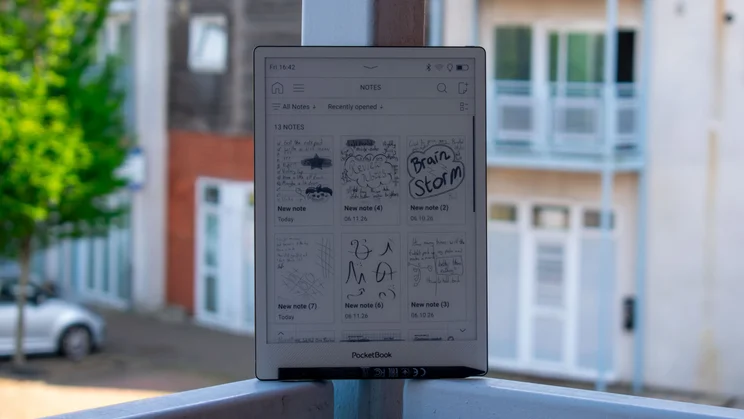
There are several notepage templates to choose from, ranging from blank pages to tick-box structures, and while these are useful enough, certain features offered by other brands aren’t supported here. For one, the ReMarkable Paper Pure allows you to convert your handwriting into typed and editable text, great for sharing notes without forcing colleagues to suffer your unintelligible scrawl.
Which brings me to how tricky it is to share notes from this thing. Notes made via the NotePad app can only be shared to internal storage as a PDF, PNG or PBN file, while annotations made on books and documents can only be exported as HTML files.
You can then get them off the tablet by connecting directly to your laptop or, if you wait long enough, they’ll appear on your main screen and sync to the PocketBook app. It takes several minutes for exported files to show on the home page, though. It’s all the more galling that Bluetooth is supported but only used for connecting to external headphones and speakers.
Should you buy the PocketBook InkPad One?
There’s a lot to be said for the PocketBook InkPad One’s price tag. It undercuts the competition by over £100, so if you’re looking to dip your toe in digital notepad waters and don’t need bells and whistles, you’d do well to consider this “budget” alternative over more established names.
It would have been great to see some of the most tantalising features of the ReMarkable Paper Pure incorporated – wireless stylus charging and handwriting-to-text are sorely missed – and I’d love it if note-sharing were easier.
Despite those shortcomings, the PocketBook InkPad One’s accessibility makes it a worthy addition to the digital notepad market. It’s a much-needed alternative to the likes of ReMarkable and Kindle, which only support a handful of file types, and opens doors for users who regularly use a wide variety of file types.


