
To help us provide you with free impartial advice, we may earn a commission if you buy through links on our site. Learn more
- Exceptional call quality
- Loads of features
- LDAC support
- Can be fiddly to find optimal fit
- Battery life beaten by rivals
- Lack a bit of audio muscle
It’s been almost three years since Huawei brought clip-on wireless earbuds to market with the Huawei FreeClip. Now every manufacturer and their mother has at least one pair in their lineup, and I’ll begrudgingly admit they’re not the fad I first thought them to be.
Anker’s second-generation flagship clip-ons, the Soundcore AeroClip 2, are the latest of the breed I’ve reviewed, and among the most fully featured I’ve come across. That’s often true of Anker audio products, however, and doesn’t guarantee a favourable review. Having spent a month or so using the AeroClip 2, they’re not breaking new ground but should definitely be high on your list if you’re looking for clip-on headphones.
What do you get for the money?
The AeroClip 2 cost £160, a price that positions them between two clip-on options from the open-ear specialist Shokz: the OpenDots Air (£129) and OpenDots 2 (£179). They’re very much the premium earbuds in Soundcore’s clip-on range, with the Soundcore C30i available for a budget-friendly £35, and their feature set reflects that.
The buds use the same Thus AI audio chip as their noise-cancelling stablemates the Soundcore Liberty 5 Pro and Liberty 5 Pro Max. And while they can’t take notes in meetings for you like the latter buds, they do offer real-time translation via the Anker Soundcore app.
That’s the most unique of their features, anyway. They also offer audio customisation, spatial audio, Bluetooth multipoint connectivity, support for LDAC in addition to SBC and AAC, and wireless charging. Battery life is rated at 8hrs in-ear and 32hrs total, which is inferior to the Shokz OpenDots 2 (10hrs/40hrs) and OpenDots Air (9hrs/36hrs). The buds are IP57-rated for dust and water resistance, but the accompanying charging case shouldn’t be exposed to the elements if possible.
Are they comfortable?
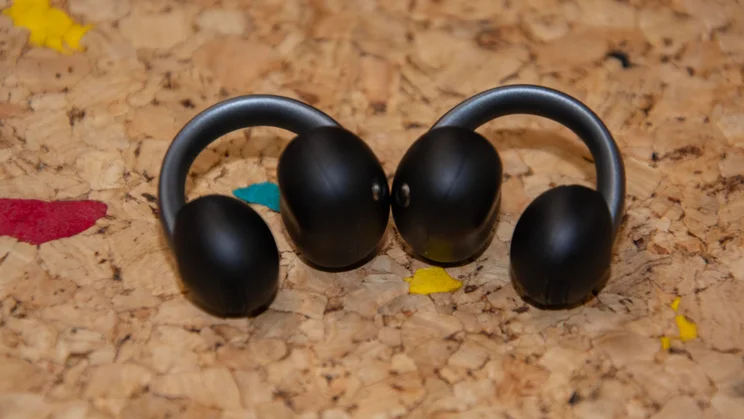
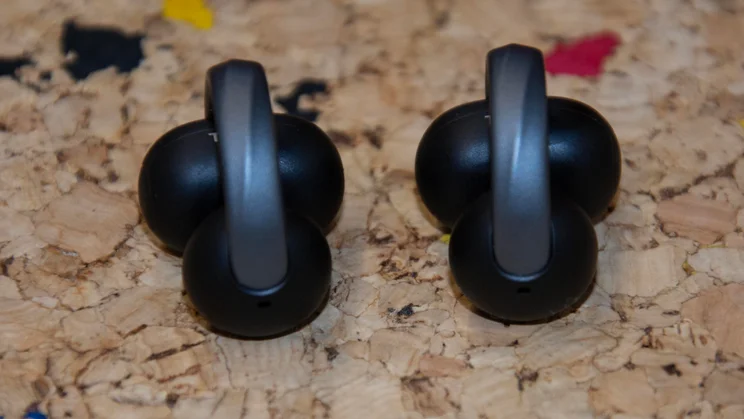
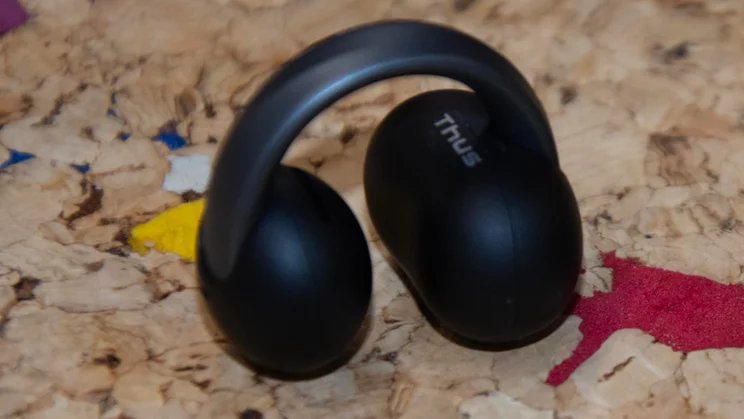
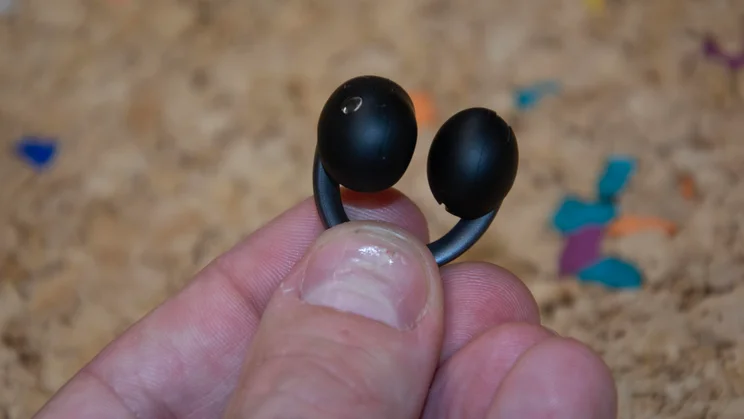
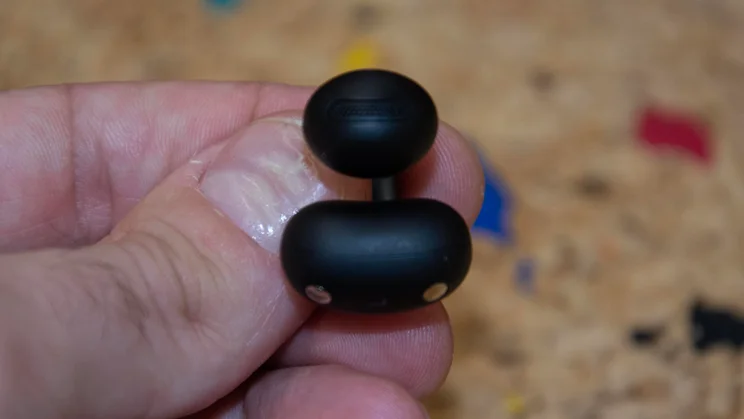
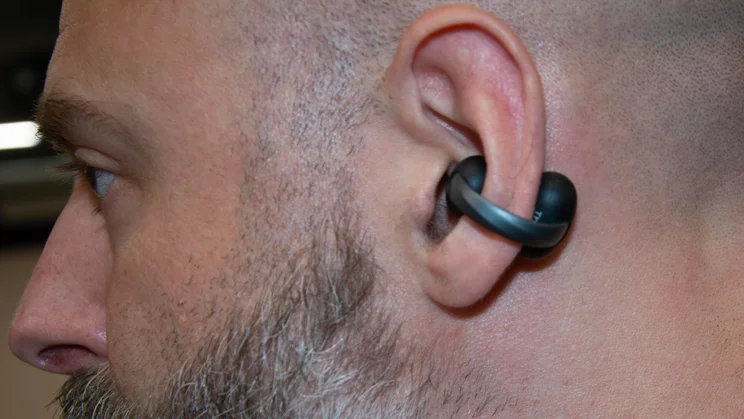
With one cheap exception, I’ve found every pair of clip-on earbuds I’ve tested comfortable. At 6.2g, the AeroClip 2 are a fraction lighter than their Shokz competitors, but the difference is so small it’s inconsequential. Still, it’s easy to forget they’re there, and the battery sections don’t rub abrasively on the back of your ears.
However, I prefer how the Shokz OpenDots 2 feel when clipped onto my ears. Their clip is more stable than the AeroClip 2, which felt a little looser, especially on my right ear. When exercising, the right bud slipped slightly, meaning I had to be mindful of how I clipped them on and occasionally adjust their position. I didn’t have to do this with either of Shokz’s latest clip-on options.
How easy are they to control?
The AeroClip 2 have depressible buttons built into the top of their battery sections, and these work superbly. They’re large enough to find quickly, don’t require a huge amount of pressure to activate, have a nice click to them, and are perfectly responsive.
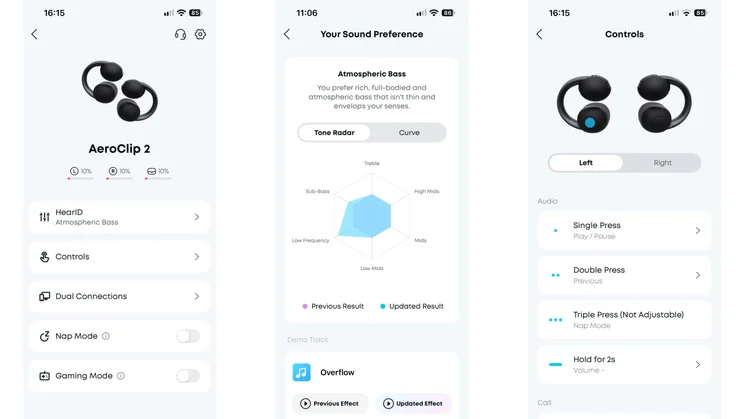
The default actions assigned to single, double and triple presses are sensible enough to leave unchanged, but you can customise their functions if you wish. Putting volume controls on the otherwise unassigned action of holding the button for two seconds made the most sense to me.
Here, I think the AeroClip 2 have the edge over the OpenDots 2. The Shokz include a second form of physical control: taps on the band connecting the battery to the speaker. That is very useful, but the AeroClip 2’s simplistic and consistent controls are top-notch.
How useful are the features?
Including niche features is all well and good, but they need to be useful. Fortunately, most of the inclusions here are quite handy, though your mileage will vary.
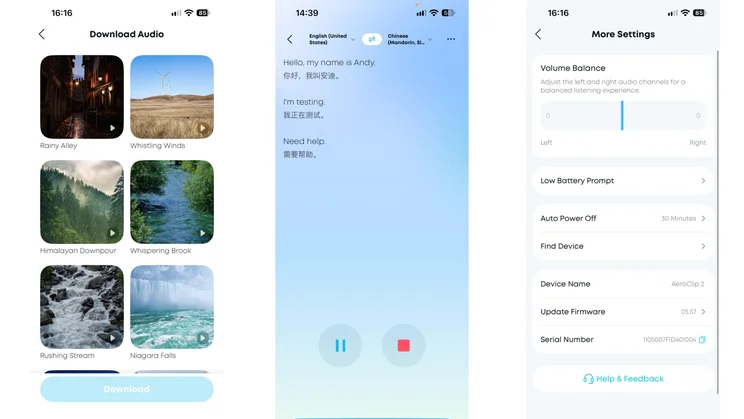
I really enjoyed “Nap mode”, which blocks calls and music and instead plays soothing audio clips like “Neon Bustle”, “Urban Breeze” and “Rushing Stream”. I’m not a napper, but I turned the mode on when writing, and found the ambient sound effects grounding and helpful for focus.
I didn’t notice much difference with the low-latency gaming mode, though. As a console gamer, I can live without it, but given how popular mobile gaming is, it’s worth having.
The final noteworthy feature is the live translation I mentioned earlier. This is an Anker Soundcore feature rather than something exclusive to the AeroClip 2, and has a very specific use case. I didn’t test it abroad, but played around with it at home, and it was both simple and effective. After choosing your language and target language, one person speaks into the phone while the other listens to the translation via the buds. I’d use it if I were in a pickle on holiday, and it’s a feature that differentiates the AeroClip 2 from many clip-on rivals. But it’s far from a system seller.
How good is the mic quality?
You may have seen the adverts for Anker’s Liberty 5 range featuring Gary Neville at a football match; they’re wonderfully cringeworthy. But they do illustrate just how good those earbuds are for taking calls in very noisy environments.
The AeroClip 2 use the same Thus AI chip as those buds, and their four mics and two voice processing units help them do an equally amazing job. It takes quite a lot to surprise me when testing headphones, but I couldn’t quite believe how coherent my voice remained when on the phone or leaving voice notes in places with borderline egregious ambient noise. Voice recordings I’d made with the buds at my desk were audible even when blasting Iron Maiden’s Enter Sandman at maximum volume on my MacBook Pro.
Any doubts I had about the Guinness World Records certification, awarded for the highest speech quality score for open-ear earbuds, quickly dissipated; Anker has worked wonders here and deserves real credit.
How good is the sound quality?
Putting the enduring open-fit earbuds caveat (that they struggle in noisy environments) aside, the AeroClip 2 sound good. Sony’s LDAC Bluetooth codec support is a boon; the streaming quality difference isn’t as noticeable as it is with over-ear headphones or silicone-eartipped buds, but I enjoyed the AeroClip 2 more with the Google Pixel 11 (LDAC) than the iPhone 13 Pro (AAC).
The buds showed a lovely sense of rhythm and tempo when tackling the fast, funky Lock Stock edit of Walk This Land by E-Z Rollers. Meanwhile, the track’s female vocals were crisp, and the rolling bassline avoided overwhelming them. By default, the buds sounded quite bright and a little light on bass for my tastes, but you can tweak their output in several ways.
EQ options worth dabbling in
The “Powerful Bass” preset gave bass a much-needed boost in prominence, though I’d actually advise creating a HearID. This simple audio personalisation tool has you listen to two clips side by side and choose the one you prefer. After a few rounds, it creates an “Exclusive Sound Effect”, marketing speak for a personalised EQ. Mine (Atmospheric Bass) raised the low mids, lows and sub-bass, and told me, “You prefer rich, full-bodied and atmospheric bass that isn’t thin and envelops your senses.” Amen to that.
The richer low end this EQ applied improved my experience significantly, even on tracks with minimal bass like Tom Petty and the Heartbreakers’ Learning to Fly. The soundstage felt better balanced, with the vocal sounding less detached from the melody but not losing any of its character.
The AeroClip 2’s ability to convey fine instrumental detail also impressed me. The five instruments on Magnetic Man’s Flying into Tokyo (a glockenspiel, violin, viola, double bass and cello) were easily identifiable and articulated with great clarity.
All that said, I still marginally prefer how the Shokz OpenDots 2, which don’t support LDAC, sound. Those buds deliver more muscular audio than the AeroClip 2, which is important when they’re often fighting to be heard over external noise.
Should you buy the Anker Soundcore AeroClip 2?
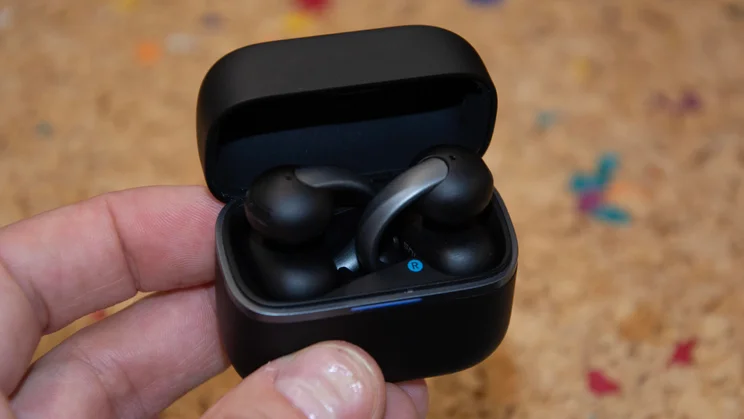
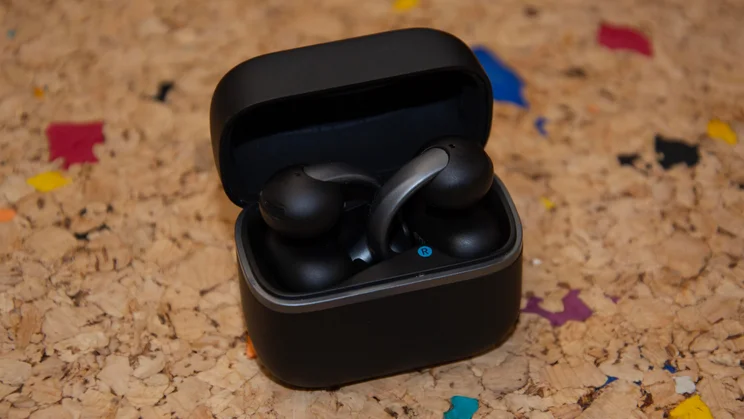
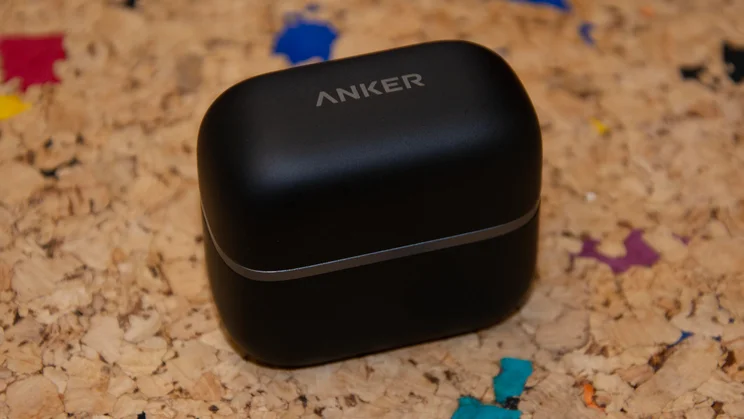
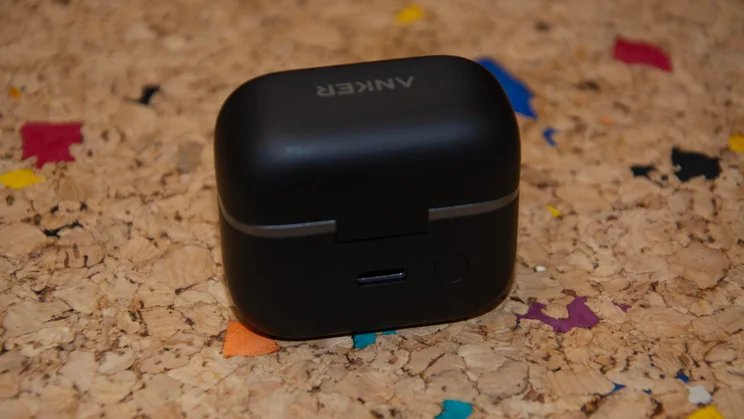
Shokz may be the dominant force in open-ear audio, but the AeroClip 2 show that Anker Soundcore is more than up for the fight. I prefer the Shokz OpenDots 2’s sound, but the AeroClip 2 aren’t too far behind, and they’re head and shoulders above their rivals in the call quality department. They also offer niche features you won’t find elsewhere and have one of the most compact cases around, if that’s your thing.
I still think the OpenDots 2 are best in class: their fit worked better for me than the AeroClip’s, and they look more premium, too. They are slightly more expensive than Anker Soundcore’s flagships, though, and you won’t be going too far wrong choosing the AeroClip 2 as your new open-ear buds.


