To help us provide you with free impartial advice, we may earn a commission if you buy through links on our site. Learn more





- Eye-friendly display is great for reading
- Good value for the specs
- IP68 rating
- Average camera performance
- Screen scratches easily
- Fiddly stylus
In the early days of smartphones, there was more room for experimentation in design. Mostly because we didn’t all know what we wanted from a handset. These days, though, most phones look a bit similar – comparable cameras, screen sizes, features and more. That doesn’t mean there isn’t any room for clever ideas and, no, I’m not talking about whatever the latest AI nonsense has to offer.
When it comes to design innovations, TCL has reliably delivered with its special display tech: “Nxtpaper”, and the latest device in this line is the affordable Nxtpaper 70 Pro smartphone.
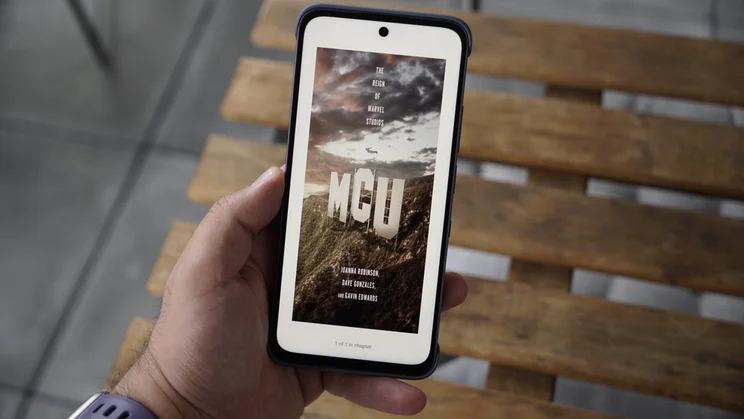
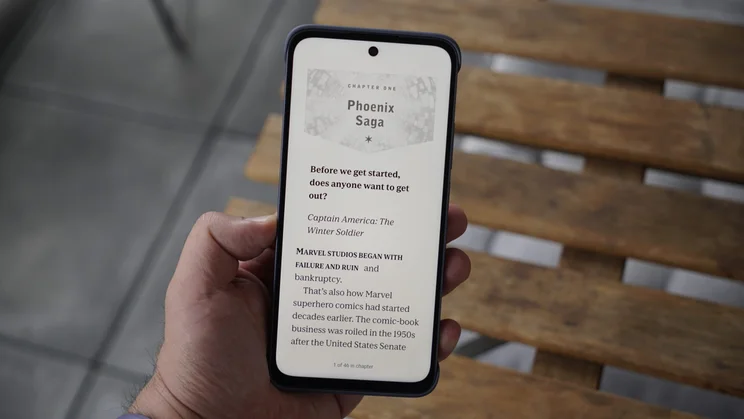
As the name suggests, it’s a paper-like matte display, designed to limit glare and make the screen easier to read. Toggle the Nxtpaper control, and you get to experience different screen modes, which reduce saturation, in either colour or monochrome settings. It promises to deliver a comparable experience to paper, or something to rival the e-ink tech of the best Kindles.
TCL Nxtpaper 70 Pro: What you need to know
The main change to note is that TCL is getting a little more ambitious with its hardware this time around. Previous Nxtpaper phones have been held back by components that didn’t match competitors, but the 70 Pro competes pretty well on specs.
The processor is a MediaTek Dimensity 7300 (a solid pick for daily use), it has a 120Hz 6.9-inch display with the Nxtpaper tech, IP68 dust and waterproofing, Android 16, a 5,200mAh battery (with 33W wired charging) and a camera setup that features a 50-megapixel main camera, an 8-megapixel ultrawide, and a 32-megapixel selfie lens. As we’ve seen on other Nxtpaper phones like the TCL Nxtpaper 60 Ultra, there’s also a dedicated switch on the side that allows you to cycle between the standard and e-ink display modes.
The new processor means the 70 Pro should be capable of snappier scrolling, smoother multitasking and 4K video capture. And, while a peak brightness of 900 nits isn’t as much as you’ll find on OLED phones, it is absolutely far better than the around 450 nits that the 50 Pro could manage. That’s going to make it a lot more usable outdoors. It’s also worth noting that the previous version didn’t have an official IP rating, so the inclusion of IP68 means this will have better durability.
Price and competition
The Nxtpaper 70 Pro starts at £290 for the 256GB model but, even at the £305 price for the 512GB version, it successfully undercuts some of its main rivals like the Nothing Phone (3a) and Samsung Galaxy A36 5G. And it’s a lot more affordable than the likes of the Nothing Phone (4a) and Google Pixel 10a.
Impressively, though, the TCL Nxtpaper 70 Pro manages to get close to the launch price of the hyper-budget 256GB spec of the CMF Phone 2 Pro, but it does so while throwing in better IP68 water resistance, stylus support and a slightly larger battery. Overall, though, the specs on these two handsets are fairly comparable.
Those entrenched in the Apple ecosystem are going to struggle to find something that competes at this price point without venturing into a second-hand or refurbished model. No brand new iPhone costs under £300, or even under £600, to be honest. You’d need to go for the iPhone 17e, and that lacks an ultrawide camera or the better screen refresh rate and larger display size here.
Design and key features
One of the main things I notice when using the 70 Pro is that it’s a big phone that feels like a big phone. That’s not necessarily due to the weight – 208g is respectable – but more due to the fairly thick bezels around the display (especially at the top and bottom) that add some extra bulk to the device.
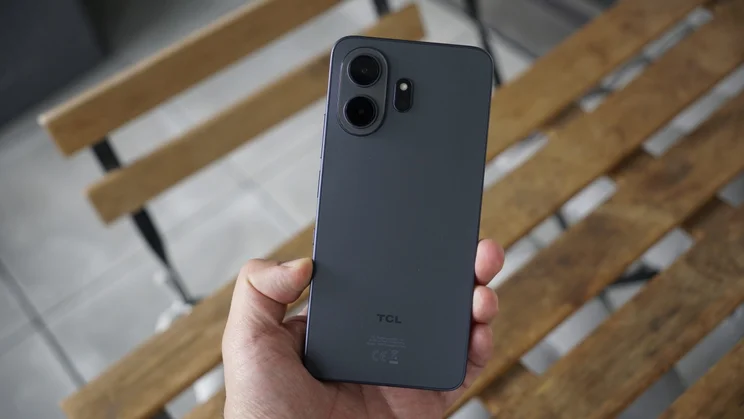
Despite being a tad unwieldy, it feels durable thanks to that IP68 rating and a decent matte plastic frame and back.
While I’ve handled plastic phones that feel cheaper than this, I wouldn’t go as far as saying this is a premium build. It looks good, but I wouldn’t have minded seeing a refined aluminium frame and glass back among the list of upgrades here. When it comes to colours, you can find this in just two shades: the Stellar Blue of this review unit or Nebula Gold.
The Asahi protective glass isn’t as strong as Gorilla Glass and, sure enough, I noticed an unsightly scratch on the display towards the end of my testing period. Therefore, I’d recommend fitting a screen protector with this one – though, of course, that may counteract some of the display benefits.
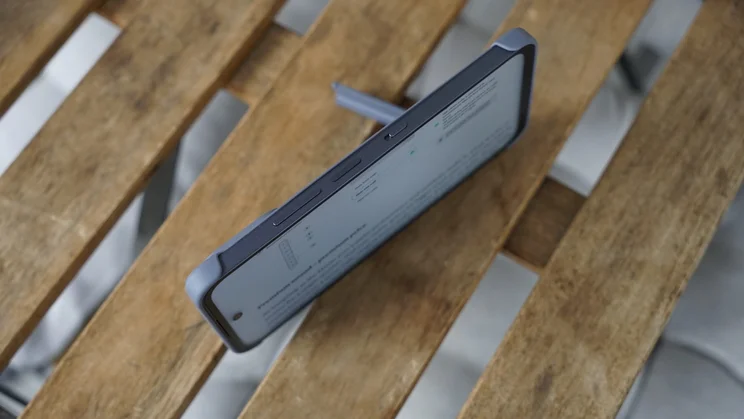
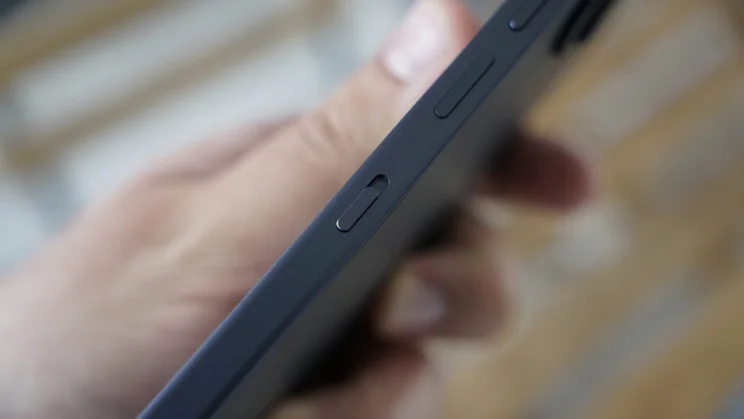
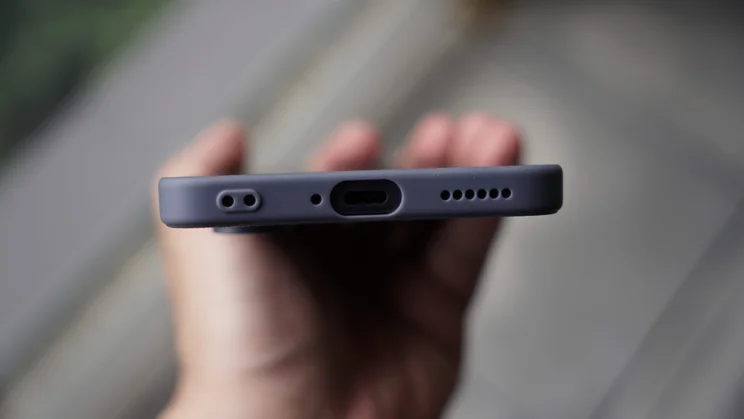
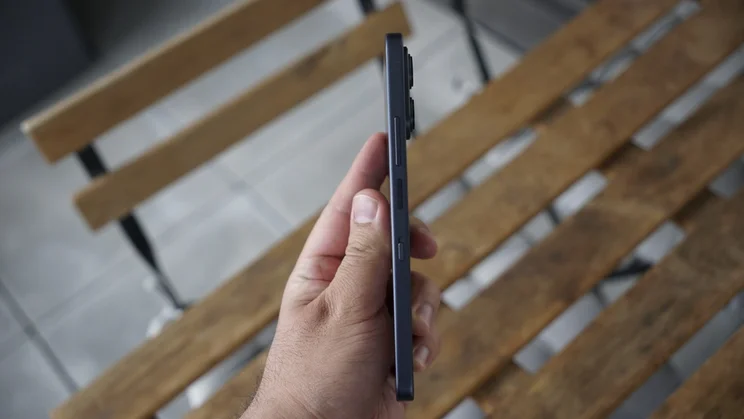
There’s a side-mounted biometric fingerprint sensor to unlock and authenticate on the device, and I’ve found it accurate and speedy in use, but there is no 3.5mm headphone jack (there was on TCL’s 50 Pro from 2024, and 60 SE from last year). It thankfully supports NFC, has stylus support and, like other Nxtpaper models, has the dedicated Nxtpaper hardware key on the side.
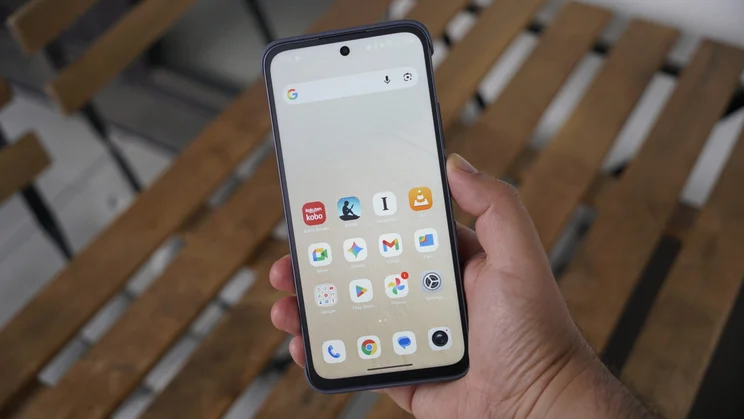
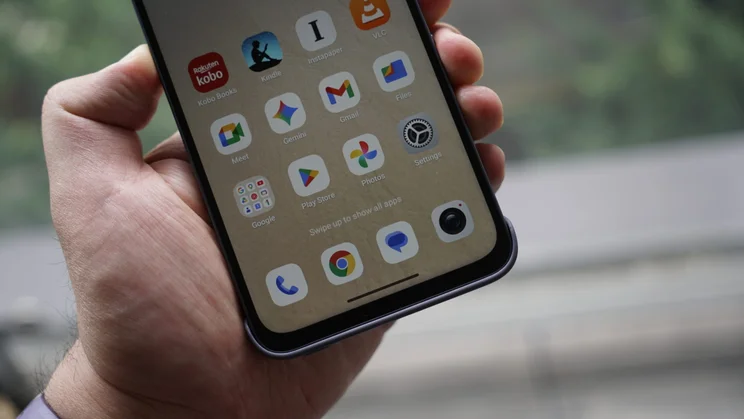
The software here is Android 16 with TCL’s skin, and I’ve found it smooth and easy to navigate in use. It does come with some bloatware apps like AliExpress and ReelShort, that you’ll probably want to delete while setting up the phone.
Where other brands commit to a specific period of software support, TCL remains unclear. You’ll likely get at least a couple of years of security patches but there’s better peace of mind with the likes of the Nothing Phone (3a) and Samsung Galaxy A36, for instance.
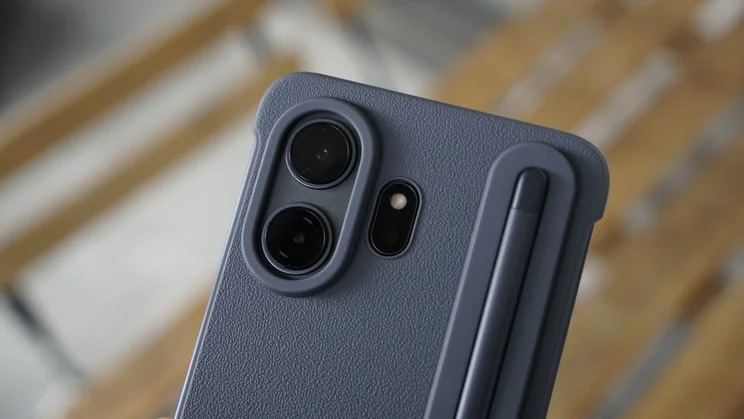
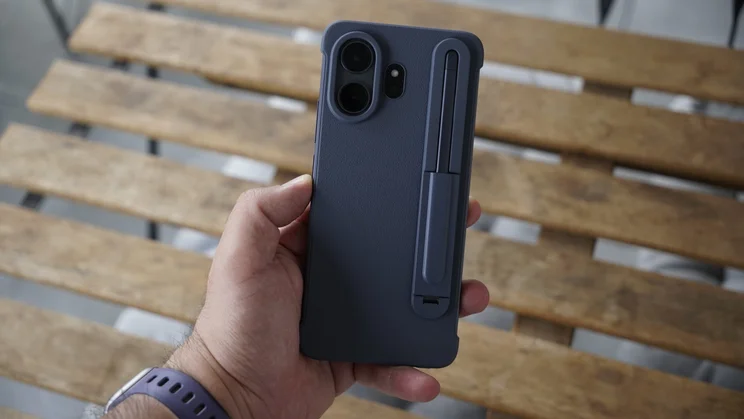
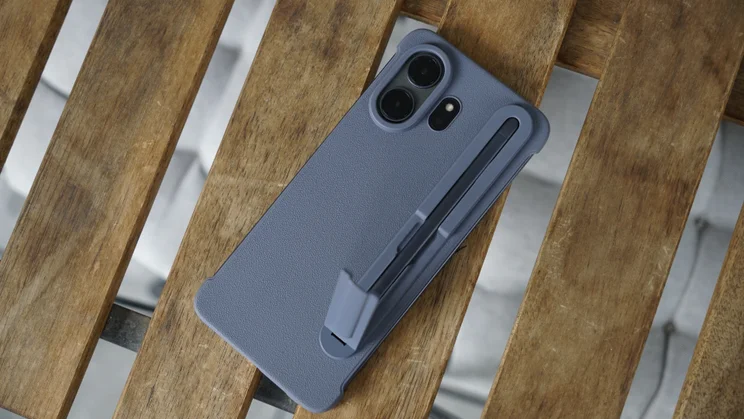
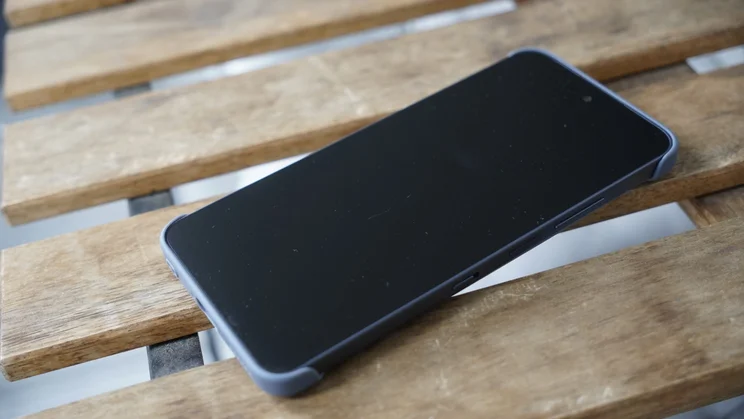
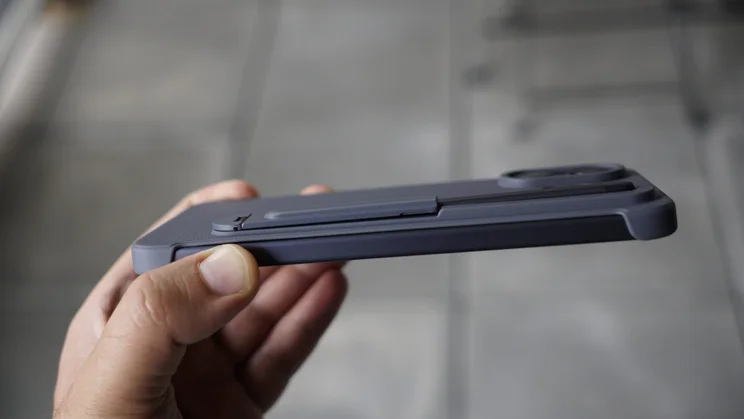
The bundle I was sent for review included the T-Pen stylus and a hard case but, at the time of writing, there doesn’t appear to be an option to bundle these in when you buy the phone, nor buy them separately.
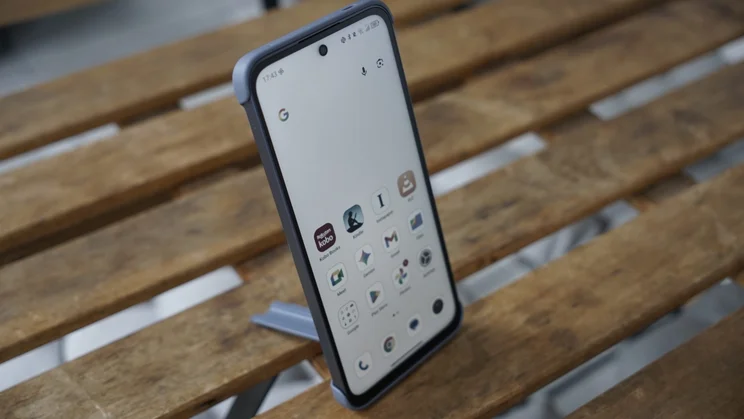
To my mind, this is no great loss: the case is useful enough but I found that the most beneficial thing about it is that it doubles as a stand to prop the phone up.
I wish I liked the stylus more than I do, as well. Writing on a matte display makes it more like the Kindle Scribe than an Apple Pencil on an iPad, but I struggled with accuracy when using such a fine pen on the relatively small space of the display; I imagine it feels more intuitive on TCL’s Nxtpaper tablets.
Display
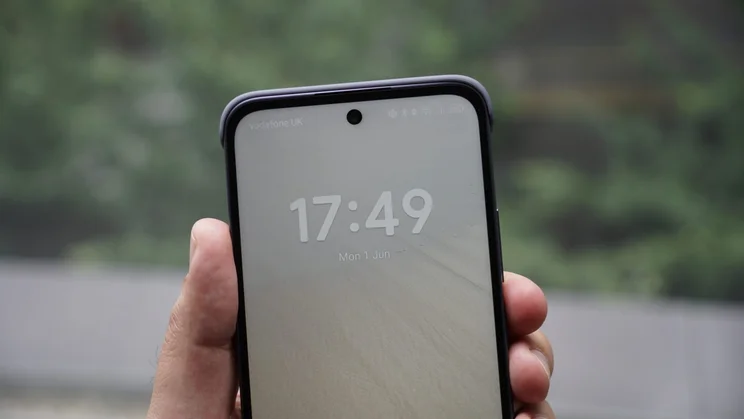
The display is the most unique part of the Nxtpaper 70 Pro’s appeal. It has a matte nano-textured surface, and TCL promises blue light “purification” and an anti-glare circular polarised light to make it clearer and easier to read for longer. It’s also made to have less flicker and a 120Hz refresh rate, keeping things smooth for “paper-like” reading at any time of day.
The display hit 745cd/m² at maximum manual brightness, a strong result for a mid-ranger, and it managed to reach 736cd/m² on adaptive brightness with a torch held up to the sensor.
Colour accuracy depends on which display mode you use. In the default Vivid mode, it’s noticeably cool, but things look good for streaming and photo viewing in the Natural mode. On the latter profile, the average Delta E came back at 1.45, just above our target of 1 or under, but still solid enough at this price. Equally, sRGB gamut coverage came in at 96% with a volume of 98.8% sRGB, meaning the screen reproduces most content faithfully, without anything looking washed out or oversaturated.
Readers will care most about the paper modes. Use the dedicated Nxtpaper switch on the side, and you can cycle between Colour Paper Mode and Ink Paper Mode. You can also set one of these to engage automatically if you prefer one over the other. Colour Paper mode desaturates into a warm, muted palette (like a Kindle Colorsoft) while Ink Paper delivers a monochrome newspaper look.
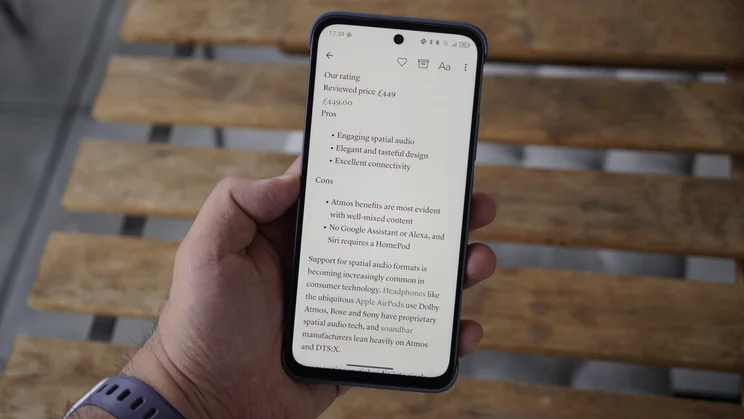
Both have their place for reading, and definitely made it easier on my eyes when reading books in the Kindle or Kobo apps, or articles through Instapaper. There’s also Max Ink Mode, which goes further and locks down the phone for longer battery life by limiting apps and alerts. But you’re only able to read Google Books, so it’s not the most useful.
Both Colour Paper Mode and Ink Paper Mode measured almost identically for maximum brightness at 633.62cd/m² and 634.58cd/m² respectively. A bit of a drop from the full-colour maximum, but you won’t really feel the loss of brightness in most conditions, and these modes are considerably warmer, so that they look like the printed page.
Performance and battery life
The MediaTek Dimensity 7300 chip earned this phone a 1069 single-core score in the Geekbench 6 CPU benchmark and a 3190 multi-core score. While this is an upgrade over budget chips used by TCL in the past, it’s not exactly blazing-fast performance – when compared to the rivals mentioned above, it comes close to the Nothing Phone (3a) that runs similar silicon but won’t match the (4a). However, it handily beats the Galaxy A36 5G and CMF Phone 2 Pro, which have midrange and entry-level chips, respectively.
In general use, the interface and daily tasks (like browsing, watching videos or scrolling through TikTok and Instagram) all feel snappy and smooth. Given that this is a phone for reading, it has absolutely no trouble with the reading apps I use the most – like Kindle, Kobo and Instapaper.
It actually should have moderate performance for gaming, too, if you wanted. If you use the phone for the simple tasks it’s designed for, though, it’s going to be great for efficiency, and you’ll get a moderate amount of life out of its 5,200mAh battery.
I set about challenging it to our looping video battery test, and it lasted 25 hours and 3 minutes, just a few hours behind the Nothing Phone 3a and CMF Phone 2 Pro. Given the low cost of the handset, though, I think it’s not a poor showing for this price range.
Cameras
As for the cameras, you get a 50-megapixel wide lens on the back, along with an 8-megapixel ultra-wide. The front camera is a 32-megapixel shooter, and the phone can shoot 4K video, but only from the main lens and only at 30fps.
I at least appreciate that TCL didn’t include a “macro” camera that nobody will use here, but overall, I’d say the camera performance is quite average.
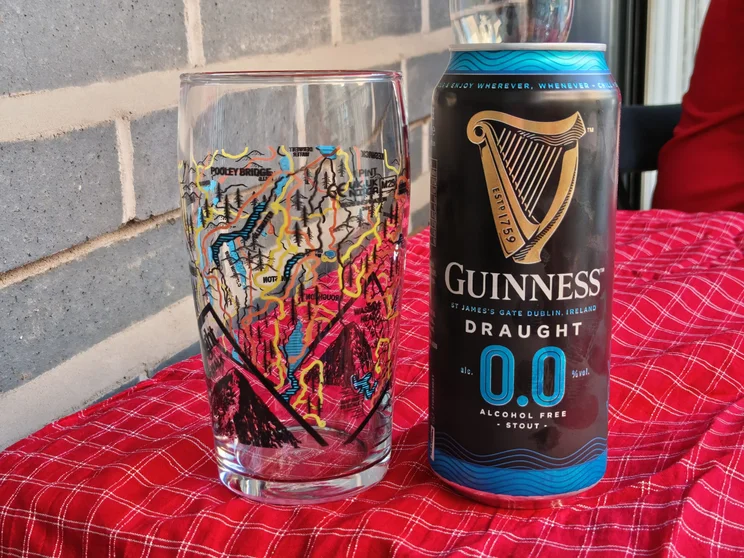
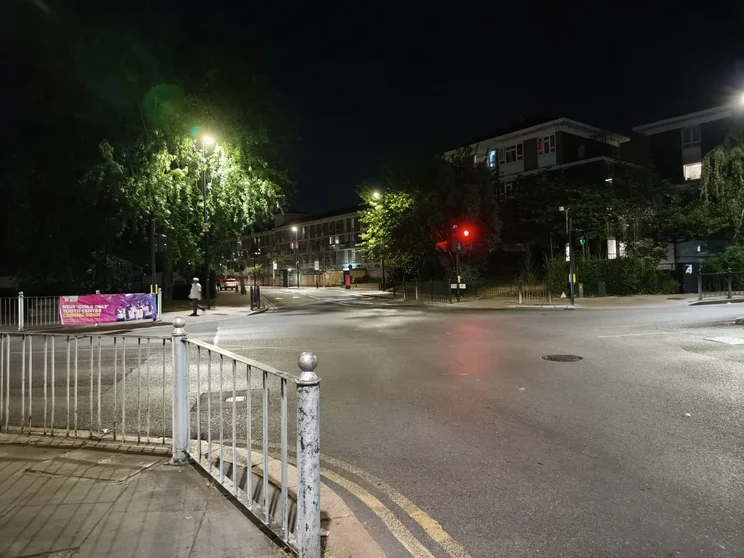
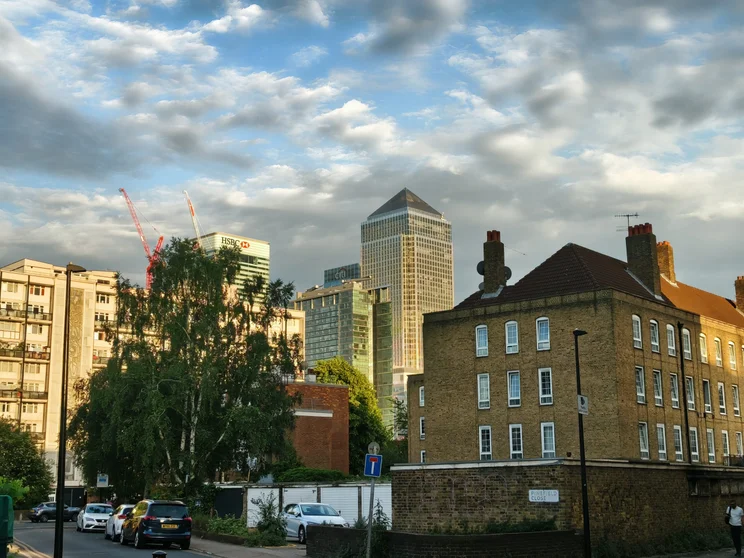
The main 50MP wide does feature optical image stabilisation (OIS), so you can get crisp shots in good light, but I found things much shakier in low-light conditions, and the processing tends to dial up the contrast and saturation much more than it should in my outdoor shots. On the other hand, photos were a little washed out when indoors. And, at night, the results lack detail and look crunchier than expected.
The ultra-wide is fine, in a pinch, but it’s a noticeable step down from the wide. Centre sharpness is solid, but colour accuracy takes a hit yet again: skies get close to being blown out with the heavy-handed HDR processing, and there’s a muddiness and a lack of definition in the edges and corners.
You do get a little bit of extra reach with the 2x crop into the main sensor, and the results here are usable, but it’s a shame that this doesn’t match competition from Nothing and CMF, which have a telephoto at similar prices.
The selfie camera is passable, too, but skin tones don’t look accurate, and the colours are less rich than you’d hope for them to be. All in all, the camera system here doesn’t offer consistent results and isn’t a key selling point for the phone.
TCL Nxtpaper 70 Pro: Verdict
Like TCL’s other Nxtpaper devices, this is a phone that’s a little more opinionated about what it offers, and less about chasing the same specs as its rivals. It’s clear about prioritising eye comfort, and even in one of its regular display modes, it’s a panel that’s easy to look at for a long time, so it will lend itself well to anyone reading books and articles… or checking lengthy documents for work.
The Nxtpaper modes work as promised, and I think this is an ideal phone if you find your current phone too glossy or you’re Kindle-curious but don’t want to carry a second device. I would say, though, that I tend to prefer a dedicated e-reader because they keep distractions at bay, too. That can’t be solved here – TikTok and Instagram remain just a button flick and a swipe away.
But I do see a benefit to getting all your reading apps in one place. For certain disciplined readers, this is the perfect device. It’s also now got better specs with its IP68 rating, chip upgrade and fast charging. It’s a shame the display picked up scratches during testing, the stylus is fiddly, and the camera is merely fine, but this remains a great buy for serious on-the-go bookworms wanting an easy-to-read display at all times.