
To help us provide you with free impartial advice, we may earn a commission if you buy through links on our site. Learn more
- Sleek, lightweight design
- Intuitive and accessible gesture controls
- Gorgeous domed display
- Few hardware upgrades
- Battery life is only okay
- Some features likely to come to older Pixel Watches, too
The Google Pixel Watch 5 is the latest smartwatch from the search giant, launching concurrently with its Pixel 11 series of smartphones. In addition to sharing a birthday and colour scheme, the Pixel Watch 5 has something else in common with its telephonic brethren: it isn’t much of an upgrade on the previous generation.
There are a couple of minor tweaks to the hardware, but for the most part all the improvements are on the software side of things. Most are exclusive to the Watch 5 right now, but with the possibility of older models getting them later down the line, it’s hard to recommend the Pixel Watch 5 at full price. Wait and snatch it up in the sales and you’ll be very satisfied, though.

What do you get for the money?
The Google Pixel 5 is a little more expensive than its predecessor, but only just: the 41mm version is £20 more than last year, rising from £349 to £369 for the Wi-Fi model. The 45mm version, however, costs the same £399 as before, and both once again come in LTE variants for a further £100 apiece.
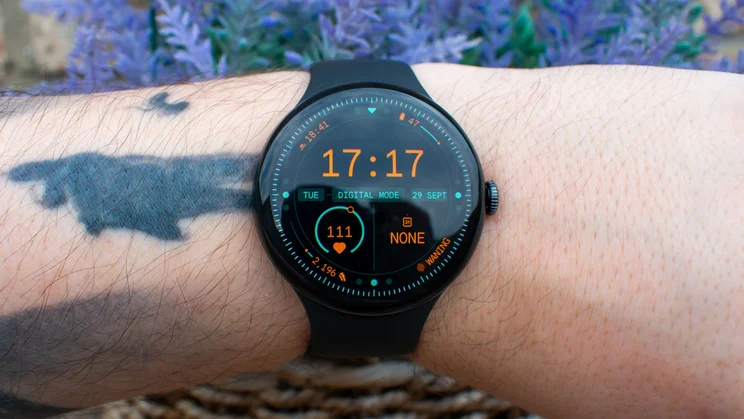
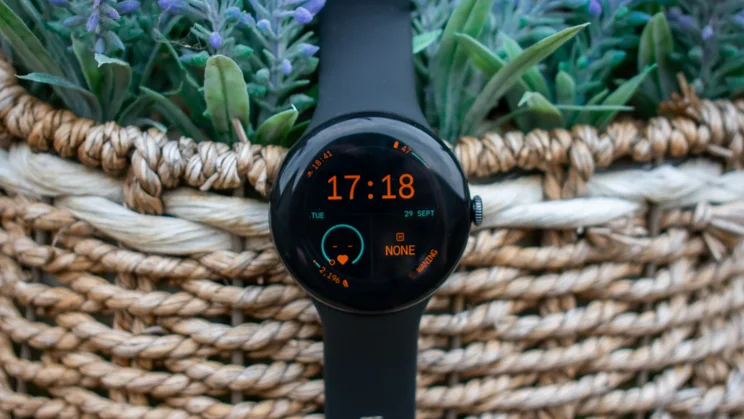
The design is identical to last year’s Google Pixel Watch 4, with the same aluminium chassis, IP68 dust and water resistance and 5ATM protection. It again measures 12.3mm thick and weighs 31g in the 41mm style and 37g in the 45mm. It’s topped by the same domed Actua 3D AMOLED display, again with a peak brightness of 3,000 nits, and battery life is quoted at up to 40 hours, just like last year.
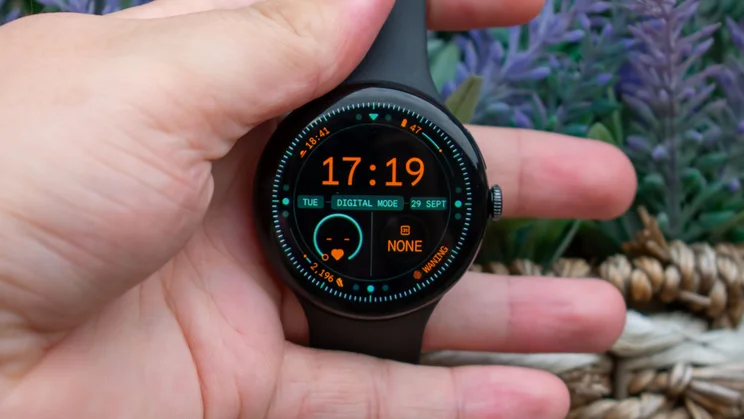
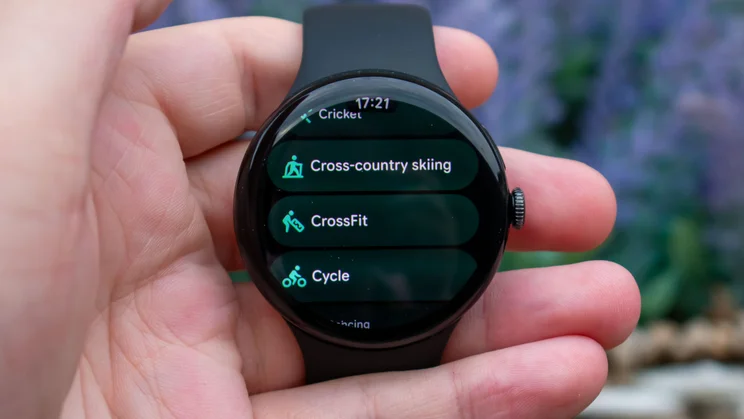
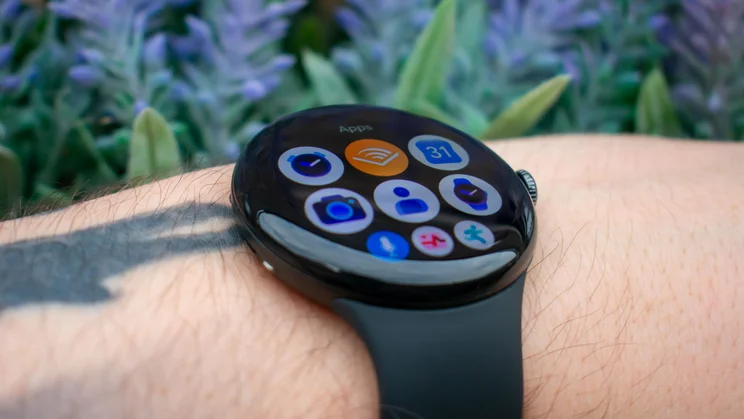
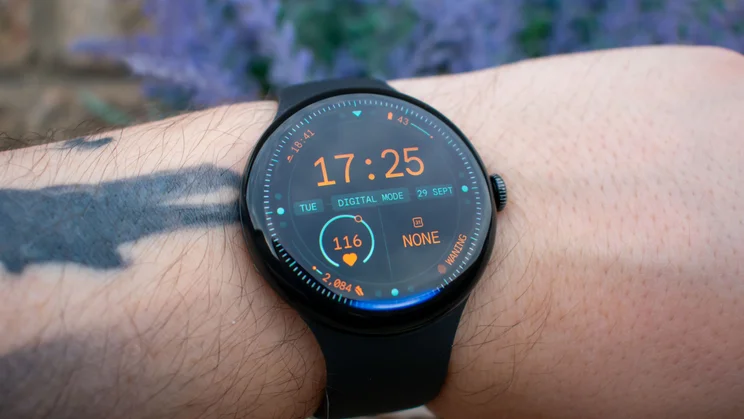
It remains a striking and iconic design, with the bubble aesthetic being instantly recognisable and the 3D domed display making scrolling through apps and notifications feel more animated and dynamic than on standard flat screens. There are a ton of useful and eye-catching watch faces to choose from, too, so personalisation is present and correct.
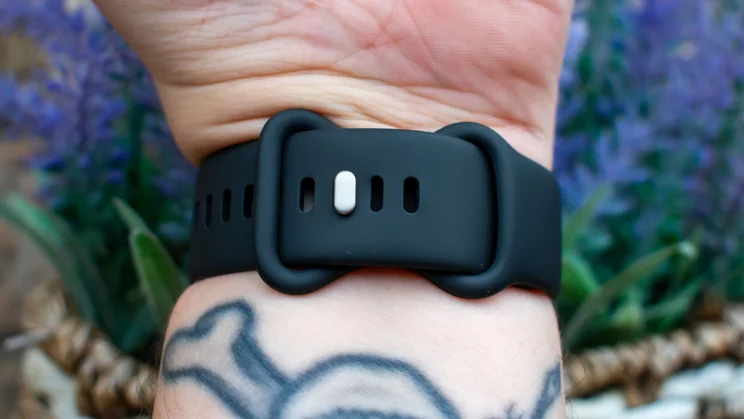
I don’t love the default strap, even if it is a new and improved second generation of the Active Band, purporting enhanced durability. You get two sizes in the box and the silicone rubber is soft and tactile enough, but I still find that it doesn’t breathe particularly well; I remain committed to a fabric strap.
There are four colours to choose from and, coincidentally, they’re the same four shades in which you can purchase the new Pixel 11 Pro XL smartphone, allowing you to colour-coordinate phone and watch like they’re shoes and a belt. My review sample came in the standard matte black Obsidian colourway (I can confirm this looks dynamite with black shoes), but you can also get one in the silvery blue Fog, orange Canyon or green Olive styles.
How well does it perform?
We see more changes with the internal components; the processor is a teeny upgrade to the Snapdragon W4 Gen 2 Accelerated, which Google claims is 12% more powerful than the Snapdragon W4 Gen 2 chipset found in the Pixel Watch 4. There’s also 3GB of RAM here, as opposed to 2GB last year, and twice the internal storage, now 64GB.
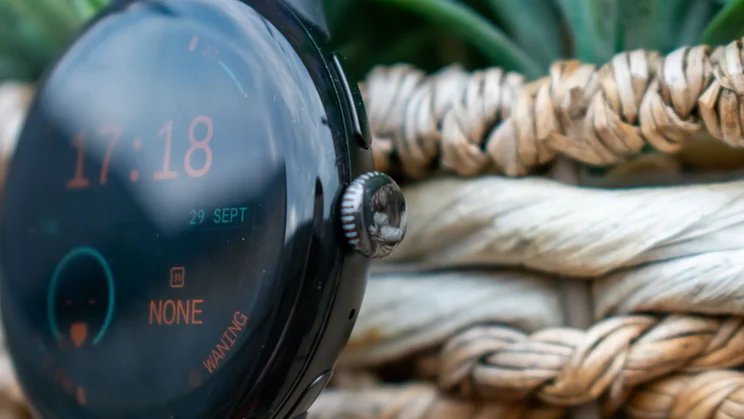
The combined efforts makes for smooth and nippy performance, opening apps swiftly and scrolling through multiple screens of messages and notifications with ease. This is best handled via the rotating crown on the right edge, which has the slightest haptic feedback, making scrolling feel more tactile. You can press it in to view your apps list or return to the homescreen, while the side button above the crown displays recent apps with a single tap or hails Gemini with a tap and hold.
Just like the Pixel Watch 4 and the Samsung Galaxy Watch Ultra 2, you can also activate Gemini just by raising the watch to your mouth and starting speaking. Raise to Talk worked well enough in my testing when I wanted it to, but I found it a bit overzealous, starting listening when I’d go to cover a cough or gesticulate too enthusiastically when telling a story.
Battery life is rated for up to 30 hours for the 41mm model and up to 40 hours on the 45mm model. That’s with always on display enabled; without it, I was able to eke out around two to three days of mild use, which is fine but far from the best you can get for this kind of money. The Huawei Watch GT7 Pro, for instance, measures its battery life (with always on display enabled) in weeks, not hours.
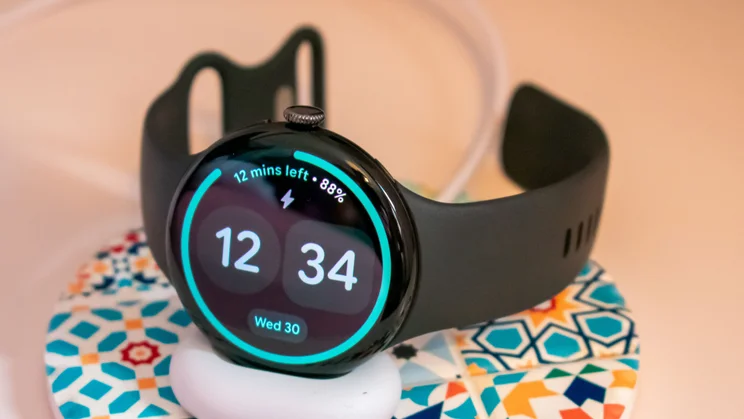
Charging remains nicely nippy at least. I laid the watch on its little charging cradle with 7% left in the tank and it informed me that it would be at 100% within 37 minutes. The full charge actually took 43 minutes in the end, which is still efficient enough for my liking. Plus, it sat at 99% for a good eight minutes, so if you’re in a rush you’ll still be able to get plenty of juice from a half-hour charge session. I also love that the watch charges side-on, letting you use it as a tiny bedside clock while it’s sat on the dock.
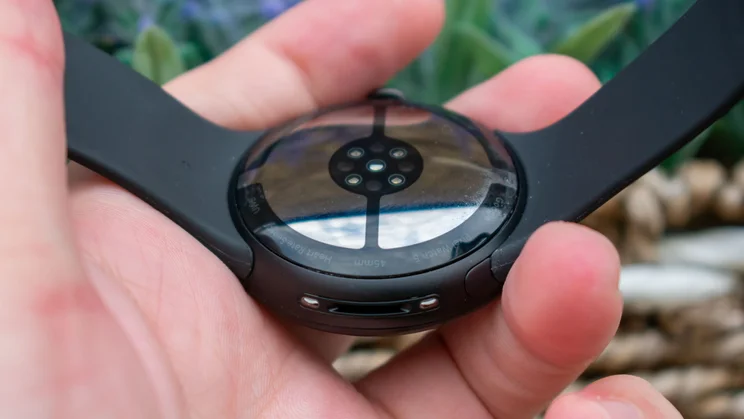
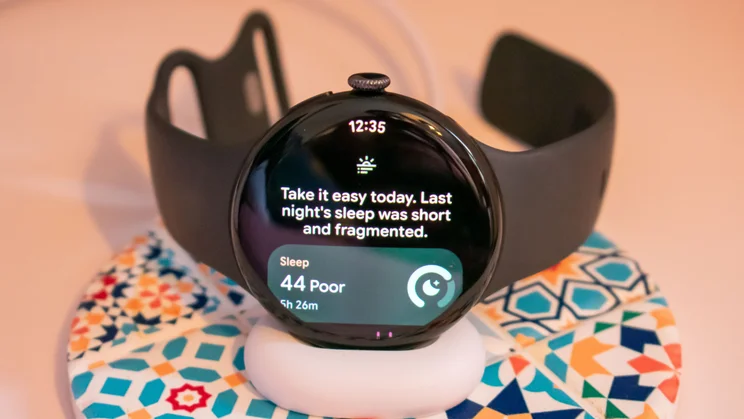
It’s definitely worth charging up before bed, though, because the Pixel Watch 5 apparently improves sleep tracking accuracy by 15% compared to last year’s model. I certainly noticed that it clocked awake periods, the point at which I fell asleep and the general quality of my sleep very well. It also now tracks minute-to-minute blood oxygen levels and presents you with a rating of your sleep breathing quality in its “Morning Brief”, along with suggestions for improvement. This is a great addition but not exclusive to the Watch 5; the Watch 3 and 4 are getting it this autumn, with other devices (likely Fitbits) to follow.
What new features are there?
With the hardware barely any different to the Pixel Watch 4, the full weight of the upgrade expectations fall on the software. And in fairness, we do have several new features to talk about here, although my favourite addition is also already available on older Pixel Watches.
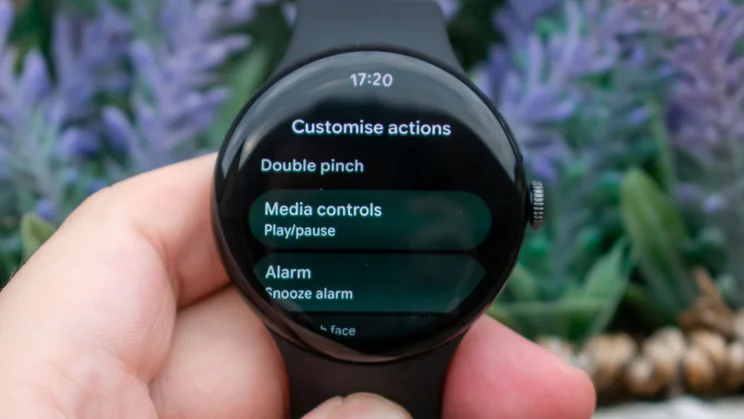
I’m talking about the expanded suite of gesture compatibility, allowing you to double tap your thumb and forefinger to interact with more widgets than ever. This expansion means that most basic utilities of the watch, including checking notifications, answering calls, playing and pausing audio, starting and stopping workouts and more can be achieved one-handed. This feeds into the key quality that smart watches need to offer: being more convenient in the moment than just whipping out your phone.
And between the excellent double pinch feature and the equally consistent and effective double wrist twist – which serves as a universal back button, taking you to the home page, dismissing notifications and rejecting calls – there were very few occasions in which I felt the need to use my second hand when interacting with the watch. That kind of convenience and accessibility is invaluable.
Those gestures have rolled out to older Pixel Watches, too, but the secret ingredient here is the improvements to At a Glance, and that’s exclusive to the Watch 5. For now, at least.
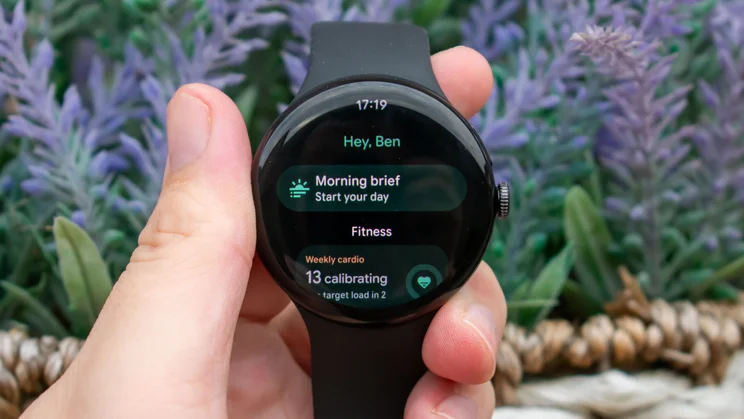
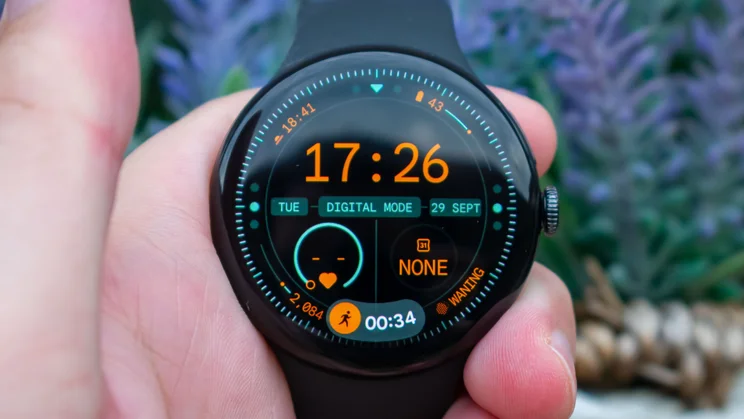
Where previously you could set the contextually informative At a Glance feature as a watch face complication, the new version is a floating widget at the bottom of the watch face that appears when it’s needed, showing things like boarding information for your flight, ongoing workouts, and the Morning Brief when you wake up.
With the At a Glance widget on screen, the double pinch gesture automatically opens the relevant app or widget, meaning that you can scroll through your morning briefing, pause music, resume a workout, open the map and more, all without needing to reach over with your second hand. That sounds like a small thing (and in the grand scheme, it is) but for the convenience factor and glanceability, it’s a real game changer.
Some Gemini prompts also work offline now, allowing you to perform simple tasks like setting timers, starting or ending workouts, adjusting device settings and opening apps via voice prompts. This is useful enough, I suppose, but these are all things you can do yourself just by prodding the screen, so I’m not convinced it’s a must-have feature.
There’s also improved urban GPS tracking that is apparently twice as accurate as last year’s version thanks to a combination of cloud-based post-processing and 3D map correction, long-term trend data for blood pressure and insulin resistance (due to be added via software update this autumn), and breathing emergency detection, which clocks sudden drops in your oxygen levels and calls the authorities if you don’t respond.
Should you buy the Google Pixel Watch 5?
That’s a solid selection of software upgrades, and (for the moment, at least) they help separate the Pixel Watch 5 from its older and now cheaper siblings. If you want the latest and most intelligent health tracking features, as well as genuinely useful one-handed control and on-wrist AI, the Pixel Watch 5 certainly fits the bill.
I wish that Google had made some level of improvements to the hardware. Moving the needle on battery life, making the build slimmer and lighter, improving depth protection for divers; anything would have been great. What we get is still very polished and doesn’t actively do much wrong, it’s just not enough of an upgrade to warrant a recommendation.


